


Apple today released new firmware for the AirPods Max 2. The firmware is version 8E258, up from the prior 8E251 firmware that was released just ahead of when the AirPods Max 2 launched.
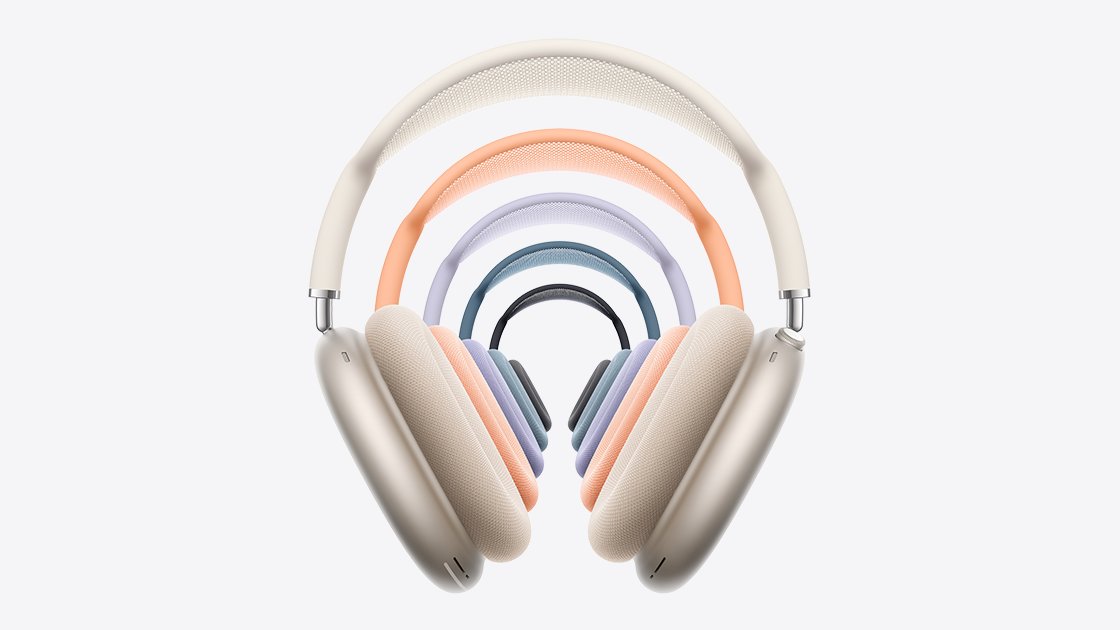
It's not clear what's included in the firmware update, but Apple provides limited details in its AirPods firmware support document. Most updates focus on bug fixes and improvements.
The AirPods Max 2 have an H2 chip, an upgrade over the H1. The H2 brings several new features like Live Translation, Adaptive Audio, Loud Sound Reduction, Voice Isolation, and more.
To get the new firmware, make sure your AirPods are in range of your iPhone, iPad, or Mac and are connected via Bluetooth. From there, connect the Apple device to Wi-Fi, then connect the AirPods Max to power with a USB-C cable. Keep the AirPods Max in Bluetooth range of the Apple device, and wait at least 30 minutes for the firmware to update.
From there, reconnect the AirPods to the Apple device, and check the firmware version to see if it's updated. Apple says if the firmware doesn't install, to restart the AirPods Max and try again.
Article Link: Apple Releases New Firmware for AirPods Max 2


