Apple today provided developers with the sixth beta of macOS Tahoe 26 for testing purposes, with the update coming a week after the fifth beta.

Article Link: Apple Seeds Sixth Beta of macOS Tahoe to Developers


?nothing for Rosetta Mac yet 🙁

That is good to hear. This has been a rough beta for those of us still on the Intel chips.For those with a 2019 16" Intel MacBook Pro, this is the first Tahoe beta that gave me back fluidity instead of all the stuttering when moving around windows/workspaces.
Finally! (Still not perfect but they definitely tweaked something).

This is great news!!For those with a 2019 16" Intel MacBook Pro, this is the first Tahoe beta that gave me back fluidity instead of all the stuttering when moving around windows/workspaces.
Finally! (Still not perfect but they definitely tweaked something).
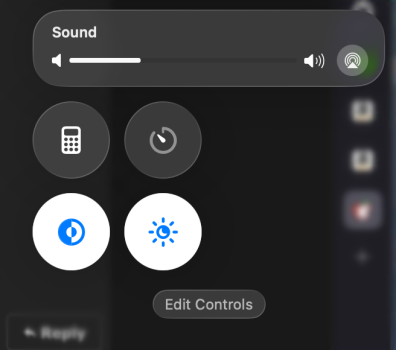
Mine never left.View attachment 2536514
this happened in the beta 6
for me anyway
older betas had it removed from menu bar
anyone else have it removed before and only now magically reappear only in the beta 6?

I don't think that's ever coming back... at least not without some sort of hack/3rd-party utility. I hope I'm wrong because I got used to it and would prefer not to have all the empty/wasted space at the top of my browser window.Safari Compact Bar? 🥺🙏
The biggest problem is the tab bar, which spoils the whole liquid glass look in addition to no longer looking like any kind of tab that’s connected to the page.I don't think that's ever coming back... at least not without some sort of hack/3rd-party utility. I hope I'm wrong because I got used to it and would prefer not to have all the empty/wasted space at the top of my browser window.
def something going on here
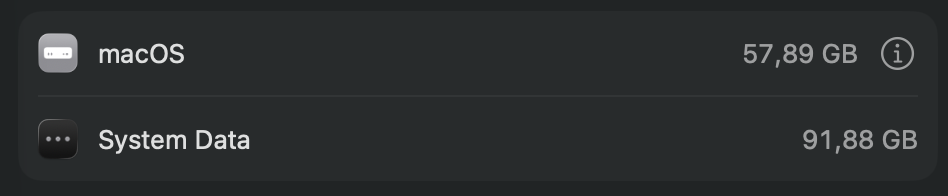
I'm going to risk turning indexing back on and see how it goes. Hopefully the fix is as easy under B6 as it was under B5.I assume it was a spotlight indexing issue in beta 5 because it's back to normal levels now after it finished indexing on beta 6.


At this point the builds will be exactly the same, but the public builds will be just a couple of days later. But yes, you can make the change in the settings app->general->software update. Just select the public beta channel instead.Random question. Apologies. But I seem to be on the developer beta updates (not sure if that's the right term). Does anyone know how I get off it and onto the public beta updates? I'd prefer to be using the more stable builds.

anyone else have it removed before and only now magically reappear only in the beta 6?

Still no compact tabs in beta 6... 😔