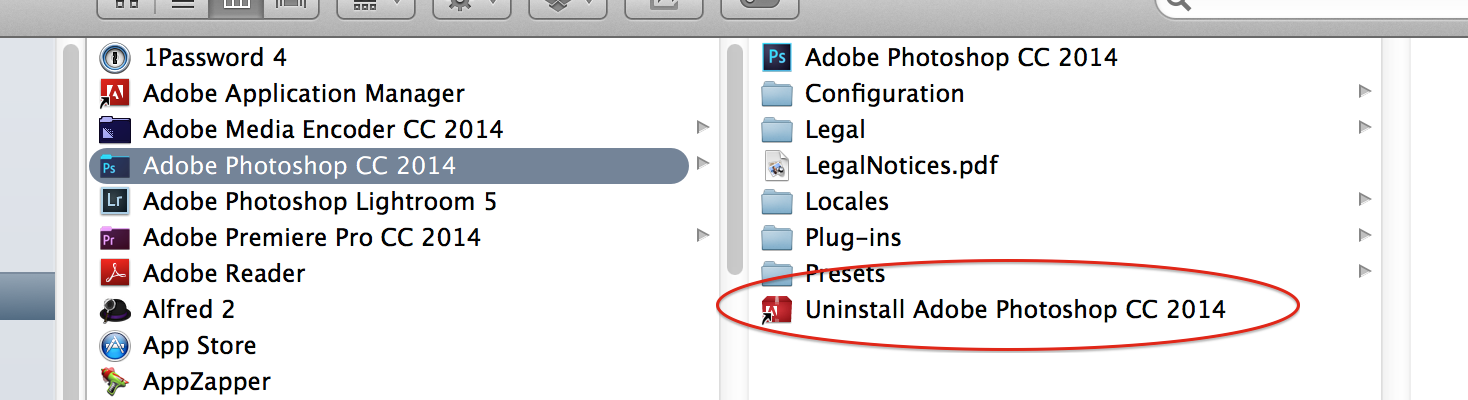
If you searched using the manual method described in this thread and didn't find anything, it's likely not installed. As described earlier in this thread, apps like AppCleaner are not effective in finding all files and folders related to apps.
You can check the following locations for apps that automatically launch on startup and delete any you don't need/want:
- System Preferences > Users & Groups > yourusername > Login Items (SL and older: System Preferences > Accounts > yourusername > Login Items)
- In Finder, click Go > Go to Folder > /Library/LaunchAgents
- In Finder, click Go > Go to Folder > ~/Library/LaunchAgents
- In Finder, click Go > Go to Folder > /Library/StartupItems
After you delete items from the list, restart your Mac and those processes should not be running.
Where are you encountering the popups? While browsing the web? If so, it may simply be ads on websites. A good adblocker or script blocker should take care of those.