

Become a MacRumors Supporter for $50/year with no ads, ability to filter front page stories, and private forums.

MacRumors

macrumors bot
Original poster


Testing on the iOS 26.4 update is continuing, and Apple released the second beta today. The main new feature is an expansion of RCS encryption testing, but there are a few other small tweaks.
iOS-26.4-Feature.jpg

End-to-End Encryption RCS Testing

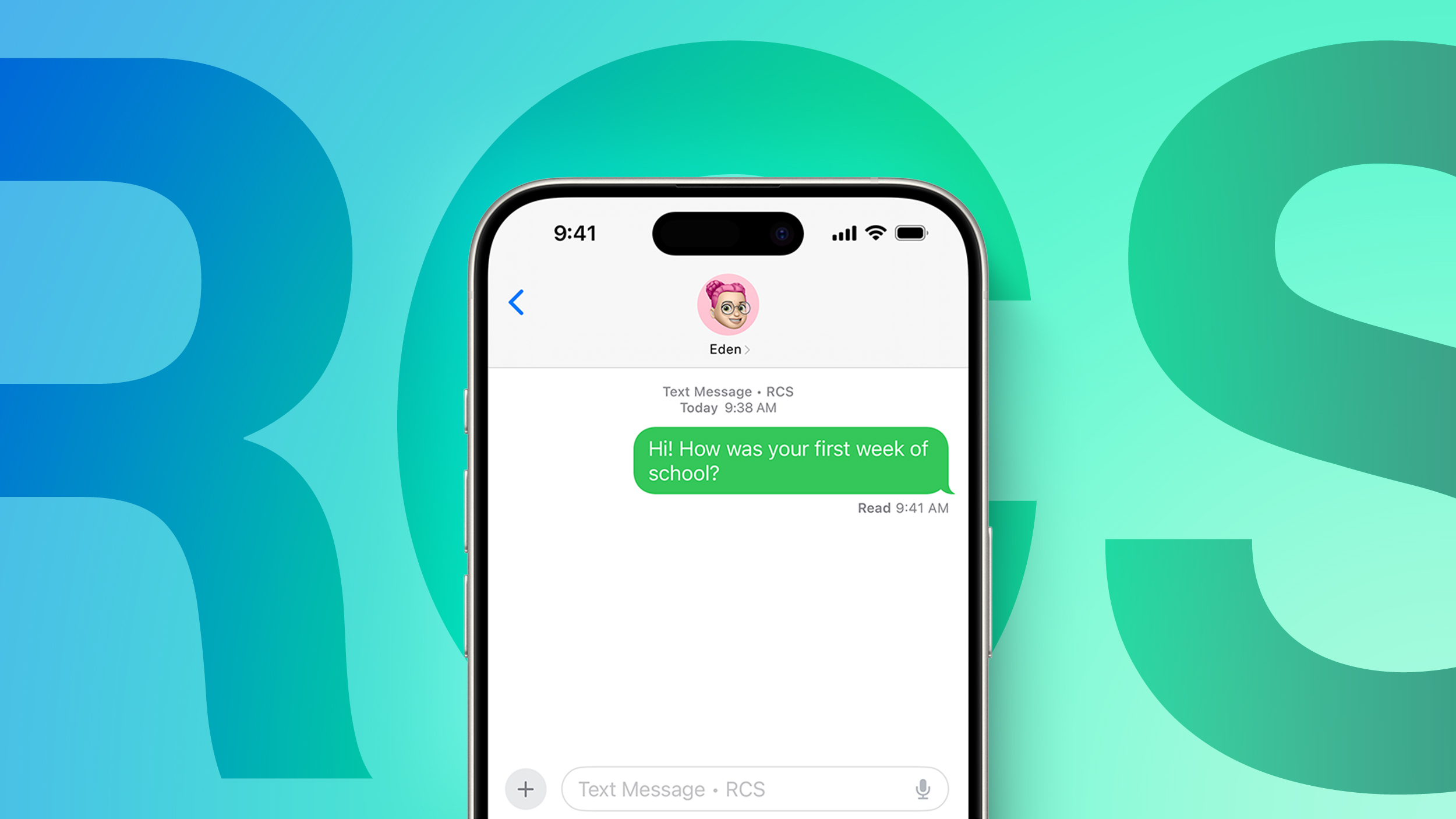
With the second beta of iOS 26.4, Apple is testing end-to-end encryption for text messages sent between iPhones and Android devices.
RCS-Feature-1.jpg


End-to-end encrypted messages can now be sent to an Android user, and if encryption is enabled, there will be a lock icon on the message. Encrypted conversations are not available for all devices or carriers during the texting period. iOS users will need to have iOS 26.4, and Android users need the latest version of Google Messages.

Apple does not plan to implement end-to-end RCS encryption in iOS 26.4, but it will come later this year.

Home Screen

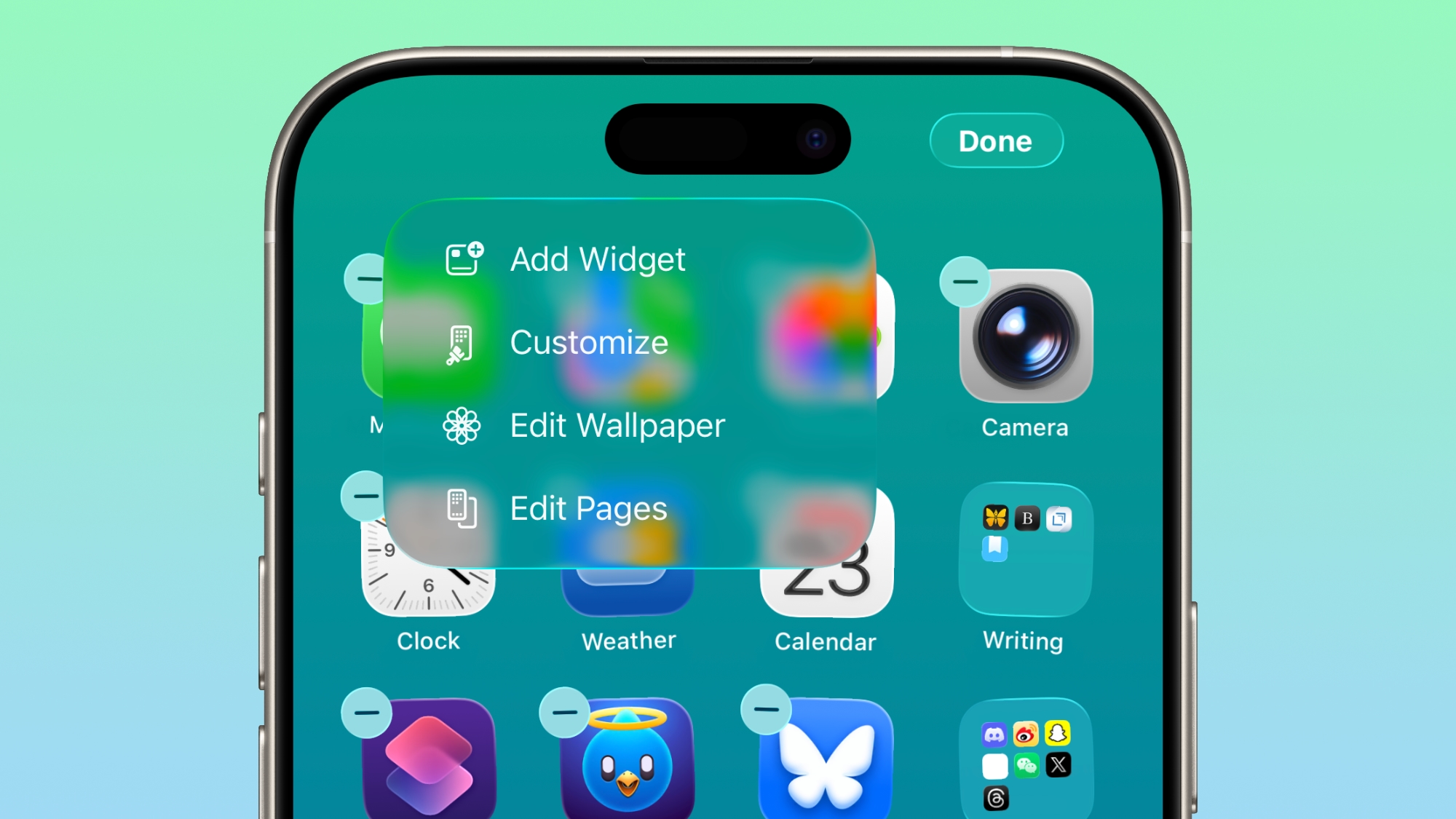
The "Edit" menu on the Home Screen uses more transparent Liquid Glass.
ios-26-4-edit-home-screen.jpg

Games App

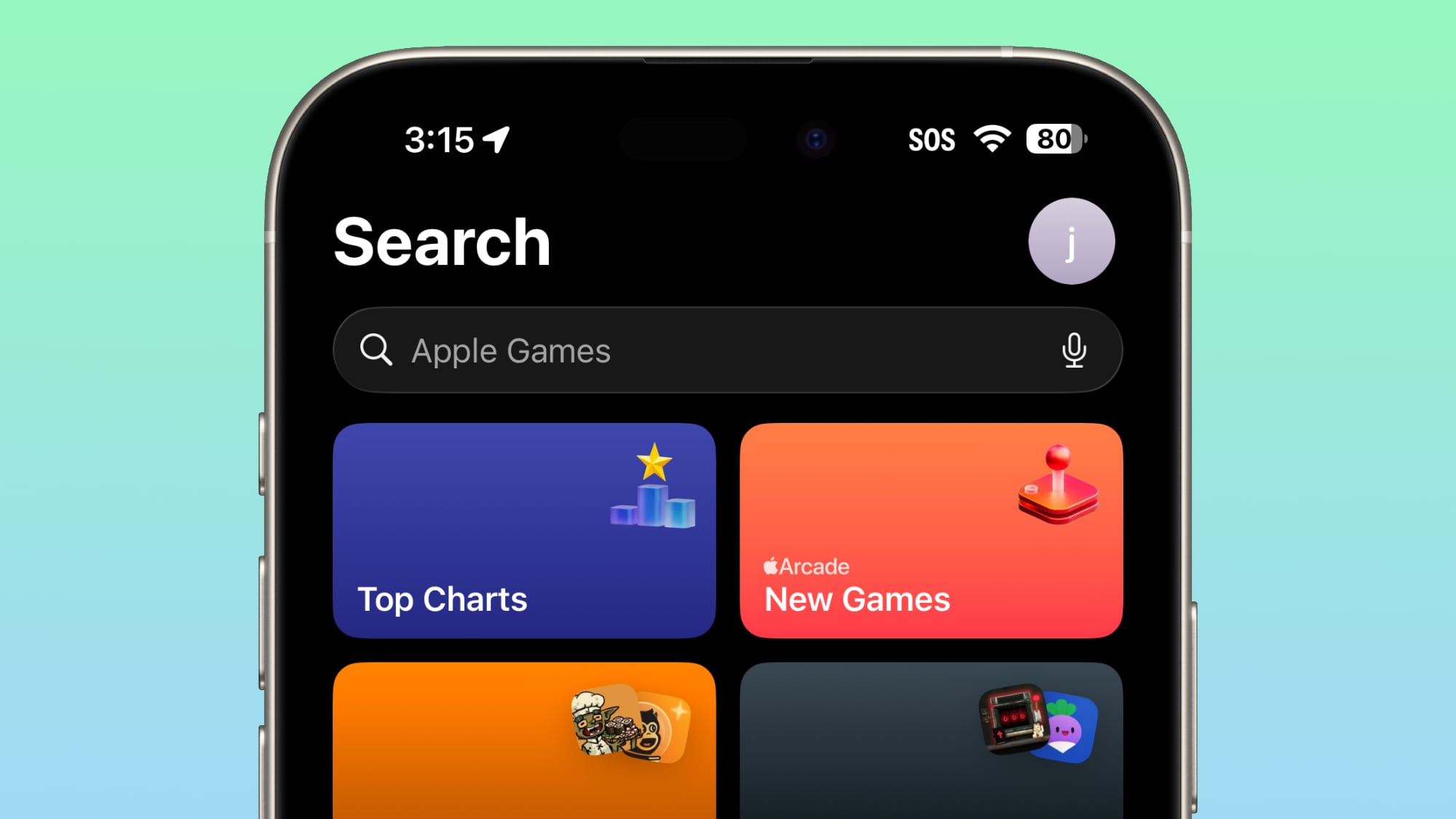
In the Games app, the search bar has moved from the bottom of the display to the top of the display.
ios-26-4-apple-games-search.jpg

App Store and Apple Music

For the account hub options for the App Store and Apple Music, the "Apple Account" wording is now left aligned and has the same rainbow logo as the Apple Account in the Settings app
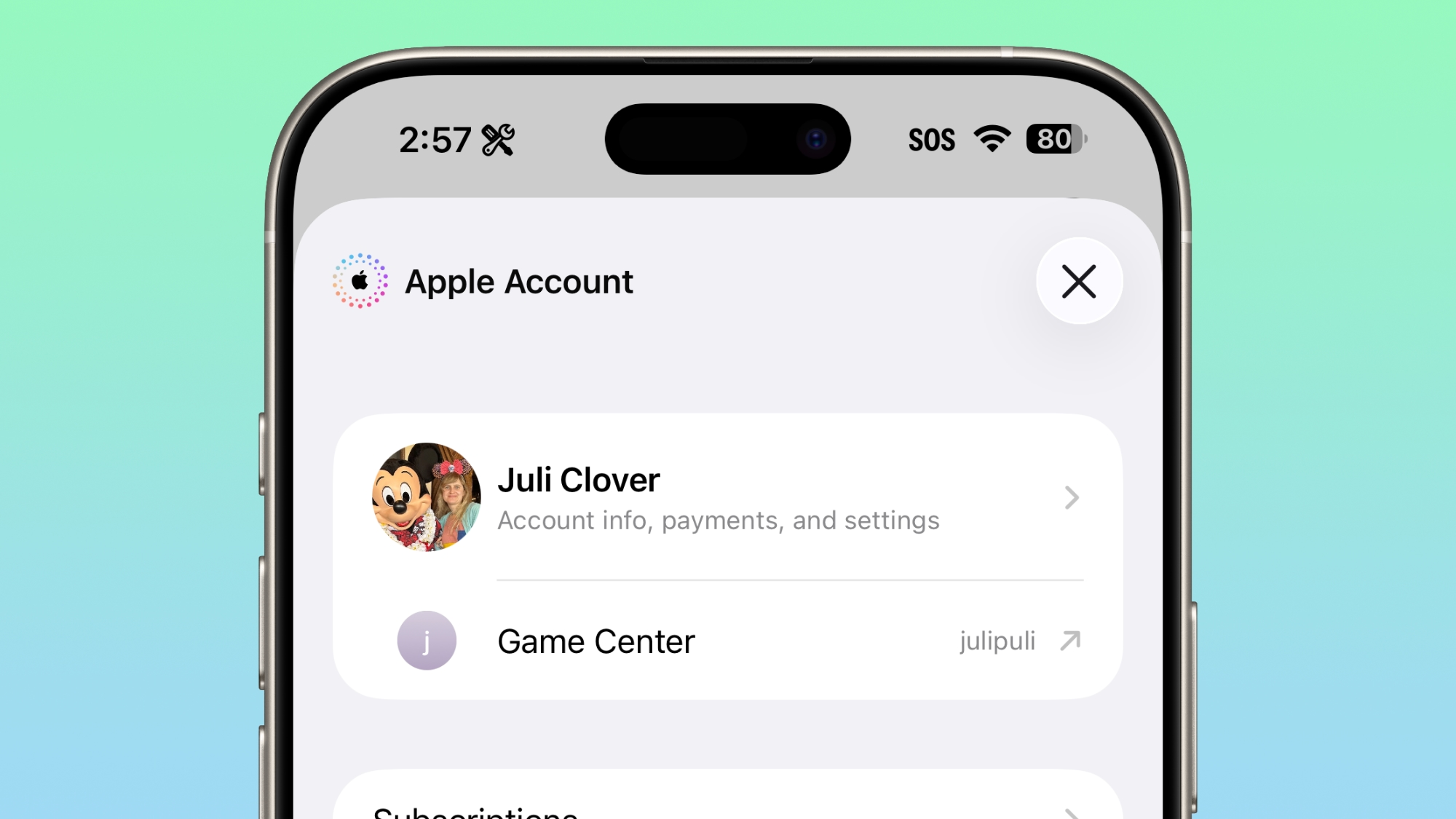
ios-26-4-apple-account.jpg

Accessibility

Under the Display and Text size section of Accessibility, there's a new "Reduce Highlighting Effects" option.
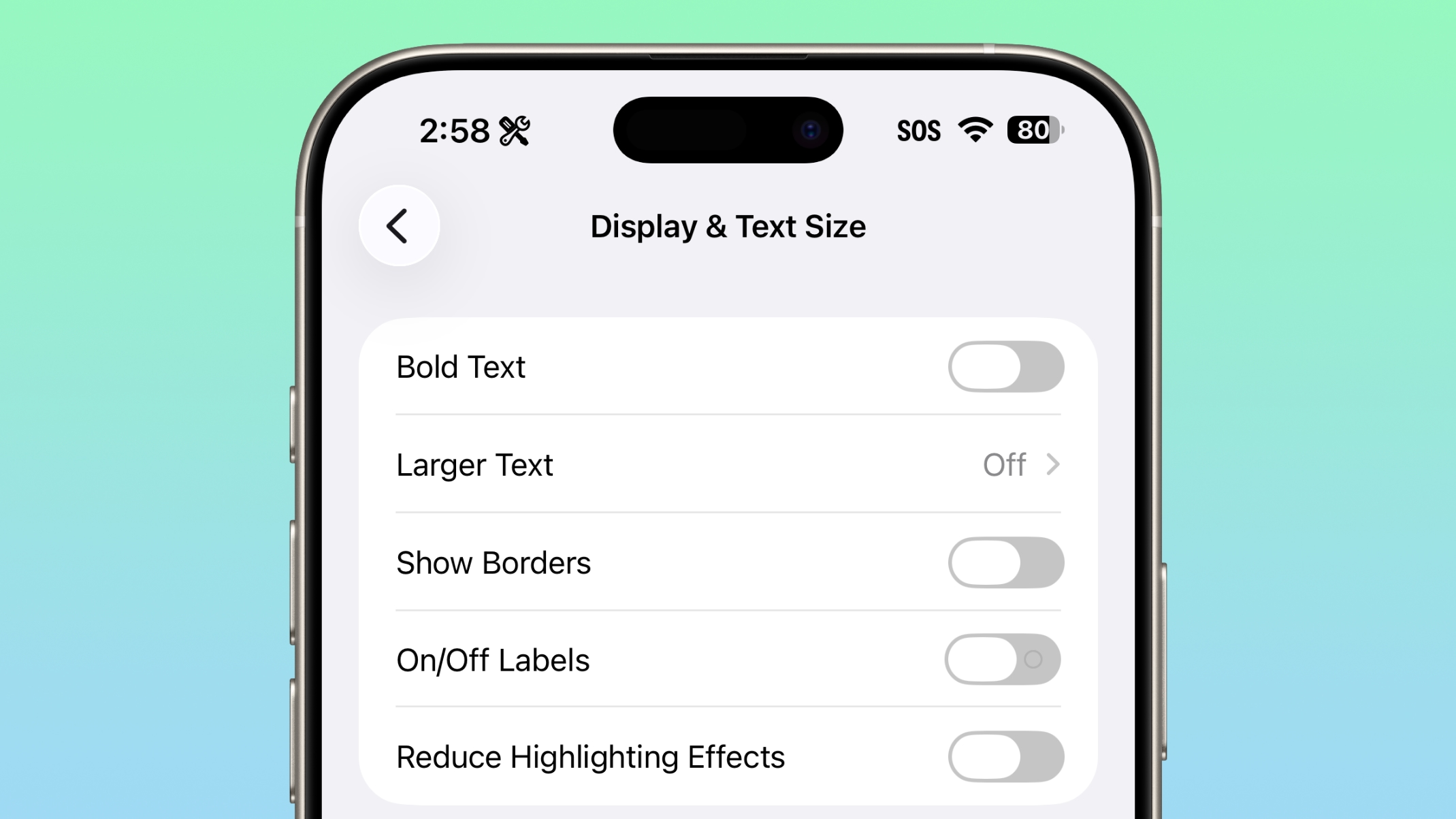
ios-26-4-reduce-highlight.jpg

Software Build Numbers

When you're updating to a new iOS update in iOS 26.4, you can tap on the name to see the build number.

Beta Updates

Apple made a change to how betas work in iOS 26.4. If you are have betas toggled on but don't install any betas for a four month period, Apple will automatically switch you to the public release audience.
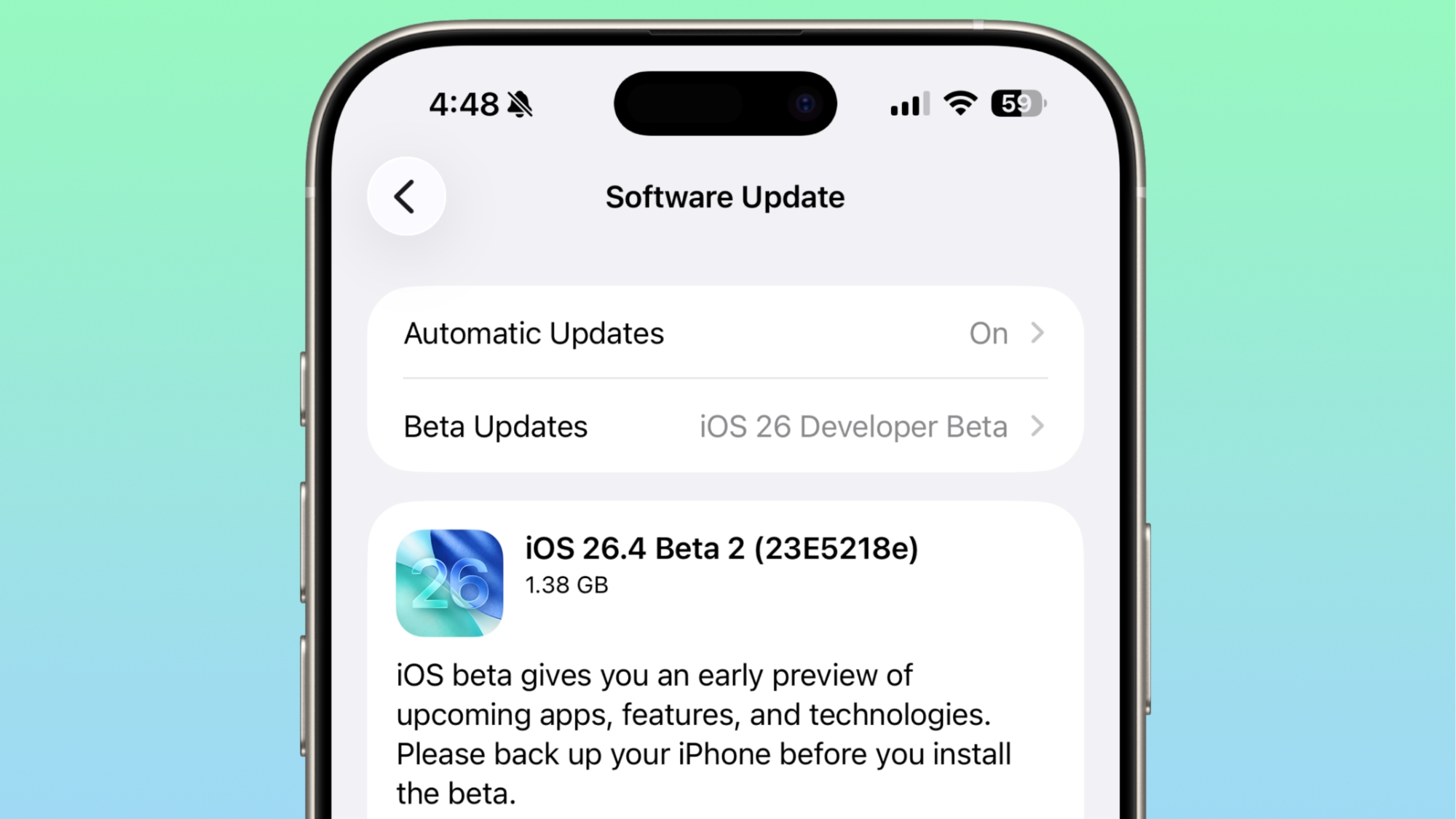
ios-26-4-beta-number.jpg

No Emoji

There are still no new emoji characters, despite signs of them found in the code in the first beta of iOS 26.4.

Playlist Playground

Playlist Playground is still limited to the U.S. and not available in Europe and other countries.

More New Features

We have a list of all the new features that were found in the first beta in our iOS 26.4 feature guide.

Article Link: Everything New in iOS 26.4 Beta 2
 
Last edited:
  • Wow
Reactions: Z-4195
"Apple made a change to how betas work in iOS 26.4. If you are have betas toggled on but don't install any betas for a four month period, Apple will automatically switch you to the public release audience."

Hmm. There goes my idea of using the iOS 26 beta channel as a way to avoid iOS 27 until I am "ready for it" at the time of its release... Well, it will still probably work to hold off the nags "for a while".
 
The Software Build Numbers screenshot is currently incorrect. (If they fix this later, it's a second copy of the Accessibility screenshot as I write this.)
 
Is it just me or is search very inconsistent across apps?
Sometimes it’s at the top. Sometimes at the bottom.
It can be a bar. It can be a magnifying glass.
🤷🏻‍♂️

It’s the most frustrating part of the iOS 26 redesign. It has taken me such a huge mental effort to get used to the search bar being at the bottom. I may eventually get to like it more, like the bottom address bar in Safari. But to be doing the opposite in some of their own apps is just so poor. It’s one thing when it’s 3rd party apps not caught up or choosing not to go with the change. But to choose to move it the opposite way is crazy.
 
I don't like the change to the Games app and App Store app tab bars at all. I think the bar design introduced in iOS 26 was much better. It was more space efficient, since search only used a small button in the corner of the screen when not in use, and expanded into a full bar only when needed. Also, imagine if this new design were used in apps such as Music or Podcasts, which have a double bar layout (with the Now playing bar floating above the tab bar). The iOS 26 design which we are currently familiar with is (subjectively) very pleasant, with three separate elements (the Tab bar, the search button and the Now playing bar) all having different shapes, different sizes and functions. But integrating search into the tab bar would result in two bars of identical width, but different height and radii, overlaying each other at the bottom of the screen; plus one completely disconnected search bar at the very top. In my personal opinion, this would be much less pleasant a design. I hope this change is reversed, or at the very least not expanded any further.
 
Last edited:
"Apple made a change to how betas work in iOS 26.4. If you are have betas toggled on but don't install any betas for a four month period, Apple will automatically switch you to the public release audience."

Hmm. There goes my idea of using the iOS 26 beta channel as a way to avoid iOS 27 until I am "ready for it" at the time of its release... Well, it will still probably work to hold off the nags "for a while".

This time around there's little point. Might as well install 27.0 considering the state of iOS as is. If they really do focus on refinement this time, it's unlikely to be any worse.
 
  • Like
Reactions: viher5 and FatLouie
It’s utterly insane to me that they’re moving random search bars (not all, just some) back to the top of the screen, after FINALLY getting them all consistently at the bottom in iOS 26. Now we’re back to inconsistency, and just after people were getting used to “search at the bottom”. Ugh, huge regression.
 
It’s the most frustrating part of the iOS 26 redesign. It has taken me such a huge mental effort to get used to the search bar being at the bottom. I may eventually get to like it more, like the bottom address bar in Safari. But to be doing the opposite in some of their own apps is just so poor. It’s one thing when it’s 3rd party apps not caught up or choosing not to go with the change. But to choose to move it the opposite way is crazy.
I completely agree, For a few years already I loved the shift to search bars steadily moving to the bottom for more apps. This just makes the most sense on a mobile device you're holding. Apple used to go against the grain on things like this to get the industry to shift to a better standard, but now they're just playing it safe imo from slight backlash to Liquid Glass and the cries for AI.
 
  • Like
Reactions: coolfactor
It’s utterly insane to me that they’re moving random search bars (not all, just some) back to the top of the screen, after FINALLY getting them all consistently at the bottom in iOS 26. Now we’re back to inconsistency, and just after people were getting used to “search at the bottom”. Ugh, huge regression.
Yeah it’s really strange. Hope it’s a beta „bug“ and will be rolled back.
 
  • Like
Reactions: Huck and midkay
Wow. That new home screen is TRULY miserable. How does Apple expect us to read transparent content???

They need to hire people who know at least a bit about design of a GUI.
Sorry if this is too personal (feel free to not answer), but do you have some form of visual impairment that makes that home screen transparency hard to read? I'm asking because I find it perfectly legible, but don’t wear any corrective lenses.

Edit: Rather than downvoting my experience (I'm not sure what that means anyway -- you disagree with my experiences or my wanting to understand your experiences?), how about explain your experience of what makes it hard to read. I don't experience that, which is why I'm asking.
 
Last edited:
Sorry if this is too personal (feel free to not answer), but do you have some form of visual impairment that makes that home screen transparency hard to read? I'm asking because I find it perfectly legible but I also have near perfect vision.
Is not about the vision "power" of the user.
Is about the WHY. Why the now-fired Apple designer thinks that the transparency adds value to the UI.

Screenshot 2026-02-23 at 20.03.55.png


A user-friendly UI is not in the way of the user. Is not hard to read, with 20/20 vision or with thick glasses.
You get your business done quickly. No need to waste time interpreting what's on the display.

Glass is nice to contemplate, to play with it. But not in the day-to-day usage.
In a LOT of parts it fits nicely and I like it, but (and a lot of people were quickly to point in the early betas last year) has serious issues otherwise.
 
Register on MacRumors! This sidebar will go away, and you'll see fewer ads.