It can’t be done with iMazing, but it quite simple. Turn off beta updates in System Settings – Software Update and run the following command in Terminal (/Applications/Utilities/Terminal.app):For the code deficient types like me, but familiar with the profiles with imazing, is your current method working like the older 90 day one? It's confusing following all this. Can you explain how to get your working method to work with imazing?
Code:
sudo defaults write /private/var/root/Library/Preferences/com.apple.MobileAsset.plist MobileAssetAssetAudience -string c8ba02c8-cc63-4388-99ee-a81d5a593283You will be asked for your password. That’s it. When you open System Settings – Software Update, Tahoe should be gone. If it’s not, trigger a rescan with ⌘R.
As I said above, we will not know if it really works until Apple release another beta for Sequoia.
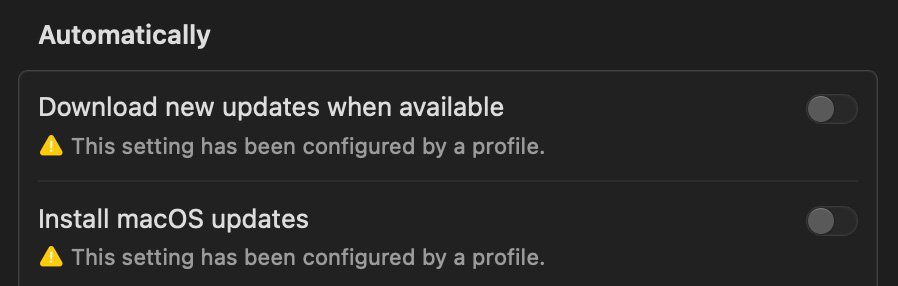
Don’t forget to install a profile that turns of automatic updates, like the one in post 13
“Enter administrator commands in Terminal on Mac”
https://support.apple.com/guide/terminal/apd5b0b6259-a7d4-4435-947d-0dff528912ba/mac