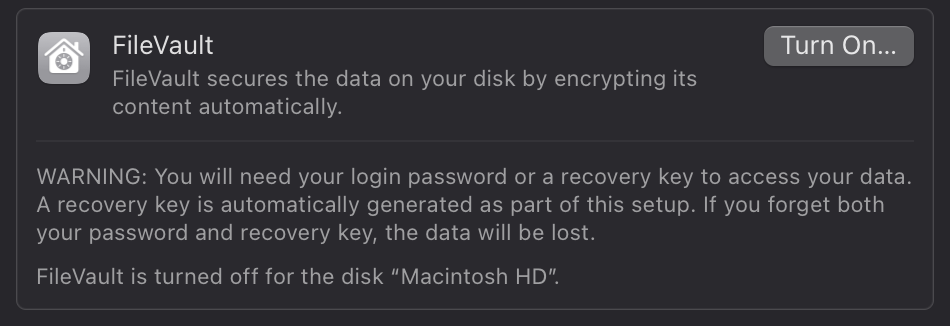
FileVault doesn’t matter either way in that case on T2 or later machines. Everything is encrypted. If you give them your account credentials they can see your data. If you don’t, they can’t.
Good catch. I was wrong about T2 Macs. An administrator password is required to put an Apple Silicon Mac into target disk mode. That isn't required on T2 Macs.
Discover if FileVault encryption is essential for your Mac and how it impacts performance. Learn the benefits and potential downsides in our detailed guide.
“So, does FileVault affect performance? FileVault significantly degrades disk performance on all old Mac models. The impact of the FileVault on disk writes is the highest, in some cases, down to a half. The impact on disk reads is about 10-20%.
However, the problem was fixed with the introduction of T2 chips where encryption and decryption are happening on the hardware level”.
Consistent with your link, from personal experience there was a measurable but not noticeable hit with older Macs. I never saw a half speed effect.
With modern Macs (T2 chip and Silicon) it is not an issue.
Discover if FileVault encryption is essential for your Mac and how it impacts performance. Learn the benefits and potential downsides in our detailed guide.
Where this discussion matters is when you need to power cycle a Mac (ie. mini server) remote.
If FV is on, you need to be physically at the machine to enter credentials before the mini will boot. Is this still true?