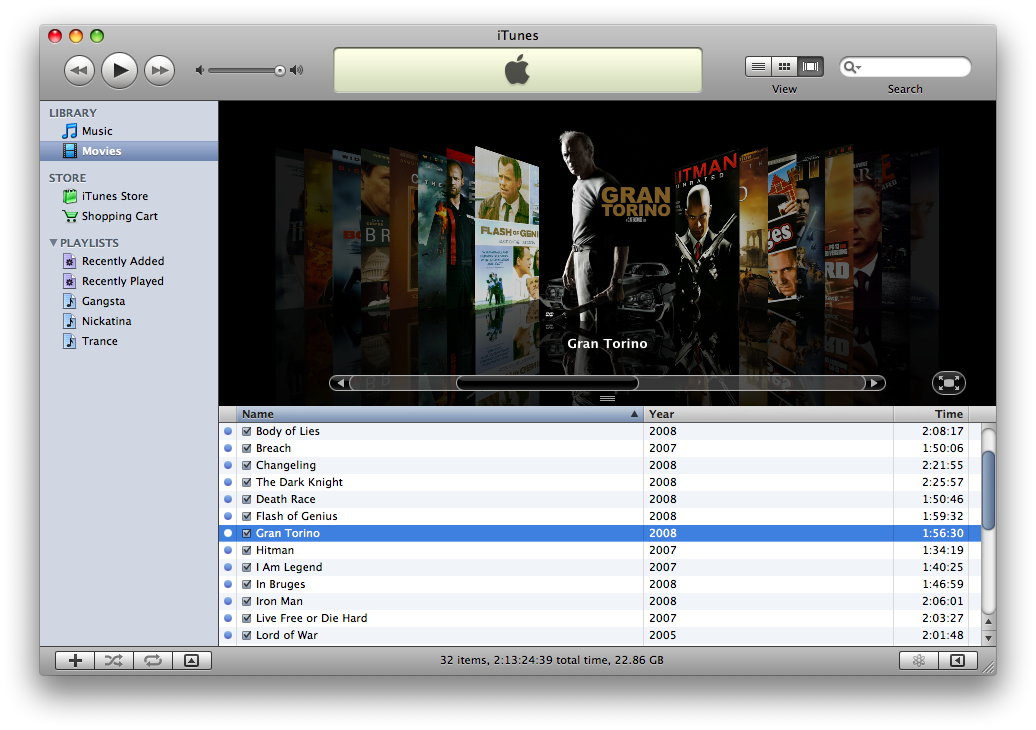
they do look great dont they! its some sort of GUI modification to the Finder and the Dock.
Kardashian, or anyone. How do you make those fancy windows? They look great.
Well thanks guys
🙂
Basically, if you want a 'borderless' window, just press the 'pill' button on the top right of the window frame, and it removes the frame and sidebar, leaving a clean, simple window. Especially effective when you want to show off weeks (I'm not kidding) worth of ripping, and hours creating the perfect DVD cases!
Secondly, if you mean the shelving the covers are 'sitting' on, this is a simple background image. Apple key and J to bring up View options, and on the bottom you have an option to choose a background. Search the Googlewebs for "Finder backgrounds" and you'll get lots to choose from
😉
Lastly, the DVD cases and CD cases (used to seperate the Seasons of the TV shows) can be found on DeviantArt. Then its the task of hunting down HQ covers and artwork, and turning them into icons.
Phew, think thats all of it.
And yes, the dock is modded as well, but that has nothing to do with the window shape
🙂
Come to think of it, I don't think there's any original Apple GUI left on my MacBook Pro
😛
I like it though, its clean
🙂