
How to Pause a Copying File and Resume It Later on Mac
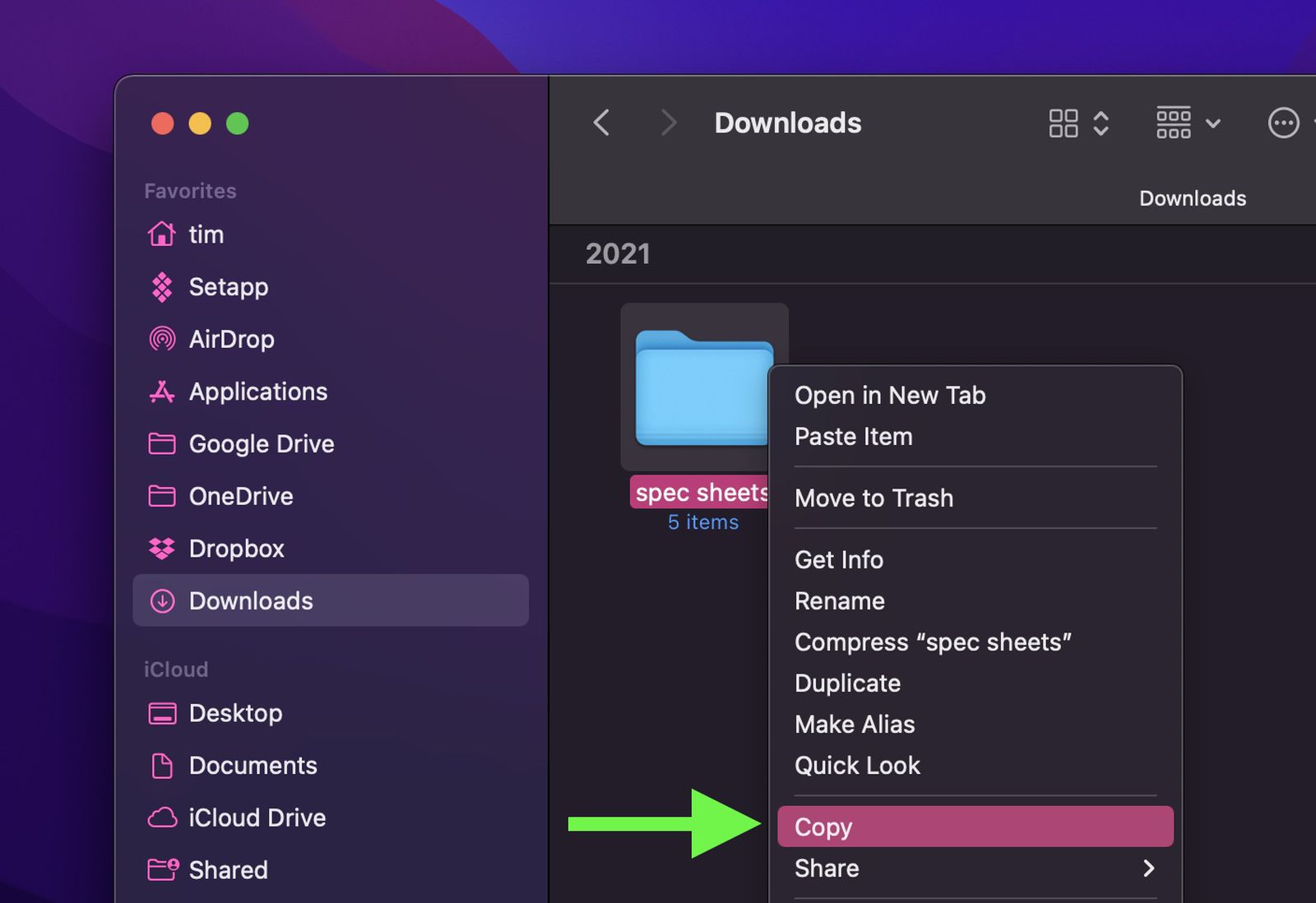
In macOS, you can copy a file or folder to another location in Finder with ease. Simply right-click (or Ctrl-click) the item and select Copy from the shortcut menu, then navigate to the location where you want to copy it, right-click in the Finder window and select Paste Item from the shortcut...
 www.macrumors.com
My folder is 7.5TB.
2.5TB gets copied and then there's a corruption.
How do I get access to that copied 2.5TB?
Surely Apple has Support Article on this?