
Got a tip for us?
Let us know
Become a MacRumors Supporter for $50/year with no ads, ability to filter front page stories, and private forums.
iOS 11.3 Beta 2 Bug Fixes, Changes, and Improvements
- Thread starter Banglazed
- WikiPost WikiPost
- Start date
- Sort by reaction score
You are using an out of date browser. It may not display this or other websites correctly.
You should upgrade or use an alternative browser.
You should upgrade or use an alternative browser.
- Status
- The first post of this thread is a WikiPost and can be edited by anyone with the appropiate permissions. Your edits will be public.

Any idea why almost 8 days after release, I still don't show it as a download on my 7+? I am on 11.3b1 (15E5167f) and it says:
iOS 11.3
Your software is up to date.
Yes, I have the beta profile active (you could remove it after in beta, but no, I didnt).
Delete profile, reboot or just re-install profile, reboot, and check for updates again

Shirasaki
macrumors P6
Apple slims iTunes by destroying features. Wishlist is one of them. Same as local app library support, ringtone support (for custom tones), and maybe more.Why was it removed? That was a good feature!!

Delete profile, reboot or just re-install profile, reboot, and check for updates again
I tried this. So I did an iTunes backup, then wiped the phone, tried to get the update (after adding profile), no go. So I restored my backup, then tried again, no go.
Oh well... I'll see what happens with 11.3b3 and see if it doesnt prompt me then, I'll take some more serious action, perhaps itunes backup, downgrade to 11.2.5, then profile and update to 11.3b{x} at that time. Too lazy to do all that again after todays wipe, lots of stuff to re-login to.
thx

BiGG DIESEL
macrumors newbie
What issues are you having with Safari??Been having a lot more safari issues with this beta (as well as the macOS beta).


Knowlege Bomb
macrumors G4
What's your current build number? Maybe the update happened at some point and you missed it?I tried this. So I did an iTunes backup, then wiped the phone, tried to get the update (after adding profile), no go. So I restored my backup, then tried again, no go.
Oh well... I'll see what happens with 11.3b3 and see if it doesnt prompt me then, I'll take some more serious action, perhaps itunes backup, downgrade to 11.2.5, then profile and update to 11.3b{x} at that time. Too lazy to do all that again after todays wipe, lots of stuff to re-login to.
thx
Can't believe I'm having to say this but I just submitted another bug report for the keyboard overlapping the last message in a conversation within the Messages app. Anybody able to recall when this became a thing? Because I can't but I know it's been around for a pretty long time.
Last edited:

Chazzle
macrumors 68020
Not sure how you are doing it, but know that you cannot update to the next beta through iTunes. It will say you are up to date. You must update through Software Update in your iPhone Settings (with the profile installed).I tried this. So I did an iTunes backup, then wiped the phone, tried to get the update (after adding profile), no go. So I restored my backup, then tried again, no go.
Oh well... I'll see what happens with 11.3b3 and see if it doesnt prompt me then, I'll take some more serious action, perhaps itunes backup, downgrade to 11.2.5, then profile and update to 11.3b{x} at that time. Too lazy to do all that again after todays wipe, lots of stuff to re-login to.
thx
You can upgrade through iTunes only if you're on developper beta and not on public beta, but to do so you have to download the IPSW from the Dev Center.Not sure how you are doing it, but know that you cannot update to the next beta through iTunes. It will say you are up to date. You must update through Software Update in your iPhone Settings (with the profile installed).
Chazzle
macrumors 68020
I know, but that’s not the case with the OP, considering they are “checking for updates.”You can upgrade through iTunes only if you're on developper beta and not on public beta, but to do so you have to download the IPSW from the Dev Center.


Anyone seen this today? Mail app has update.
Attachments


digitalexplr
macrumors 65816
The battery life on the 8+ is amazing! That alone is enough reason to go with the 8+ over any other iPhone. IMHOI think battery life speaks for itself, 8+.
Last edited:


Happens to me most of the time when I plug my iPhone in the charger.Wait, what the hell?
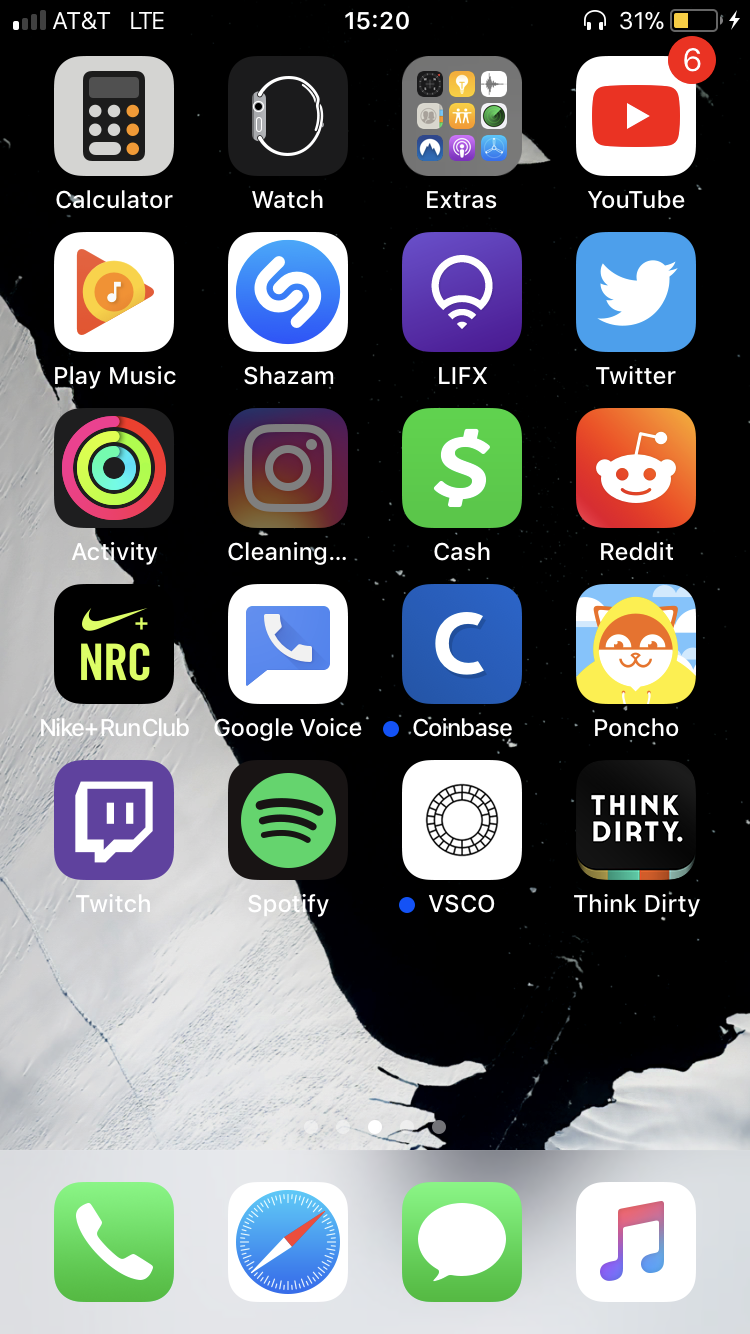
Shirasaki
macrumors P6
Must be automatically offload apps that you happen to be not using them a while.Wait, what the hell?
Chazzle
macrumors 68020
Happening with all native Apple apps on the App Store, but clicking Update gives this response. Huh.Whoa.
No, not on my end. My worker was just complaining yesterday about Apple not de-coupling app updates from iOS releases.


SoN1NjA
macrumors 68020
I use Instagram everyday it’s my favourite appMust be automatically offload apps that you happen to be not using them a while.
Happening with all native Apple apps on the App Store, but clicking Update gives this response. Huh.
View attachment 751279
That is unusual since stock apps don't get updates at all and it comes updated with iOS. Have you tried to delete and re-download it?
tulsidasji
macrumors member
Anyone having issue with beatsX where songs cut out for about 5-10 seconds every few songs. Idk if it’s my beats or the crappy music app