The second iOS 18.4 beta that Apple released today adds new Apple Intelligence features to Control Center, providing some quick access options to select Apple Intelligence features.
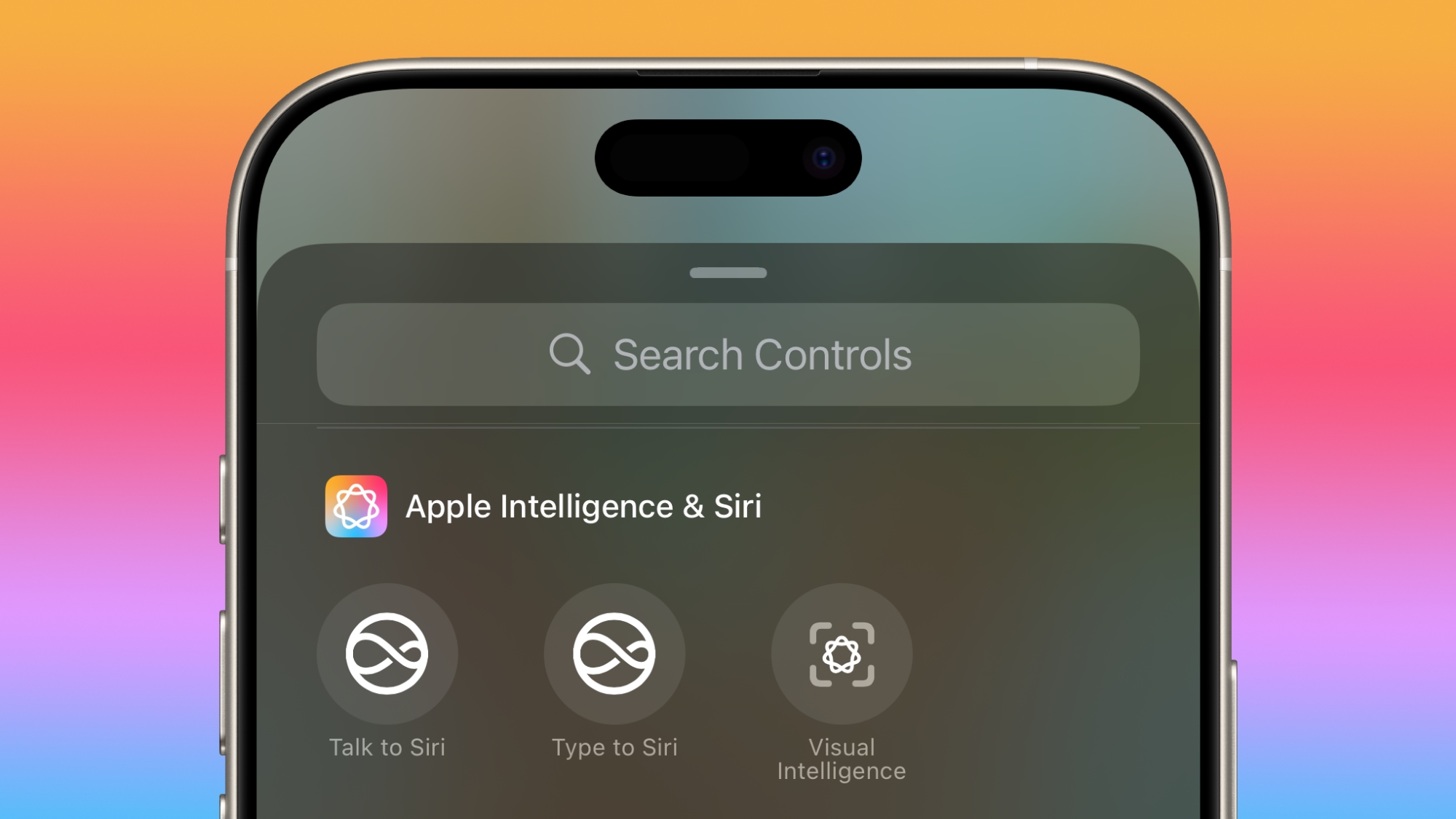
There are dedicated Control Center buttons for activating Siri so you can speak to the personal assistant and activating Visual Intelligence, with these features joining the prior option for activating Type to Siri. Note that Type to Siri has been moved to the Apple Intelligence section instead of the Siri section.
The features are available on all iPhones that support Apple Intelligence, including the iPhone 15 Pro models and all iPhone 16 models. Visual Intelligence is new to the iPhone 15 Pro, and on the iPhone 16 models, the Control Center option for activating it is new.
Prior to now, activating Visual Intelligence could only be done with a long press on the Camera Control button. There's also now a new Action Button option that can be used for Visual Control on the iPhone 16 models and the iPhone 15 Pro models.
Article Link: iOS 18.4 Adds Apple Intelligence Features to Control Center