
mcvaughan
macrumors 65816
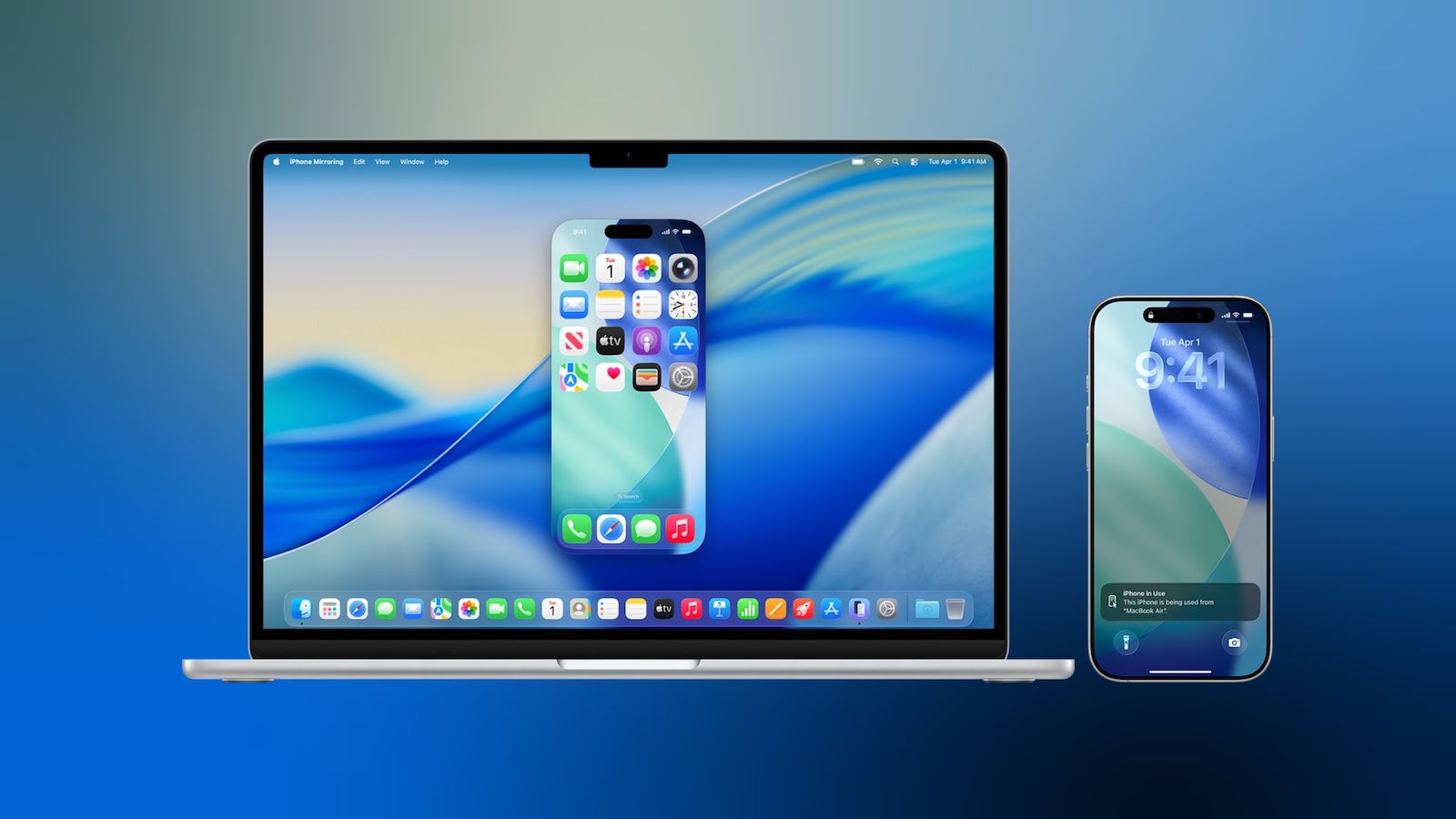
Yes, I just get a white screen when trying to connect to my phone.Anyone’s iPhone mirroring to Mac OS stopped working?

Yes, I just get a white screen when trying to connect to my phone.Anyone’s iPhone mirroring to Mac OS stopped working?

You don’t have them backing up to iCloud?CAUTION ⚠️
Check your shortcuts. I had almost 100 and now only 19 are left, the rest is just gone, GONE!
I spend years to get the shortcuts I use to work the way I need them to, and now they are gone, only some that I never used remain.
Yes, I just get a white screen when trying to connect to my phone.
 www.macrumors.com

I do have iCloud “sync“ on, yes. They are not in the cloud or on any other devices either anymore.You don’t have them backing up to iCloud?

Unfortunately Shortcuts syncing has always been super buggy (Apple should be embarrassed by how bad it is), so it wouldn't surprise me if the missing Shortcuts were because of some terrible syncing bug/glitch, maybe one that's even completely unrelated to running a beta.I do have iCloud “sync“ on, yes. They are not in the cloud or on any other devices either anymore.

The lazy option 😁... t's similar to the one adrianlondon showed, but there's a link to actually download the Shortcut rather than having to create it from scratch)
Thank you. I believe it had something to do with buying an iPad an setting it up. I only briefly set it up as mine and then wipes it again and set it up for my grandpa, something must have happened there. Furthermore it seems it’s less that my shortcuts have been deleted, it’s more like the folders they have been in were, as only the 19 remain that weren’t moved to one.Unfortunately Shortcuts syncing has always been super buggy (Apple should be embarrassed by how bad it is), so it wouldn't surprise me if the missing Shortcuts were because of some terrible syncing bug/glitch, maybe one that's even completely unrelated to running a beta.
If you have a Mac and use Time Machine, you might be able to recover them from the Time Machine backup by restoring the Shortcuts database in /Users/your_user/Library/Shortcuts/Shortcuts.sqlite and Shortcuts.sqlite-wal (I haven't had to try this, but it's definitely worth a shot)
And in the future, here's a Shortcut that will backup your Shortcuts to actual files: https://www.macscripter.net/t/backup-and-restore-shortcuts/77137/5 (edit: it's similar to the one adrianlondon showed, but there's a link to actually download the Shortcut rather than having to create it from scratch)
That's curious! Maybe they're all still there but something broke with the index/display of the folders?The only silver lining is that the shortcuts still work from my Home Screen and Control Center, and that my automations still run. So they are still on my device, I just can’t really access it view them.

It is the same as a force restart?Or.. you can ask Siri to restart your phone. Totally works 🤷🏻♂️
It is the same as a force restart?


Good.I haven’t been on the 26.3 beta train at all… how would you guys say it is so far compared to 26.2?
Damn. Damn damn damn.That's curious! Maybe they're all still there but something broke with the index/display of the folders?
I just found this discussion that suggests you're not the only one, and there might be a way to recover them by Offloading the app and reinstalling it:
https://www.reddit.com/r/shortcuts/comments/1nufzb2/apple_shortcut_actions_disapeared_after_updating
Edit: Note that the next comment mentions that Automations will be lost by doing this! So there's a trade off in trying it!

Yes on the library page. No on the collections page, which I think is by design.Are you also unable to zoom out on the photos app’s main screen in this beta, or is it some kind of glitch in 26.2.1? (I don’t have 26.3 installed)
I also restored `Shortcuts.sqlite-shm` just in case, but thank you very much for that suggestion, it worked like a charm! 🙂If you have a Mac and use Time Machine, you might be able to recover them from the Time Machine backup by restoring the Shortcuts database in /Users/your_user/Library/Shortcuts/Shortcuts.sqlite and Shortcuts.sqlite-wal (I haven't had to try this, but it's definitely worth a shot)


