You didn’t get the update auto installed 18 hours after it was launched, and you felt you had to do it manually, so it’s an “epic failure”? Man, touch grass.IMO, that update failed, epically. Firstly, unless somebody was told there were an update and where to find it exactly, people would not know where to look for it and the OS would not notify them. I have had an iPad with automatic updates enabled plugged into a charger and connected to WiFi overnight and nothing happened. So what’s the point of these background security updates, when we need to proactively initiate them and then our devices would restart, which is exactly the same amount of effort as initiating the “regular” OS updates? 🤷🏻♂️

Got a tip for us?
Let us know
Become a MacRumors Supporter for $50/year with no ads, ability to filter front page stories, and private forums.
iOS 26 Speculation Thread
- Thread starter Kylo83
- WikiPost WikiPost
- Start date
- Sort by reaction score
You are using an out of date browser. It may not display this or other websites correctly.
You should upgrade or use an alternative browser.
You should upgrade or use an alternative browser.
- Status
- The first post of this thread is a WikiPost and can be edited by anyone with the appropiate permissions. Your edits will be public.

christian.terra
macrumors 65816
I personally don't think the background security update has any impact on the beta release schedule. As much as I hope for a beta or RC release today, Monday is more likely.

sbailey4
macrumors 601
Well there is an "automatic" toggle for it. So potentially you DON'T have to do anything. Apple will push it randomly to devices with that turned on.IMO, that update failed, epically. Firstly, unless somebody was told there were an update and where to find it exactly, people would not know where to look for it and the OS would not notify them. I have had an iPad with automatic updates enabled plugged into a charger and connected to WiFi overnight and nothing happened. So what’s the point of these background security updates, when we need to proactively initiate them and then our devices would restart, which is exactly the same amount of effort as initiating the “regular” OS updates? 🤷🏻♂️

one more
macrumors 603
You didn’t get the update auto installed 18 hours after it was launched, and you felt you had to do it manually, so it’s an “epic failure”? Man, touch grass.
I spent most of this morning gardening, so have done plenty of grass touching. Just out of curiosity, have you had any of your devices updated to OS 26.3.1 (a) by themselves by now?
one more
macrumors 603
Well there is an "automatic" toggle for it. So potentially you DON'T have to do anything. Apple will push it randomly to devices with that turned on.
For the sake of experiment, I will keep an eye on the iPad with auto-updates turned on and we shall see when Apple decides to push it randomly. So far it is still on 26.3.1
Update: just recently (18:10 CET / 10:10 AM in San Francisco) had a notification banner popping up offering a security update for the iPad.
Last edited:
They’re automatic updates, not instant updates. They’re staggered and go out in waves for many reasons.I spent most of this morning gardening, so have done plenty of grass touching. Just out of curiosity, have you had any of your devices updated to OS 26.3.1 (a) by themselves by now?

yeahtyeaht
macrumors 6502a
Looks like it’ll be next week

hawwkk55
macrumors member

Maloney~888
macrumors 6502a
Maloney~888
macrumors 6502a
Every time 😂Looks like it’ll be next week
christian.terra
macrumors 65816
A “nothing today” post or similar is what triggers the release.Every time 😂

Broken Hope
macrumors 68020

iSuzan
macrumors 6502a
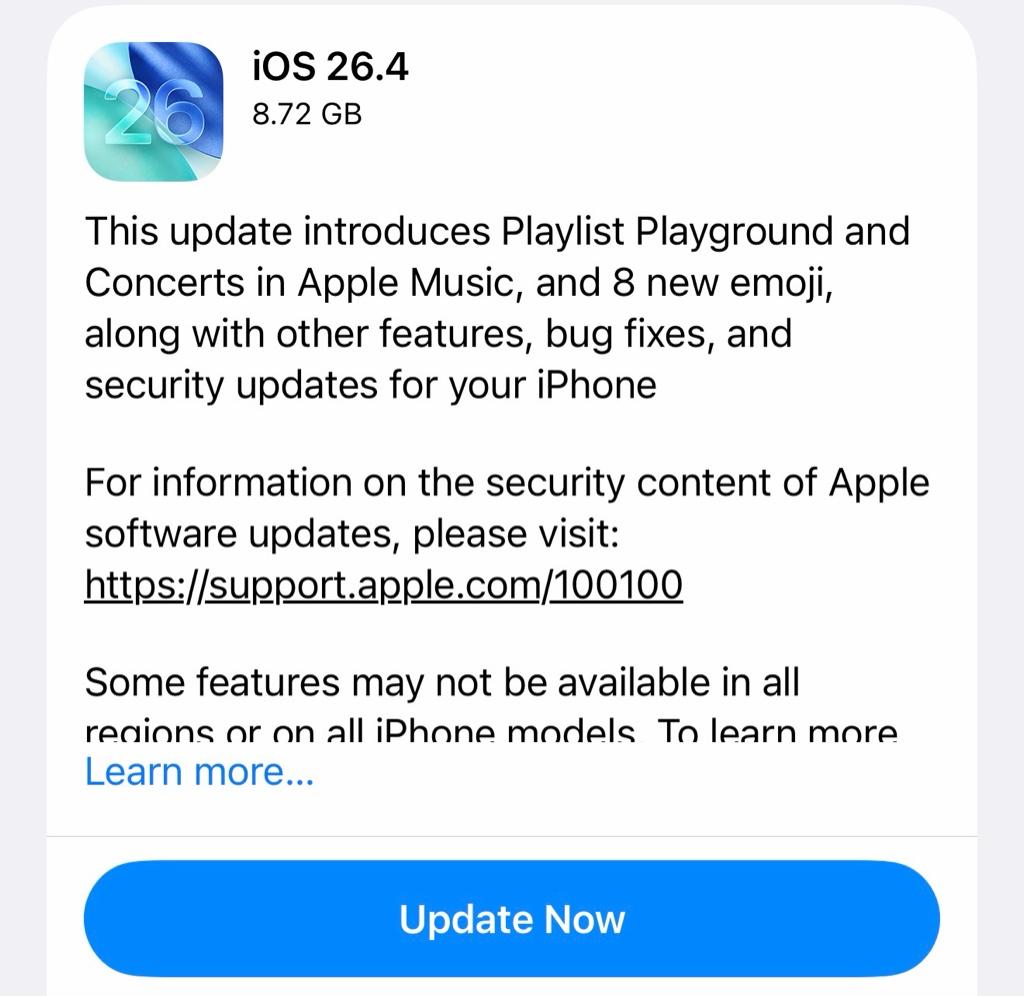
Now it is time to jump on the 26.4 train... was to coward before this time.
Yeah, me too!Now it is time to jump on the 26.4 train... was to coward before this time.
ValerieDurden
macrumors 6502a
I don’t do beta updates but an RC I always update right away.Now it is time to jump on the 26.4 train... was to coward before this time.

Travis299
macrumors 6502
Of course the question on everyone's mind now: 26.5b1 next week, but will it have any new AI features at all or is everything pushed to WWDC?
sbailey4
macrumors 601
Well I meant there is a separate automatic toggle just for those in that section. Settings>Privacy & Security>Background Security Improvements. Not the normal iOS updates automatic install.For the sake of experiment, I will keep an eye on the iPad with auto-updates turned on and we shall see when Apple decides to push it randomly. So far it is still on 26.3.1
Update: just recently (18:10 CET / 10:10 AM in San Francisco) had a notification banner popping up offering a security update for the iPad.
Last edited:
one more
macrumors 603
Well I meant there is a separate automatic toggle just for those in that section. Settings>Privacy & Security>Background Security Improvements. Not the normal iOS updates automatic install.
Yes, and it was switched on in my case.

nortonandreev
macrumors 68040
well, 26.4 beta has been much shorter than 26.3 was...I can’t remember a time that I wasn’t on 26.4 beta. Has this been an exceptionally long cycle or is it just me?
Guess it’s just been a LONG month for my personal life 😂well, 26.4 beta has been much shorter than 26.3 was...

gtmead09
macrumors 65816
I will be curious to see if 26.4 goes public next week, do they release 26.5 beta 1. It would be nice to know finally if beta 1 will bring any AI / Siri enhancements to the table or if it officially shows we'll be waiting for iOS 27.0. I can't see 26.6 if this happens having the Siri enhancements.