
dk001
macrumors demi-god
I want Ludicrous Speed!
You need the Helmet and a relative for that 😁

I want Ludicrous Speed!


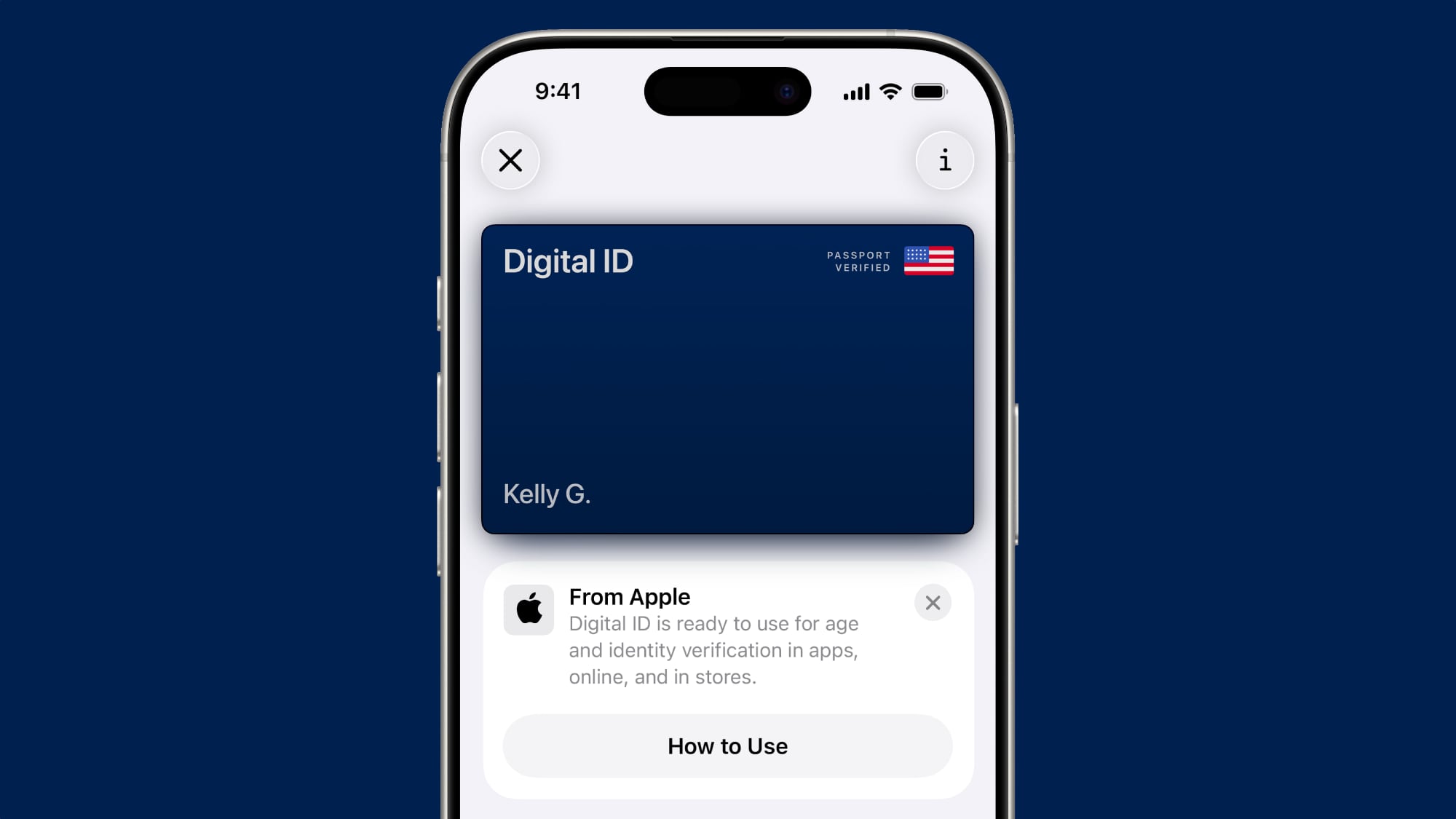
Yes! Was about to post about this.Anyone else have the digital ID (US Passport in apple wallet) "deactivated by apple" ?
I don't have my actual passport book on me, but when I went to go re-add it (or try to) it asked if I wanted to put it on my phone, or phone+watch. I kind of remember not being able to do it on both devices previously, but I could be wrong.Yes! Was about to post about this.

Just posted on home page of Macrumors:I don't have my actual passport book on me, but when I went to go re-add it (or try to) it asked if I wanted to put it on my phone, or phone+watch. I kind of remember not being able to do it on both devices previously, but I could be wrong.
Anyone else have the digital ID (US Passport in apple wallet) "deactivated by apple" ?
Yes! Was about to post about this.
 forums.macrumors.com

You could add on both iPhones and Watch before on 26.I don't have my actual passport book on me, but when I went to go re-add it (or try to) it asked if I wanted to put it on my phone, or phone+watch. I kind of remember not being able to do it on both devices previously, but I could be wrong.
That is the only percentage I have seen with all the betas so far except db6 which never showed a percentage . Of course I don`t sit here looking at it constantly so it may show higher but all I have seen is 33% and then doneHow can you tell how far along it is?

"Potential fix identified" for Spotlight text field jumping into place

It works. It shows the last call time, but there’s a call history field above it that shows prior calls and time.Can someone please confirm if the following has been fixed in Ios 27.
Previous to ios 26, if you called a phone number multiple times, it used to have the number of calls in brackets, but more importantly pressing i next to the call would give you the call times for each call.
In ios 26, say you called the same number 4 times, now when you press i, it only gives you the call time of the last call.
Can anyone on ios 27 beta confirm if this has now been fixed, or if not how it can be raised with the ios development team.
Finally, i know you have an option called call history, however for some reason not all calls show, and facetime/ whatsapp calls are not showing at all.
Thanks

Not for me until todayIt’s already been identified before Beta 7 came out.
I understand, but it didn’t show for me in Feedback Assistant until todayIdentified by Apple I mean.
I understand, but it didn’t show for me in Feedback Assistant until today
No this is the AI that destroys all of your personal information.Refresh my memory, is this the beta where AI escapes and destroys humanity?
It’s likely server/backend based, because it’s horked on both iOS 26 & iOS 27 and started about a month ago.I really hope they have fixed the predictive text and auto grammar as it has been awful since first PB.. So many times you have to go in to emoji on keyboard and back out to kick it in to life
I’ve been reporting it for years as well. 🤦Does anyone use the Moon Phase within the Weather Widget? I’ve been reporting a bug for the last four years wherein the glyph being displayed is sometimes incorrect.
For example, a waxing crescent should be 🌒 but it’s displayed as 🌘. The same goes for a waning crescent where it should be 🌘 but it’s displayed as 🌒. The same goes for both full and new moons as 🌑 instead of 🌕.
I know this seems trivial but is been a real annoyance. 😒
Can someone try it for a day or two and report it? Here are all the bugs I’ve submitted.
FB 24268184
FB 23897231
FB 19834824
FB 15990369
FB 12542176
FB 11700773
FB 11994196
FB 11411206
FB 11359594
FB 10964978
How long does it take for the optimization and search to be done after updating to iOS 27. Mine's still running and it's been like 22 hrs? I thought iOS 26.6 was meant to prepare for this lol.
26 hours and mine is at 33% on a 16e
I saw a release note that said index runs while plugged in, so plug in/battery time would have an impact on how long it takes to index, and the amount of data will to.How can you tell how far along it is?
Where did you get this? I haven’t seen it.This screen must be relatively new; during earlier iOS 27 betas there wasn’t much of an explanation re: impersonation risk detection


