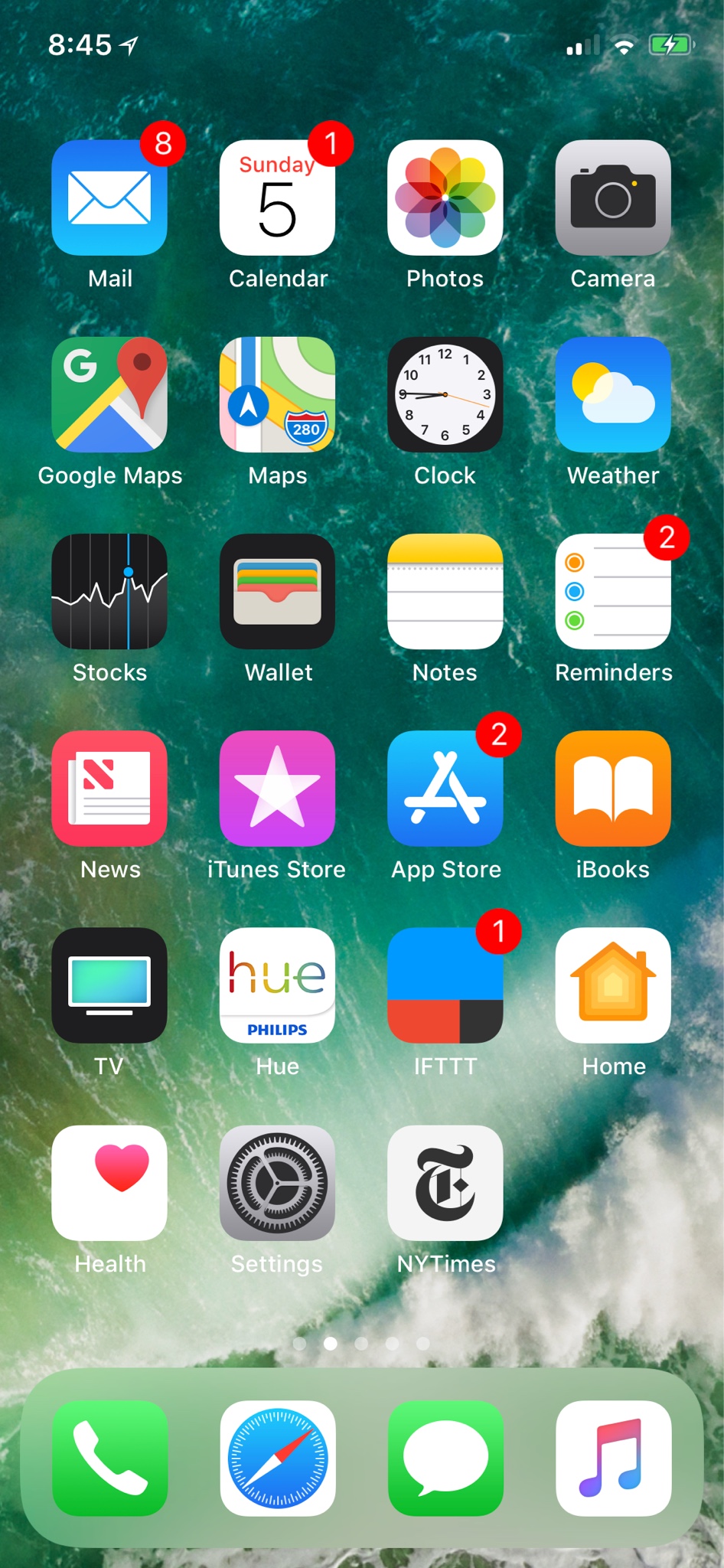
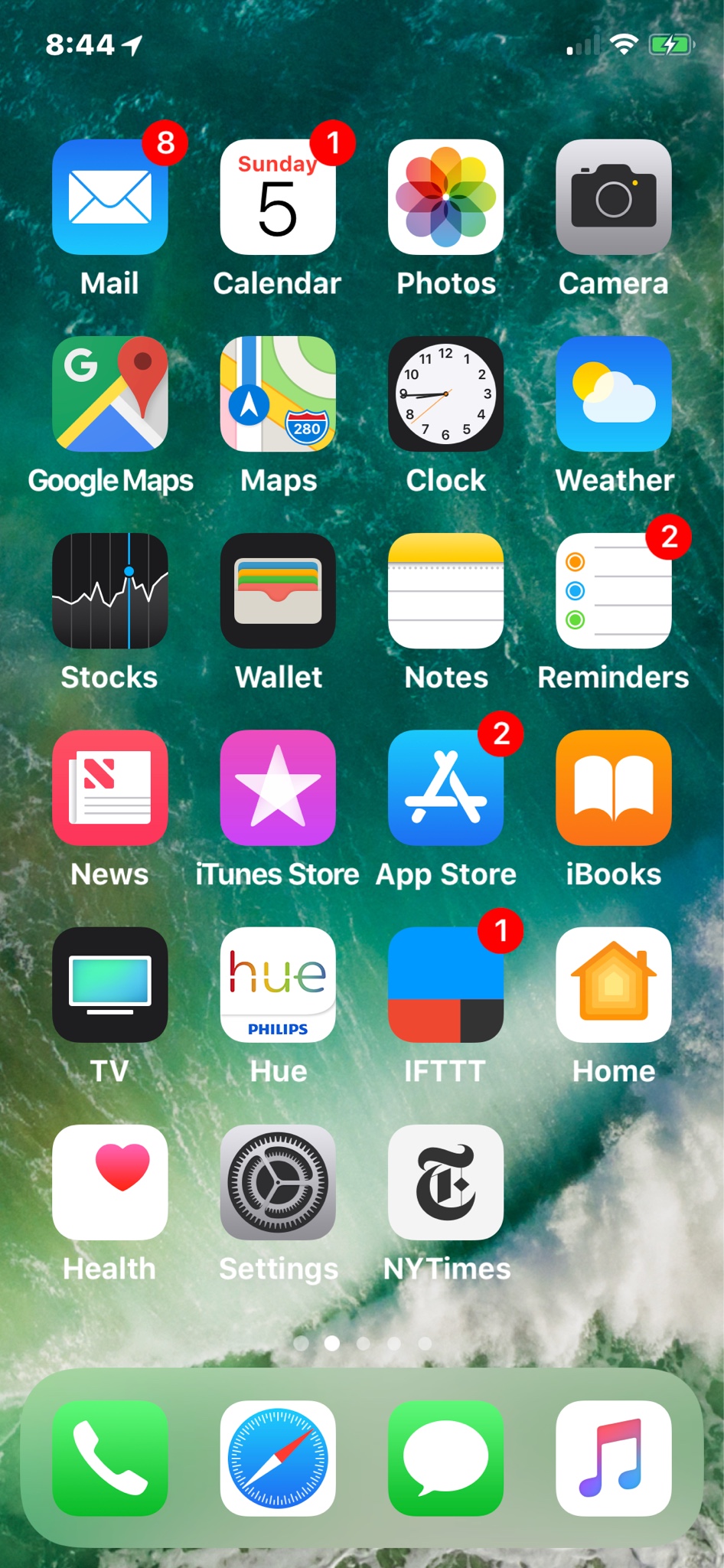
I’m coming from an iPhone 7plus and I have to say that I’m really bummed about the size of the text on the iPhone X. I have a hard time reading small text and typically have display view zoom active on my plus. When I turned in the iPhone X today I was disappointed to find no zoom function. I understand the screen is not as wide but was hoping to be able to use this phone to replace the larger plus. This is not the case. 🙁 I love the phone but even with all the larger text options enabled, the text is not large enough in safari and a few other applications. I know that most people will love the new phone but if you are like me and need larger text, you might want to use it before switching.

Got a tip for us?
Let us know
Become a MacRumors Supporter for $50/year with no ads, ability to filter front page stories, and private forums.
iPhone X iPhone X - Text Size
- Thread starter waxings
- Start date
- Sort by reaction score
You are using an out of date browser. It may not display this or other websites correctly.
You should upgrade or use an alternative browser.
You should upgrade or use an alternative browser.


pasadena
macrumors 6502a
The X does support the magnifier (around the middle of the page under Accessibility). Are you referring to another feature instead?
Yes. It is called “Display Zoom” it is under Settings > Display & Brightness. It makes everything a little larger.The X does support the magnifier (around the middle of the page under Accessibility). Are you referring to another feature instead?

Night Spring
macrumors P6
pasadena
macrumors 6502a
Now that I have mine i can check the settings.
There's a few different ones, I'm not sure which one you're looking for.
General -> Accessibility -> Larger Text
General -> Accesibility -> Magnifier
Display & Brighness -> Text Size
There's a few different ones, I'm not sure which one you're looking for.
General -> Accessibility -> Larger Text
General -> Accesibility -> Magnifier
Display & Brighness -> Text Size
Night Spring
macrumors P6
Now that I have mine i can check the settings.
There's a few different ones, I'm not sure which one you're looking for.
General -> Accessibility -> Larger Text
General -> Accesibility -> Magnifier
Display & Brighness -> Text Size
None of the above.
If you have a plus phone, there's an option in Display&Brightness for “Disolay Zoom.” What it does is make the plus phone use the regular size phone UI.

Jimmie Geddes
macrumors 6502a

pasadena
macrumors 6502a
None of the above.
If you have a plus phone, there's an option in Display&Brightness for “Disolay Zoom.” What it does is make the plus phone use the regular size phone UI.
Oh, I didn't know that function - I had a 6 🙂 Are you sure the magnifier can't help?
This does not help 🙁I dont like the narrow display either. Too many breaks to read a text
Night Spring
macrumors P6
Oh, I didn't know that function - I had a 6 🙂 Are you sure the magnifier can't help?
The magnifier lets you use your phone camera as a magnifying glass. It has nothing to do with making things easier to read on the phone.


mcdj
macrumors G3
Nice to have but it doesn’t change web page font sizes. The old zoomed view made everything in the entire phone a bit larger.
Everyone who wants zoomed view back, send Apple feedback. It takes 2 seconds.
https://www.apple.com/feedback/iphone.html
Last edited:

happyslayer
macrumors 65816
Use Reader Mode. i'm aware that some sites not support reader mode. I think this reason why apple add reader mode instead not add function not display font smaller than 10pts etc
But i have URL for you you can change size this url show 16pts. here how this work
first add this url to bookmark name URL size 16fonts what ever u like call it,
now load your favorite website then open bookmark click 16 fonts you will see page load bigger font
here it is copy all of it
javascript:for(i=0;i%3Cdocument.getElementsByTagName%20('*')%20.length;i++)void(document.getElementsByTagName('*'%20)%20%5Bi%5D.style.fontSize='16pt');u
But i have URL for you you can change size this url show 16pts. here how this work
first add this url to bookmark name URL size 16fonts what ever u like call it,
now load your favorite website then open bookmark click 16 fonts you will see page load bigger font
here it is copy all of it
javascript:for(i=0;i%3Cdocument.getElementsByTagName%20('*')%20.length;i++)void(document.getElementsByTagName('*'%20)%20%5Bi%5D.style.fontSize='16pt');u
I left feedback for it now. The #1 reason why I upgraded from my IPhone 6S Plus was a smaller form factor with the same readability. I really need Zoom, lots of older customers do.Nice to have but it doesn’t change web page font sizes. The old zoomed view made everything in the entire phone a bit larger.
Everyone who wants zoomed view back, send Apple feedback. It takes 2 seconds.
https://www.apple.com/feedback/iphone.html

jbachandouris
macrumors 603
9 days from 50, so the small text is bothersome.I left feedback for it now. The #1 reason why I upgraded from my IPhone 6S Plus was a smaller form factor with the same readability. I really need Zoom, lots of older customers do.

roeiz
macrumors 65816
Just tried display zoom on my +
Great feature. At least you’ve helped me 😉
Great feature. At least you’ve helped me 😉

PLamarine
macrumors 6502
The new public beta is out for the x? Any changes with this version?
No.
Have sent feedback. This is one of the reasons I won’t be getting the X, the other being that I prefer 16:9 screen ratio.Nice to have but it doesn’t change web page font sizes. The old zoomed view made everything in the entire phone a bit larger.
Everyone who wants zoomed view back, send Apple feedback. It takes 2 seconds.
https://www.apple.com/feedback/iphone.html
I don’t know. I just increased the size of the font to the largest and bold the text and everything - seems like a world of a difference because I have the text as smallest as possible.