Become a MacRumors Supporter for $50/year with no ads, ability to filter front page stories, and private forums.
So many errors in this article, it needs to be withdrawn and checked. Including the fact that the 15-in Air supports up to 4TB of storage, something that makes it a viable alternate when replacing my 16-in MacBook Pro. Won't bother to read any further.
must be the Starbucks strategy writing names with mistakes to generate comments 😉
 
  • Like
Reactions: Just sayin...
I prefer small form factor and lower weight over computing power but as a software developer memory on the air is an issue. Currently on MacBook Air M2 with 24 GB and I easily use it up all quickly. So my next laptop will be a MacBook Pro M5 Pro with 64 GB memory, I admit grudgingly. And as a side note, this specific config is slipping in delivery times here in Europe.
 
I must have said more than a few times my latest purchase was a Neo.
I contemplated a "couch" MacBook Neo as a secondary laptop (other is 16" pro M4 Max 64Gb) because I just loved the citrus fun factor, still do but ended up getting the 13" m5 Air with 32Gb to just 'be able' to use it for sketchup or Vectorworks in case of emergency.
 
  • Like
Reactions: I7guy
I contemplated a "couch" MacBook Neo as a secondary laptop (other is 16" pro M4 Max 64Gb) because I just loved the citrus fun factor, still do but ended up getting the 13" m5 Air with 32Gb to just 'be able' to use it for sketchup or Vectorworks in case of emergency.
In case of an emergency I have a powerful windows tower that can be used. But I get your point.
 
  • Haha
Reactions: Syrianos82
I simply can't do windows anymore, too old I guess, my mind blocks looking at the interface let alone try to navigate the "logic".
I call myself winlitterate at this point...
Well I’m up there as well, but still in the tech world where windows is my primary. All I’m saying if needed I have a desktop I built a few years ago with then high end components.

“Winilliterate”
 
  • Like
Reactions: Syrianos82
Well I’m up there as well, but still in the tech world where windows is my primary. All I’m saying if needed I have a desktop I built a few years ago with then high end components.

“Winilliterate”
I feel your pain? lol
IT is always on my back for using Mac and the "security issues" while acing the phished academy at the office 😉

I used to build pc's back in the day as a teenager, but I decided to not want that anymore and pull the designer card whenever people start hating rather than justify a choice or preference.
 
  • Like
Reactions: I7guy
I am thinking I may eventually upgrade my M2 Air to a Pro -- maybe not the very latest so I get a discount. I like the idea of the better brighter display since I work outside a lot. The cost difference isn't super huge especially if I get a discounted not quite newest version.
 
A big plus of the MB Air is ... NO FAN! I use my laptop every night in the living room with the family and had to trade in my old MB Pro because the noise of the fan got complaints from others in the room. And the fan would occasionally would go beserk when streaming.

My present MB Air (M3) makes only keyboard noise!
 
A big plus of the MB Air is ... NO FAN! I use my laptop every night in the living room with the family and had to trade in my old MB Pro because the noise of the fan got complaints from others in the room. And the fan would occasionally would go beserk when streaming.

My present MB Air (M3) makes only keyboard noise!
That's one reason why I chose the Air as well. I've dealt with fans for as long as I've been using computers and I'm sick of the noise, the wiring, the faulty components that need to be replaced, and etc. No more!
 
A big plus of the MB Air is ... NO FAN! I use my laptop every night in the living room with the family and had to trade in my old MB Pro because the noise of the fan got complaints from others in the room. And the fan would occasionally would go beserk when streaming.

My present MB Air (M3) makes only keyboard noise!
It would be nice if they had an option to either use the fan or down throttle if it gets too warm
 
  • Like
Reactions: ChrisMac47
Macbook Air is in a weird position right now. Anyone who is poverty-stricken and okay with a compromised Macintosh experience now has the Neo they can buy. The display on the Pro isn't OLED yet, but it's pretty close with the mini-LED backlight.


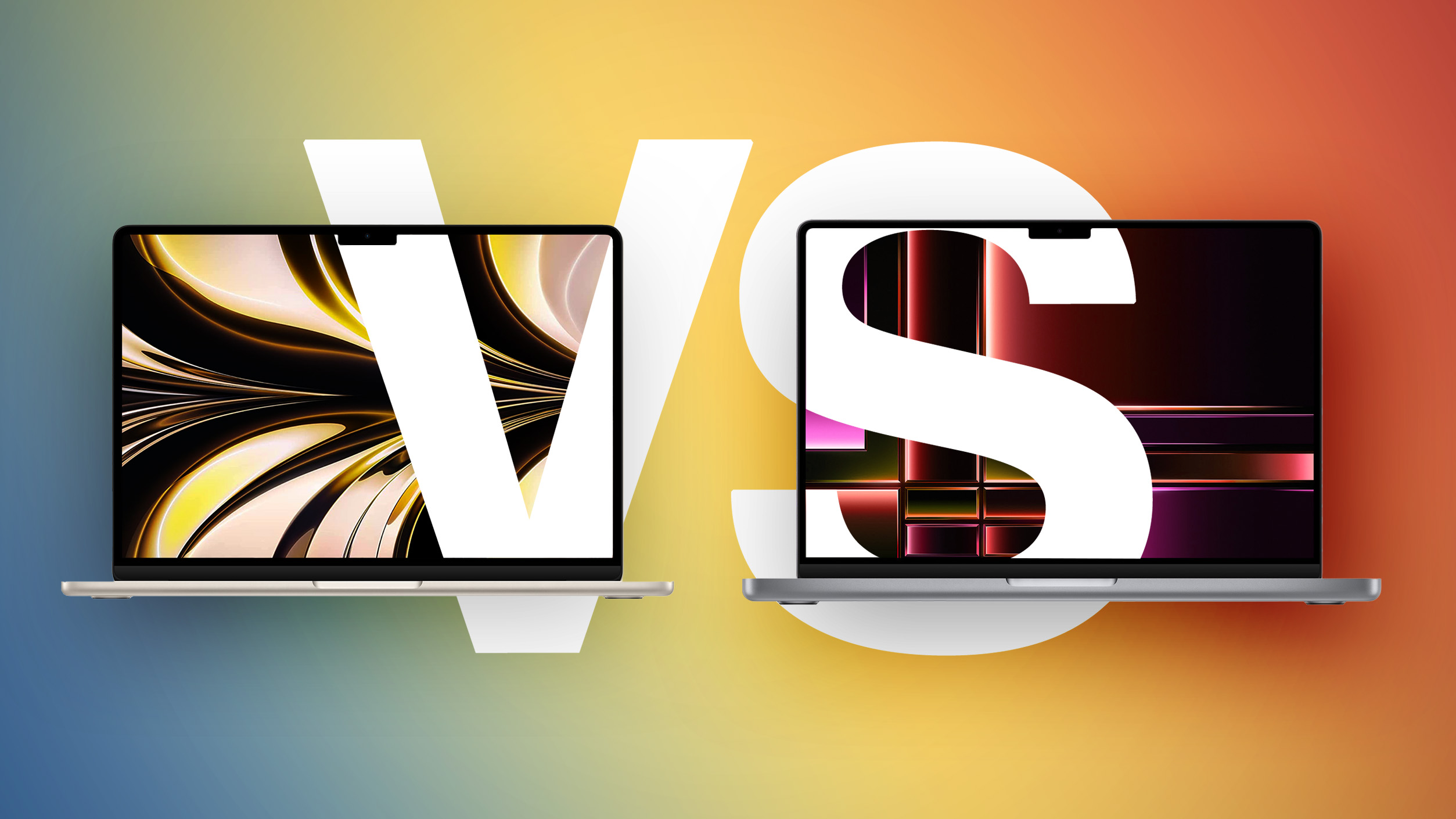
Both the MacBook Air and entry-level MacBook Pro now feature the M5 chip, so how do the latest models compare?

M2-MBA-vs-M2-MacBook-Pro-Buyers-Guide-Feature.jpg

While the 13-inch MacBook Air starts at $1,099 and the 15-inch model at $1,299, moving to the 14-inch MacBook Pro requires spending at least $300 more. For some buyers, the extra cost is unnecessary; for others, the Pro's ability to sustain performance, along with its more advanced display and expanded I/O, meaningfully change the experience in ways the Air cannot match even with higher configurations.

With the introduction of the MacBook Neo as a new entry-level option, the Mac lineup now spans three distinct tiers. As a result, the MacBook Air no longer represents the default choice for most buyers, but instead occupies a middle position between affordability and performance. If you've already ruled out the MacBook Neo, this guide helps to answer the question of how to decide which of Apple's other two popular laptops is best for you. The key differences are as follows:

MacBook AirMacBook Pro
13.6- or 15.3-inch display14.2-inch display
Slimmer borders around the display
LCD Liquid Retina displayMini-LED Liquid Retina XDR display
60Hz refresh rateProMotion for refresh rates up to 120Hz
Up to 500 nits brightnessUp to 1,000 nits brightness and 1,600 nits peak HDR brightness
Nano-texture display option
Passive coolingActive cooling
Two Thunderbolt 4 (USB-C) portsThree Thunderbolt 4 (USB-C) ports
HDMI 2.1 port with support for multichannel audio output
SDXC card slot
13-Inch: Four-speaker sound system
15-Inch: Six-speaker sound system with force-canceling woofers
High-fidelity six-speaker sound system with force-cancelling woofers
Three-mic array with directional beamformingStudio-quality three-mic array with high signal-to-noise ratio and directional beamforming
512GB, 1TB, or 2TB of storage512GB, 1TB, 2TB, or 4TB storage
13-Inch: 53.8-watt-hour lithium-polymer battery
15-Inch: 66.5-watt-hour lithium-polymer battery
14-Inch: 72.4-watt-hour lithium-polymer battery
18-hour battery life24-hour battery life30W, 35W, or 70W USB-C Power Adapter70W or 96W USB-C Power Adapter
Silver, Sky Blue, Starlight, or Midnight color optionsSilver or Space Black color options
13-Inch: Starts at $1,099
15-Inch: Starts at $1,299
Starts at $1,599


Dimensions are also a key area of difference between the MacBook Air and MacBook Pro. The MacBook Pro is noticeably thicker and heavier than both MacBook Air models:

MacBook Air (13-Inch)MacBook Air (15-Inch)MacBook Pro (14-Inch)
Height0.44 inches (1.13 cm)0.45 inch (1.15 cm)0.61 inches (1.55 cm)
Width11.97 inches (30.41 cm)13.40 inches (34.04 cm)12.31 inches (31.26 cm)
Depth8.46 inches (21.5 cm)9.35 inches (23.76 cm)8.71 inches (22.12 cm)
Weight2.7 pounds (1.24 kg)3.3 pounds (1.51 kg)3.4 pounds (1.55 kg)


Taken as a whole, the MacBook Air now occupies a more clearly defined middle position in Apple's laptop lineup. With the introduction of the MacBook Neo as a lower-cost entry point, the Air no longer represents the default choice for most buyers, but instead serves those who want a meaningful step up in performance, features, and long-term usability without moving into the MacBook Pro tier.

The MacBook Air offers excellent performance with the M5 chip, capable memory and storage options, a good all-round display, and key features like a backlit keyboard, 18 hours of battery life, and a 12MP Center Stage camera. For everyday tasks, performance remains effectively indistinguishable from more expensive models, but the Air is far less likely to feel constrained after several years of use compared to the MacBook Neo. Its thinner chassis, lower weight, silent fanless design, and broader range of color options also remain important advantages.

By contrast, the 14-inch MacBook Pro is differentiated less by baseline performance and more by its ability to sustain it, as well as by a collection of hardware features that materially change the experience. Active cooling allows the M5 chip to operate at higher levels for prolonged periods, avoiding the thermal limitations inherent to the Air's passive design. This becomes noticeable in extended workloads such as video editing, 3D rendering, compiling large codebases, or running intensive AI-driven tasks. If your workload regularly involves sustained performance, such as long video exports, large code builds, or intensive multitasking, the MacBook Air's fanless design may become a limiting factor.

Alongside this, MacBook Pro's mini-LED Liquid Retina XDR display with ProMotion offers substantially higher brightness, contrast, and motion fluidity, while the inclusion of HDMI, SDXC, and an additional Thunderbolt port expands its versatility in professional environments. It also delivers consistently better speakers, higher-quality microphones, and longer battery life. For users planning to keep their machine for several years, this sustained performance headroom and broader feature set can make the MacBook Pro a more resilient long-term investment.

The most consequential trade-off emerges at the upper end of the MacBook Air's pricing. At $1,299, the 15-inch MacBook Air sits close enough to the 14-inch MacBook Pro's $1,599 starting price that the decision becomes less about affordability and more about priorities. For an additional $300, the Pro offers a significantly more advanced display, active cooling for sustained performance, longer battery life, additional I/O, and overall greater versatility. Once you are already considering spending over $1,000 on a laptop, these advantages become disproportionately impactful, particularly for users intending to keep their machine for several years.

As a result, the MacBook Air is best understood as the balanced option within the lineup: Meanin... Click here to read rest of article

Article Link: M5 MacBook Air vs. M5 MacBook Pro Buyer's Guide

I don't get all this hype about oled. If macbook pro is for developers then in my opinion it cannot be oled.

If you spend hours using xcode or visual studio (code) or any other software really where you keep it open for hours the only thing that comes to my mind is oled = burn-in.

I do not believe burn-in is not a problem, it is. Having oled screens replaced in the past I now what I know. Also, oled screen warranties small print wouldn't be so vague, unclear on the matter (looking at you LG last time I checked).

Would applecare+ cover 100% for oled burn-in or similar to LG it's rather vague if it's covered or not? Rather obvious clue if it is not that clear.
 
I don't get all this hype about oled. If macbook pro is for developers then in my opinion it cannot be oled.

If you spend hours using xcode or visual studio (code) or any other software really where you keep it open for hours the only thing that comes to my mind is oled = burn-in.

I do not believe burn-in is not a problem, it is. Having oled screens replaced in the past I now what I know. Also, oled screen warranties small print wouldn't be so vague, unclear on the matter (looking at you LG last time I checked).

Would applecare+ cover 100% for oled burn-in or similar to LG it's rather vague if it's covered or not? Rather obvious clue if it is not that clear.
I'm a developer using an OLED every day for hours. Burn-in is a lie told by the same people who said that flash storage was bad because of limited write cycles.
 
Is a screen brightness of 500 nits (MBA) enough while sitting under a big parasol in summer and work? Or do you then need the 1000/1600 nits of a MBP? Love the light weight of the 13" MBA (1.24 kg); the 14" MBP already is 300 grams heavier.

For travel, I currently still use my Macbook Pro 15" mid 2015 (±350 nits) with Sequoia (via OCLP). But it's not bright enough in summer light and well over 2 kg. Want to replace it soon by one of the macbooks mentioned. Any suggestions?
 
A big plus of the MB Air is ... NO FAN! I use my laptop every night in the living room with the family and had to trade in my old MB Pro because the noise of the fan got complaints from others in the room. And the fan would occasionally would go beserk when streaming.

My present MB Air (M3) makes only keyboard noise!
I don't recall hearing the fan in my M3 Pro MBP, though heard it many times with my 2017 model MBP. Most impressive fan noise came from my M4 Pro Mini when building the Rust compiler suite when installing a port from MacPorts.

The upside of Apple selling the MacBook Neo, the MacBook Air and the MacBook Pro is that customers have a choice in getting a computer that best meets their needs.
 
  • Like
Reactions: ChrisMac47
Is a screen brightness of 500 nits (MBA) enough while sitting under a big parasol in summer and work? Or do you then need the 1000/1600 nits of a MBP? Love the light weight of the 13" MBA (1.24 kg); the 14" MBP already is 300 grams heavier.

For travel, I currently still use my Macbook Pro 15" mid 2015 (±350 nits) with Sequoia (via OCLP). But it's not bright enough in summer light and well over 2 kg. Want to replace it soon by one of the macbooks mentioned. Any suggestions?
I have an M2 Air and use it outside a lot. It's mostly fine but when the sun's just so (but never directly on my computer) I do have problems. Mostly only when I happen to be watching some movie on my laptop and the scene is somewhat dark.
 
  • Like
Reactions: Max_G
Register on MacRumors! This sidebar will go away, and you'll see fewer ads.