On an additional note:
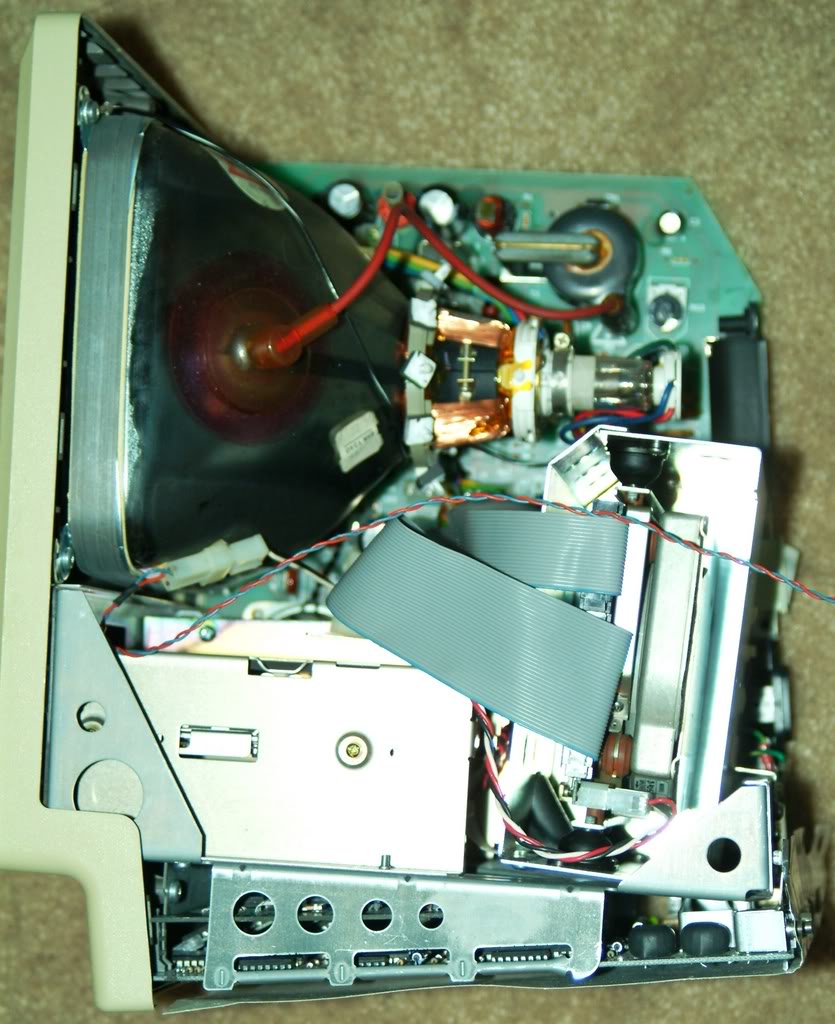
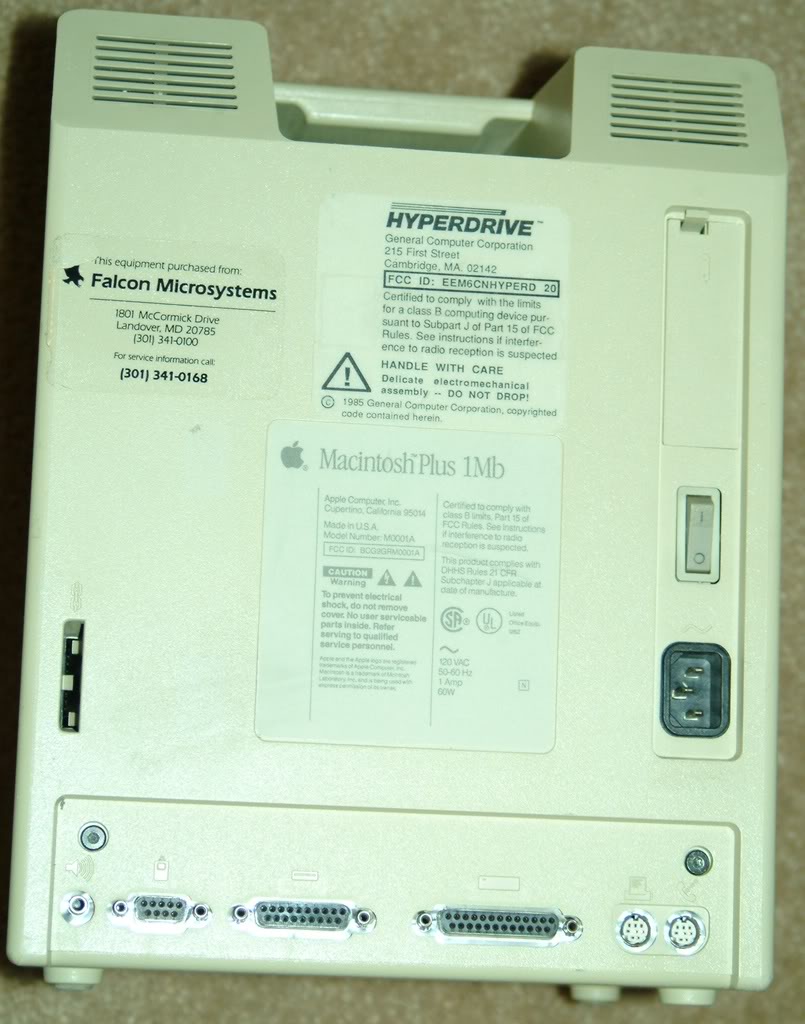
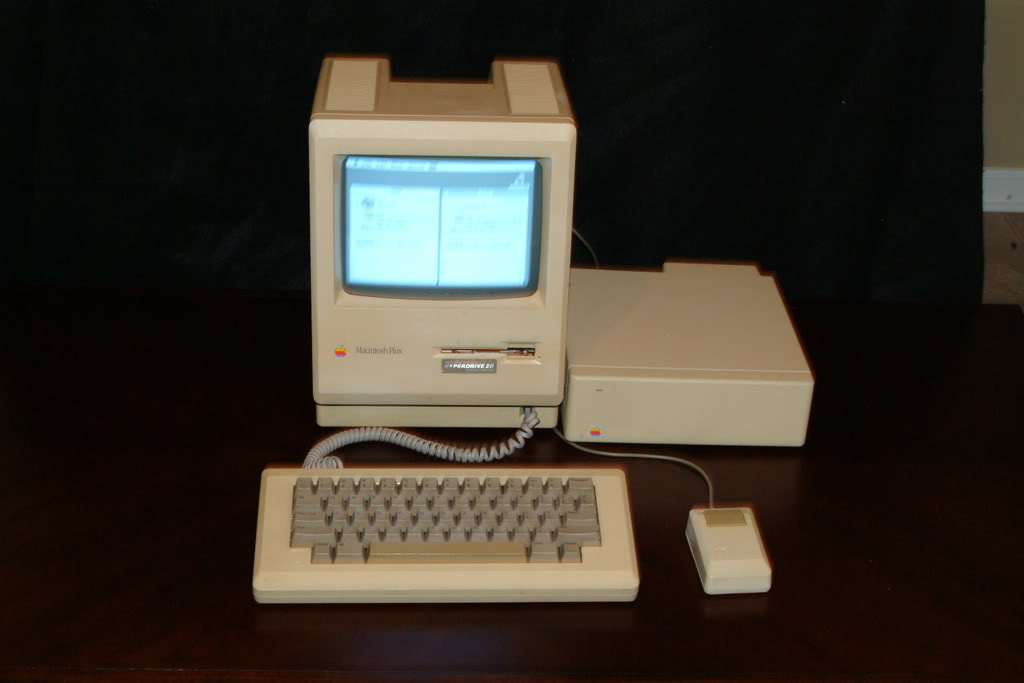
If you plan on tearing out the Hyperdrive componants and transferring them to another Mac, You need to be extremely careful, and know what you are doing!
One of the most important steps to a successful installation involves adjustments to the analog board, tweaking voltage regulation.
Upon installing the Hyperdrive, when your system is first turned on, you are severly undervolting, which in most cases causes the display to go crazy, if it comes on at all, and you will most likely get a Sad Mac error relating to the analog board.
To make the proper adjustment, you will need a multimeter, antistatic plastic flathead screwdriver, and a Mac Diagnostic cable. If you don't have the diagnostic cable, you can make a dongle that will work as well, but you will have to be extremely careful to avoid shorting out your logic board. If that happens, you're done. You've fried your logic board and the HyperDrive circuirty.
Bottom line, if you know what you're doing, overall it's easy. otherwise, this is not for the faint of heart...