


It's been a few days since Apple announced macOS Monterey, and we continue to dig through new features that weren't mentioned during the WWDC keynote, including a much more convenient way of erasing a Mac.
Following in the footsteps of the iPhone and iPad, the Mac has gained an "Erase All Content and Settings" option on macOS Monterey. The option allows you to erase all user data and user-installed apps from your Mac without needing to reinstall the macOS operating system, making it far easier to restore a Mac to like-new factory settings.
From the macOS Monterey features page on Apple's website:
In the macOS Monterey beta, the new option can be found by opening the System Preferences app, clicking on System Preferences in the menu bar at the top of the screen, and clicking on "Erase All Content and Settings" in the drop-down menu. An administrator password is required to proceed with restoring the Mac to factory settings.Erase all contents and settings
System Preferences now offers an option to erase all user data and user-installed apps from the system, while maintaining the operating system currently installed. Because storage is always encrypted on Mac systems with Apple silicon or the T2 chip, the system is instantly and securely "erased" by destroying the encryption keys.
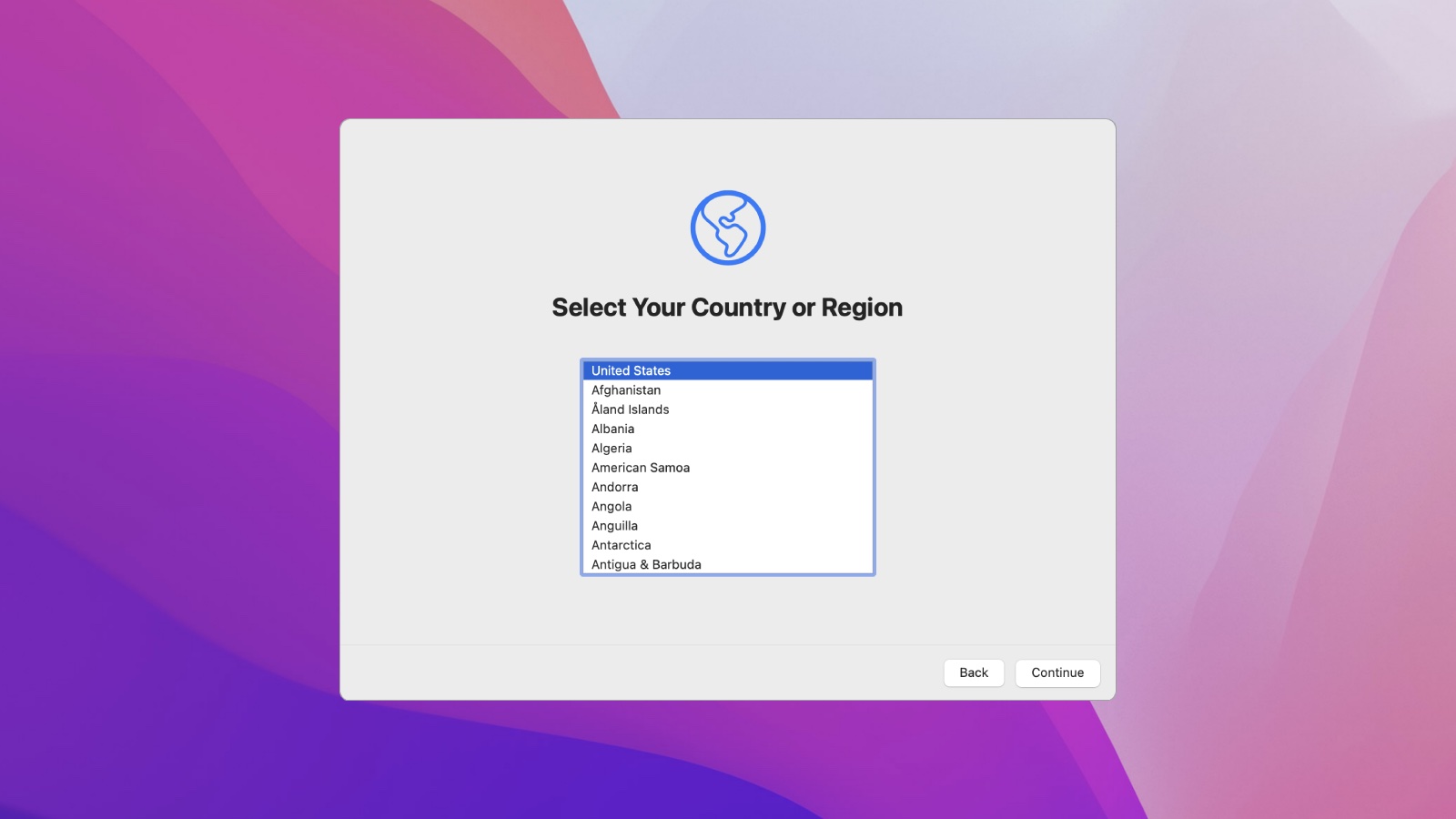
Erasing a Mac running an earlier version of macOS requires formatting the startup disk and reinstalling macOS, so this new option will make it far more convenient to restore your Mac to factory settings, whether you simply want to start fresh with your Mac or are planning to sell or gift the Mac to another person. After erasing a Mac, it will display the Setup Assistant and be ready to be set up like new.
macOS Monterey is available now in beta for developers, with a public beta to follow in July.
Article Link: macOS Monterey Allows You to Erase a Mac Without Needing to Reinstall the Operating System


