


Microsoft will prevent Office 2019 for Mac owners from editing their documents from July 13, a restriction the company is attributing to the productivity suite's expiring digital certificate.
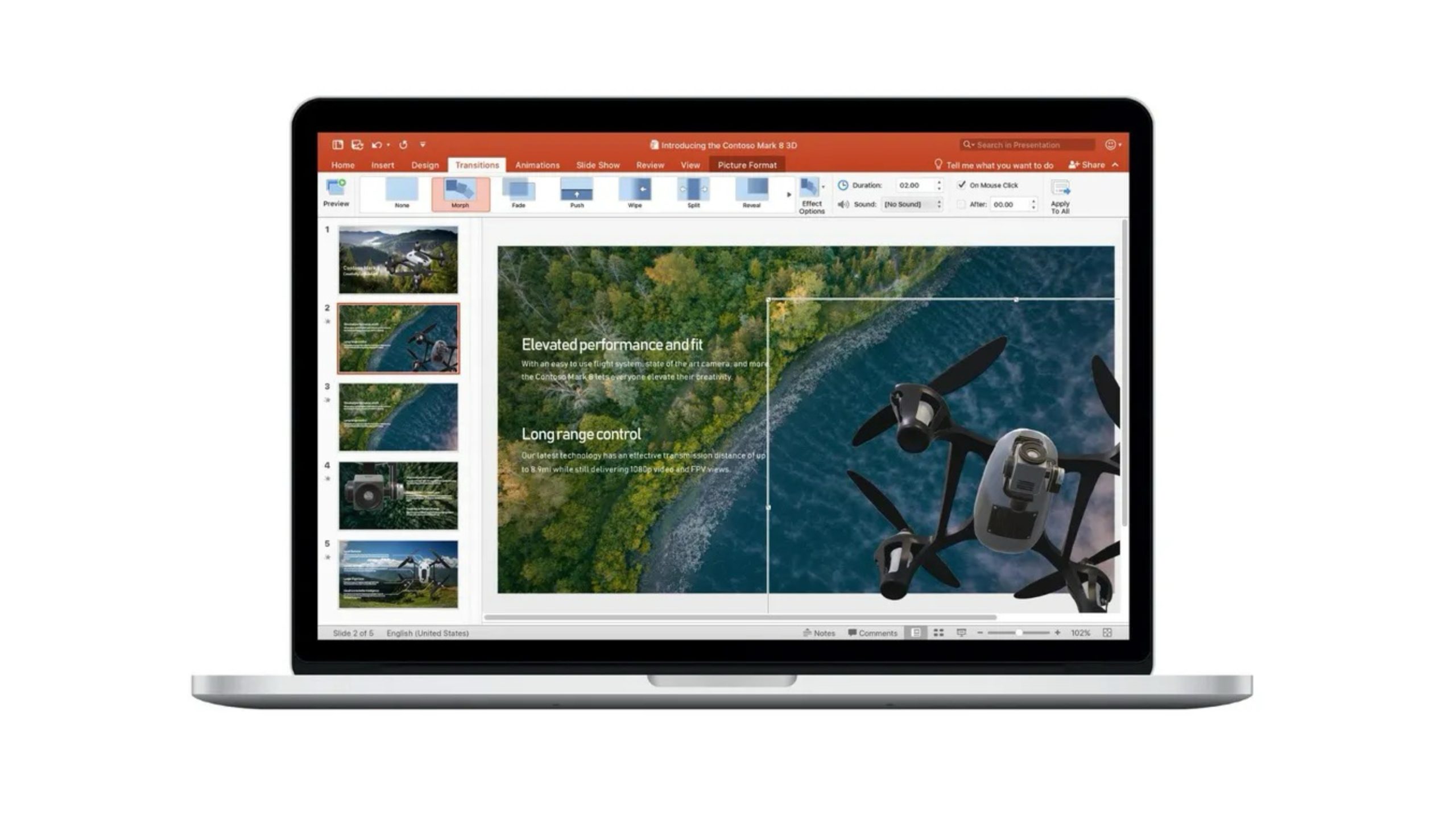
The Office 2019 apps affected include Word, Excel, PowerPoint, Outlook, and OneNote. Once the certificate used to confirm the suite's license expires, these apps will drop into what Microsoft is calling "reduced functionality mode." In other words, users will still be able to open, view, and print existing documents, but creating, editing and saving documents will be disabled. The same restriction will apply to iPhone and iPad apps that can't be updated, according to Microsoft.
Microsoft has actually renewed the suite's certificate, but the fix can only be delivered through a software update. That means users of Microsoft 365 and Office 2021 are in the clear – they'll receive the update, so neither will be affected. However, Microsoft stopped offering support for Office 2019 on October 10, 2023, and the suite has received no updates since. As such, it won't be updated to version 16.83, which is the release that includes the renewed certificate.
Microsoft says the problem can't be fixed by reinstalling Office 2019. Instead, it suggests affected users turn to the company's free Microsoft 365 web apps, take out a paid Microsoft 365 subscription, or make a one-time purchase of Office 2024.
Users running newer supported versions of Office on macOS 12 Monterey or later simply need to update to build 16.83. For users on iPhone and iPad running iOS 17 or later, it's build 2.93. You can check which version you have by opening Word and selecting Word ➝ About Word, but most suites will be automatically updated in the background.
Office 2021 will only receive updates until October 13, 2026, when it too reaches the end of support. Microsoft says the apps will continue to function after that date, but they will no longer receive security or feature updates.
Some critics have argued that Microsoft's deadline is effectively self-imposed because the company renewed the certificate but chose not to provide the update to Office 2019 users. For example, JimmyTech, the IT consultancy that spotted the change, has argued that using the expiry to retire older software rather than quietly renewing it "amounts to a choice."
Microsoft's messaging on the subject hasn't done it any favors, either. Its end-of-support page for Office 2019 for Mac, originally posted in October 2023, once told owners to "Rest assured that all your Office 2019 apps will continue to function." A revision now dated May 15, 2026 has dropped that line, replacing it with a note that their data "can be accessed in a supported Microsoft 365 or Office product."
Microsoft began emailing affected customers in May, but there's a chance this is still news to some Office for 2019 owners. Apple's iWork suite is an alternative route for anyone done with Microsoft's offering. It's also worth checking out the free and open-source LibreOffice, developed by The Document Foundation.
Article Link: Microsoft Office 2019 for Mac Will Soon Stop Letting You Edit Documents


