
FriendlyMackle
macrumors 6502a
Shrinkflation in action!Are these “new” monitors from Apple mainly an example of “en********ation” ?
Old was 32”. New are 27”. ?
Last edited by a moderator:

Shrinkflation in action!Are these “new” monitors from Apple mainly an example of “en********ation” ?
Old was 32”. New are 27”. ?

Excellent, though the question remains why the hell Apple has been so quiet about thisA19 for the base model, A19 Pro for the XDR

I've tried on both macOS 2.64 beta 4 and macOS 26.3.1 and there doesn't appear to be an update. The firmware version I have is 23D8128.Just got my ASD XDR and there is not an update? Running macOS 26.3.1

I've tried on both macOS 2.64 beta 4 and macOS 26.3.1 and there doesn't appear to be an update. The firmware version I have is 23D8128.
According to this article, the firmware version is 26.3 with build 23D8128.Same here - no update, current Firmware build 23D8128 as well. Running 26.3.1

 www.macobserver.com

Awesome - thanks!According to this article, the firmware version is 26.3 with build 23D8128.
So it appears review units shipped with an earlier version or build. Release day units had 26.3 installed via the factory.
New Studio Display Firmware 26.3 Update Arrives for Pre-Order Models
Apple releases Studio Display Firmware 26.3 (23D8128) for new models. Here’s how to update the display and what changes arrive.
So I think we are all good

According to this article, the firmware version is 26.3 with build 23D8128.
So it appears review units shipped with an earlier version or build. Release day units had 26.3 installed via the factory.
New Studio Display Firmware 26.3 Update Arrives for Pre-Order Models
Apple releases Studio Display Firmware 26.3 (23D8128) for new models. Here’s how to update the display and what changes arrive.
So I think we are all good
In apples press demo they had 2 XDR and 1 2026 sd daisy chained.Hmm. Disappointing. Having an issue with my M4 Pro Mac mini. I have 2 Studio XDRs each with their own TB5 directly into Mini, and then a SOTSU 4k/60 monitor via TB5 Dock. When I first plugged all in, each powered on to 60hz.
I was troubleshooting to get 120hz obviously, but now I can only get 1 XDR @ 120hz, 1 XDR at 60hz, and SOTSU doesn't turn on. I can run various combinations, but only ever 2 max and 1 @ 120hz.
Seems like there are some bugs as I don't see why I couldn't drive all 3 at 60hz at least, especially since I did at the very beginning.
In apples press demo they had 2 XDR and 1 2026 sd daisy chained.
I’m not aware of M5 benefits over m4 benefits in terms of TB5 limits.
Maybe try daisy chaining and see?

What is in the update? Any new features? bugfixes? I need the info!
Apple today released a new firmware update for the Studio Display and Studio Display XDR, two products that aren't set to launch until March 11.
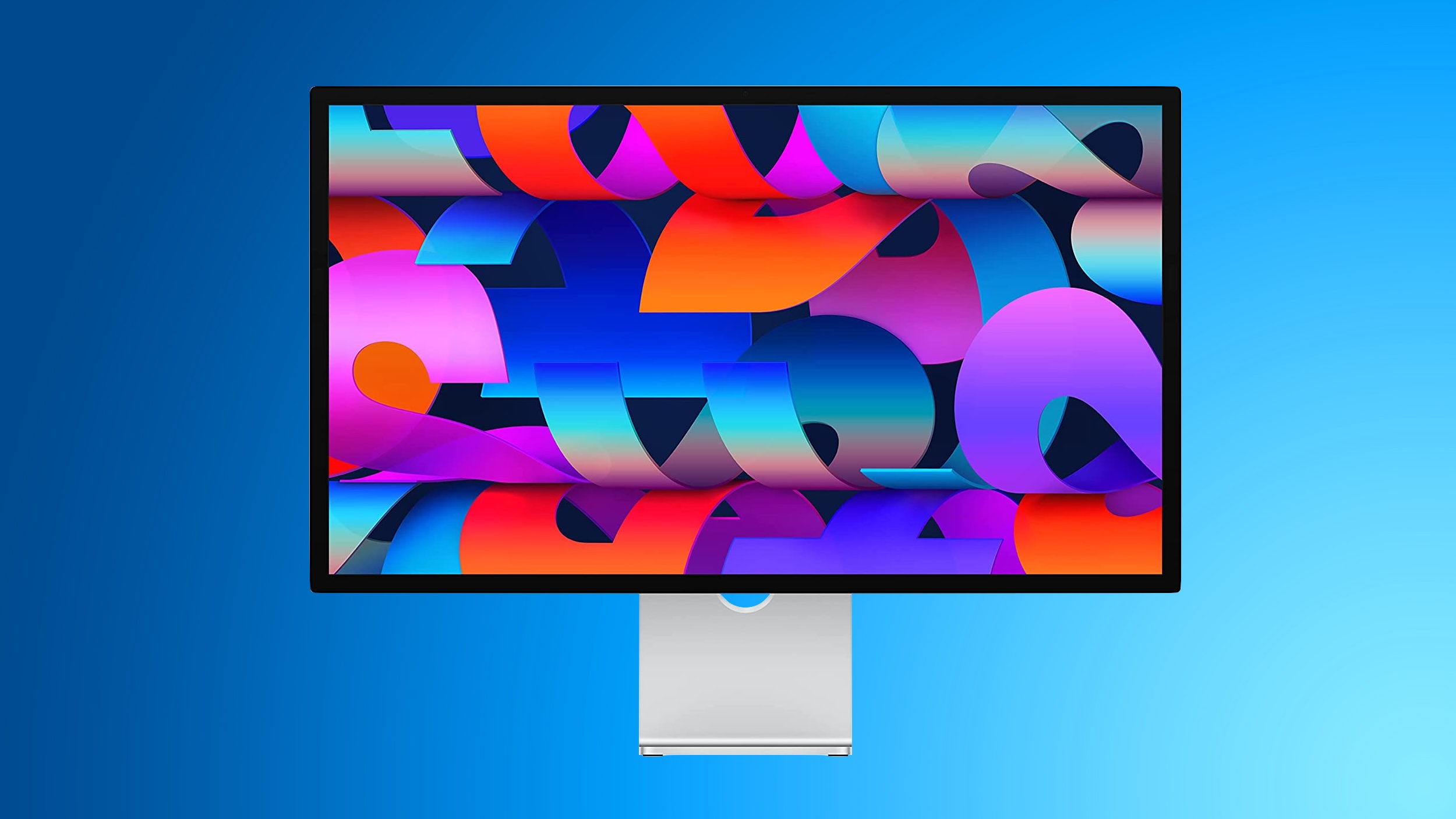
The Studio Display Firmware 26.3 update is only for the new Studio Display options, and it is not available on the older model.
Studio Display firmware can be updated by connecting the display to a Mac and going to System Settings > Software Update.
Pre-orders are available for the Studio Display and Studio Display XDR as of today. Prices start at $1,599.
Article Link: New Studio Display and Studio Display XDR Will Have Day One Firmware Update

That article is from March 4. I believe that firmware update 26.3 was preinstalled on most displays that shipped on release day. We are still waiting for another update that will fix the crashes and blackouts that many owners are seeing.What is in the update? Any new features? bugfixes? I need the info!
Ah. I got my new ASD 2 days ago, and I got the 26.3 fw notice and installed it today. That prompted me to search for release notes which lead me here, among other Web pages.That article is from March 4. I believe that firmware update 26.3 was preinstalled on most displays that shipped on release day. We are still waiting for another update that will fix the crashes and blackouts that many owners are seeing.


