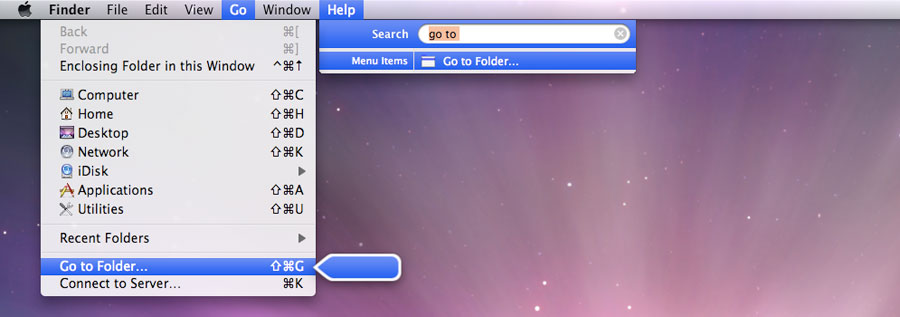
One of the advantages of the Mac OS X menu bar is that is searchable since Mac OS X 10.5 Leopard, which often makes finding things easier though. And many professional applications would break if they would have no menu bar, as there is often no keyboard shortcut or equivalent icon.
As I switched from Windows only six years ago, I should understand where you come from, but to be honest, I often emulated the menu bar in Windows, either by menu bar add ons or hacks or by putting the task bar at the top. It just feels more natural for me. Maybe it has something to do with how one thinks.
EDIT
And what about applications with multiple windows, like Photoshop for example, where there are many elements like the toolbars or the layers or navigation or actions window don't have enough room to accommodate a hidden menu accessible via a hot key.
Or take a look at Avid Media Composer, comprised of four windows (often many, many more) at least, only one being maybe able to hold the full menu of that application at full length, thought that window is often situated on a second monitor on the bottom half.
It may make sense with single window applications like browsers or iPhoto or maybe even word editors, but taking a way the menu bar will seriously put other multi level applications in harms way.
Those applications might work in Windows without a top menu bar, but that is due to Windows being window orientated and having a big, frelling grey window behind the complete application (nice on multi monitor setups), and Mac OS X being document orientated, thus you can still se the Desktop (often confusing for Windows users).