Become a MacRumors Supporter for $50/year with no ads, ability to filter front page stories, and private forums.
Do I need to start the whole process over again then after I revert the time back to 12/12/17?
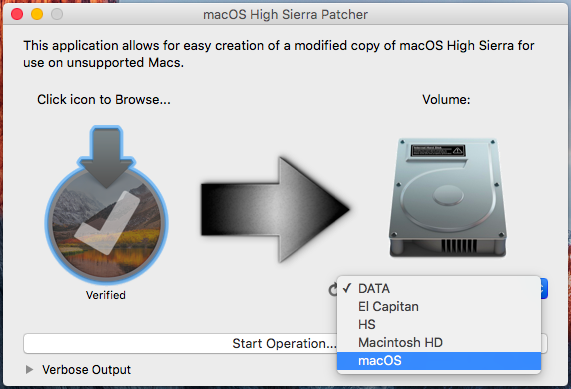
No, the installation didn't start yet. According to the guide, you don't run the installer directly. Instead you point the patcher tool to it and the patcher will put it on a different drive and modify it so you can run it on an unsupported Mac. Then you reboot, hold down option, and select that drive to boot up from. 🙂

 
Hold option on boot for boot device selection, choose your usb stick. When it boots into the installer open terminal and type:

Date 121212122017

Then continue with the installation.
 
Hold option on boot for boot device selection, choose your usb stick. When it boots into the installer open terminal and type:

Date 121212122017

Then continue with the installation.
Only problem is when I reboot using the USB port instead of bringing me to this screen (what the video shows at 9:19):

Instead, my screen doesn't do that and it gives me this screen:
 

Attachments

  • JuMp drive not working.jpg
    JuMp drive not working.jpg
    402 KB · Views: 128
  • What its supposed to look like .jpg
    What its supposed to look like .jpg
    418.9 KB · Views: 107
  • JuMp drive not working.jpg
    JuMp drive not working.jpg
    402 KB · Views: 101
Register on MacRumors! This sidebar will go away, and you'll see fewer ads.