

Become a MacRumors Supporter for $50/year with no ads, ability to filter front page stories, and private forums.

MacRumors

macrumors bot
Original poster


Apple's newly published Studio Display XDR Technology Overview white paper reveals two notable display technologies: a forthcoming Full Calibration feature and a new color measurement model called Apple CMF 2026.
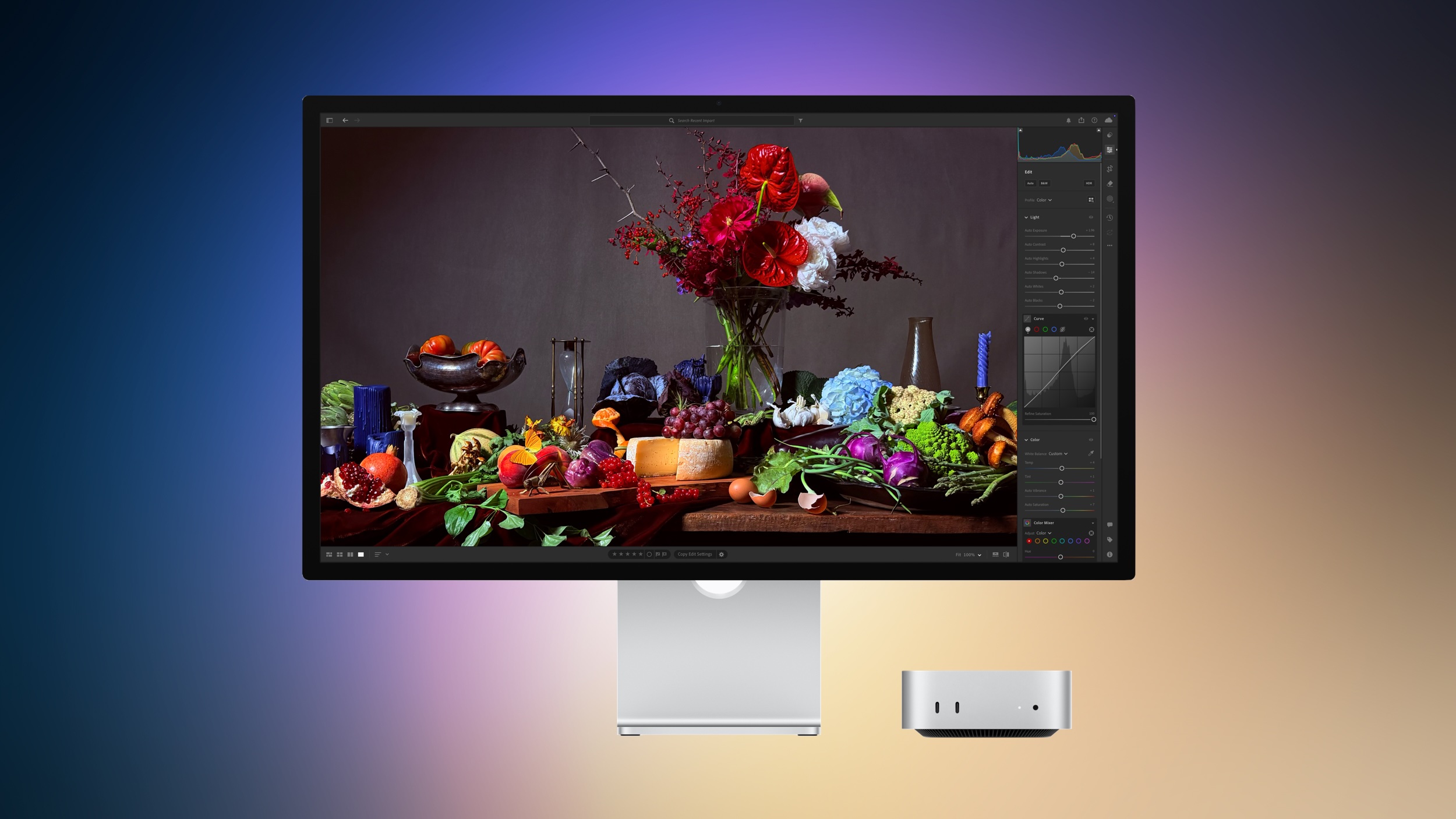
apple-studio-display-2-march-2026.jpg

According to the document, a future macOS update will introduce Full Calibration, a feature that allows users to recalibrate key display characteristics using professional measurement equipment. Apple says Full Calibration will adjust the white point, primary color coordinates, luminance, and gamma response of the display when used with a compatible spectroradiometer. The feature is not available at launch.

The functionality is aimed at professional color workflows, allowing the display to be recalibrated at the hardware level to maintain accuracy over time or match specific production environments. Apple currently ships each Studio Display XDR with factory calibration, alongside a set of reference presets designed for common color standards.

The white paper also introduces Apple CMF 2026, a new system Apple developed to improve how displays are measured and calibrated. Most display calibration today relies on the long-standing CIE 1931 color matching functions, a model created nearly a century ago to represent how humans perceive color.

Apple says Apple CMF 2026 addresses limitations in the CIE 1931 model that can cause displays to look slightly different even when they are calibrated to the same standard. According to the company, the new system improves visual consistency by more closely matching how colors actually appear to the human eye.

Each Studio Display XDR is individually calibrated using Apple CMF 2026 at the factory. However, Apple continues to support the traditional CIE 1931 system through its reference presets to maintain compatibility with existing professional workflows.

Apple says it is also working with the International Commission on Illumination (CIE) to help develop a broader industry standard based on this research, with the goal of improving color consistency across displays from different manufacturers. The Studio Display XDR is the first Apple display to support Apple CMF 2026.

Article Link: Studio Display XDR White Paper Reveals New Color System and Future Calibration Feature
 
That document also says:
“Studio Display XDR is fully compatible with all Mac models featuring Thunderbolt 3 or later ports. When paired with Apple silicon–based systems, it automatically leverages the advanced color management in macOS for seamless reference mode switching.”

Has anyone tried connecting a Studio Display XDR to an Intel Mac Pro for example? I only ask cause I still use that machine.
 
This Studio Display XDR, and the Pro Display XDR that (kind of) preceded it, do they really get a lot of professional use? Seems like that is the intended use case with this pricing and features. But I feel like so many (especially Mac users on MR) would enjoy a nice 5K@120 display that isn't this intense of a price.
 
  • Like
Reactions: Farquar
This is very cool and I’m glad Apple is putting in the effort to bring color accuracy to the masses. Hopefully this’ll spur more affordable calibration equipment in the future.
 
That document also says:
“Studio Display XDR is fully compatible with all Mac models featuring Thunderbolt 3 or later ports. When paired with Apple silicon–based systems, it automatically leverages the advanced color management in macOS for seamless reference mode switching.”

Has anyone tried connecting a Studio Display XDR to an Intel Mac Pro for example? I only ask cause I still use that machine.
I believe the specs on the XDR specifically require an Apple Silicon-based machine and that it's not compatible with Intel Macs.
 
Which is a truly ludicrous way to gate folks out of a monitor.

Major thumbs down for Apple on that one.
From Apple's website:

-----
Studio Display XDR is compatible with the following Mac models with Apple silicon and macOS Tahoe 26.3.1 or later:

  • 16-inch MacBook Pro (2021 and later)
  • 14-inch MacBook Pro (2021 and later)
  • 13-inch MacBook Pro (M1, 2020 and later)
  • 15-inch MacBook Air (2023 and later)
  • 13-inch MacBook Air (M1, 2020 and later)
  • Mac Studio (2022 and later)
  • Mac mini (2020 and later)
  • Mac Pro (2023 and later)
  • 24-inch iMac (2021 and later)
Mac models with M1, M1 Pro, M1 Max, M1 Ultra, M2, and M3 support Studio Display XDR at up to 60Hz. All other Studio Display XDR features are supported.
-----

But perhaps we'll know if there's work-arounds when more people get their hands on them.
 
  • Like
Reactions: NC12 and zecanard
Aren't they calibrated out of the factory? (I'm not a photographer or anything so forgive the ignorance.)
 
Still doesn't support sufficient BT.2020. For a "Pro" display at this price point, and with such HDR capabilities, it makes no sense.
 
Aren't they calibrated out of the factory? (I'm not a photographer or anything so forgive the ignorance.)

From the article at the top of the page


Each Studio Display XDR is individually calibrated using Apple CMF 2026 at the factory. However, Apple continues to support the traditional CIE 1931 system through its reference presets to maintain compatibility with existing professional workflows.
 
Aren't they calibrated out of the factory? (I'm not a photographer or anything so forgive the ignorance.)

They are with a variety of different color profiles built in. The nice thing is, unlike my previous large screen LG display, my Studio Display hasn't drifted at all since I set it up 2-3 years ago. Zero. It is that good. No more wasting expensive printer ink and paper whenever I want to print (using Lightroom) photos or make a book.

Which means I could toss my puck calibrator (which I needed to use weekly on my LG display) into the trash.
 
  • Like
Reactions: Tom Nash
Which is a truly ludicrous way to gate folks out of a monitor.

Major thumbs down for Apple on that one.
Yes it's really bad that they don't support outdated hardware that came out decades ago and is nowhere close to what is required to drive that new product - how dare they?
Wait, this is called innovation. The old Nokia Communicator doesn't work with this display too I guess.
 
Still doesn't support sufficient BT.2020. For a "Pro" display at this price point, and with such HDR capabilities, it makes no sense.
Maybe, but pure BT.2020 coverage is a massive technical hurdle for any high-brightness mini-LED, especially one running at 120Hz. Most 'Pro' HDR work today is still targeted at P3, where the XDR hits nearly 100%. If you need 95%+ of 2020, you're usually looking at $10k+ reference monitors, not a $3-4k desktop monitor.

Are you aware of similarly priced "pro" monitors that are hitting >95% BT.2020 for about the same price?
 
Aren't they calibrated out of the factory? (I'm not a photographer or anything so forgive the ignorance.)
They are, but...
  • For consistent colors, you should recalibrate your monitor about once a month, as it can drift in color over time.
  • If you work in different environments with varying lighting conditions, a colorimeter (external calibration device) can measure ambient light and color, then adjust the display's color and brightness accordingly.
  • When connecting your monitor to multiple computers, lower-quality monitors rely on the operating system's color profiles, which may differ between machines. Hardware calibration at the monitor level helps maintain color consistency across multiple devices.
  • If you use multiple monitors on a single system, a colorimeter can help match all displays to look the same.
 
Yes it's really bad that they don't support outdated hardware that came out decades ago and is nowhere close to what is required to drive that new product - how dare they?
Wait, this is called innovation. The old Nokia Communicator doesn't work with this display too I guess.
The hardware cut is fine, what's snarky is the Tahoe only limitation, which carries a mediocre level of UX.
 
Yes it's really bad that they don't support outdated hardware that came out decades ago and is nowhere close to what is required to drive that new product - how dare they?
Wait, this is called innovation. The old Nokia Communicator doesn't work with this display too I guess.
Outdated hardware that still works and performs well for people and their current use cases? Doesn't the new Studio Display still use a panel that is 10 years old....?
 
  • Like
Reactions: Tig_one
Register on MacRumors! This sidebar will go away, and you'll see fewer ads.