Comic glass lets you do this. Tap on any page you are viewing and select "create jacket" button.
Other features I like in Glass is the folder organization. Arrange comics on my mac as I want them in a folder, add a .pkg extension to that folder and transfer the whole thing to Comic glass. Dropbox integration is also nice. Also, can import/sync with a web server, so you can set up a web share on your mac and keep stuff organized that way.
- They other day I also bout Comic Zeal, figured what the heck, I'll give it a try. Interface looks nice, but I find I still much prefer Comic Glass. Some things I like about Zeal are:
- it has opened a few comics I have that Glass has some issues with, so that is nice.
- Also, I like the fact that you can create "virtual copies" of books to organize into multiple series, and it doesn't take up extra space. So you can make a "current reading" folder and add a bunch of stuff to it. It doesn't duplicate, just adds what I would call a sym link.
- The ribbon is interesting, but takes some getting used to.
- slightly faster page turns
What I don't like, or like better in Glass
- No retina support
- Slow import of comics. Once you copy them over in iTunes, then it has to process and import them in the app. Can take a while if you imported a bunch. No such delay with Glass.
- I find the wood background and textured background in Zeal to be distracting.
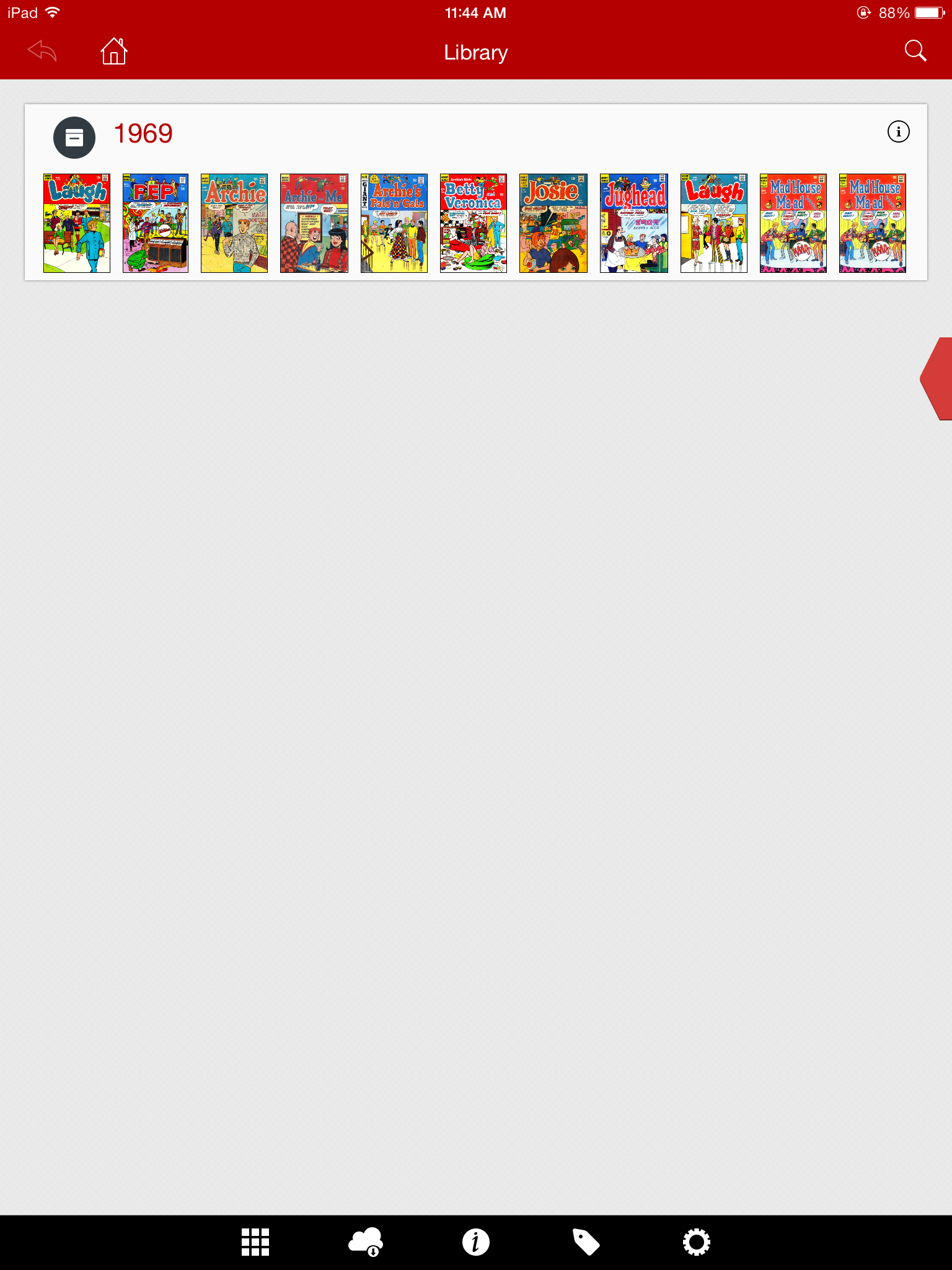
- The bookshelf view in Zeal is "neat" with the boxes, and ability to show bags, but Glass is ultimately more useful to me as it shows the full title.
So, Glass is still my go-to reader, but if I get a book that doesn't work in it, I'll try it in Zeal.