Okay. 🙂
I'm currently trying to get the driver to install and work with Ventura. When I succeed, I'll post an update.
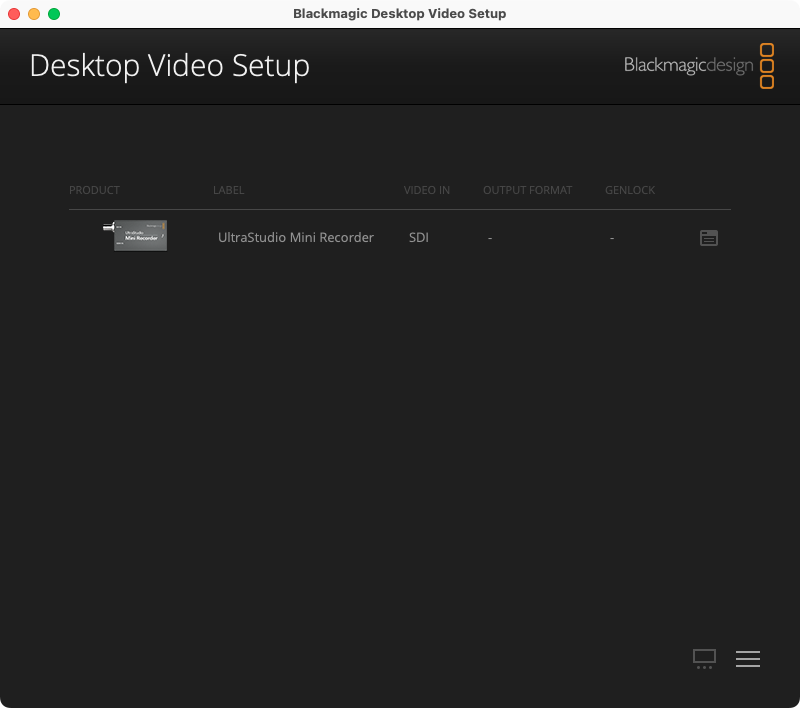
After browsing through the Blackmagic forum, I tried an earlier version of the software - which then updated the Mini Recorder's firmware and from there, it then sprang into life after a hot unplug and re-plug on my 13" 2012 MBP.
🙂
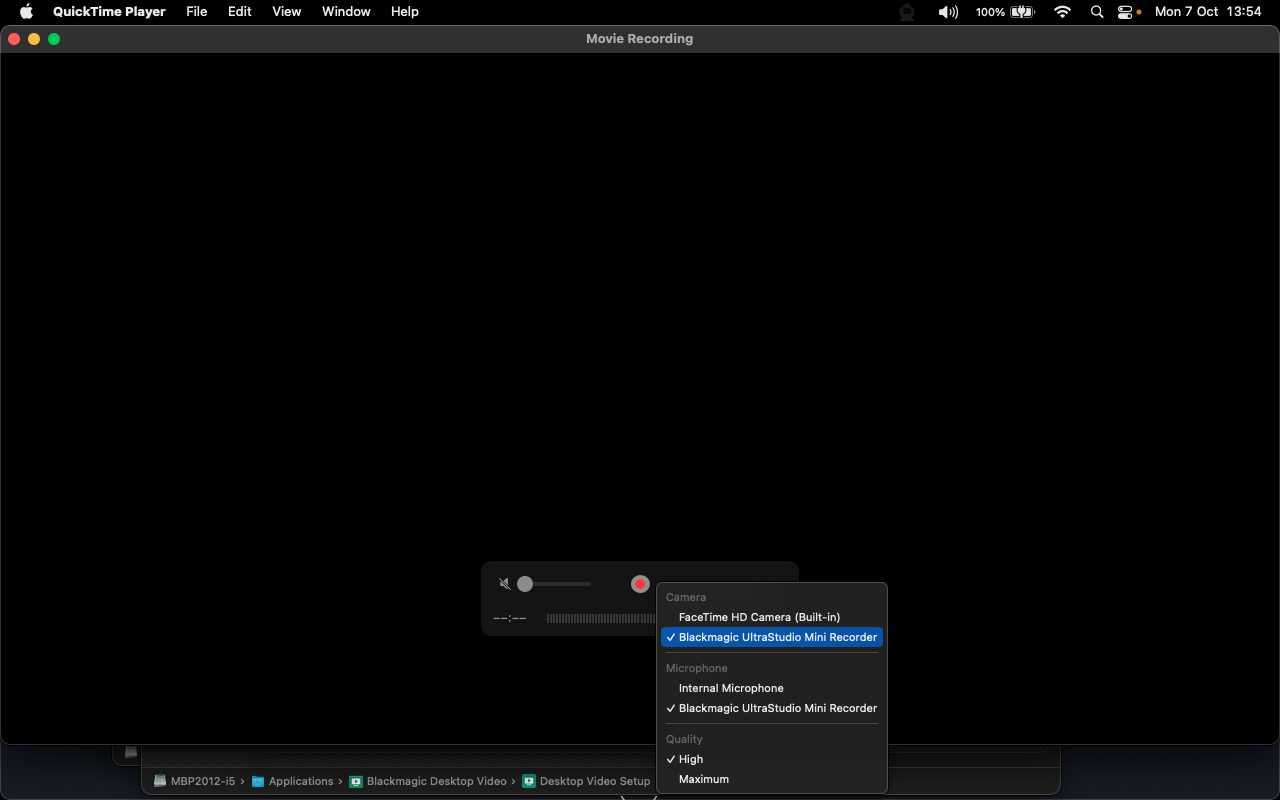
I switched from SDI to HDMI input so that the Mini Recorder to could capture the Trash Can's HDMI signal and opened QuickTime where I selected New Movie Recording.
With the driver installed, the Mini Recorder became available as an A/V device within macOS, which allowed me to select it in QT.
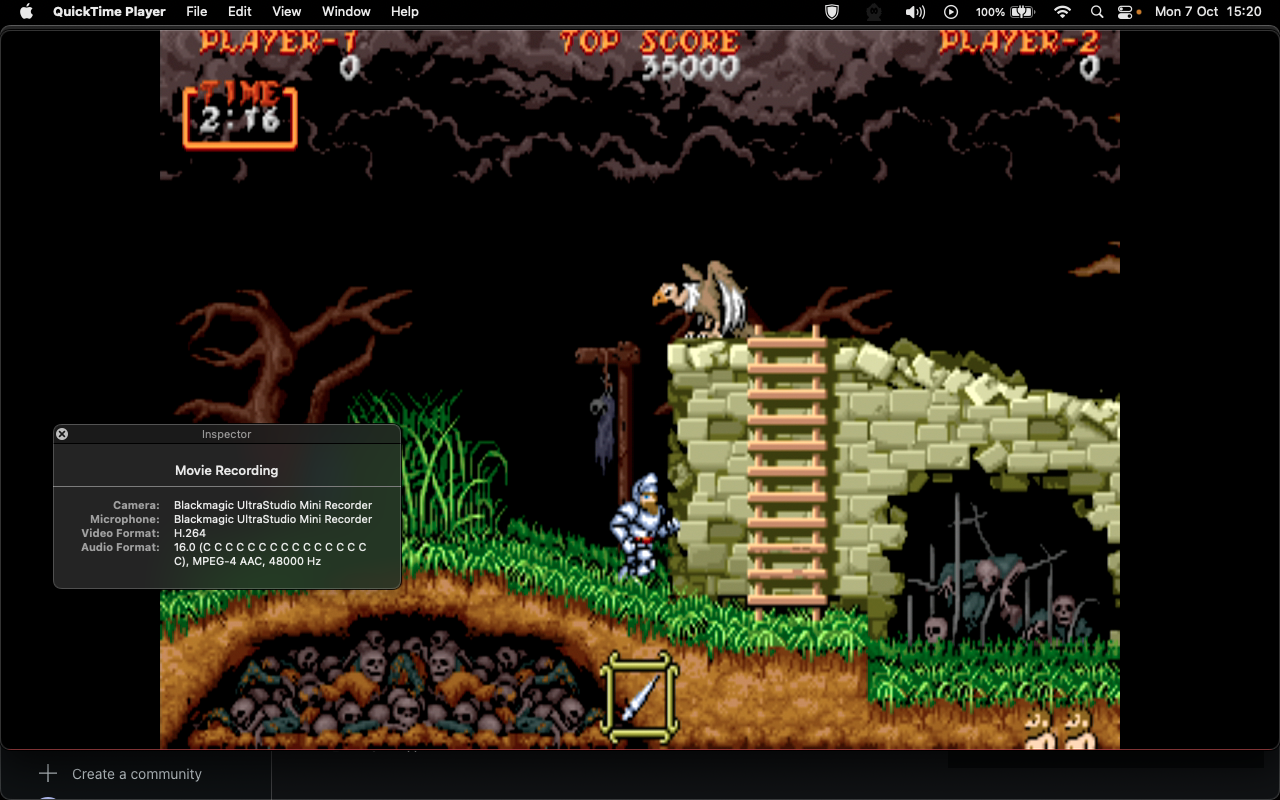
Voila! Behold the HDMI signal being captured from the Mac Pro.
😀
Well, the video signal anyway. The audio side didn't work, despite everything being correctly set up on both sides. In the past, I was able to capture the audio and video from my Xbox 360's HDMI so I don't understand what's going on. With a bit of fiddling, I'm sure I'll figure out what's wrong.
I’d be interested to hear what the performance/latency is like when displaying another system via the unit? Basically using it as an external monitor for another box. 🙂
The results vary from what I saw during short-term tests. At points it
seemed 1:1 and at other times there was a noticeable delay that was significant enough to sap my reaction times whilst gaming. It might be worth trying again using the bundled software and/or QuickTime in full-screen instead of windowed and to reverse the machines by capturing on the Mac Pro instead and seeing if the higher specced computer delivers better results.