

Running into issues trying to install Adobe Photoshop (and other creative cloud apps) on a freshly minted Mojave system (patched with dosdude).
I have all the CC19 offline installers as well as working installs on my El Cap volume.
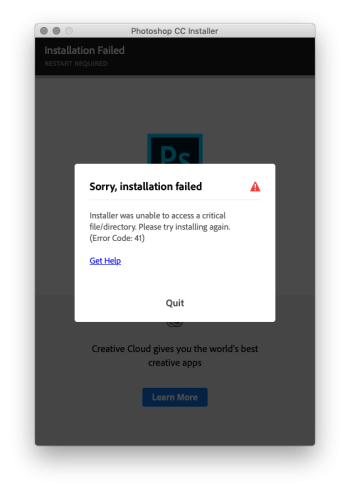
However when I try to install PS I get this error
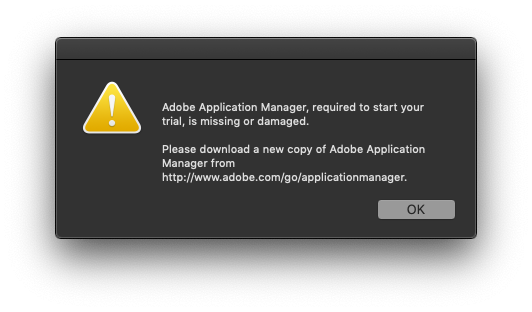
If I migrate the working install to Mojave I get this error
The link to download a copy just takes me to the Creative Cloud app downloader. doesnt fix a thing.
whats a guy to do? Is there no way to get CC apps working on Mojave now its no longer officially supported by either party?
I've asked this question over on the Adobe forums too, but I dont hold much hope for that. Some of the dumbest answers ever to basic questions I've received from that group. Atrocious.
I have all the CC19 offline installers as well as working installs on my El Cap volume.
However when I try to install PS I get this error
Code:
error code 41 : unable to access a critical file/directoryIf I migrate the working install to Mojave I get this error
Code:
Adobe Application Manager required is missing or damaged. Download a new copyThe link to download a copy just takes me to the Creative Cloud app downloader. doesnt fix a thing.
whats a guy to do? Is there no way to get CC apps working on Mojave now its no longer officially supported by either party?
I've asked this question over on the Adobe forums too, but I dont hold much hope for that. Some of the dumbest answers ever to basic questions I've received from that group. Atrocious.

