
Got a tip for us?
Let us know
Become a MacRumors Supporter for $50/year with no ads, ability to filter front page stories, and private forums.
Apple Maps Thread - iOS 15
- Thread starter MozMan68
- WikiPost WikiPost
- Start date
-
- Tags
- apple maps car play carplay maps
- Sort by reaction score
You are using an out of date browser. It may not display this or other websites correctly.
You should upgrade or use an alternative browser.
You should upgrade or use an alternative browser.
- Status
- The first post of this thread is a WikiPost and can be edited by anyone with the appropiate permissions. Your edits will be public.

gwhizkids
macrumors G5
That first screen shot looks like a high speed slide turn! Recommended in NYC!There are definitely issues with junction view on CarPlay. I think what’s happening is that the camera is moving into position, but the map isn’t zooming in like it’s supposed to. Because the map doesn’t zoom in, the extra details of the lane markings and trees and such don’t appear. I also wish we could adjust the “angle” of the 3D map view when driving without navigating.
As expected from my “landscape” phone tests, you can’t see lane details to begin with with driving on the highway, but 3D buildings are generally always visible now.
The camera seems to sway left and right a lot now, and it’s a bit distracting.
Here are some random photos from recently.
View attachment 1928626
View attachment 1928629
View attachment 1928628
View attachment 1928627
View attachment 1928630
View attachment 1928632
View attachment 1928631
View attachment 1928635
View attachment 1928633
View attachment 1928634
View attachment 1928638
View attachment 1928636
View attachment 1928637
View attachment 1928640
View attachment 1928641
View attachment 1928639
View attachment 1928642
View attachment 1928646
View attachment 1928643
View attachment 1928645
View attachment 1928644
View attachment 1928647
View attachment 1928648


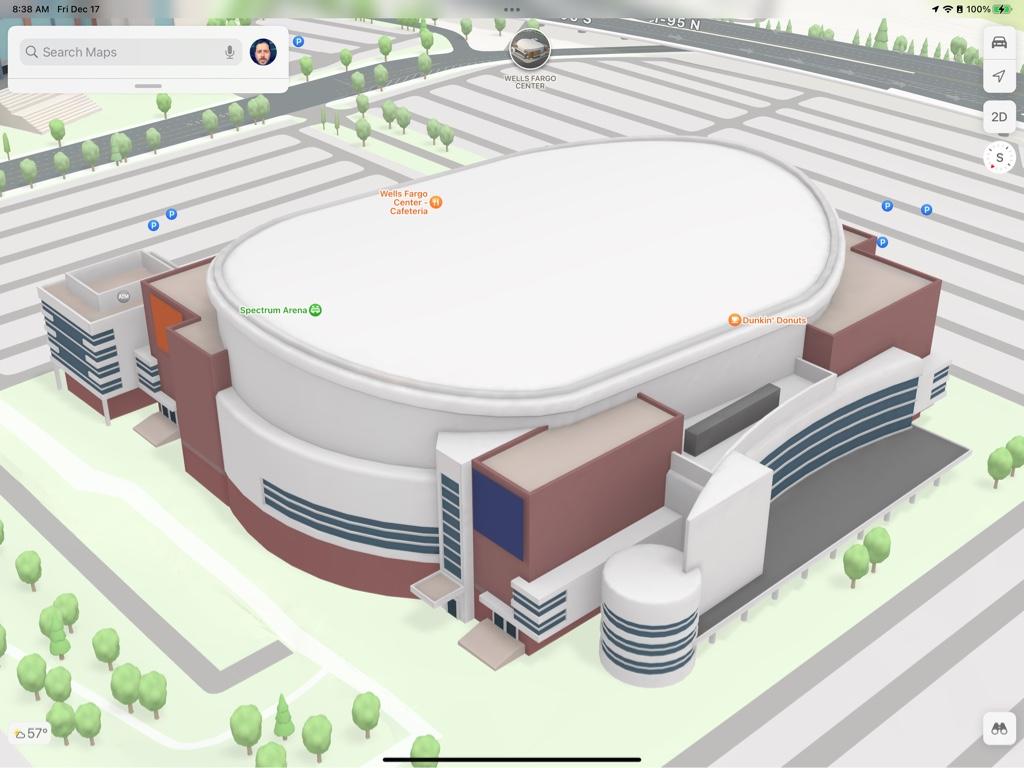
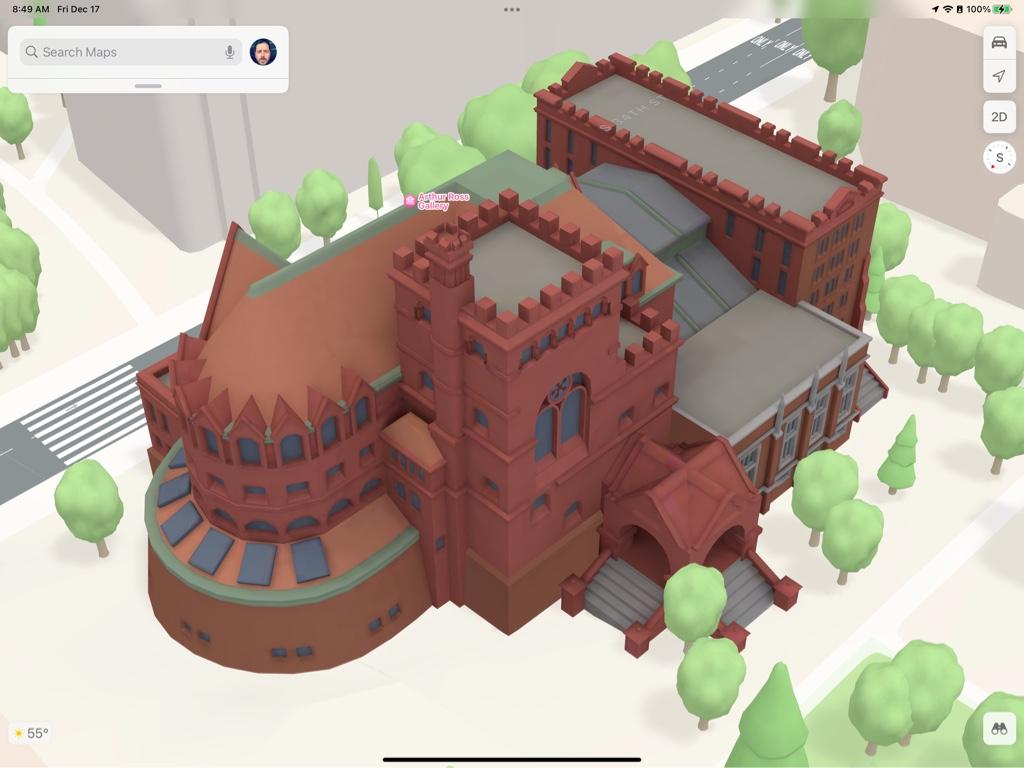
Philadelphia detailed city experience released.
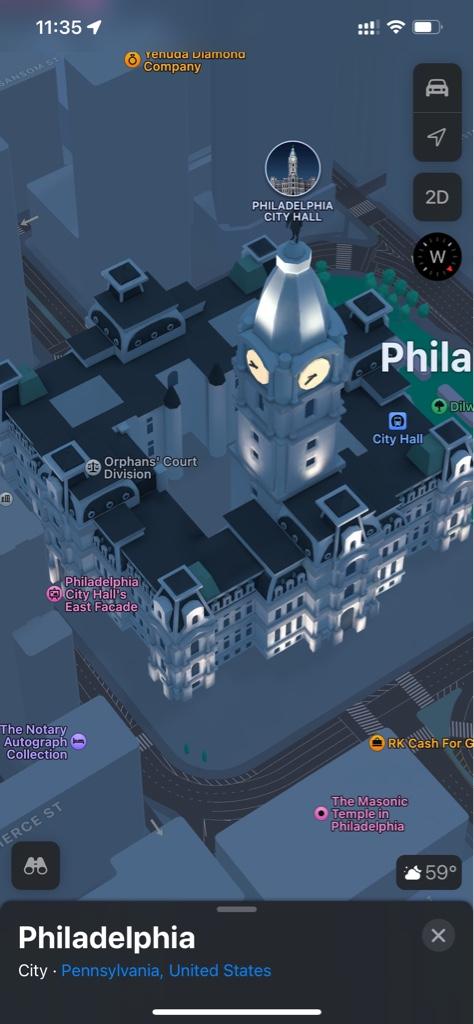
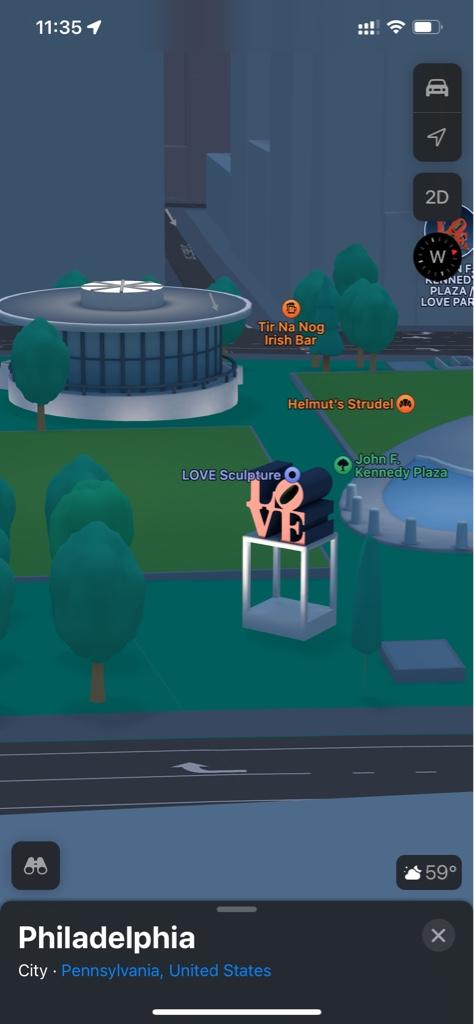
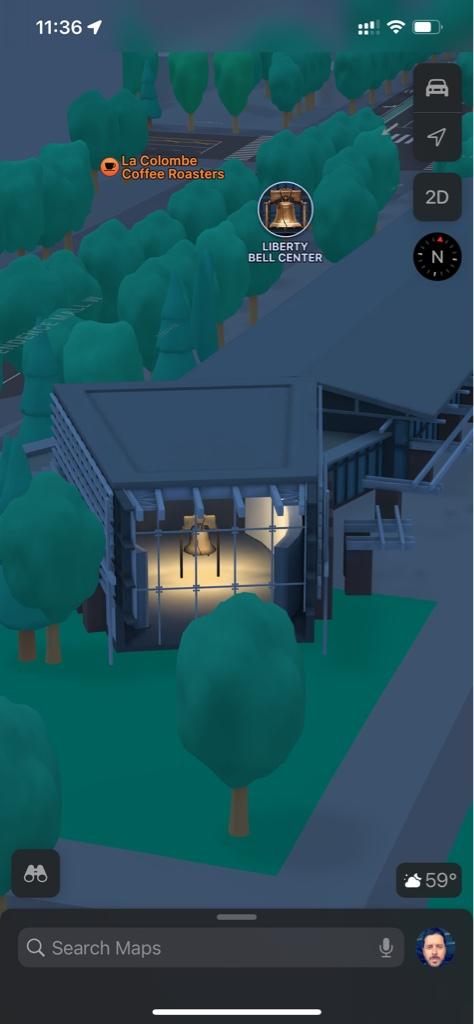
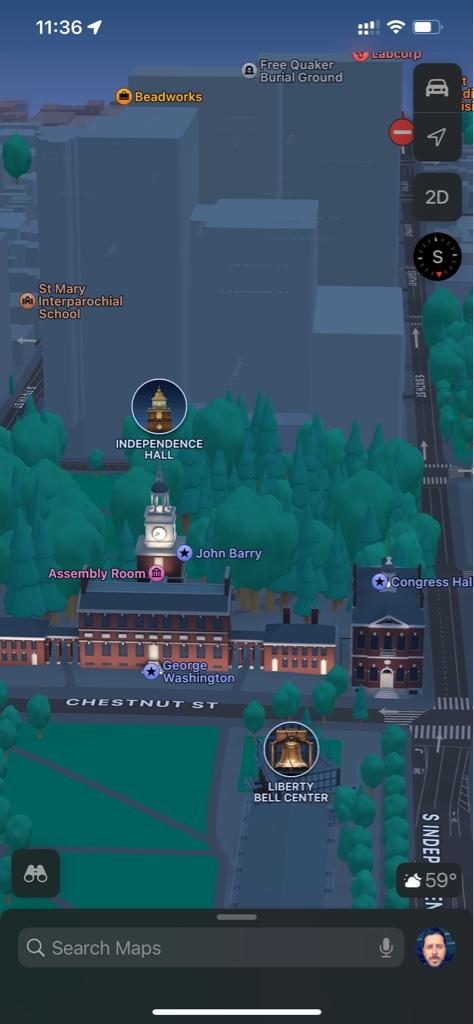
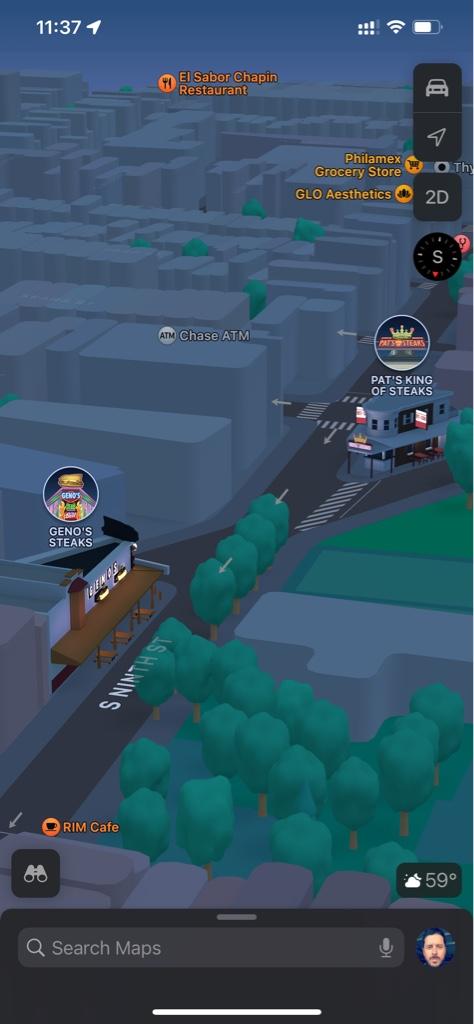
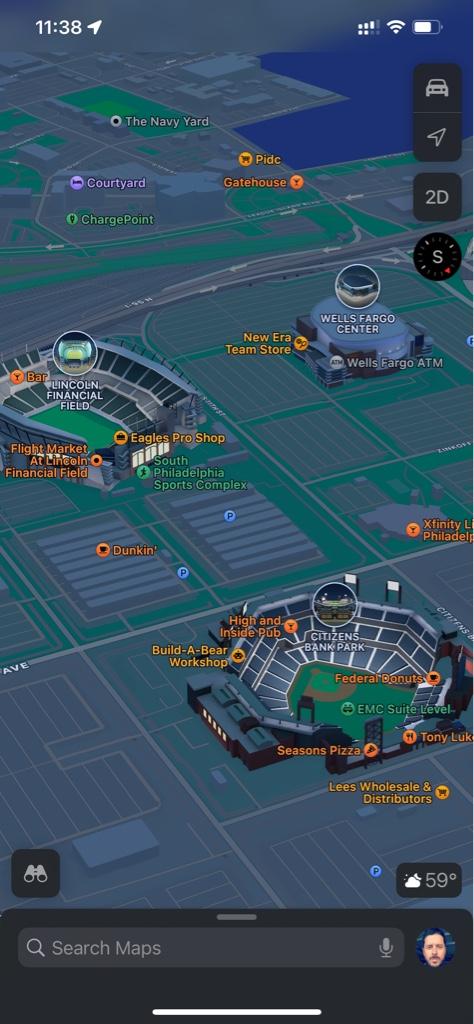
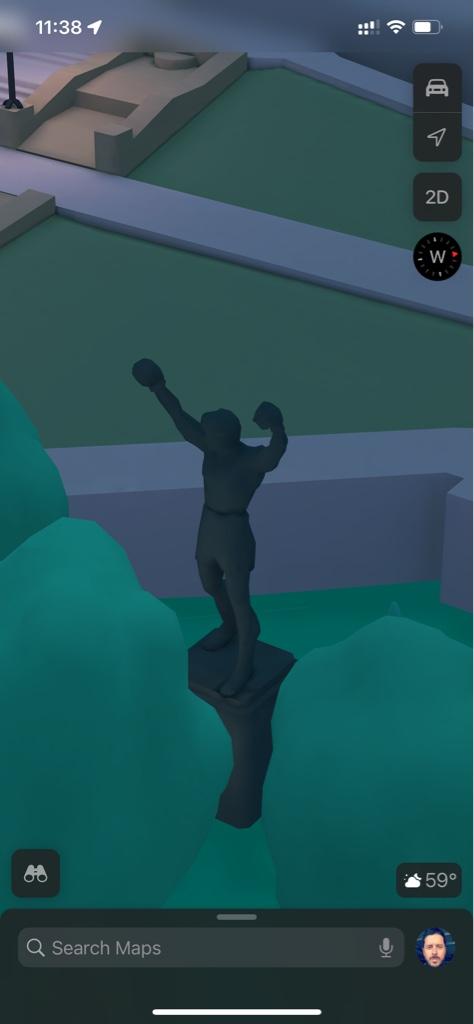
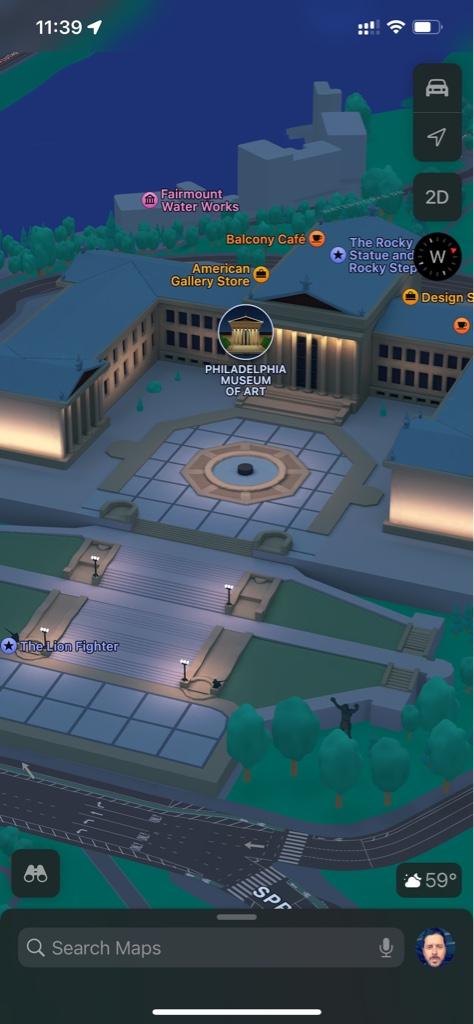

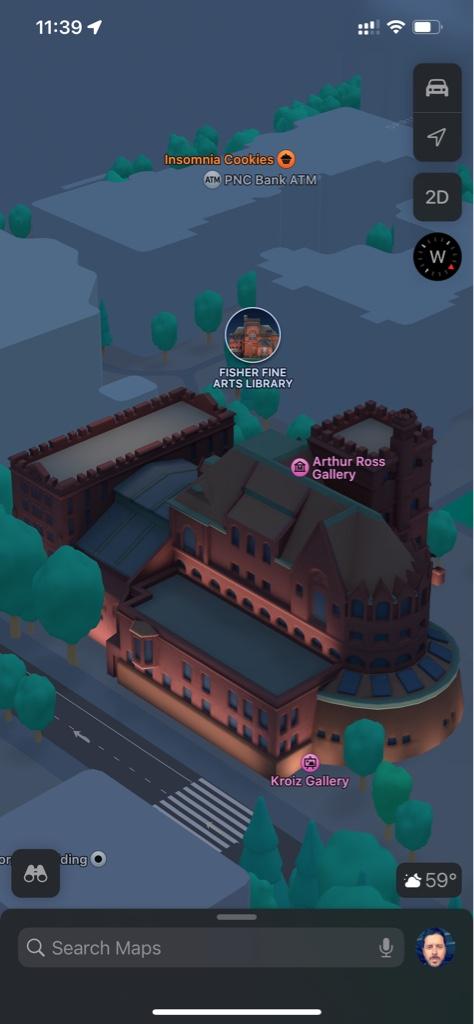
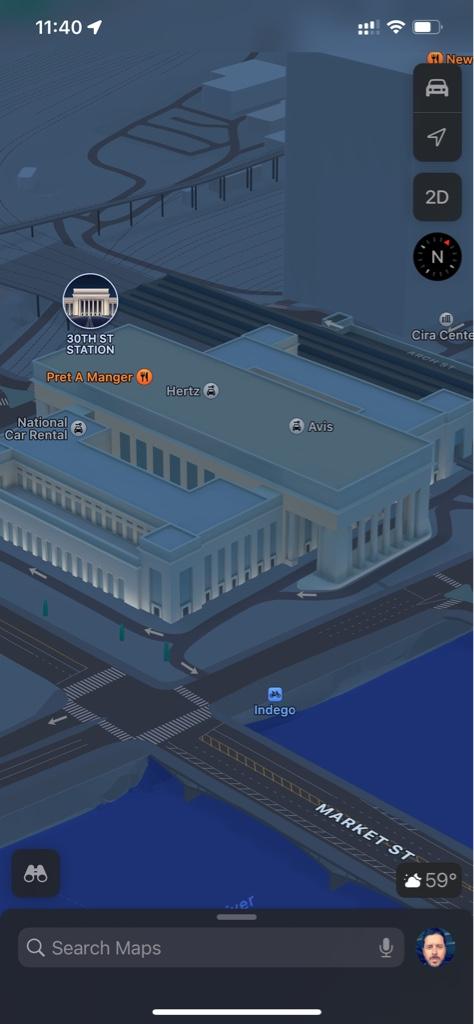
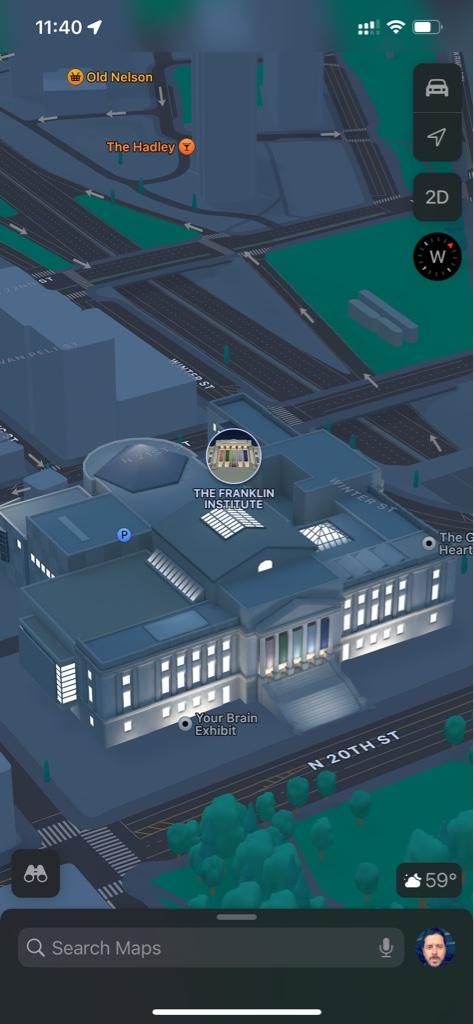
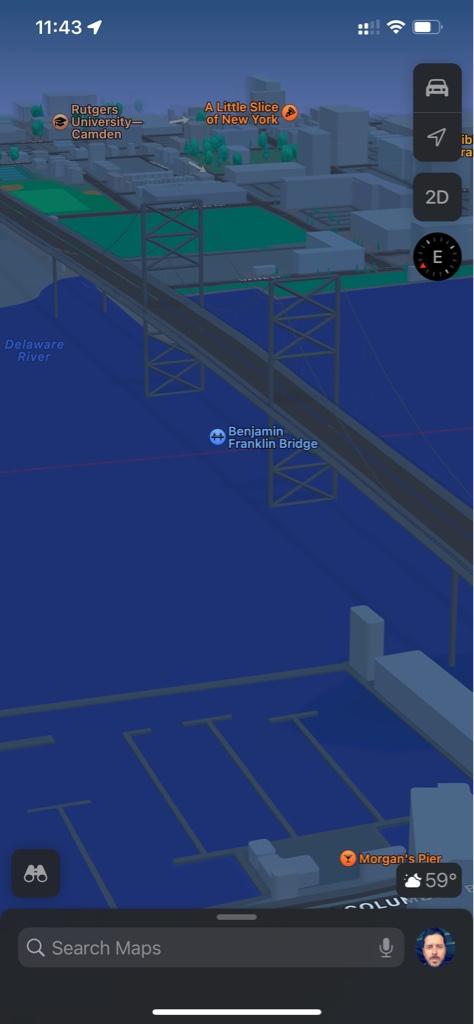
Some nice choices of "landmarks" there. Surprised they used the two famous cheesesteak eateries. Are these the first privately-owned businesses (aside from Apple) to appear as fully-rendered landmarks?
P.S. CarPlay *does* show building colors. They're just a bit harder to see at CarPlay's current default zoom levels while navigating, as the building colors slowly fade into the default gray as you zoom out.
EDIT - As with New York City and California before it, the City Experience details for Philadelphia extend outward to match the new boundaries of the Look Around area. So the City Experience detail now extends quite a bit into southern New Jersey.
P.S. CarPlay *does* show building colors. They're just a bit harder to see at CarPlay's current default zoom levels while navigating, as the building colors slowly fade into the default gray as you zoom out.
EDIT - As with New York City and California before it, the City Experience details for Philadelphia extend outward to match the new boundaries of the Look Around area. So the City Experience detail now extends quite a bit into southern New Jersey.
Last edited:
improvemaps
macrumors regular
The ability to report incidents has also expanded to Austria, Finland, Sweden and perhaps more countries as well.
Last edited:

They did Randy's Donuts in L.A. as well.Some nice choices of "landmarks" there. Surprised they used the two famous cheesesteak eateries. Are these the first privately-owned businesses (aside from Apple) to appear as fully-rendered landmarks?
P.S. CarPlay *does* show building colors. They're just a bit harder to see at CarPlay's current default zoom levels while navigating, as the building colors slowly fade into the default gray as you zoom out.
EDIT - As with New York City and California before it, the City Experience details for Philadelphia extend outward to match the new boundaries of the Look Around area. So the City Experience detail now extends quite a bit into southern New Jersey.
I threw the Ben Franklin Bridge in there to show that it WASN'T done...much at least...hoping that gets an update.
I really like the detail in the Liberty Bell and the Rocky Statue though.
IPad pics are so much better.
Surprised they didn’t include the Rodin “Thinker” statue outside the Rodin Museum. And like some other cities, a couple of POI’s get the detailed info icon, but not a detailed building. Maybe those are still coming or they are not worth rendering, but are still high interest POI’s.
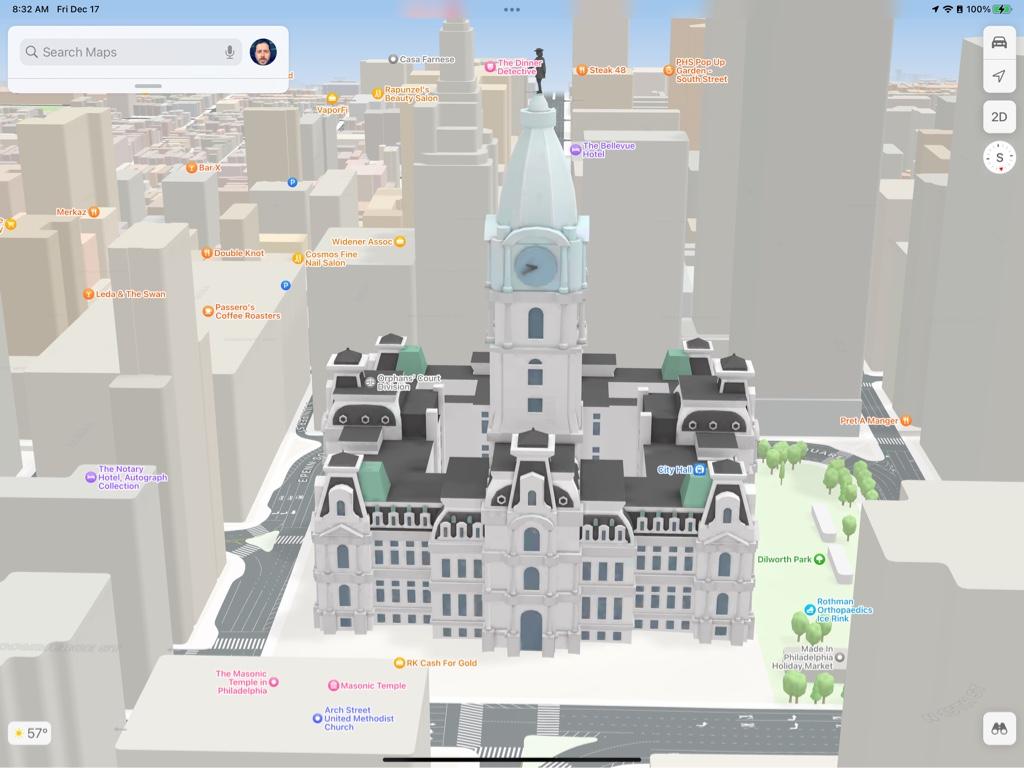
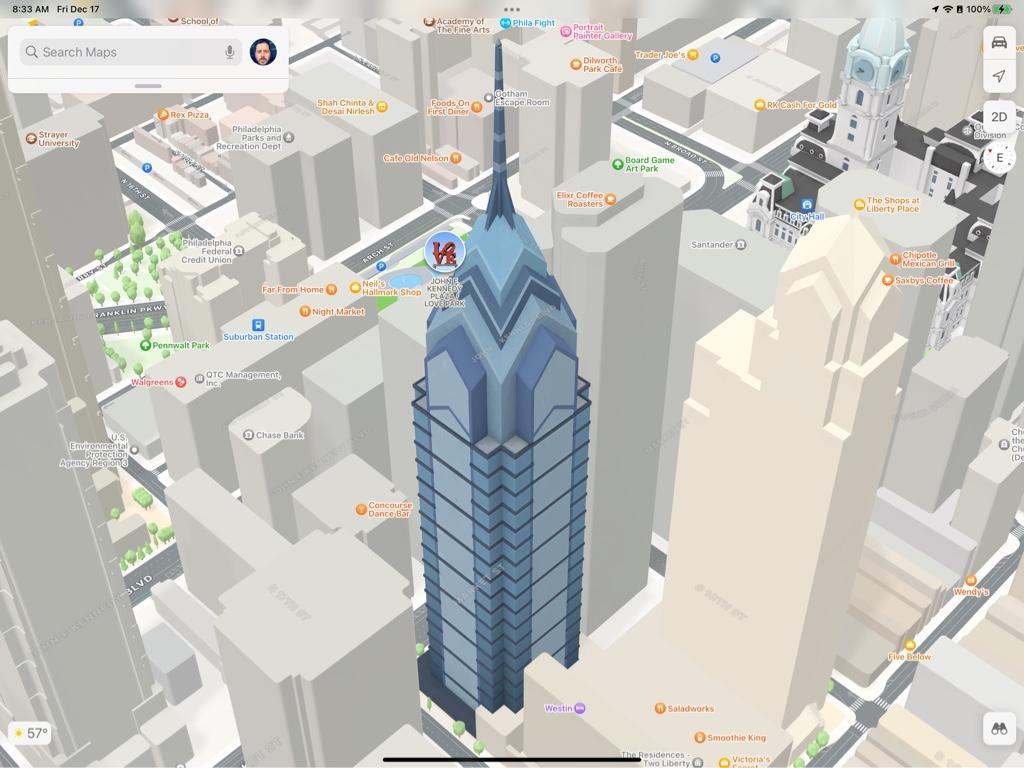
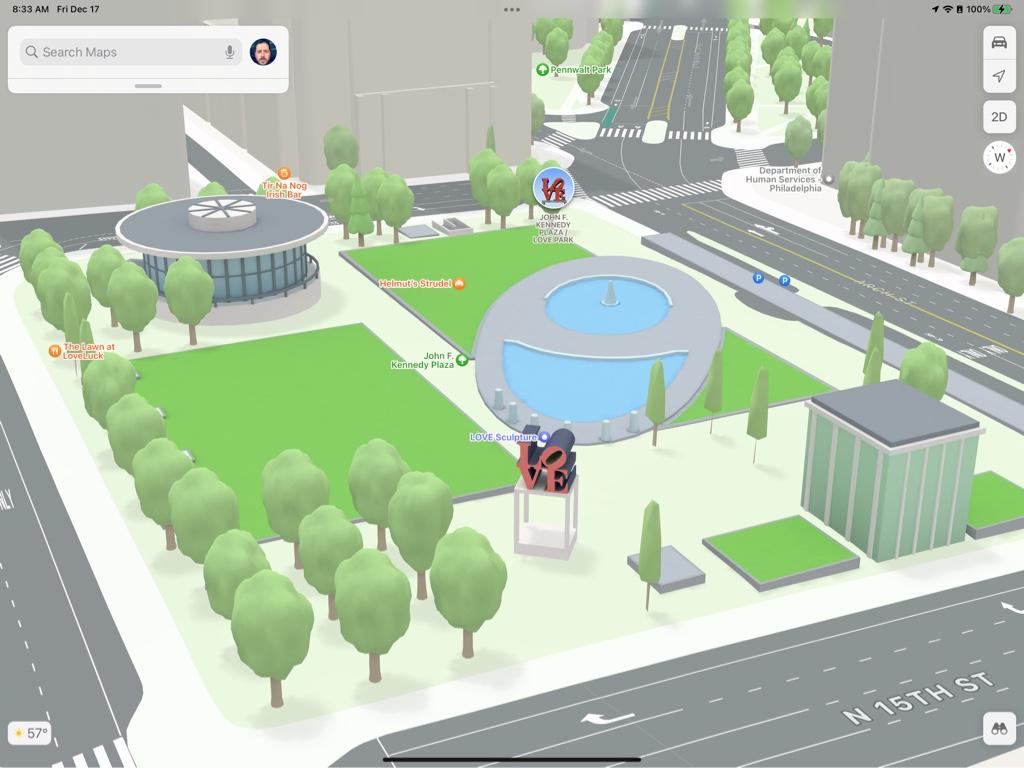
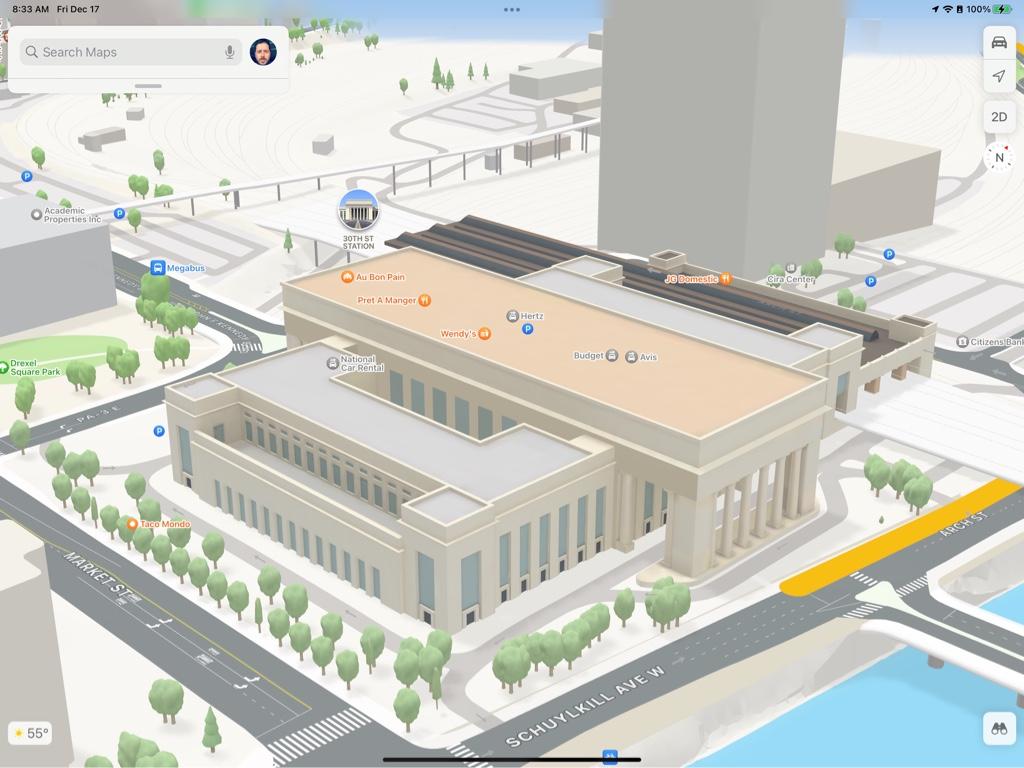
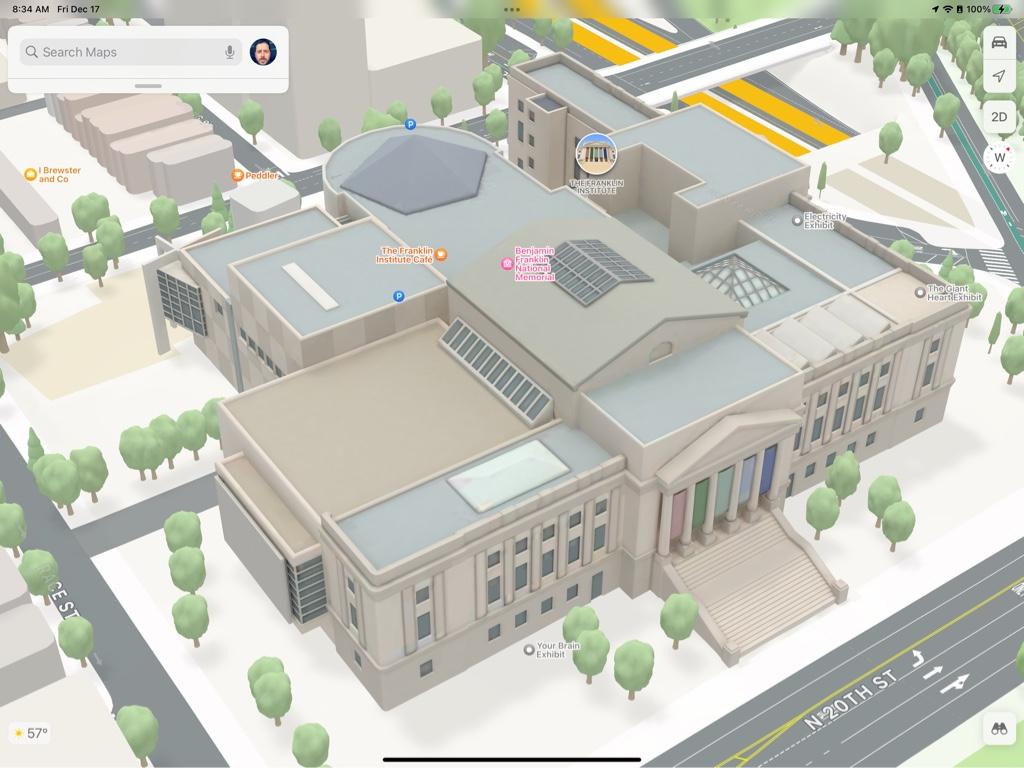
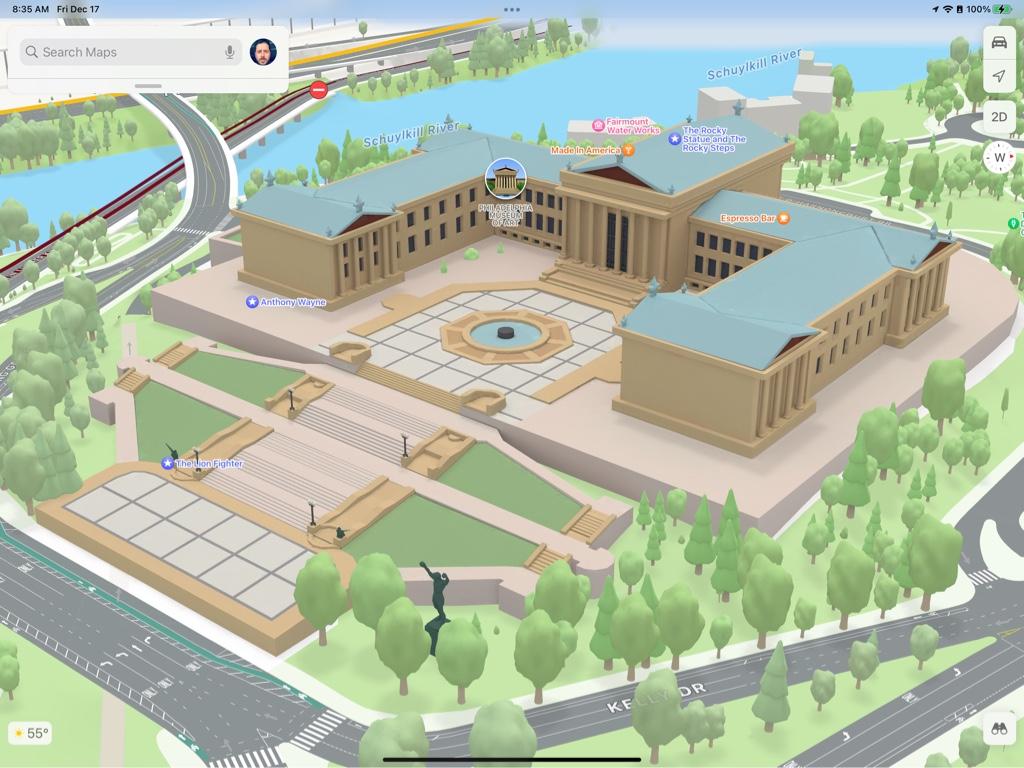
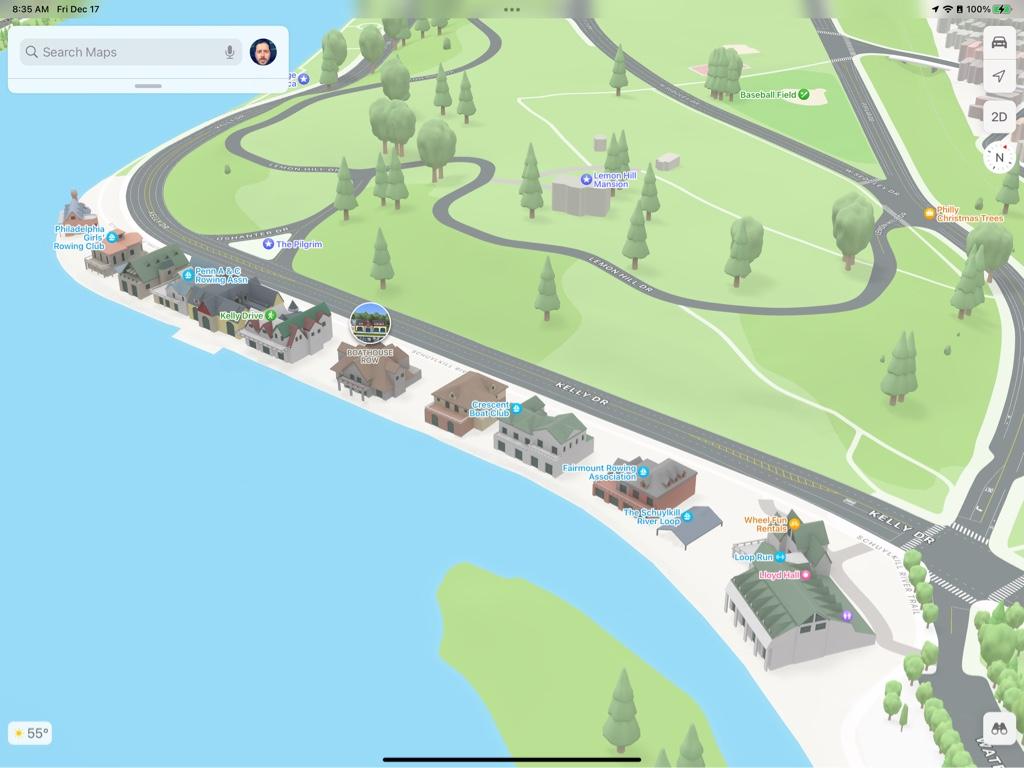
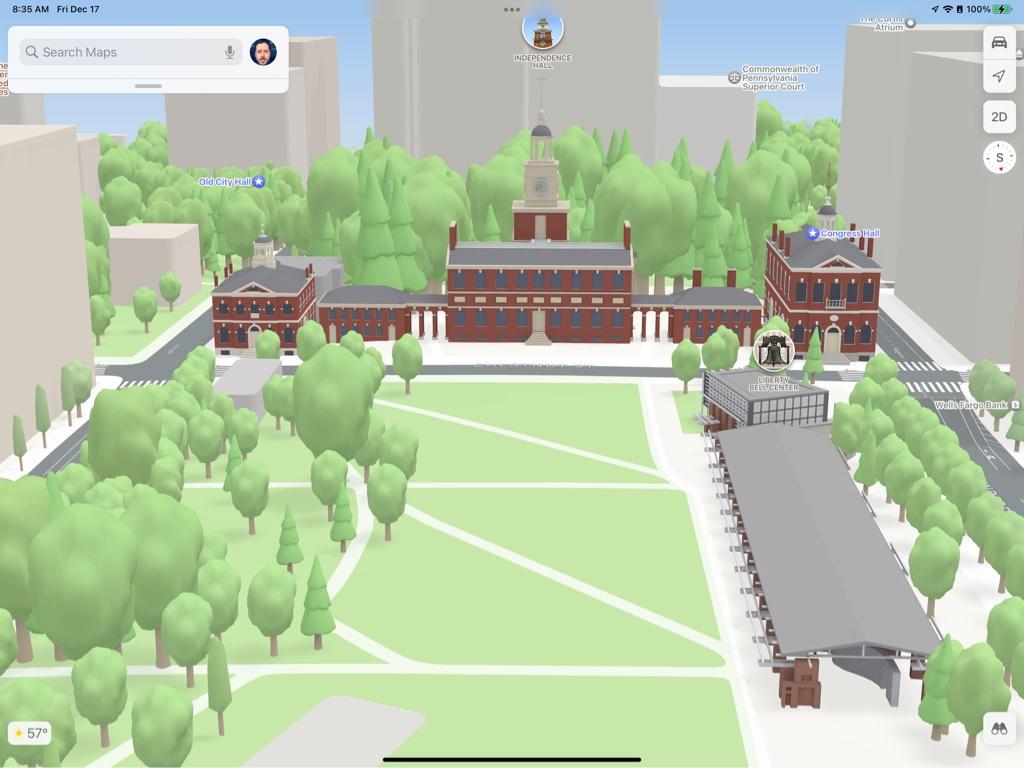
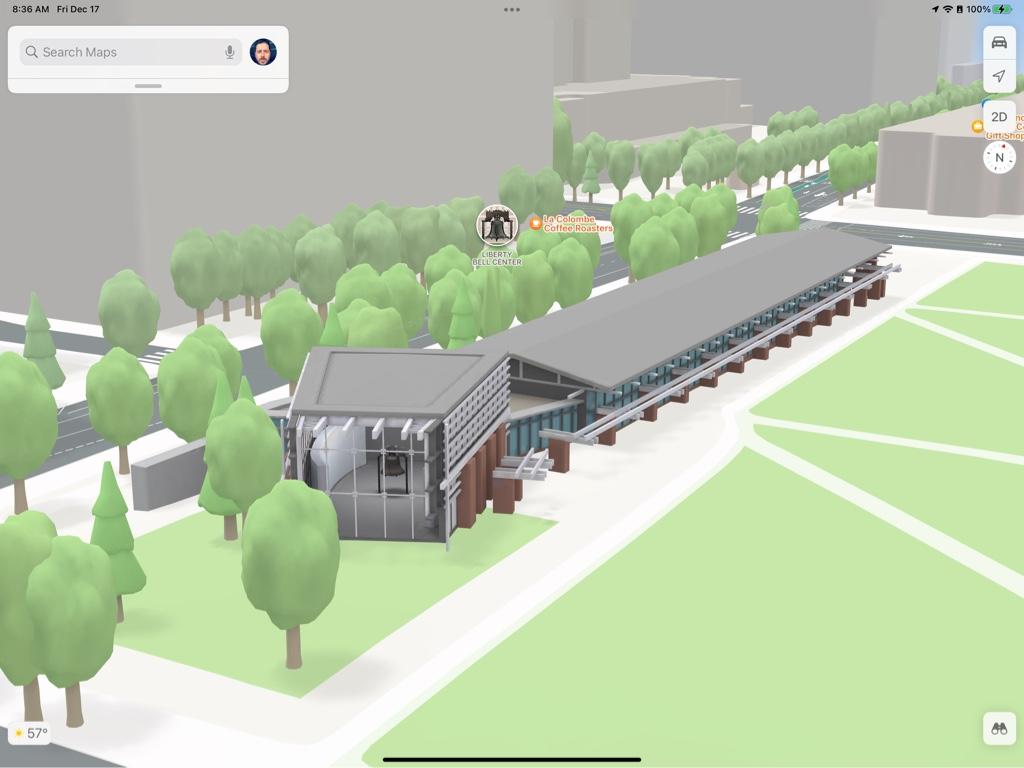
Surprised they didn’t include the Rodin “Thinker” statue outside the Rodin Museum. And like some other cities, a couple of POI’s get the detailed info icon, but not a detailed building. Maybe those are still coming or they are not worth rendering, but are still high interest POI’s.
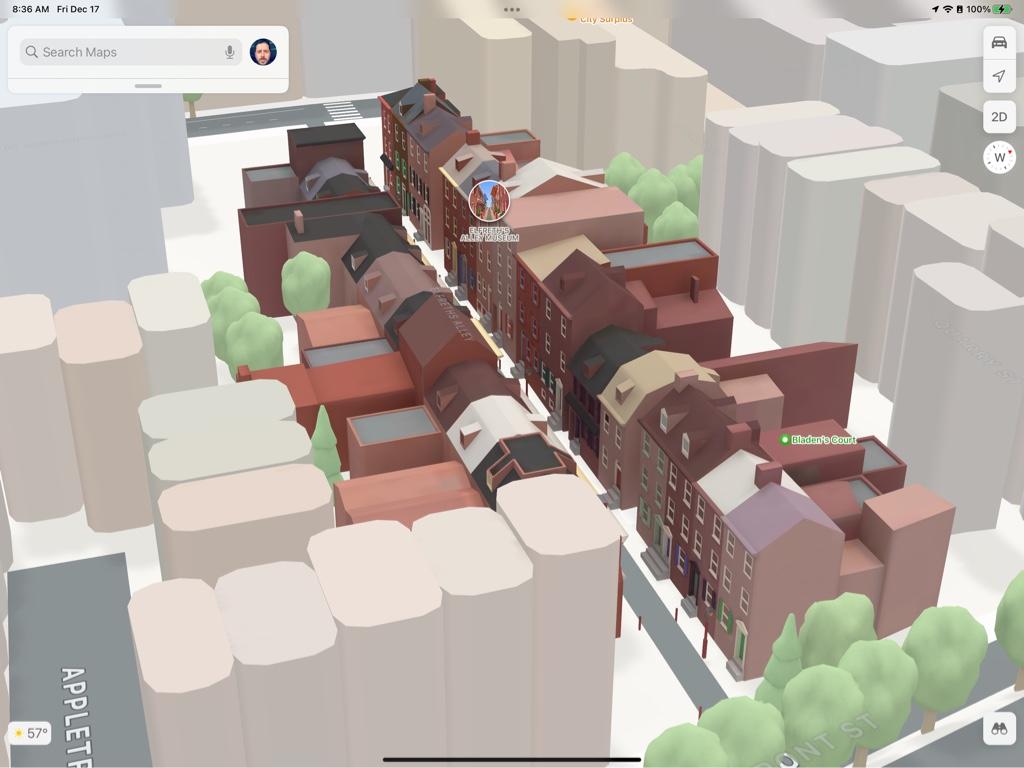

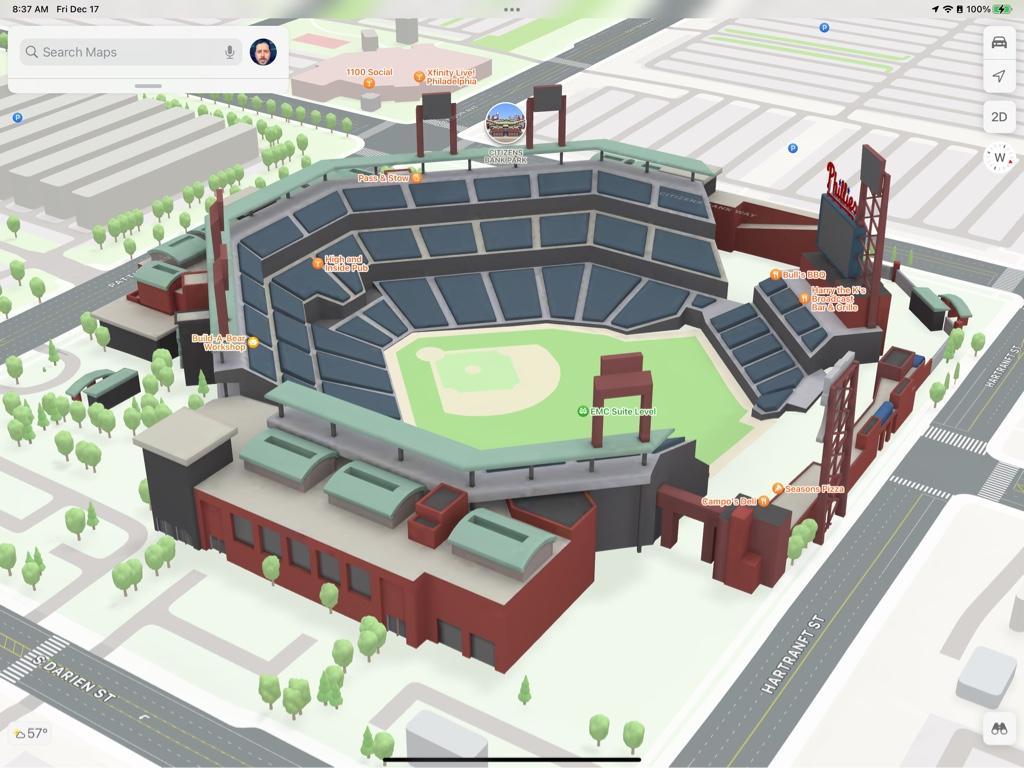
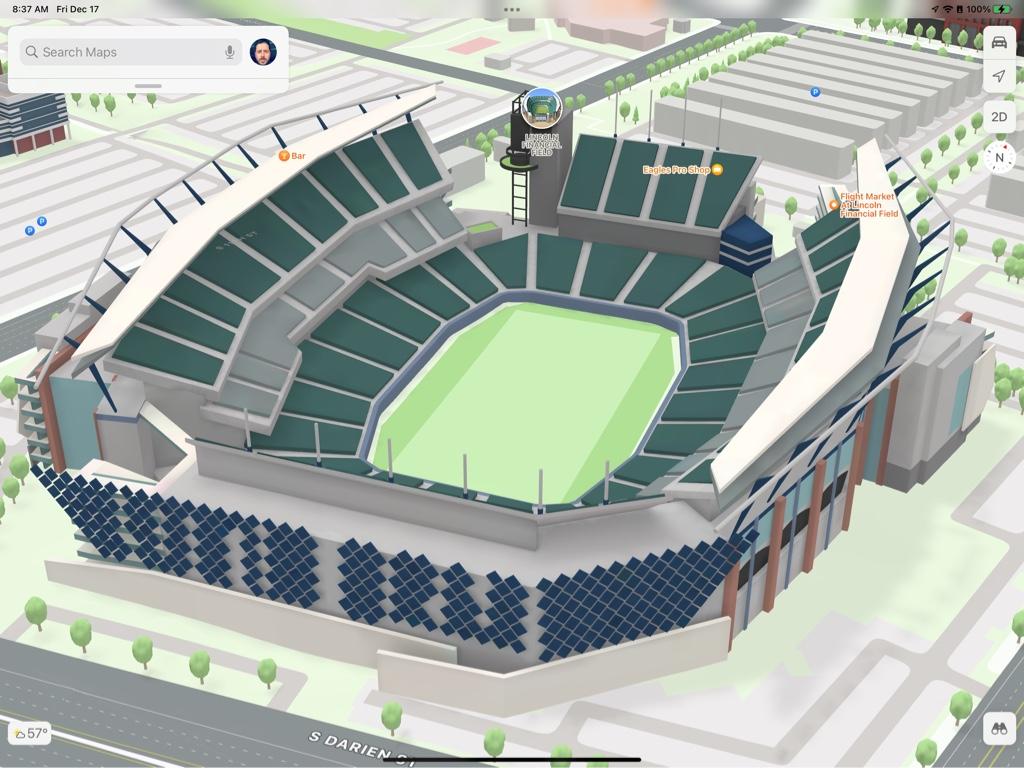
gwhizkids
macrumors G5
Yesterday was the first time I had Apple Maps give me a verbal notification of an accident up ahead and offer to reroute me.
Which probably says more about the lack of accidents/delays/traffic jams in Edmonton than anything else.
Lol. But no, I’ve never received that here in the NE US.
Lol. But no, I’ve never received that here in the NE US.
I’ve received that notification a couple of times in the past month, but I was “still on the fastest route”.
Planning on a nice long drive to Virginia right after Xmas and looking forward to seeing how it goes. Maps has been so good for me lately, it’s scary. Hah.
Ok, so here's what we've got:
Every country Apple said would have the new map by the end of this year: ✅
Every city Apple said would have the new City Experience by the end of this year: ✅
Apple released the new map in every country they said they would do by the end of the year...and, now that Philadelphia has been released...rolled out the City Experience to every city the said would do by the end of the year. We've gotten what we expected. Now all we can do is hope for some extra surprises! I don't want to sound "glass half-empty", but my hopes for a large scale US Look Around release are slipping a bit. I'd love to be proven wrong though.
The clock is ticking on 2021. Hopefully they surprise us with some things before the end of the year!
Every country Apple said would have the new map by the end of this year: ✅
Every city Apple said would have the new City Experience by the end of this year: ✅
Apple released the new map in every country they said they would do by the end of the year...and, now that Philadelphia has been released...rolled out the City Experience to every city the said would do by the end of the year. We've gotten what we expected. Now all we can do is hope for some extra surprises! I don't want to sound "glass half-empty", but my hopes for a large scale US Look Around release are slipping a bit. I'd love to be proven wrong though.
The clock is ticking on 2021. Hopefully they surprise us with some things before the end of the year!
I have confirmed tonight that the “tale of two camera scenarios” on CarPlay that began on iOS 15 has *not* been fixed. I was hoping the CarPlay update on iOS 15.2 would solve the issue, but it has not.
On the plus side, I was lucky enough to get the “good” camera scenario on my drive home from upstate, and can now happily confirm that in the GOOD CAMERA SCENARIO, the new map details and junction view all work as intended.
Now, if only I could get the “good camera” to appear more than once every 25 trips or so.


On the plus side, I was lucky enough to get the “good” camera scenario on my drive home from upstate, and can now happily confirm that in the GOOD CAMERA SCENARIO, the new map details and junction view all work as intended.
Now, if only I could get the “good camera” to appear more than once every 25 trips or so.

BeauGiles
macrumors regular
I ended up just emailing Maps support (the ~3 different email addresses) last week with the examples, links to the locations on maps, and our state government website explaining the stop signs.I’m sure this is happening because of the presence of the stop sign on the traffic signal pole. I would simply use the Maps reporting feature and submit the photo along with a short description that the stop sign is not the controlling feature here. Can’t believe they didn’t do this during processing.
No reply, but having driven today I can see the stop signs have been correctly swapped out with the traffic lights.
Hopefully it'll be a wider tweak and not limited to the three intersections I reported...
EDIT: After checking my screenshots, it was fixed in the last two days.
Last edited:
LOL…well, they’re not wrong.


Also, proof that colors are colorful.

Also, proof that colors are colorful.
CarPlay comparison from essentially the same spot. First shot is the “bad” camera which unfortunately loads for roughly 48 out of every 50 trips. The second shot is from the one time I got the “good” camera on CarPlay. Both pictures are from the public release of iOS 15.2.


Also, both of the shots have different versions of the label sizes. By default, Maps on CarPlay currently loads with the top version...oversized road label bubbles, with tiny POI icons and labels. The labels on the bottom photo will occasionally load in by themselves, but I can also generally force them to appear by plugging in my phone to the car, loading Maps in CarPlay, closing Maps, unplugging my phone, immediately plugging it back in, and reopening Maps.
That gives me the bottom photo labels, which has moderately smaller road label bubbles, but much larger POI labels. This version can also be seen regularly on the Maps screen of the CarPlay dashboard.
This same issue with the varying label sizes also happened when iOS 14 first came out, but was fixed by around the time iOS 14.4 or so was released. Seems the same issue has popped again with early iOS 15.
Also, both of the shots have different versions of the label sizes. By default, Maps on CarPlay currently loads with the top version...oversized road label bubbles, with tiny POI icons and labels. The labels on the bottom photo will occasionally load in by themselves, but I can also generally force them to appear by plugging in my phone to the car, loading Maps in CarPlay, closing Maps, unplugging my phone, immediately plugging it back in, and reopening Maps.
That gives me the bottom photo labels, which has moderately smaller road label bubbles, but much larger POI labels. This version can also be seen regularly on the Maps screen of the CarPlay dashboard.
This same issue with the varying label sizes also happened when iOS 14 first came out, but was fixed by around the time iOS 14.4 or so was released. Seems the same issue has popped again with early iOS 15.
Last edited:
So I'm trying to break Apple Maps to see if I can force Maps on CarPlay to use the "good" camera system (for lack of a better term). I noticed on a trip the other day that I was driving along with the "bad" camera. All of a sudden, CarPlay crashed to my car's infotainment screen, because I apparently lost my connection. When the connection came back and I re-entered CarPlay and Maps, I was now seeing the "good" camera.
This morning, I loaded a route to work, and got the "good" camera out of pure luck. Coming home, I got the "bad" camera, but with good POI label sizes. So I unplugged my phone and then plugged it in again (*after* loading a route). CarPlay didn't reconnect immediately, so I had to unlock my phone. When CarPlay reconnected, I was now in the "good" camera. But the POI labels had reverted to the "bad" label sizes (very tiny).
Also, for the entire drive home, I had a glitch where Maps was always displaying a "second" turn, but it was forever stuck on my first turn after starting navigation originally. (Turning right onto West Street.) That was odd.
I'm gonna take a drive out to get pizza in a little while and see what happens next!


This morning, I loaded a route to work, and got the "good" camera out of pure luck. Coming home, I got the "bad" camera, but with good POI label sizes. So I unplugged my phone and then plugged it in again (*after* loading a route). CarPlay didn't reconnect immediately, so I had to unlock my phone. When CarPlay reconnected, I was now in the "good" camera. But the POI labels had reverted to the "bad" label sizes (very tiny).
Also, for the entire drive home, I had a glitch where Maps was always displaying a "second" turn, but it was forever stuck on my first turn after starting navigation originally. (Turning right onto West Street.) That was odd.
I'm gonna take a drive out to get pizza in a little while and see what happens next!
Confirmed: I can break Apple Maps by loading a route (and getting the bad camera), unplugging my phone to force CarPlay to close, and plugging the phone back in after a few seconds. CarPlay reopens automatically to Maps, and the "good" camera loads in. I have been successful in doing this 100% of the time over the past two days. However, when doing this, I only get the "tiny" POI icons with the oversized road labels, which kinda stinks. Need Apple to fix this. lol
Huh...this is interesting. I just noticed on Apple Maps that an intersection in my neighborhood shows as having the word "STOP" written on both sides of the intersection. But that's not the case anymore. That stop sign was replaced with a traffic light nearly two years ago. But sure enough, the outdated satellite photo being used in Maps now, as well as the original April 2019 Look Around footage, both shows the old STOP configuration. But the updated 2021 Look Around shows the new traffic light.
So where exactly is Maps getting the City Experience road label/lane markings data from? From this one example, I would assume from the original pass-through of the Apple Maps vehicles in 2019. But there are many more examples of the City Experience map having road details that are only a few months old.
I just sent in for a correction.
So where exactly is Maps getting the City Experience road label/lane markings data from? From this one example, I would assume from the original pass-through of the Apple Maps vehicles in 2019. But there are many more examples of the City Experience map having road details that are only a few months old.
I just sent in for a correction.

DeepIn2U
macrumors G5
Really nice thank you for sharing !
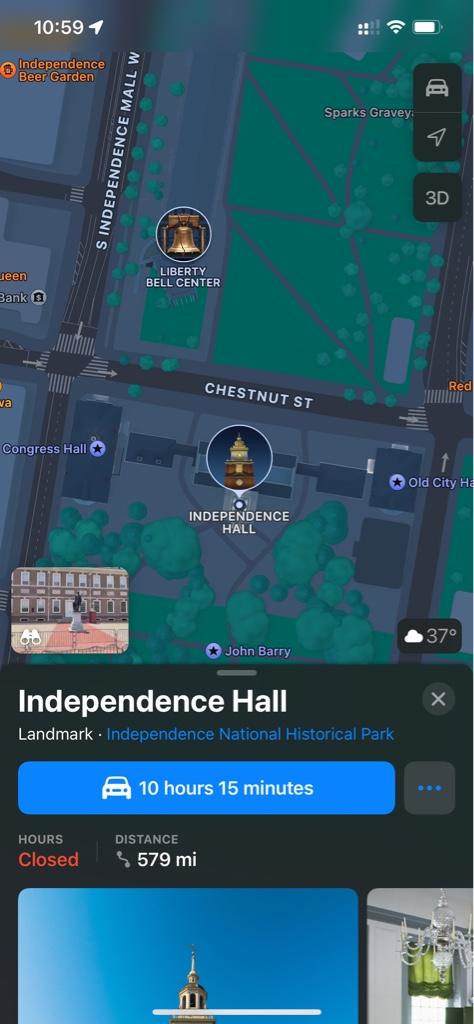
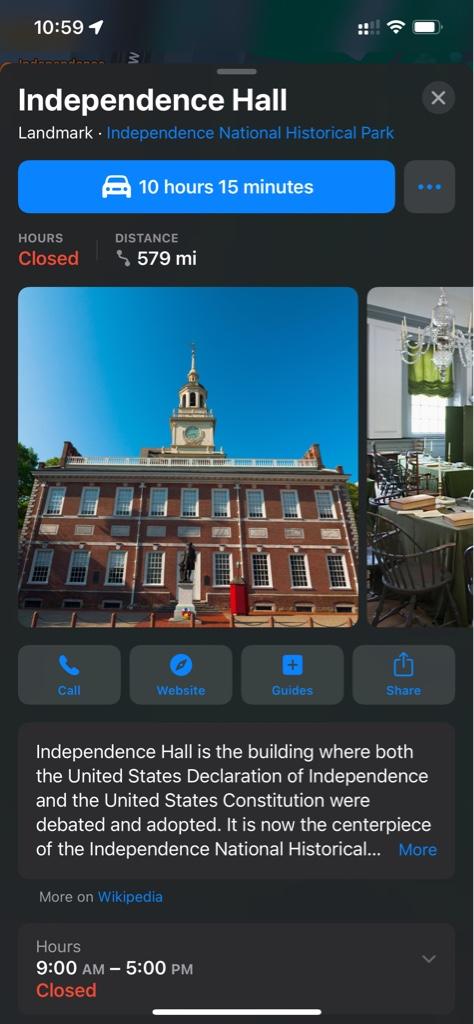
I'm curious ... what happens when you select the specialized buildings in Maps or when you select the bubbled highlighted specifics like that bell looking thing above Independence Hall in your first screenshot?
Thx
Really nice thank you for sharing !
I'm curious ... what happens when you select the specialized buildings in Maps or when you select the bubbled highlighted specifics like that bell looking thing above Independence Hall in your first screenshot?
Thx
Just the usual POI info card.
DeepIn2U
macrumors G5
Cheers.Just the usual POI info card.
Maybe in the future Apple will add something more for this.
After using the new apple maps in Australia I can see they've somehow managed to use old road data in a lot of it. One case where there was a roundabout that was removed about 12 months ago has reappeared, even though the latest street view data shows that there isn't a roundabout.
Also noticed a few roads have defaulted to their shield number even though thats not what we call them here. All reported though
Also noticed a few roads have defaulted to their shield number even though thats not what we call them here. All reported though