

Become a MacRumors Supporter for $50/year with no ads, ability to filter front page stories, and private forums.

MacRumors

macrumors bot
Original poster


Apple is planning to add "Undo" and "Redo" options to the iPhone's Home Screen customization menu on iOS 27, according to Bloomberg's Mark Gurman.
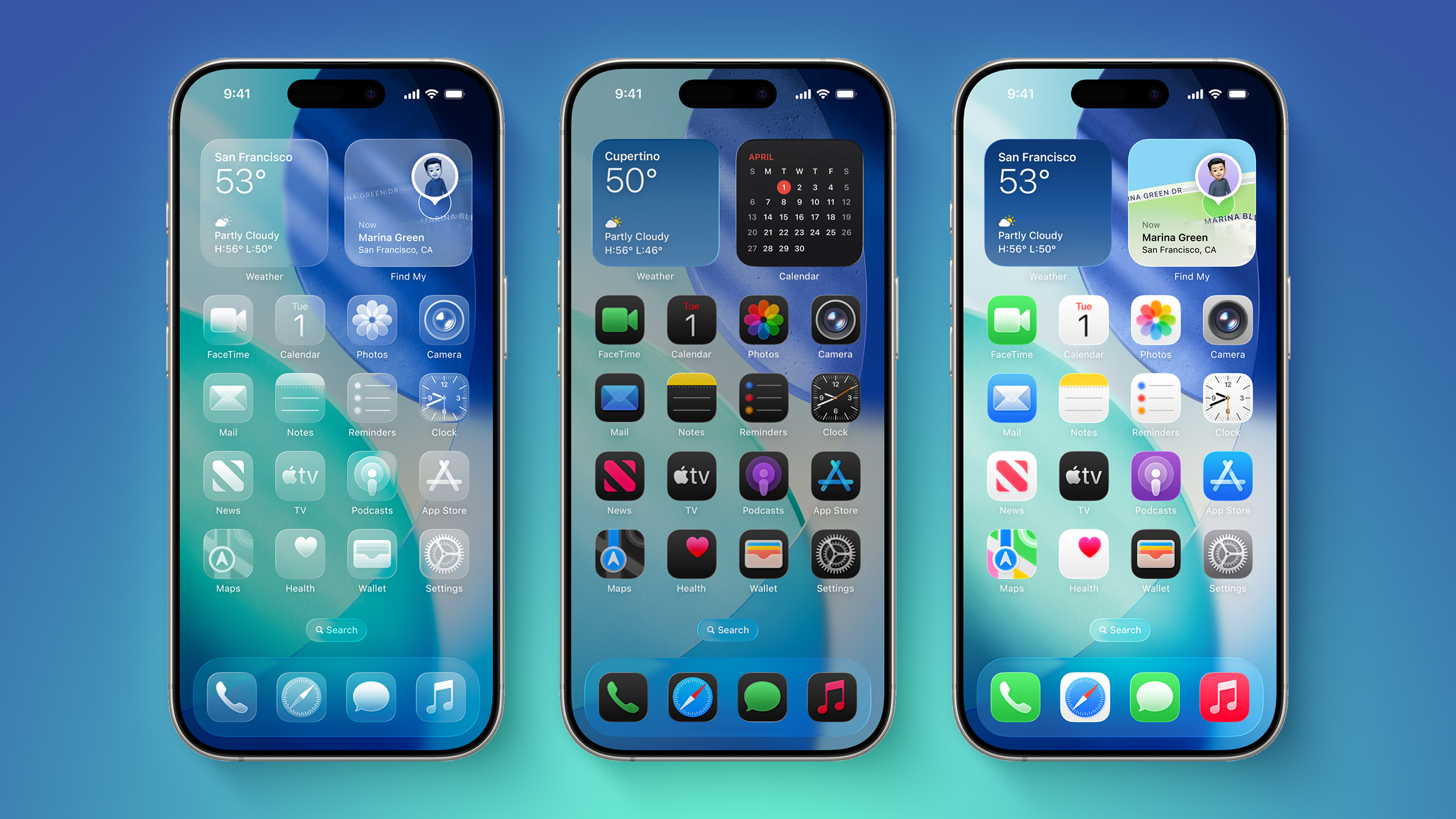
iOS-26-on-Three-iPhones.jpg

These two options will make it easier to reverse or redo your Home Screen changes.

"Right now, when you long-press on the home screen, you get a bubble in the top left corner with four options: Add Widget, Customize, Edit Wallpaper and Edit Pages," he explained, in his latest Power On newsletter. "Apple is looking at adding 'undo' and 'redo' buttons in that same menu to make reversing or redoing changes easier."

Other rumored iOS 27 features include a dedicated Siri app and Apple Intelligence advancements. The update has been likened to Mac OS X Snow Leopard, in the sense that Apple is apparently very focused on bug fixes and stability improvements.

iOS 27 beta testing will begin in June, and the update will be released in September.

Article Link: Apple Testing Two New iOS 27 Home Screen Customization Options
 
Last edited:
I was actually wanting this before when it came to tinting icons, as there's no way back to the prior tint if you moved onto a color you didn't prefer. Low hanging fruit maybe, but simple QoL improvement. I'll take it. Somehow I'll type on this forum without it being a complaint. Go me.
 
Can they make esim hot swap between iPhone and android and vice versa more effortless to allow for daily hot swapping like we could with physical sim cards and which esims were supposed to allow


Could they also address the issue that some folks may not just have a default setup. Some folks may have a default *and* an alt. Something like private space and or aosp multiuser or both, would work. This would allow logging into a completely separate user space while still being able to access the default space and have them be on separate partitions which private space / secure folder allows.
 
Last edited:
  • Like
Reactions: gusmula
Would be useful to be able to ‘save a backup’ of every app position in the ‘homescreens’.

Like a game save file.

Older people tend to mess the icons by accidentally touching the screen, so a quick revert to a backup would be a nice feature to have.
 
What would be awesome is if they add a "systemwide undo / redo" feature-- so whatever you just did, whether it's installing an app, uninstalling an app, deleting a note, adjusting the volume; you could undo it. They could present an undo / redo clipboard that could appear whenever you need it. I'm not a developer so I don't know if this is possible, but it would be truly awesome.
 
  • Like
Reactions: Mr Todhunter
It wouldn’t need an undo/redo if things stayed where you put them. Still can’t delete an icon or widget and have things just stay put.
This. I had a photo of my daughter as a wallpaper and made a gap to see her face. Anytime I downloaded an up or moved one to the Home Screen it would jump to that space. Deleting or moving it all apps below would shuffle up. Drove me insane.
 
It wouldn’t need an undo/redo if things stayed where you put them. Still can’t delete an icon or widget and have things just stay put.

Exactly. I had hope when they said you can put icons anywhere that it might finally work properly. But no. Yet another half measure patch over a bad idea.
 
  • Like
Reactions: gusmula
This. I had a photo of my daughter as a wallpaper and made a gap to see her face. Anytime I downloaded an up or moved one to the Home Screen it would jump to that space. Deleting or moving it all apps below would shuffle up. Drove me insane.
You know you can turn that off…. You don’t have to have them install to homepage.
 
Register on MacRumors! This sidebar will go away, and you'll see fewer ads.