Become a MacRumors Supporter for $50/year with no ads, ability to filter front page stories, and private forums.
Would be useful to be able to ‘save a backup’ of every app position in the ‘homescreens’.

Like a game save file.

Older people tend to mess the icons by accidentally touching the screen, so a quick revert to a backup would be a nice feature to have.
Just make a page for it, an exact copy, and hide it. If something happens, you still have it. Just long press and make it visible. Viola.
 
  • Like
Reactions: emulajavi
Can they make esim hot swap between iPhone and android and vice versa more effortless to allow for daily hot swapping like we could with physical sim cards and which esims were supposed to allow


Could they also address the issue that some folks may not just have a default setup. Some folks may have a default *and* an alt. Something like private space and or aosp multiuser or both, would work. This would allow logging into a completely separate user space while still being able to access the default space and have them be on separate partitions which private space / secure folder allows.
I could see this getting weird with cell service, sim, IMEI…
 
The touch target for the edit button is so small, harder to press, in contrast to how easy jiggle mode is invoked. Widget grid sucks, empty space for spotlight (especially with that button disabled) can easily fit another row of apps. Should be able to drop app titles without bigger icons. App library is all around terrible, I’d want a redesign there before my other springboard complaints.
 
  • Like
Reactions: adrianlondon
So innovative.

Why can’t we get a theme store? Apple wants money… like wtf this is so simple. Theme store, Apple approves, people buy, phones have nicer icons.

Instead we’re forcing ads everywhere.
I’m so shocked they in their greed they haven’t implanted the ability to gift Apple TV and movies through the share icon in the Apple TV app.

Or add multiple banks to make Apple Cash more useable. You think they’d start their if they wanted more 💸💸💸

But no. Ads.
 
This. I had a photo of my daughter as a wallpaper and made a gap to see her face. Anytime I downloaded an up or moved one to the Home Screen it would jump to that space. Deleting or moving it all apps below would shuffle up. Drove me insane.
At least you didn’t have to walk.
 
Why haven’t they added a program to macOS to allow us to create the home screens there and then transfer them to the devices? I want to try out different things but hate doing it on my iOS device.
 
  • Like
Reactions: TVreporter
This will be great considering how much iOS fights with you when you want to rearrange your home screen.
 
The wallpaper changing, app deletion, and springboard editing have been way too convoluted for years.

Steve Jobs demonstrated deleting an app with a long press and then a single tap. Now it's four sometimes, five actions consisting of multiple modals. We've seen the death of simplicity.
 
  • Like
Reactions: klasma and artifex
I would love the option to have the ability to sort apps on the home pages by frequency of use.

This would result in apps rising to the top on say, a weekly basis. Then you could lock in your preferred pages until another assessment would be done. This would limit the amount of relearning someone would need if their icons moved frequently.

The end state being:
Must Have Apps - Page 1 and maybe Page 2​
Should Have Apps - Page 3 and Page 4​
Could Have Apps - Page 5 and Page 6​
Should Offload Apps - Page 7 onwards​
(Yes, there might not be so many pages for any particular person but rather the example being that each subsequent page is a less frequently used app)

The result would be:
Current state - swiping left and right all the time to get to Alphabetical ordered apps or Personal setup screens, versus
Future state - presented with your most used apps up front that are most likely to satisfy your requirements most of the time (i.el Pareto Law)

 
I would love the option to have the ability to sort apps on the home pages by frequency of use.

This would result in apps rising to the top on say, a weekly basis. Then you could lock in your preferred pages until another assessment would be done. This would limit the amount of relearning someone would need if their icons moved frequently.

The end state being:
Must Have Apps - Page 1 and maybe Page 2​
Should Have Apps - Page 3 and Page 4​
Could Have Apps - Page 5 and Page 6​
Should Offload Apps - Page 7 onwards​
(Yes, there might not be so many pages for any particular person but rather the example being that each subsequent page is a less frequently used app)

The result would be:
Current state - swiping left and right all the time to get to Alphabetical ordered apps or Personal setup screens, versus
Future state - presented with your most used apps up front that are most likely to satisfy your requirements most of the time (i.el Pareto Law)
What you've described will almost certainly be implemented "with AI" and added as an option with the ✨ emoji next to its name.
 
  • Like
Reactions: Eddie Beeps
One of the biggest reasons I used to jailbreak every iPhone was the homescreen customizations. Over a decade later it's baffling they still won't allow you to resize icons and have more than 4 icons per row on the grid. Absolutely ridiculous.

Having 4-5 icons per row in smaller sizes greatly increased the usability/productivity/convenience of the large screens when jailbreak was available.
 
  • Like
Reactions: gusmula
How about showing more apps when you open a folder because there is so much wasted space above and below. Instead of nine icons, they could easily show fifteen and still have space.

Also, it is time that the annoying carousel app switcher was redesigned. Again, so much wasted space. I’d like it to be like the iPad, showing me a grid of apps that I can quickly switch to instead of just three massive overlapping app windows with the carousel, you could easily fit nine large screens on a modem iPhone. It was fine with smaller screens; huge waste of space now.
 
  • Like
Reactions: gusmula


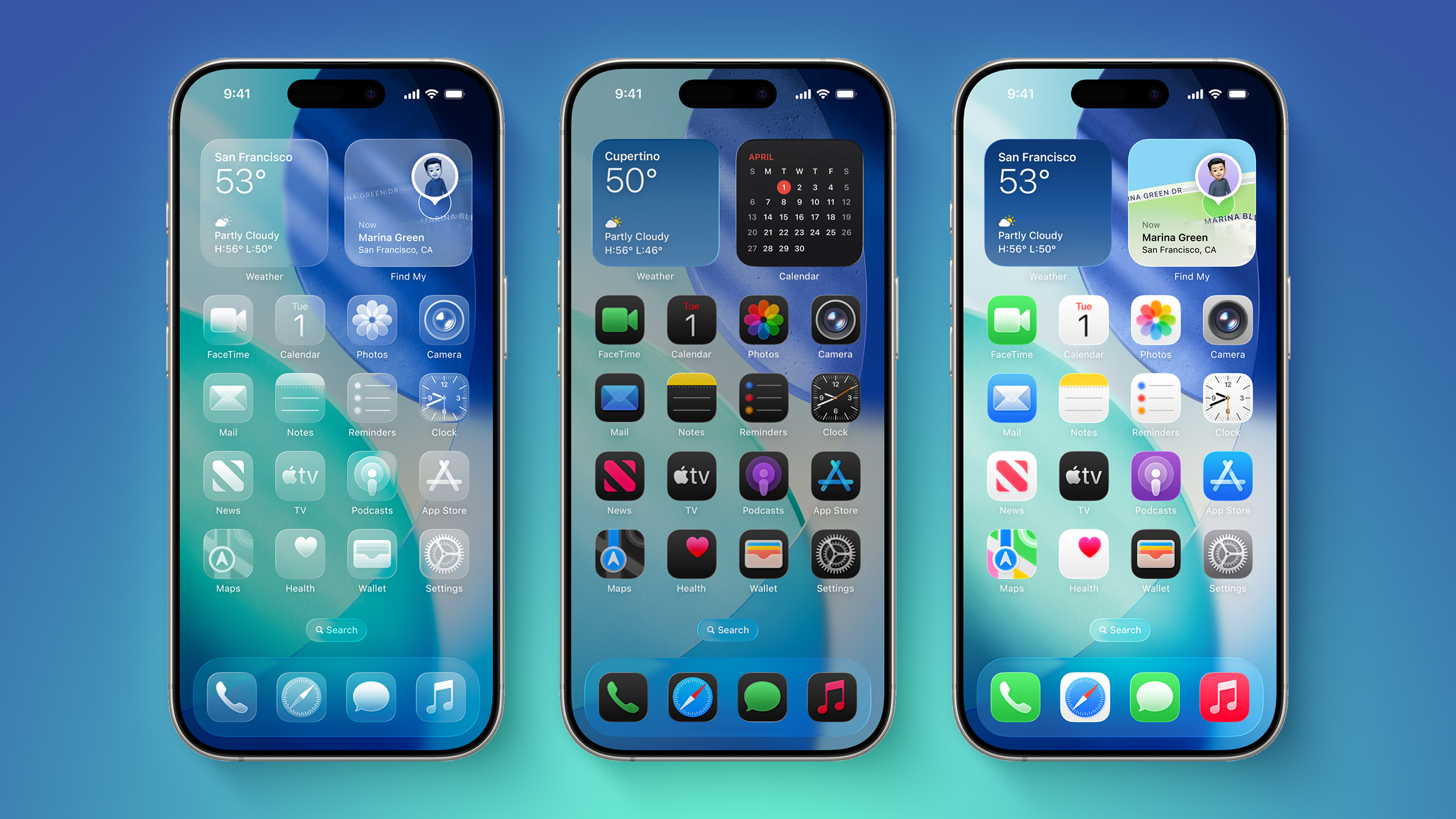
Apple is planning to add "Undo" and "Redo" options to the iPhone's Home Screen customization menu on iOS 27, according to Bloomberg's Mark Gurman.

iOS-26-on-Three-iPhones.jpg

These two options will make it easier to reverse or redo your Home Screen changes.

"Right now, when you long-press on the home screen, you get a bubble in the top left corner with four options: Add Widget, Customize, Edit Wallpaper and Edit Pages," he explained, in his latest Power On newsletter. "Apple is looking at adding 'undo' and 'redo' buttons in that same menu to make reversing or redoing changes easier."

Other rumored iOS 27 features include a dedicated Siri app and Apple Intelligence advancements. The update has been likened to Mac OS X Snow Leopard, in the sense that Apple is apparently very focused on bug fixes and stability improvements.

iOS 27 beta testing will begin in June, and the update will be released in September.

Article Link: Apple Testing Two New iOS 27 Home Screen Customization Options
I'm hoping they give us the option to switch off the dedicated widgets page on iOS and iPad OS.

Its fine to have but since we've been able to have our Widgets alongside our apps, my Widgets pages is blank.

Having the option to switch that page off in settings would be great.
 
Would rather they add an option in Search results where a long press would take you to the app.
 
Or, you know, give us back the option to change the wallpaper. Because right now the only way to change the wallpaper is if you create a whole new lock screen and home screen pair from scratch, and you have to set up all your widgets, buttons, text size and color, icon size and auto/dark/light color. Instead of, you know, choosing a photo and being done with it, which is how it used to work a while ago, like in iOS 7 and before.

I don't understand why there need to be multiple "lock screens", each with their own wallpaper, widgets, app icon settings, text color and everything. Does anyone actually enjoy setting these up one by one from scratch each time, and switching between them, instead of just changing the one thing you want to change?
 
Register on MacRumors! This sidebar will go away, and you'll see fewer ads.