

Hi everyone,
I'm the developer of RenameDeck, a native Mac app I built for renaming large or recurring groups of files without having to trust a destructive black-box operation. It's now available on the Mac App Store, and I would value feedback from people who work with large file collections.
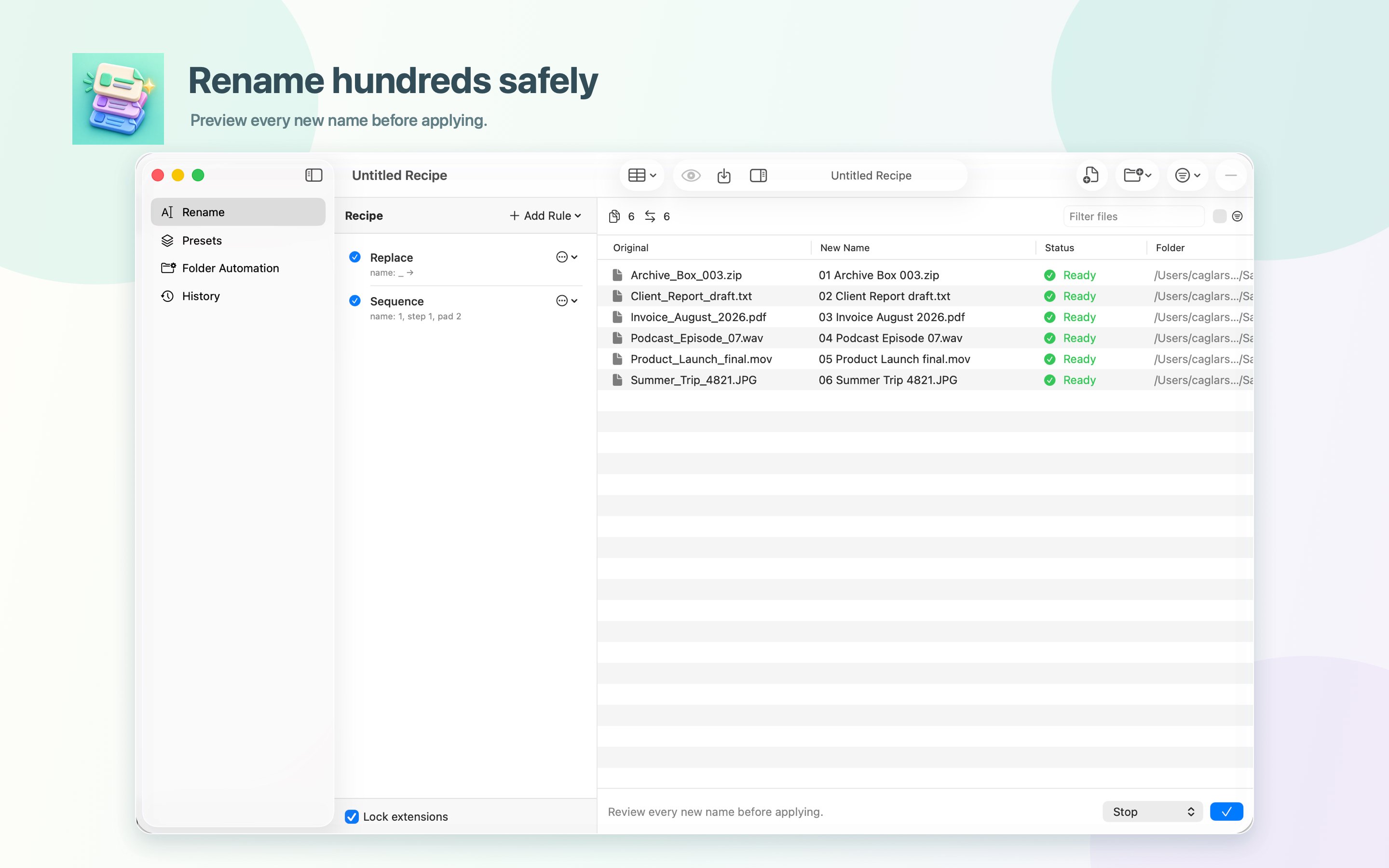
The idea is simple: before anything changes, RenameDeck shows the complete result — original name, proposed name, status, and location. You can search the batch, show only changed items, edit an individual result, or inspect a file with Quick Look.
From there, you can combine 12 stackable rules into reusable recipes. RenameDeck supports:
Everything runs locally inside the macOS sandbox. There is no account, analytics, tracking, or network entitlement.
The free version includes every rule and safety feature, with limits of 10 names per manual batch, one watched folder, and the first 25 automatic renames. Pro removes those limits with a one-time purchase — no subscription. RenameDeck requires macOS 14 or later.
Every name, exactly as planned.
Download on the Mac App Store: https://apps.apple.com/us/app/renamedeck/id6802790089?mt=12
I would especially value feedback on two things:
— Çağlar, developer of RenameDeck
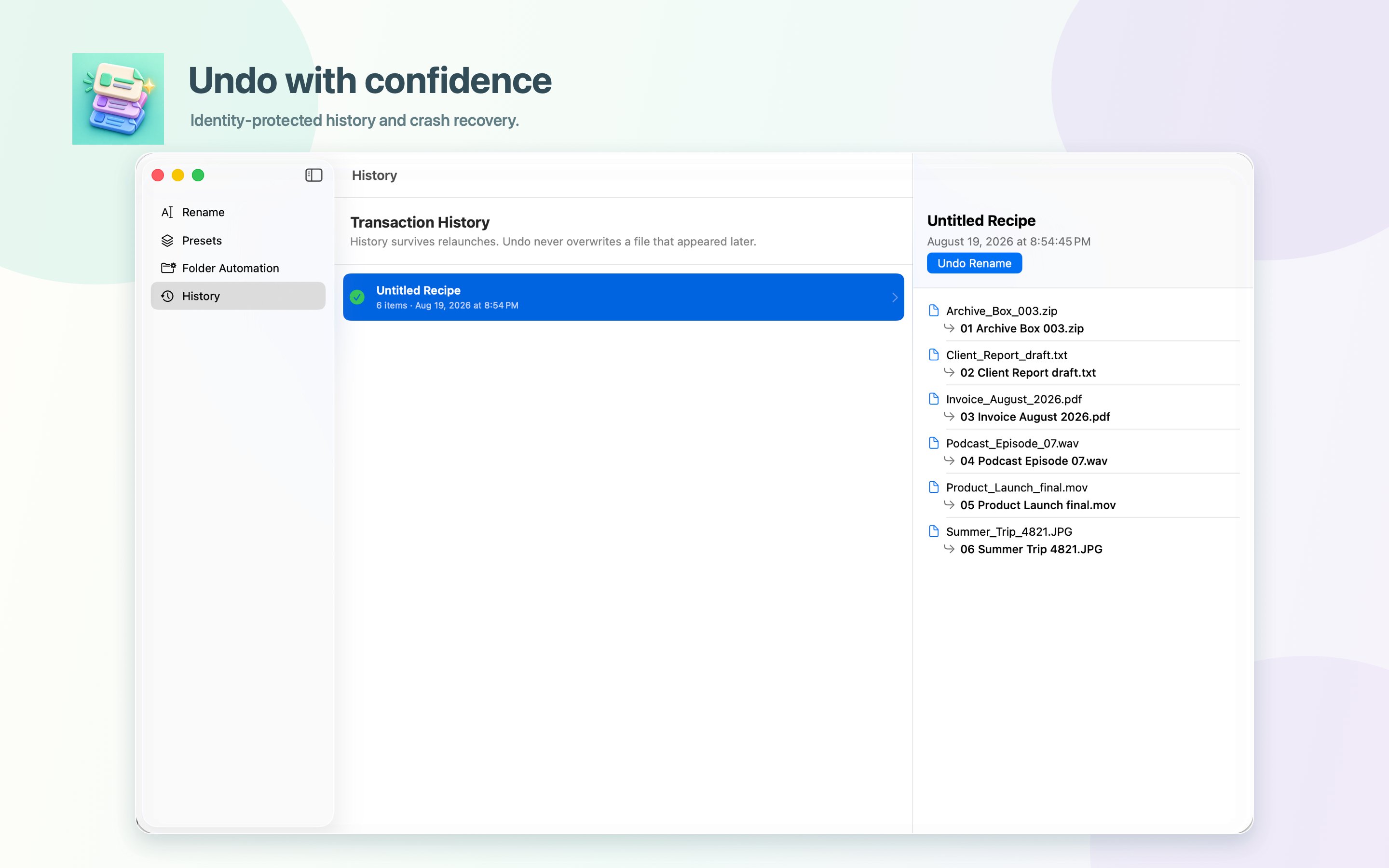
I'm the developer of RenameDeck, a native Mac app I built for renaming large or recurring groups of files without having to trust a destructive black-box operation. It's now available on the Mac App Store, and I would value feedback from people who work with large file collections.
The idea is simple: before anything changes, RenameDeck shows the complete result — original name, proposed name, status, and location. You can search the batch, show only changed items, edit an individual result, or inspect a file with Quick Look.
From there, you can combine 12 stackable rules into reusable recipes. RenameDeck supports:
- find and replace, numbering, dates, case changes, trimming, padding, and regular expressions;
- literal, wildcard, and regex include/exclude filters;
- names from CSV/TSV, pasted lists, filesystem dates, and supported image, audio, video, and PDF metadata;
- sidecar-aware renaming for pairs such as RAW/JPEG with XMP, AAE, JSON, or SRT files;
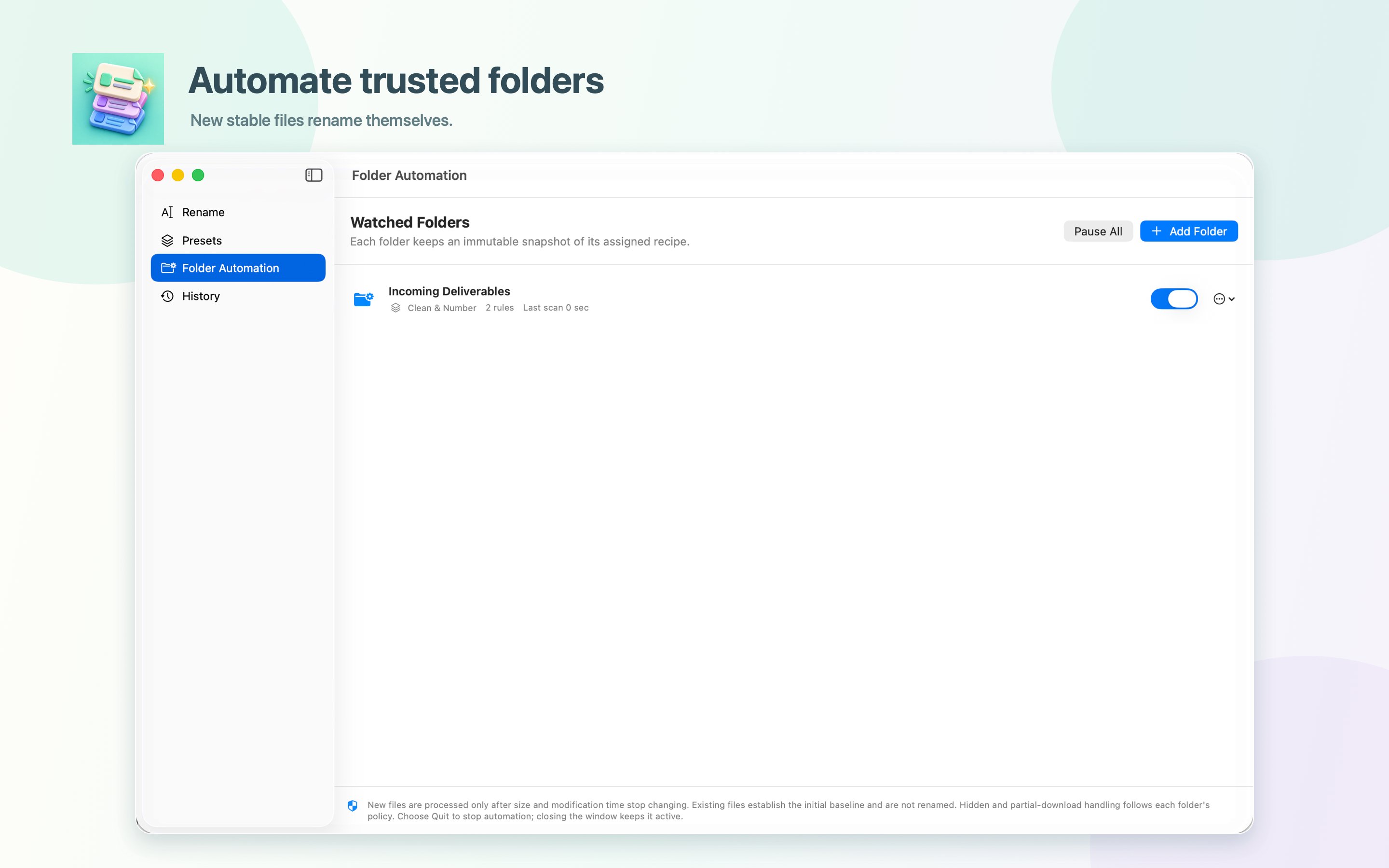
- watched folders that apply a frozen recipe only to new, stable files;
- Finder Services, App Shortcuts, Quick Look, and a command-line tool with dry-run and JSON output.
Everything runs locally inside the macOS sandbox. There is no account, analytics, tracking, or network entitlement.
The free version includes every rule and safety feature, with limits of 10 names per manual batch, one watched folder, and the first 25 automatic renames. Pro removes those limits with a one-time purchase — no subscription. RenameDeck requires macOS 14 or later.
Every name, exactly as planned.
Download on the Mac App Store: https://apps.apple.com/us/app/renamedeck/id6802790089?mt=12
I would especially value feedback on two things:
- Which recurring renaming workflow is still awkward or impossible with your current tools?
- Does the full preview make the app feel safer, or is there another checkpoint you would want before Apply?
— Çağlar, developer of RenameDeck