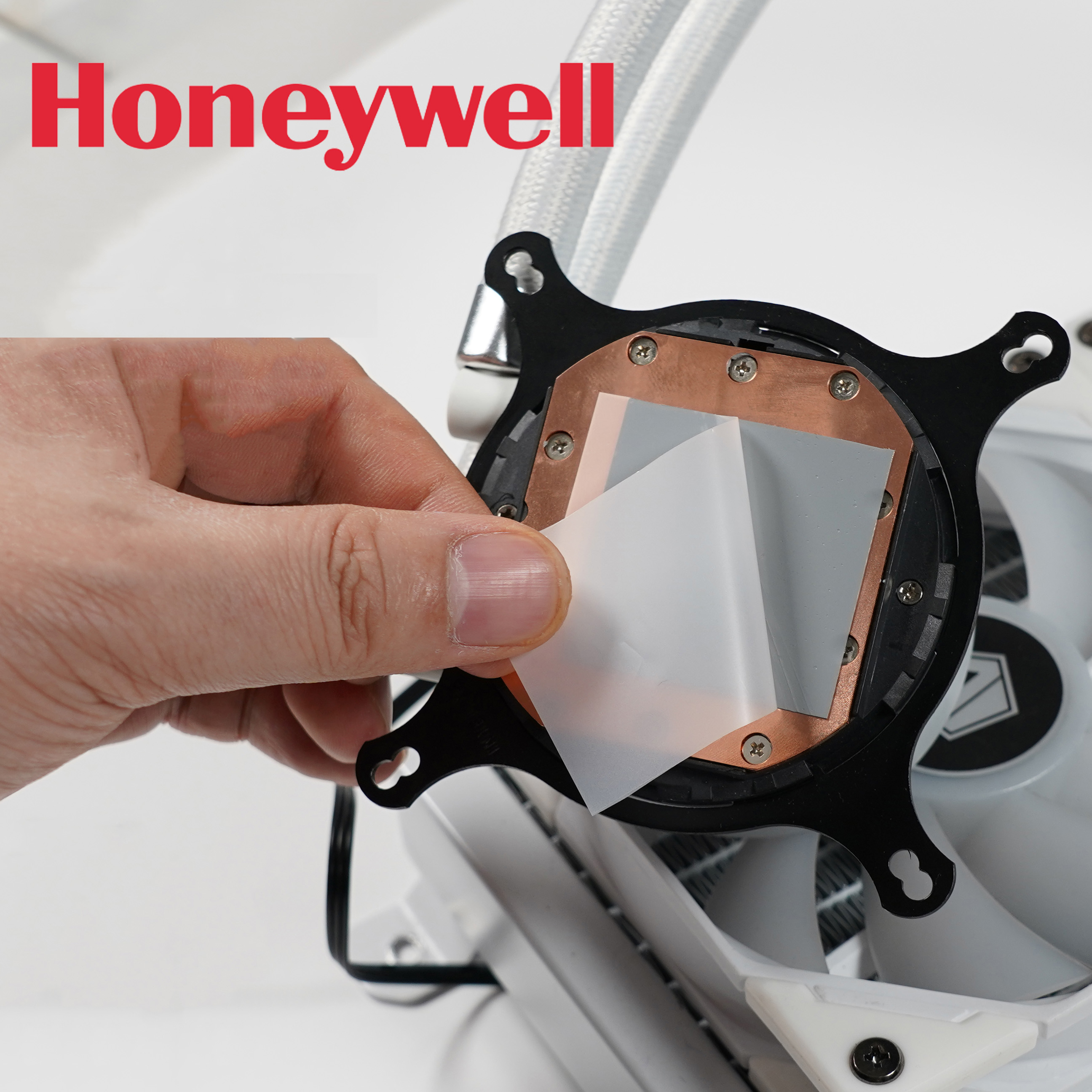
I used a PT7950 thermal pad as it lasts longer and I justified the elevated cost to myself since I didn't want to have to replace it again and I can cut up the larger sheet I bought for other computer builds. It's a phase change material but I guess you can use any normal thermal paste like Thermal Grizzly or Arctic. Just don't use the Liquid Metal one as that eats away at certain metals (it would damage the copper heatsink) and is conductive.
Make sure you have a look at the tutorials online to see if you are comfortable with it. I don't want to push you to do something you might not be ready to do, but it's more to show that it can be done. I don't think it's too bad just the adhesive removal is a pain in the butt and removing the battery is a bit tricky as the adhesive was quite stuck on mine and I was a bit worried if I would damage something with too much acetone.
Also, discharge the battery and make sure you have a backup before starting.
Use this guide to safely remove the glued-in battery from your MacBook Pro with the help of an iFixit battery replacement kit. The adhesive remover...

www.ifixit.com
(I've posted this video, but it may not be the best example so have a look around for others)