Become a MacRumors Supporter for $50/year with no ads, ability to filter front page stories, and private forums.
I bought the T14S (gen 4) AMD model in 2024 and paid 1200, 16GB of ram 1TB of storage. The latest generation has the same ram, less storage and is only 1200

While I have more storage, the ram is the same, and the price isn't terribly different.

This laptop may very well go to my daughter for her school next year, and I can see myself getting one of these again.

You can run within 16 GB of RAM?

I was looking at deleting the Ventura virtual machine on my Yoga because I don't use it anymore. There is one Windows program which isn't as efficient as the program I was using on macOS but I could just look around for a better program on Windows.

What's nice is that there are third-party replacement programs for the stuff that comes with macOS and it's actually quite good, maybe even better than the native apps and it makes it easier to be operating system agnostic. I could see running Linux if enough of the iCloud ecosystem had viable replacements.
 
You can run within 16 GB of RAM?

I was looking at deleting the Ventura virtual machine on my Yoga because I don't use it anymore. There is one Windows program which isn't as efficient as the program I was using on macOS but I could just look around for a better program on Windows.

What's nice is that there are third-party replacement programs for the stuff that comes with macOS and it's actually quite good, maybe even better than the native apps and it makes it easier to be operating system agnostic. I could see running Linux if enough of the iCloud ecosystem had viable replacements.
Yes, if everyone got on board and coded for linux I could too. I tried Affinity on linux, and it's not a good experience so I am stuck on windows. Oh well, I gave it a shot. Truth be told, Resolve was not near as good on Linux for smooth operation either.
 
  • Like
Reactions: pshufd
This is what started the whole Neo discussion in the first place. And I am 100% in solidarity with you. I would really have to think thrice before lowering down to 8 GB on a Macbook Neo. It’s a tough sell for me personally.
Yeah, 8GB is way too low, both in windows and macos. I think 16GB for my laptops is fine.
 
  • Like
Reactions: eltoslightfoot
Lunar Lake NUCs are 33% lower compared to last year. I guess that Panther Lake is the shiny new object and that they have to discount the old ones to move them out. It's possible that there are some savings to having the memory on die as opposed to having to buy DIMMs and SODIMMs.
 
  • Like
Reactions: eltoslightfoot
Microcenter has a build similar to the Ryzen 9900x we did last year. Intel Arrow Lake Refresh 270K, 32 GB RAM, MSI Mag Tomahawk X870 for $650. We paid $600 last year for the 9900X and also MSI Mag Tomahawk X870E. Do I want to put in the effort to do a new build? I wouldn't need the M1 Max Studio with this system.
 
Microcenter has a build similar to the Ryzen 9900x we did last year. Intel Arrow Lake Refresh 270K, 32 GB RAM, MSI Mag Tomahawk X870 for $650. We paid $600 last year for the 9900X and also MSI Mag Tomahawk X870E. Do I want to put in the effort to do a new build? I wouldn't need the M1 Max Studio with this system.
I guess the question is do you want to replace your M1 Max Studio?
 
I guess the question is do you want to replace your M1 Max Studio?

I would. I had planned to upgrade it to the M5 Max Studio whenever it comes out. What I've determined, though, is that I don't really need it. The reason I keep it around is that it's the home DAS. But I can move those responsibilities over to the iMac Pro or run them on a spare 2018 mini. I just have to move things over and reset the shares. The thing that I'd lose is going from Thunderbolt 4 to Thunderbolt 3.

So selling it now would probably give me a better selling price than when the M5 comes out. It's also a funny time with it being difficult to by M4 Studios.

I could put the SSDs inside the desktop but macOS is much better at serving files in that it will wake from sleep automatically. With Windows 11, you have to run a program that wakes the computer and then you can access the files.

I will eventually need a Mac Studio to replace the iMac Pro when support runs out.

When thing that I saw on the Microcenter forum is users requesting a 250K bundle. They have the 270K bundle but the 250K costs $100 less and it's a better choice for gaming. They only just rolled out the 270K bundle and it's probably moving okay because it does hit a sweetspot for productivity and creatives. If they did a 250K bundle, it would fly off the shelves. I'm a bit shocked that Intel has reasonable pricing for these two processors.
 
  • Like
Reactions: eltoslightfoot
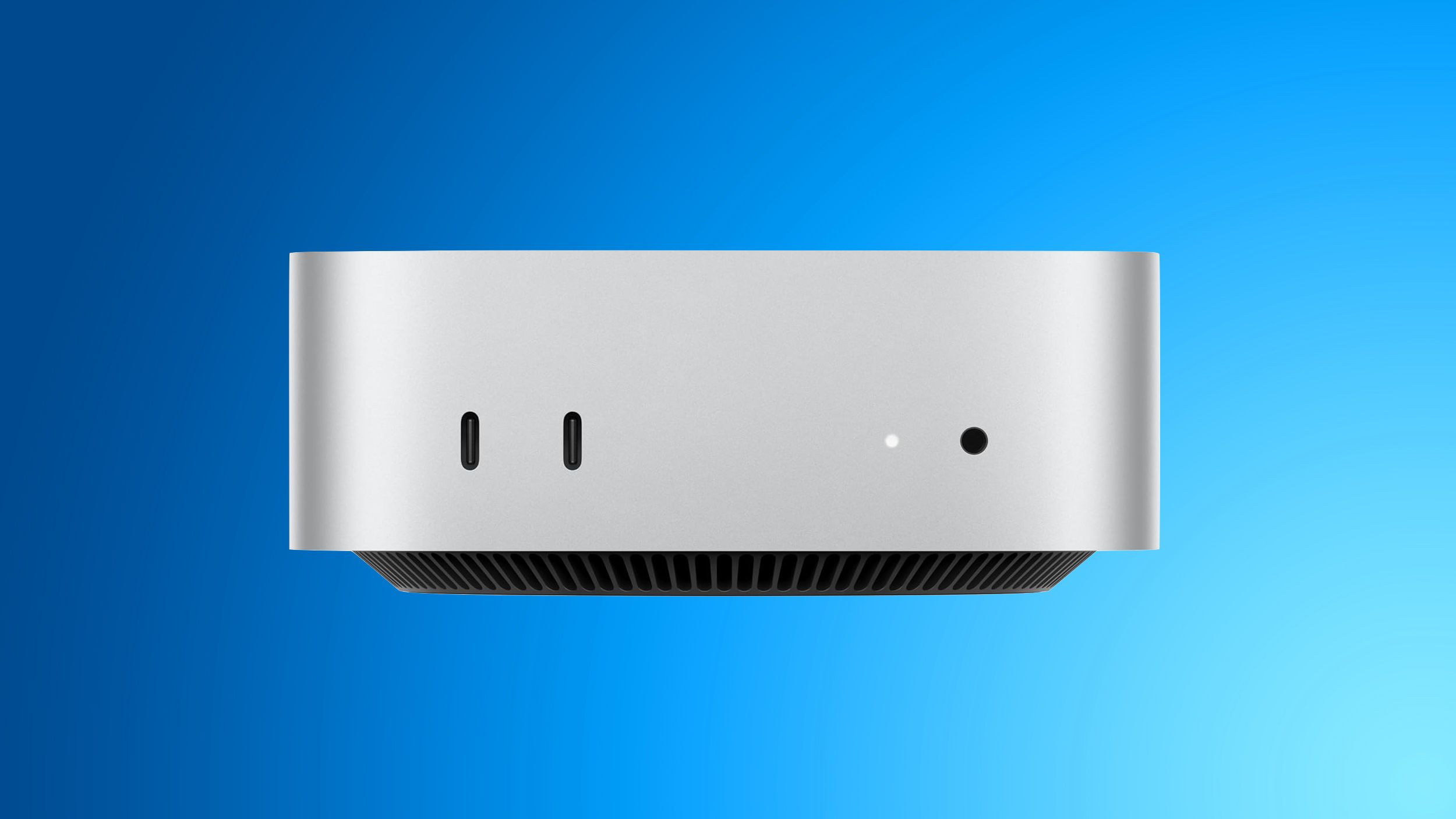
The realities of higher RAM and SSD prices have hit the Mac mini. They dropped the 256 GB option and raised the price $200 to $799 for the base model. What's interesting is that that was the price for the base 2018 mini. For 128 GB of SSD. So no more $499 or $599 minis. A 512 GB SSD typically costs $80 and the delta over a 256 GB SSD is probably about half. So the cost to Apple may be around $40. So there's $160 to deal with the increases from Taiwan Semi and RAM but they're packaging the increase as basically due to SSD.

I think that this was inevitable and that we may see it in other models later this year.

 
I was at Costco this morning and played around with the Panther Lake LG Gram. It's only 2.87 pounds at 16 inches which is always impressive to me. It has the 355 chip which I checked on Geekbench. Looks to be a great laptop with about 12-15 percent better Geekbench CPU scores. The screen is only 2.5K so not really an option but it is a nice, light 16 inch.
 
  • Like
Reactions: eltoslightfoot
If I had to buy another Windows laptop, it would probably be this one: "ASUS Vivobook S16 16" OLED WUXGA Copilot+ PC Intel Core Ultra 7 355 16GB RAM 1TB SSD Matte Gray", current price $1050. HD display though.

The display model was on sale for $500.

I think that it was the Lunar Lake model though.
 
Regarding the complaints about Windows breaking things: I had an issue with sound going away after waking from sleep and requiring a reboot to fix it. So I asked DeepSeek and gave me a list of things to try but the highlighted fix, which was the first I tried, solved the problem. I could ask for suggestions and recommendations here but it seems like using ChatGPT or DeepSeek amalgamates the solutions in forums and just presents a distillation which I'm finding more and more useful.
 
  • Like
Reactions: Steve Adams
Regarding the complaints about Windows breaking things: I had an issue with sound going away after waking from sleep and requiring a reboot to fix it. So I asked DeepSeek and gave me a list of things to try but the highlighted fix, which was the first I tried, solved the problem. I could ask for suggestions and recommendations here but it seems like using ChatGPT or DeepSeek amalgamates the solutions in forums and just presents a distillation which I'm finding more and more useful.
Yes, This is a good use of Ai. I was just using Co-Pilot to talk about my workflow both at home and on the road. I was contemplating a new laptop for editing video while mobile. In reality, I really don't need to waste money on a new one right now.

My current laptop will edit videos without issue and while yes, a new system will speed up the process, While we are on the road, the time it takes currently is not really an issue. I can edit the videos, then just let it do the export while we do other things. It's not hours in difference from a new system to my current one. It's more like 10-15 min difference. Not worth spending upwards of 3000 dollars to save 15 min of time.
 
Yes, This is a good use of Ai. I was just using Co-Pilot to talk about my workflow both at home and on the road. I was contemplating a new laptop for editing video while mobile. In reality, I really don't need to waste money on a new one right now.

My current laptop will edit videos without issue and while yes, a new system will speed up the process, While we are on the road, the time it takes currently is not really an issue. I can edit the videos, then just let it do the export while we do other things. It's not hours in difference from a new system to my current one. It's more like 10-15 min difference. Not worth spending upwards of 3000 dollars to save 15 min of time.

I went through this process with my trading workflow and the recommendations were spot on.

I do video editing at home, usually on my iMac Pro and my Yoga has more performance than the iMac Pro but I'm just used to the tools on macOS. I used to use MovieMaker back in the day and Microsoft got rid of it for a new tool called clip champ that requires payment over minimal functionality.

I asked DeepSeek for a list of free 4k editing tools for Windows 11 and the best choice seems to be Davinci Resolve. But it has a steep learning curve. It is probably time to bite the bullet on learning how to use it as it's also available on macOS so I could use the same tool on both operating systems.
 
  • Like
Reactions: Steve Adams
I went through this process with my trading workflow and the recommendations were spot on.

I do video editing at home, usually on my iMac Pro and my Yoga has more performance than the iMac Pro but I'm just used to the tools on macOS. I used to use MovieMaker back in the day and Microsoft got rid of it for a new tool called clip champ that requires payment over minimal functionality.

I asked DeepSeek for a list of free 4k editing tools for Windows 11 and the best choice seems to be Davinci Resolve. But it has a steep learning curve. It is probably time to bite the bullet on learning how to use it as it's also available on macOS so I could use the same tool on both operating systems.
Yes, I have a beast system at home as well. it will do anything I need, fast. It's a 10th gen 10700, 128gb of ram, 2070 super with multiple SSDs and large storage drives. I also have 2 24 inch dell ultrasharp displays that are really nice, one is even touch enabled for scrubbing through video easily.

I will be using Corel Pinnacle for my video editing. it's a low one time purchase of the software, but it's really light on resources so my laptop will be even quicker for editing on the move. When home, I have no issues blasting through workflows.
 
Yes, I have a beast system at home as well. it will do anything I need, fast. It's a 10th gen 10700, 128gb of ram, 2070 super with multiple SSDs and large storage drives. I also have 2 24 inch dell ultrasharp displays that are really nice, one is even touch enabled for scrubbing through video easily.

I will be using Corel Pinnacle for my video editing. it's a low one time purchase of the software, but it's really light on resources so my laptop will be even quicker for editing on the move. When home, I have no issues blasting through workflows.
For Video Editing, wouldn't a newer Mac be a better option (faster) than your home system?
 
For Video Editing, wouldn't a newer Mac be a better option (faster) than your home system?

It would be faster but if you're doing five to fifteen minute videos, the additional time may not matter. It's an issue if you're doing high-volume with demanding software but the vast majority aren't.
 
It would be faster but if you're doing five to fifteen minute videos, the additional time may not matter. It's an issue if you're doing high-volume with demanding software but the vast majority aren't.
Even doing one hr videos with grading the dedicated graphics systems are faster.
 
  • Like
Reactions: pshufd
I worked on optimizing something that had been bugging me for a long time on both Windows and macOS.

Setting up a share between the host operating system and a guest Windows virtual machine. I had been using UTM back in 2022 and 2023 as Parallels was subscription, VMWare was not ready for prime time and VirtualBox wasn't even really running.

Today I'm using VMware on Windows and macOS but I am trying to fix file transfer speeds between the guest and the host. VMware supports native shares between the guest and the host and I get 630-840 MBps but it doesn't support it for Windows 11 ARM and the general solution is SMB which runs at up to about 120 MBps. I have been generally using an external flash drive or SSD on macOS but it sometimes works and sometimes doesn't and I have to find the physical drive and attach it and sometimes have to use a dongle.

I initially started out with UTM which had no graphics support and poor file share speeds but UTM has upped its game and has reportedly 3,000 - 5,000 MBps on Apple Silicon. Definitely something I want to try out. It means installing UTM and doing a Windows 11 ARM installation and things have changed in Windows. I used to have Windows 11 VM installations down pat but I think that they changed things with trying to avoid a Windows account so I have to figure out how to get around that unless I can export one of my current Windows 11 ARM virtual machines to UTM from VMware.

This is one of those times when it's nice to have Windows and macOS as one may be better than the other. I like having been able to get the lay of the land in transfer speeds between the operating system. UTM sounds great for transfer speed but poor for graphical applications.

Parallels is the best of both worlds but I'm not going with a subscription for this when I have other good options.
 
Register on MacRumors! This sidebar will go away, and you'll see fewer ads.