Got a tip for us?
Let us know
Become a MacRumors Supporter for $50/year with no ads, ability to filter front page stories, and private forums.
iPhone 11 Pro How do you sort your Apps? Show your screen?
- Thread starter thomamon
- Start date
- Sort by reaction score
You are using an out of date browser. It may not display this or other websites correctly.
You should upgrade or use an alternative browser.
You should upgrade or use an alternative browser.

Shadowbech
macrumors G3
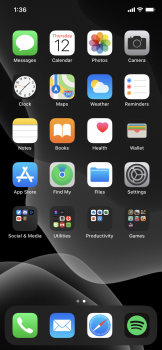
For me I categorize mine by their Category, so if it's a game, then I put those under the folder I named it iGame. Anything social media based app, I put that on my iSocial Media, etc, etc, etc.

eyoungren
macrumors Nehalem
Finally, someone else out there that does this the same way I do!For me I categorize mine by their Category, so if it's a game, then I put those under the folder I named it iGame. Anything social media based app, I put that on my iSocial Media, etc, etc, etc.
[automerge]1576077355[/automerge]
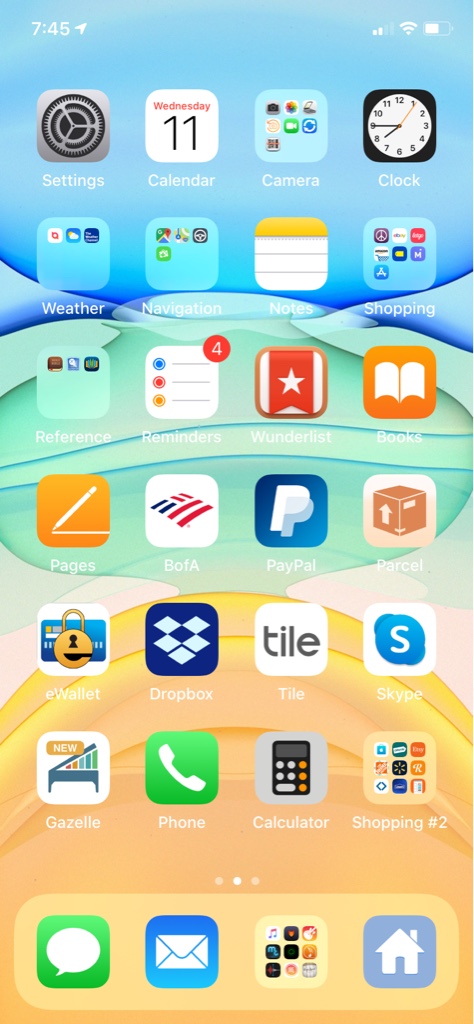
By category, except for apps I want access to on any home screen. Those go in one folder in the dock.Just wondering how everyone sorts their apps by pages and folders and such. Would love too see screen shots and get ideas for organizing mine better.
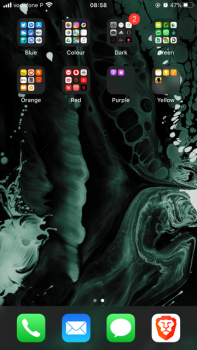
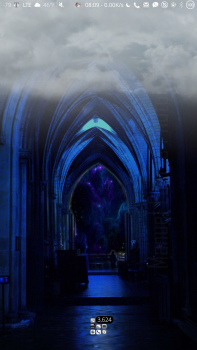
First screen is blank. These are just the first few screens. Note…I'm jailbroken, which is why my layout is different.
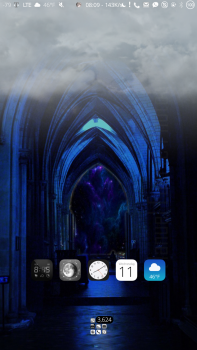
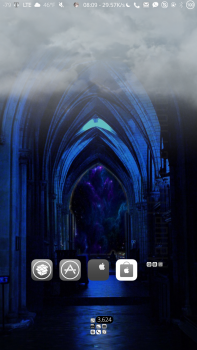
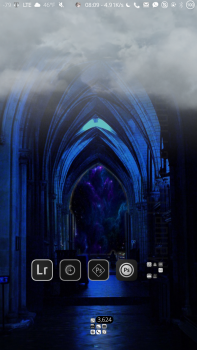
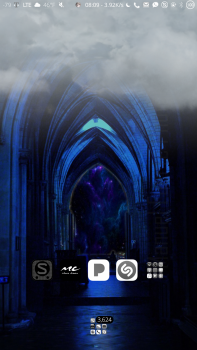
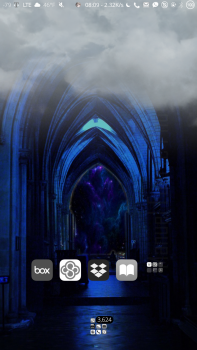
now i see it
macrumors G4
For me, the most frequently used apps go on the first screen and lesser used apps get delegated to other screens. Only one folder goes on the first home screen, that's the navigation apps. The four most used apps go in the dock. On the first home screen array of icons, I keep the most used apps within easy thumb reach, (one handed) which is an arc of easiest reachability.
Within that rule I'll tweak it a bit to keep similar colored icons away from each other so that they're easier to distinguish in a microsecond vs having four green or blue icons right next to each other.
Since it's very easy to accidentally not lock the phone before sticking it in your pocket, which can lead to the screen turning on while in your pocket and utter mayhem happening as its jostled around, (on & active) I turn on restrictions to prevent deletion of apps, so an app w data doesn't accidentally get deleted. It's happened to me twice
Since it takes more steps to now delete anything on the home screens since its been prevented w restrictions, I create a folder I name TRASH on a back page where I drag any app or homescreen Safari bookmark to that collection bin.
Then some day in the future when I think about it, I disable deletion restrictions and empty my "trash" folder.
I have five iPhones. Each one older than the next. Every one is set up exactly the same with the same icon arrangement so that all my phones look exactly the same.
Within that rule I'll tweak it a bit to keep similar colored icons away from each other so that they're easier to distinguish in a microsecond vs having four green or blue icons right next to each other.
Since it's very easy to accidentally not lock the phone before sticking it in your pocket, which can lead to the screen turning on while in your pocket and utter mayhem happening as its jostled around, (on & active) I turn on restrictions to prevent deletion of apps, so an app w data doesn't accidentally get deleted. It's happened to me twice
Since it takes more steps to now delete anything on the home screens since its been prevented w restrictions, I create a folder I name TRASH on a back page where I drag any app or homescreen Safari bookmark to that collection bin.
Then some day in the future when I think about it, I disable deletion restrictions and empty my "trash" folder.
I have five iPhones. Each one older than the next. Every one is set up exactly the same with the same icon arrangement so that all my phones look exactly the same.
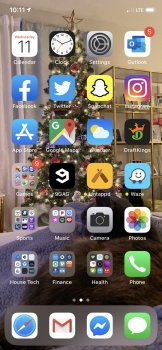

This is how I do it now, but some I find hard catorigizing... Like stores/restaurants with cards with rewards and coupons like CVS.For me I categorize mine by their Category, so if it's a game, then I put those under the folder I named it iGame. Anything social media based app, I put that on my iSocial Media, etc, etc, etc.
[automerge]1576085977[/automerge]
Thank you for House Tech. I never knew what to call that or where to put that stuff.My frequently used apps go by themselves on the first screen, as well as frequently used groups.

rgyiv
macrumors regular
[automerge]1576085977[/automerge]
Thank you for House Tech. I never knew what to call that or where to put that stuff.
No problem! 😎


MisterSavage
macrumors 603
My first two pages are really organized. My most used apps are front and center and I also have folders such as "travel", "tools", etc. The other pages following that are a train wreck.

HalfPintOfInnes
macrumors 6502

pdaholic
macrumors 68020
I organize items into folders like entertainment, shopping, utilities, etc. those folders run down the left side of my home screen. The most frequently used apps from those folders run laterally (to the right) of those folders. I only have one screen of apps as I hate scrolling pages to find apps.

webbuzz
macrumors 68030
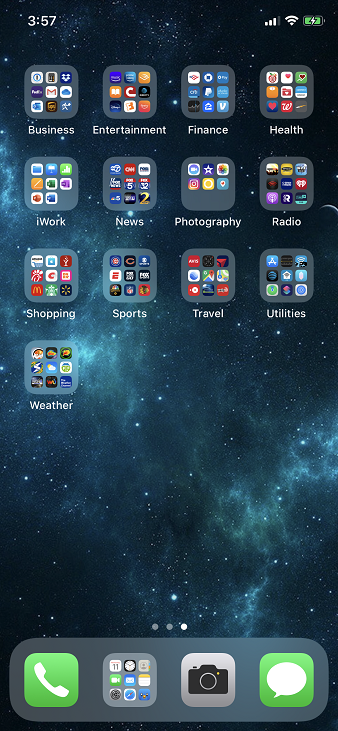

NaimNut
macrumors regular

Scotty2Hotty
macrumors regular
MisterSavage
macrumors 603
I'm horrified and intrigued by this at the same time.
J.Dillinger
macrumors regular
I use a similar methodology as "now i see it" for my landing page with the exclusion of the restriction and never have any folders there. The next pages is split between two levels of category folders then apps. The third page is rarely used apps which are generally accessed via pulldown/quick search/open.

DMaki650
macrumors 6502
I leave the home screen alone, I leave it the way Apple has it set up. The 2nd page, I put all my apps in folders under the genres they're from the app store. Games go in the Games folder. Social Media Apps go in a folder labeled Social Media Apps. So on and so forth. If I run into a situation like with games, like if I have too many I start a new folder and label it Games 2.


Lyric
macrumors regular
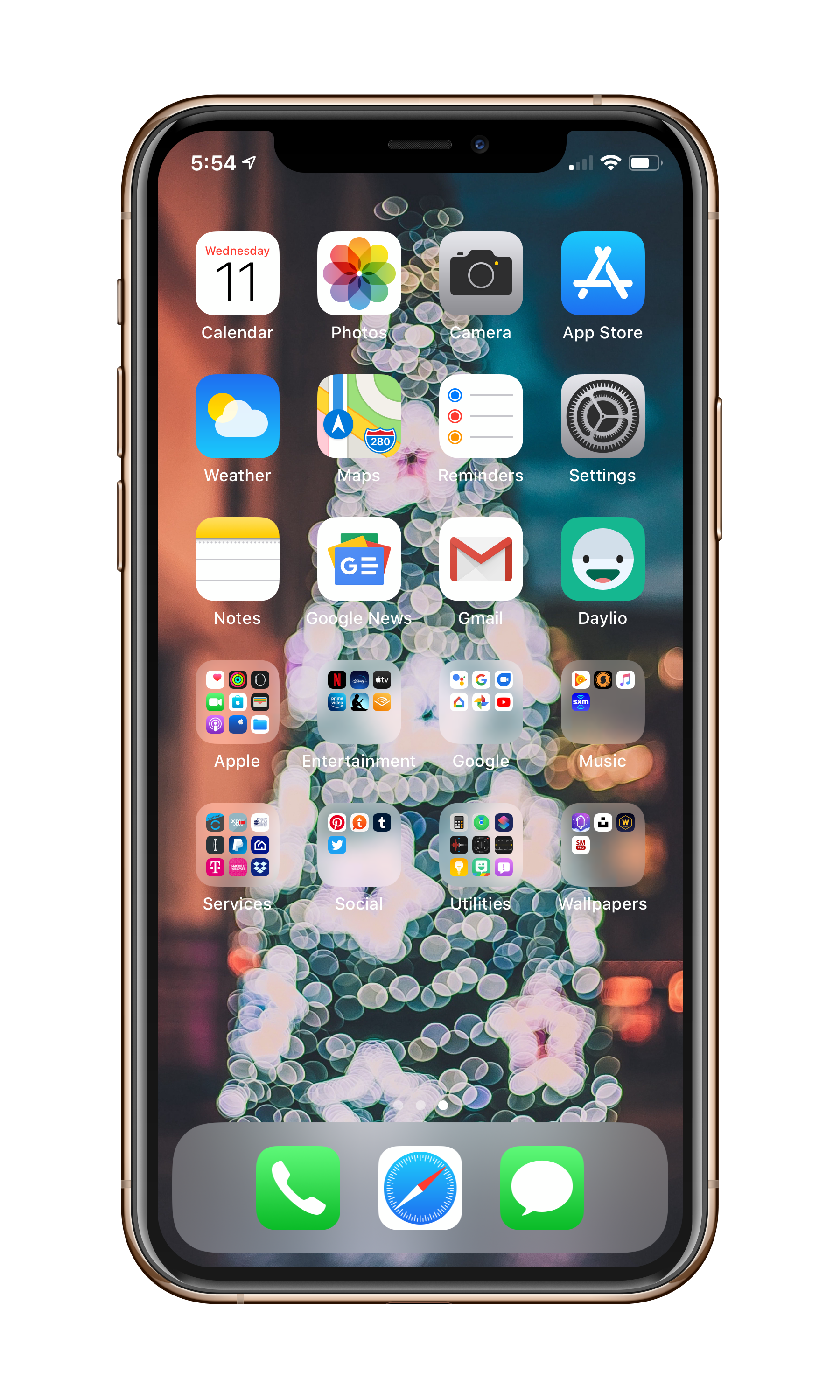

captainorange
macrumors newbie
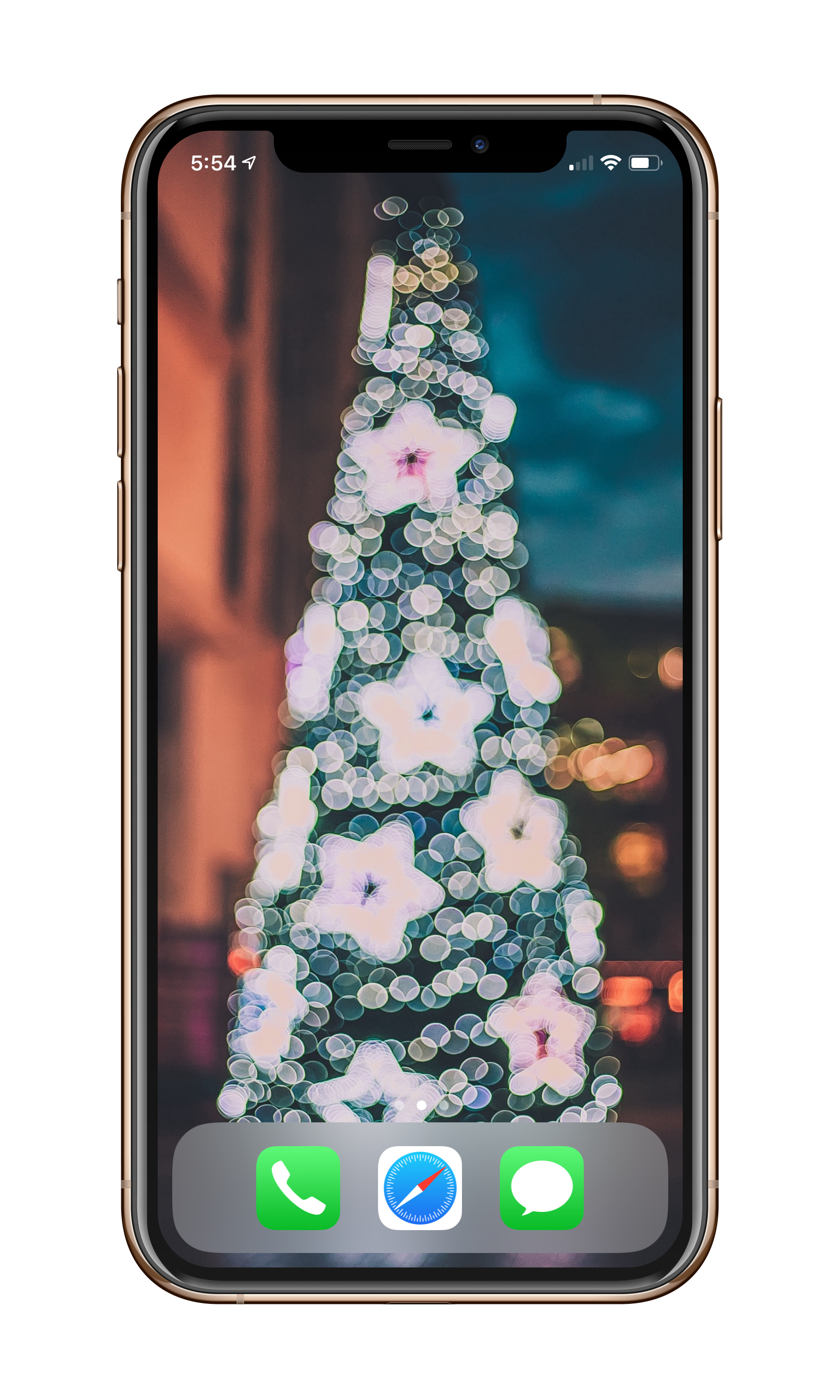
optimized for one handed reach. Used blank black icons from
https://david-smith.org/blank.html
The bottom row of mostly custom icons (above the menu bar) is for shortcuts that launch various playlists, files, apps, and run custom home-kit scenes.

ivanwi11iams
macrumors 601
I swear last week I asked something similar to this, in this forum, and another.
For me, I have the first page with frequently used apps. But, only the first 4 rows. I like seeing at least some of my wallpaper.
The other pages, simply have my app, in alphabetical order...


For me, I have the first page with frequently used apps. But, only the first 4 rows. I like seeing at least some of my wallpaper.
The other pages, simply have my app, in alphabetical order...