
Got a tip for us?
Let us know
Become a MacRumors Supporter for $50/year with no ads, ability to filter front page stories, and private forums.
iOS 26.2 Features: Everything New in iOS 26.2
- Thread starter MacRumors
- Start date
- Sort by reaction score
You are using an out of date browser. It may not display this or other websites correctly.
You should upgrade or use an alternative browser.
You should upgrade or use an alternative browser.

ipsedixit
macrumors regular
At this point, you're not arguing—you’re changing the rules so you never lose.Of course the screen is part of the interface, but that’s not the point. Brightness is a presentation and accessibility control that adapts the device to different environments. Liquid Glass settings are compensating for a design that doesn’t stand on its own unless users tweak it. Good UI should work by default; accessibility and environmental adjustments are a different category entirely.


CATiNTHESTORE
Suspended
iOS 18.7.3 was installed from Beta program. All works all good, and you guys can proceed with iOS26 monkey testing. Thanks for your service o7 lads

Dog Bone Malone
macrumors 6502a
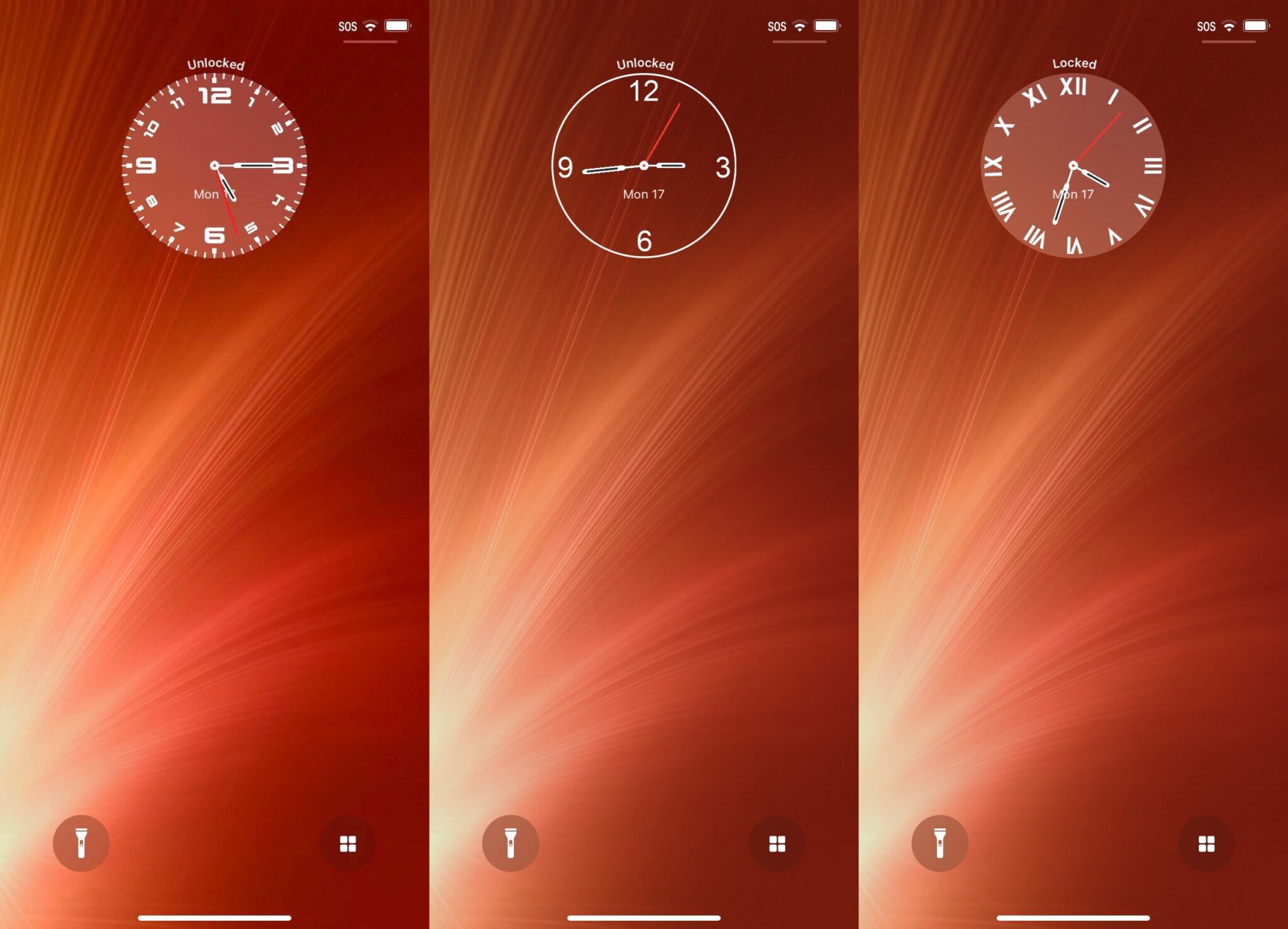
Ooh. I like that.I'd rather get the option for an analogue clock.
Dog Bone Malone
macrumors 6502a
I like LG. My wife's phone (16p) with IOS 18.7 looks flat and dull in comparison. LG will only get better as time goes on. Plus, it's running pretty much flawlessly on my 16PM, so I'm a happy bunny - I expect millions more are as well. I think the the people on here who aren't happy with it are in the minority, which is fine. Everyone is entitled to their views and I openly welcome constructive criticism. However, some of the issues I read about on here with LG, has me searching for a face palm emoji at times.🙂

jennyp
macrumors 6502a
You sure it has ever worked? It has never worked for me, or anyone else I asked. It's just - bizarre.Wow, this used to work for me. I had no idea until reading your post, and agree it’s broken now: I can open the camera from the control without having the screen on despite having the setting.
I’m not changing the rules. I’m clarifying the criteria. From the start I’ve been talking about default UI design quality, not whether a UI can have adjustable parameters. Brightness and accessibility controls adapt the UI to context. Liquid Glass settings are there to make the design tolerable in the first place. If we disagree, it’s on that distinction, not on me moving goalposts.At this point, you're not arguing—you’re changing the rules so you never lose.

Digital Dude
macrumors 68000
OK, here we are just a couple of days in, and the bugs are already crawling out of the woodwork. Google is working on a patch on their side, but Apple probably will not fix their end until 26.2.1. 🐞🦟🐛🕷️🪲🐜…
Last edited:
ipsedixit
macrumors regular
I'm going to borrow that line next time I am about to lose an argument with my wife.I’m not changing the rules. I’m clarifying the criteria.
Apple carPlay issue with the on-screen keyboard going off the edges of the sscreen. I happens on all map apps (Waze, Google, Maps) when ever you bring the kyboard to type an address the keyboard goes off the edges of the screen.
Attachments


Agilis
macrumors regular
You need to go to Settings: General: AutoFill & Passwords and change the AutoFill from.One thing I wish they'd change, is the "autofill" on the tap-and-hold on a text field (screenshot below).
I want it to offer my alternative password managers and not use the Passwords app.
Have to rely on the UI above a keyboard offering the option to autofill, and that doesn't always offer to fill in login boxes.
View attachment 2587495
Agilis
macrumors regular
It works. Perhaps you don’t understand the behavior which is somewhat confusing.... and when is the Camera Control > "Require Screen On" actually going to work? I can't believe this isn't mentioned more here.
With ‘Require Screen On’ disabled, if the screen is off and the Camera Control button is pressed, iOS will immediately open the Camera app or the app you chose to launch. The screen will turn on and the lock screen will be bypassed.
With ‘Require Screen On’ enabled, if the screen is off and the Camera Control button is pressed, iOS will bring you to the lock screen. The screen will turn on and the lock screen will be presented.
Now I believe if you are set to Double Click, this behavior is hard to see because the initial click turns on the screen.
Hope that helps!

jennyp
macrumors 6502a
If that's the authoritative description of what's supposed to happen (though I see no official Apple description) then the functionality is either described poorly or implemented badly.It works. Perhaps you don’t understand the behavior which is somewhat confusing.
With ‘Require Screen On’ disabled, if the screen is off and the Camera Control button is pressed, iOS will immediately open the Camera app or the app you chose to launch. The screen will turn on and the lock screen will be bypassed.
With ‘Require Screen On’ enabled, if the screen is off and the Camera Control button is pressed, iOS will bring you to the lock screen. The screen will turn on and the lock screen will be presented.
Now I believe if you are set to Double Click, this behavior is hard to see because the initial click turns on the screen.
Hope that helps!
The switch "Require Screen On" has this description of its function when toggled on: "Launching a camera app with Camera Control requires the screen to be on."
That clearly implies that the screen must be on for the Camera Control button to launch a camera app. I understood that the idea behind it was to prevent unintended camera app launches and photos taken when you inadvertently press the button, which is easily done, when you pick up your iPhone, or when you fumble for it your pocket, for instance.
But that's not what it does. Whether you set the button for one or two clicks, neither practically prevents the camera launching when the screen is off.
Set to one click, and with the screen off, an inadvertent click of the button will turn the (lock) screen on, and then an easily done second single click will take a photo (and another will take another, etc).
Set to two clicks is a bit better, because just one inadvertent click with the screen off will do nothing, though a second (still quite easily-done) will open the camera regardless, so just three inadvertent presses of the button means a photo is taken.
And, in the case of it being set to two clicks, the behaviour isn't, as you say, "hard to see" - the first click doesn't happen: it doesn't turn on the screen, it doesn't really do anything (apart from register in some time-limited buffer that in the event of another click within N milliseconds, something should happen). Try just one click with the setting set to double click and the screen asleep. Nothing will happen. It only registers a double click.
When the "Require Screen On" switch is toggled on, no pressing of the camera control button should wake the phone or take a picture.
But it's all a functional mess anyway. No wonder it's all going to be changed.