

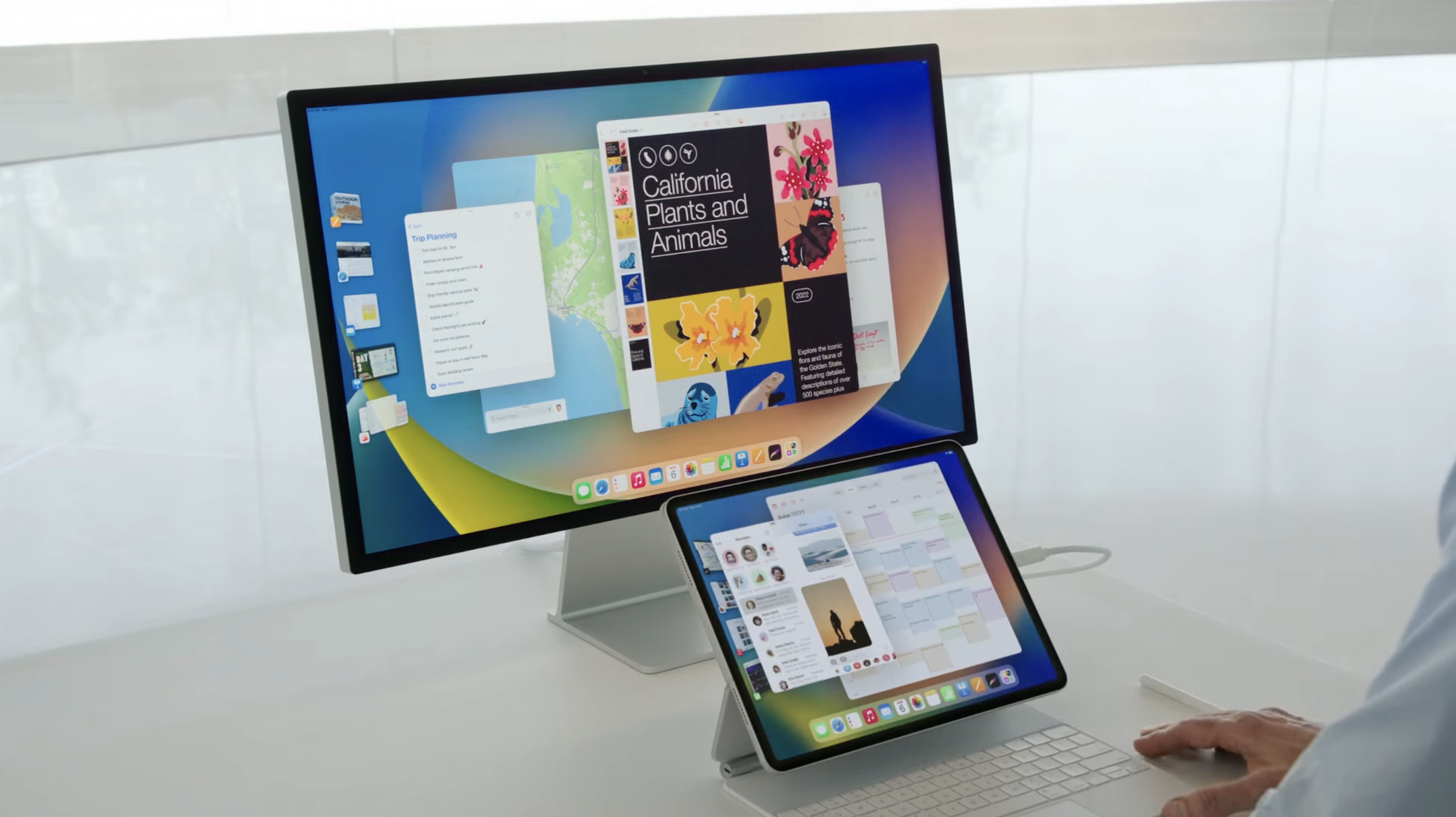
Prior to the release of iPadOS 16, Apple tweaked Stage Manager to remove a feature that allowed it to work with external displays, a move made to expand Stage Manager support to A12Z and A12X iPad Pro models.


Earlier today you said, "Stage Manager is a joke. This feature does not appeal me anymore. Lost my interest. Sorry 😢"At least there is hope and Apple is trying to get this "Stage Manager" right. Baby steps!
I really want external monitor support, stage manager is whatever. I feel like at this point stage manager is baked in with external monitor output. I think a good tradeoff for older iPad Pros would be external with stage manager, but only 4 apps max, would be on the external monitor only. The iPad would only display the home dock and nothing else.I wonder how many owners of pre-M1 iPads actually care about Stage Manager itself instead of fullscreen external display support.
I’m guessing for many, fullscreen external display is a more important feature than being able to use Stage Manager on the iPad’s small 11-13” displays.


I stand behind my first comment about the “Stage Manager”. The feature still does not appeal to me and I have lost interest. I don’t plan on using it. However, I’m glad Apple is trying to make it better for those that will be using them. Sorry for the confusion.Earlier today you said, "Stage Manager is a joke. This feature does not appeal me anymore. Lost my interest. Sorry 😢"
So which is it?
Source: https://forums.macrumors.com/thread...d-as-ipados-16-released.2367363/post-31665755
Thanks for clarifying.I stand behind my first comment about the “Stage Manager”. The feature still does not appeal to me and I have lost interest. I don’t plan on using it. However, I’m glad Apple is trying to make it better for those that will be using them. Sorry for the confusion.
I didn't care about external display support, went from my 2020 iPad Pro 12.9 inch to the m1 version just for the stage manager support directly on it. It's been freaking amazing for my workflows in so many ways it's hard to describe. It's cool to hear that they added it to my previous ipad though, my wife has been able to enjoy it 🙂I wonder how many owners of pre-M1 iPads actually care about Stage Manager itself instead of fullscreen external display support.
I’m guessing for many, fullscreen external display is a more important feature than being able to use Stage Manager on the iPad’s small 11-13” displays.
No, but you can use me ZacCan I use my M1 MBA display as an external monitor?
I’m happy to see external monitor support back on M1/M2 at least.I stand behind my first comment about the “Stage Manager”. The feature still does not appeal to me and I have lost interest. I don’t plan on using it. However, I’m glad Apple is trying to make it better for those that will be using them. Sorry for the confusion.

Can I use my M1 MBA display as an external monitor?
You can… sort of. Ventura supports using Macs as an AirPlay receiver, so you can cast an iPad’s display via screen mirroring in the Control Center to the display of any Mac, but it’s limited to the old fashioned style of screen mirroring, and it breaks Universal Control, so you can’t use the Mac’s keyboard and trackpad to control the iPad.No, but you can use me Zac
