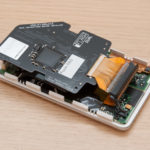
Time to revive this thread yet again...
I tried this upgrade (using this thread and the guide on iFixit) to try to fix my 30GB Ipod Photo that I've had for years. Initial indications were that it had worked as it's supposed to, but it didn't last. I've tried 2 different 1.8 IDE-to-CF adapters, and a couple of different CF cards, with the same indications each time. Can anyone help me get my poor Ipod back?
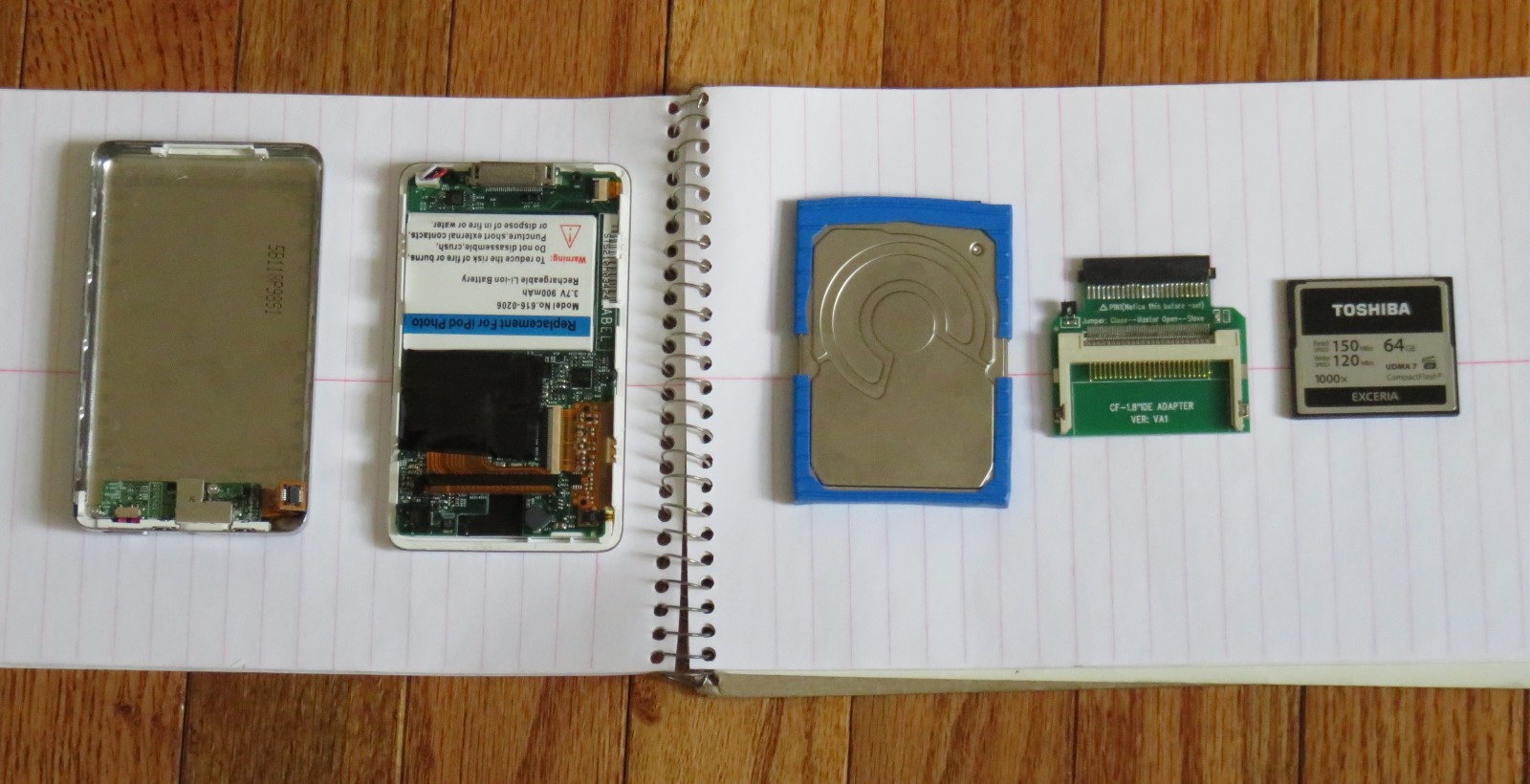
Upgrade piece parts:
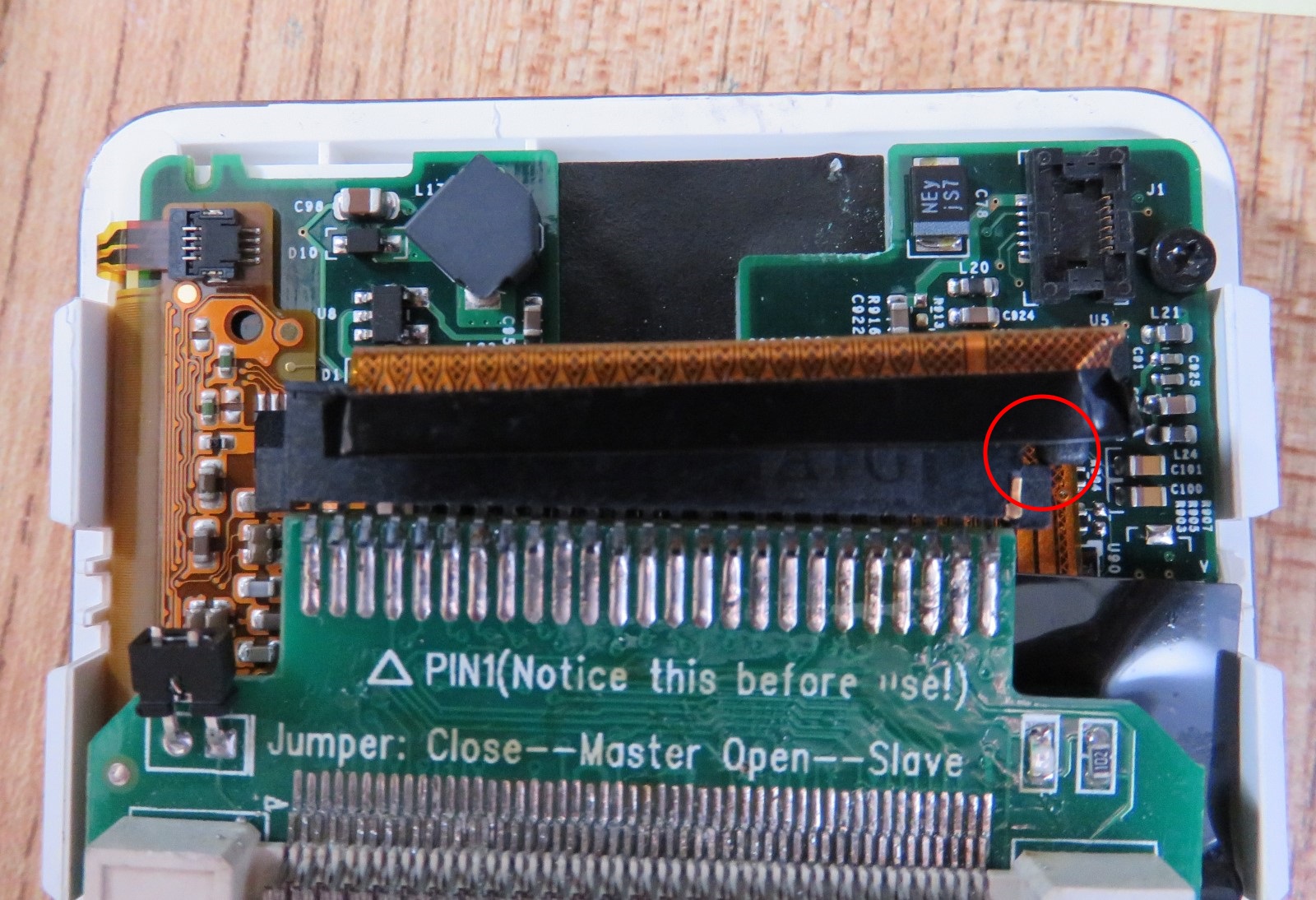
Filed the nub on the end of the adapter to allow the thing to seat fully:
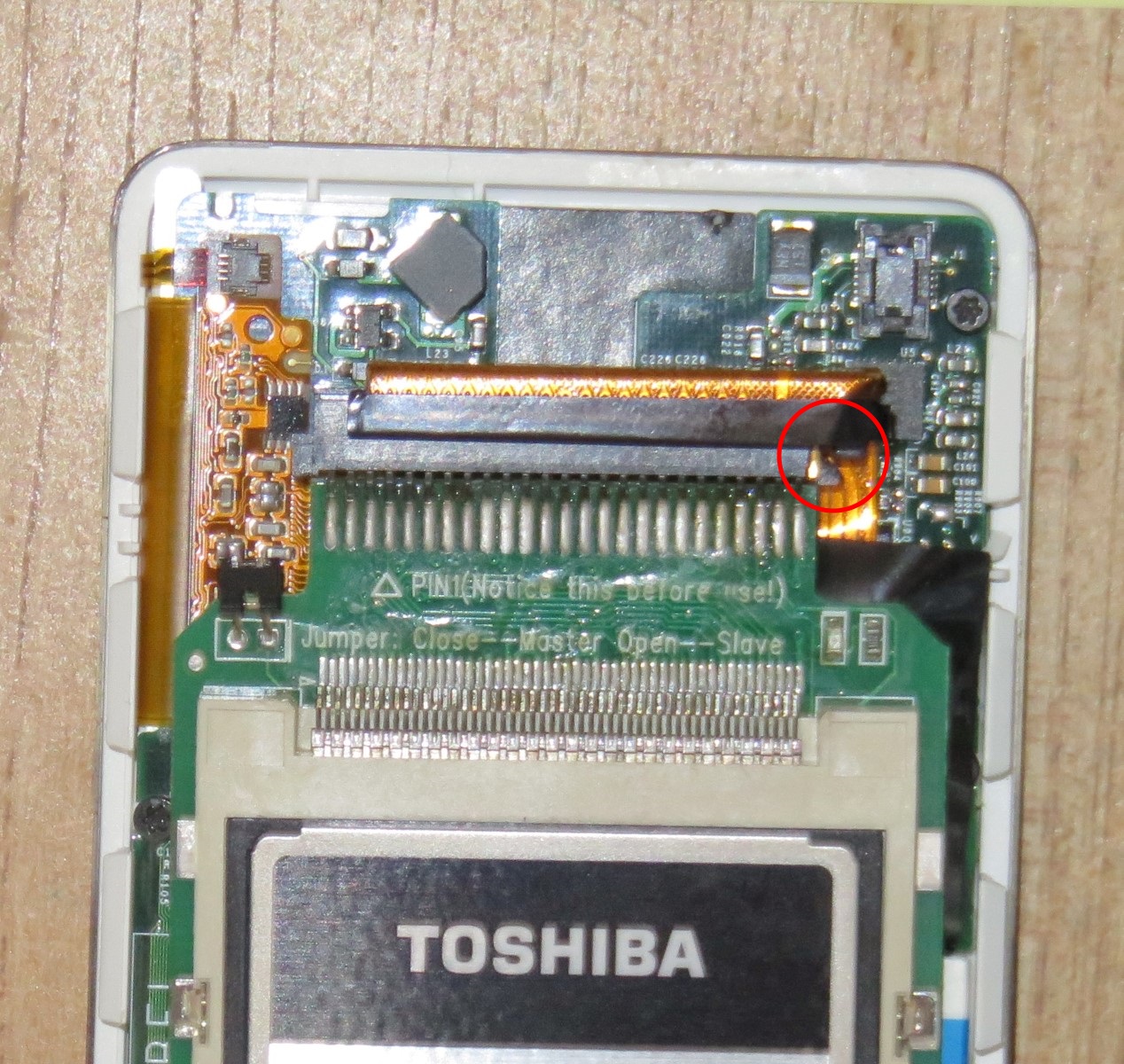
I peeled the blue rubber/polyurethane "bumper" off the original HD, cut it into pieces, and used those as padding around the CF drive so it wasn't so loose in the case. So now it was time to see if it would work.
- I plugged the Ipod into the desktop for the first time after installing the adapter and CF card. ITunes started, and a pop-up window said something along the lines of, "You've plugged in an Ipod that appears to be corrupted. It may need to be restored."
- I acknowledged that pop-up, and there was a window in ITunes offering me to do the restore. So I clicked "Restore Ipod"; a progress bar showed "Restoring Ipod", which took maybe 20 or 30sec.
- Once ITunes was done, it told me to plug the Ipod into a wall outlet to finish the process. I unplugged the USB from the desktop and the Ipod had a little icon on the screen indicating "plug me into the wall".
- I plugged it into the wall and the Ipod started up and prompted me to select a language. I selected English, it thought for a second, and then it displayed the main menu (Music, Photos, Extras, Settings, Shuffle Songs, Backlight). So far, so good. However, that's as far as I could get it to go.
Here's where things go wrong:
- After charging for a bit, I unplugged it from the wall and plugged it back into the desktop. I already had ITunes open. I heard the normal Windows "you've just plugged in a USB device" chime, but ITunes didn't indicate that any Ipod was plugged in. The "DO NOT DISCONNECT" screen appeared on the Ipod.
- After maybe 30sec, I heard the "you've just unplugged a USB device" chime from Windows. A pop-up appeared telling me that the USB device that was last plugged in was not recognized.
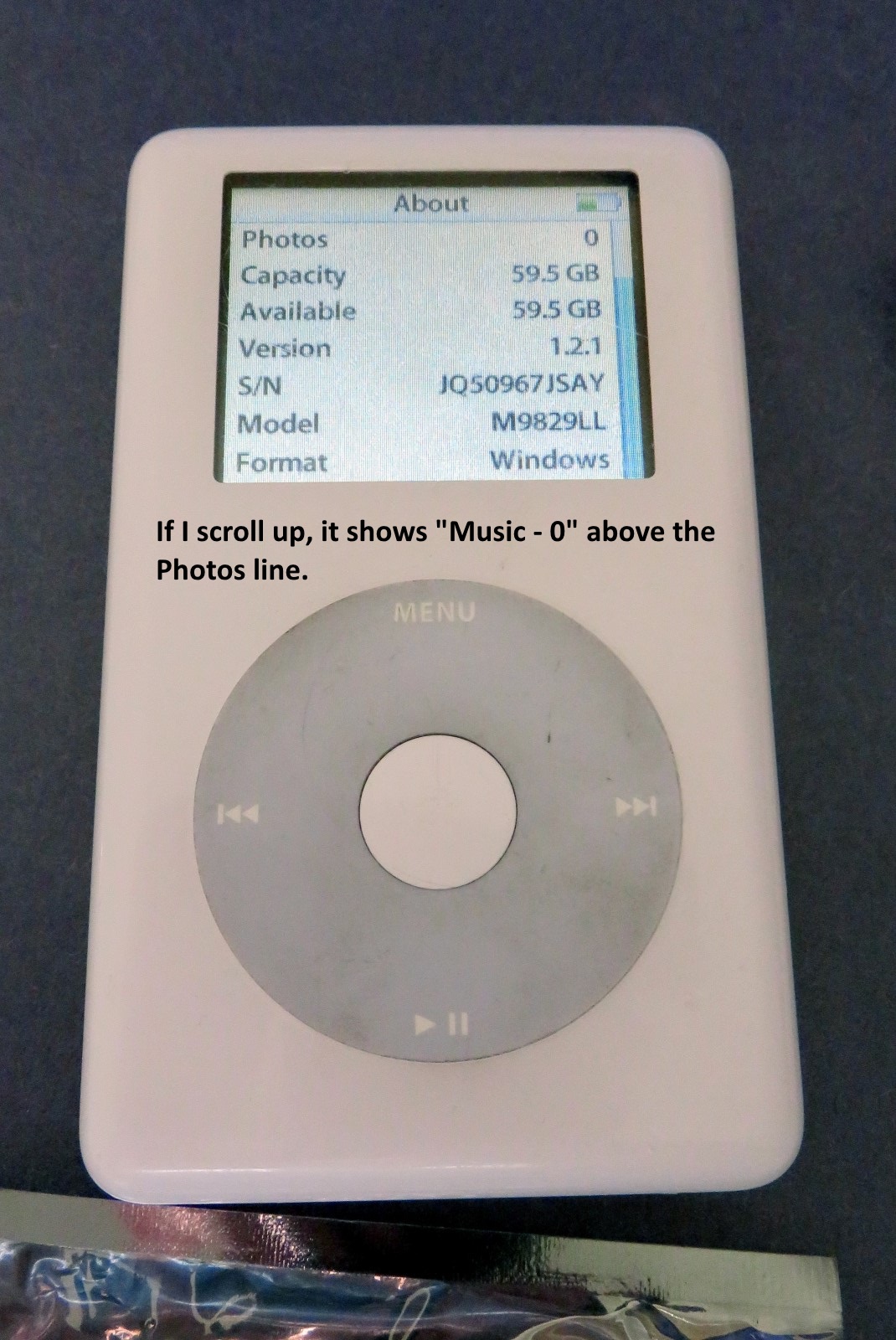
- If I unplug the Ipod, it stays frozen on the DO NOT DISCONNECT screen until I do a reset. After resetting it, if I power it up and go to "About", I get what appears to be the proper indication:
I don't get why it's not working.
😕 Windows recognizes it as a proper USB device initially, and ITunes "sees" it such that it is able to restore it. So how come a little while later, after putting it on the wall charger, those 2 facts are no longer true?
Anyone have any thoughts on what else I can try? I appreciate any assistance!