

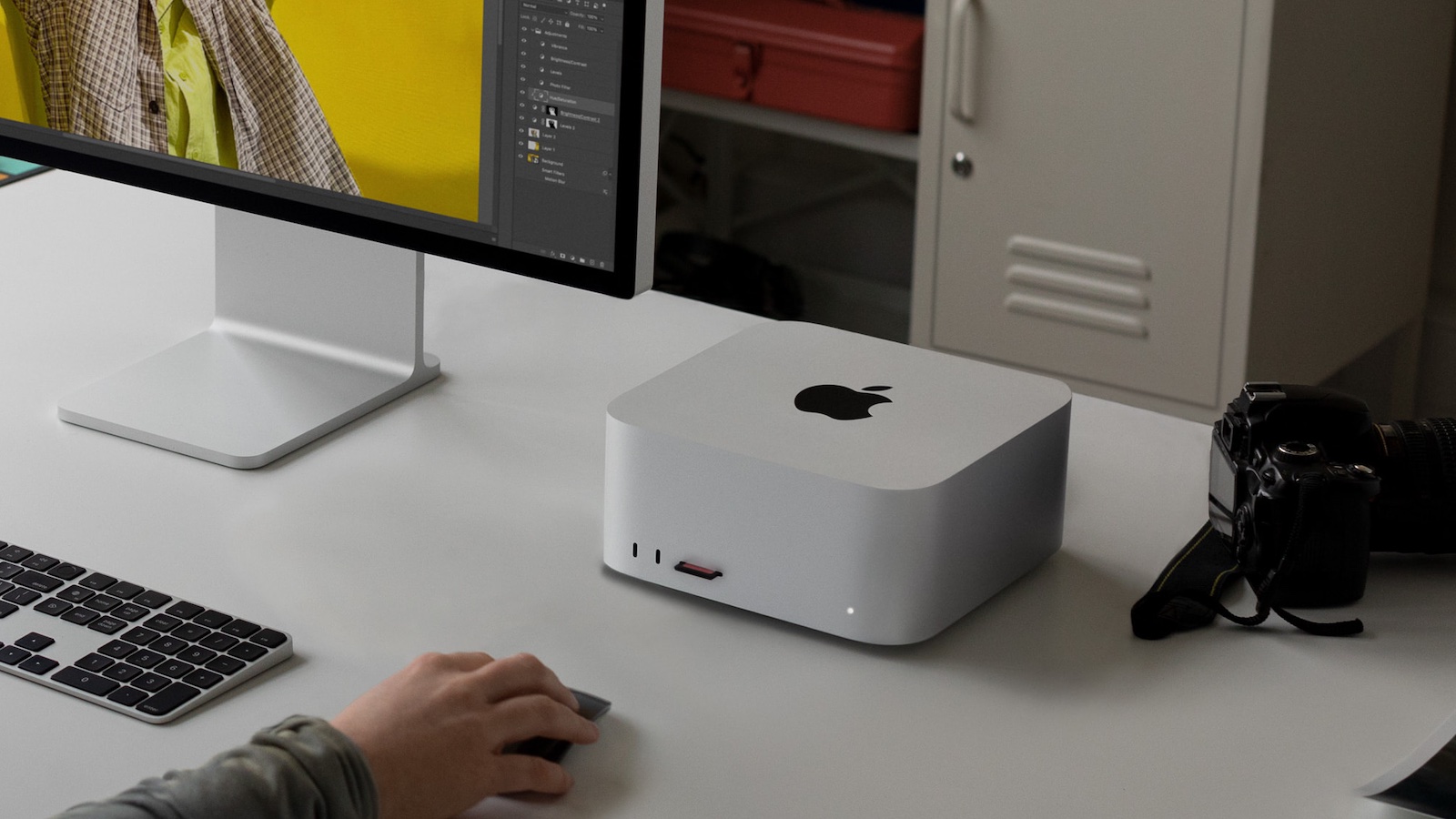
Apple has now refreshed the Mac Studio twice since its introduction in 2022, so should you upgrade your unit and is an older model still worth buying?
Article Link: Mac Studio Buyer's Guide: All Models Compared
Last edited:


.1 more HDMis, I think. 🙃What does HDMI 2.1 get you?
Since the Mac Pro 2013 I’ve always just used a TB to display port adapter. Far more efficient. It would be nice native, yes.What does HDMI 2.1 get you?

4K@120, that's the only remotely related thing someone might need.What does HDMI 2.1 get you?

Pfft. I only need 4k @60 and I’m happy as a clam. Assuming clams are happy.4K@120, that's the only remotely related thing someone might need.


Old post, but the gen 1 Max Studio has been discontinued by Apple. The pricing on whatever remaining inventory is floating out there is not in Apple's control as those sellers bought them from Apple at a certain price. Price on them will come down if/when those sellers are willing to take a hit on them.Guessing Apple wont be dropping the price of the Gen 1? Been looking around and the price has not changed anywhere.


Apple has now refreshed the Mac Studio twice since its introduction in 2022, so should you upgrade your unit and is an older model still worth buying?
The new Mac Studio's main upgrade is its chip, moving from the M2 Max and M2 Ultra to the M4 Max and M3 Ultra. Compared to its predecessor, the new Mac Studio is up to 75% faster with 2x faster graphics. It also now features up to 512GB of memory of 16GB of storage, as well as Thunderbolt 5 connectivity.
See the breakdown below for each new feature, change, and improvement that was added with the latest Mac Studio compared to its predecessors:
Mac Studio (2022) Mac Studio (2023) Mac Studio (2025) Apple M1 Max or M1 Ultra chip Apple M2 Max or M2 Ultra chip Apple M4 Max or M3 Ultra chip M1 Max: 10-core CPU (8 performance cores, 2 efficiency cores)
M1 Ultra: 20-core CPU (16 performance cores, 4 efficiency cores)M2 Max: 12-core CPU (8 performance cores, 4 efficiency cores)
M2 Ultra: 24-core CPU (16 performance cores, 8 efficiency cores)M4 Max: Up to 16-core CPU (12 performance cores, 4 efficiency cores)
M3 Ultra: Up to 32-core CPU (24 performance cores, 8 efficiency cores)M1 Max: Up to 32-core GPU
M1 Ultra: Up to 64-core GPUM2 Max: Up to 38-core GPU
M2 Ultra: Up to 76-core GPUM4 Max: Up to 40-core GPU
M3 Ultra: Up to 80-core GPUHardware-accelerated ray tracing AV1 decode M1 Max: 16-core Neural Engine (11 TOPS)
M1 Ultra: 32-core Neural Engine (22 TOPS)M2 Max: 16-core Neural Engine (15.8 TOPS)
M2 Ultra: 32-core Neural Engine (31.6 TOPS)M4 Max: 16-core Neural Engine (38 TOPS)
M3 Ultra: 32-core Neural Engine (76 TOPS)
Once AI cracks the secrets to clam language, we'll know for sure.Pfft. I only need 4k @60 and I’m happy as a clam. Assuming clams are happy.
It basically means people with high impedance headphones don’t need to use an amp. Some will certainly still want one for various reasons, but most people should not need one. I have an amp I use with my Windows desktop but just plug my headphones directly into my Macs without needing the amp.Can anyone here weigh in on the Studio's fancy headphone jack vs. a "normal" 3.5mm jack vs. a dedicated hp amp?

I think HDMI 2.1 is required to pass a Dolby Atmos stream to other hardware.4K@120, that's the only remotely related thing someone might need.

Not hiding anything. Just showing the maximum potential.I hate when companies say up to xxx% faster.
It makes me think that they are hiding something.

It's like when people ask, "What computer should I get?" with no specifics and then get annoyed when people don't give them relevant information. Benchmarks of CPU speeds isn't useful, but specific tasks is, they should be reporting on that.I hate when companies say up to xxx% faster.
It makes me think that they are hiding something.

Don't buy into the hype.man I bought a deco wifi 7 mesh a year ago and still don't have single wifi 7 device 🤣


Unless you can get a great deal on it, I wouldn't generally recommend a M1 Max Mac Studio at this point. It will lose new macOS updates sooner rather than later, and furthermore, in many workloads it's actually outclassed by the M4 Pro Mac mini.I wonder what the used Studio market is going to start looking like… I’d be interested in a M1 Studio if the price was right.

I just ran GeekBench AI using the Neural engines on an M3 Ultra and M4 Max. I can confirm that the Ultra is slower which would indicate it is more like to the 36 tops not 76.Can anyone confirm that the Mac Studio M3 Ultra's Neural Engine peaks at 76 TOPS? It was my understanding it is still using the same Neural Engine as the M3 Max and therefore it maxes out at 2x18=36 TOPS. That is also what Wikipedia shows.

