I had the exact same problem! At first, I actually thought my Thunderbolt 3 dock had bricked my M2 Max (64GB/2TB). I usually use it in clamshell mode (lid closed), so I didn't even realize a macOS update was running in the background.
My exact symptoms: The laptop was completely blacked out. There was absolutely no response when pressing the power button (even holding it down for 30 seconds did nothing). The MagSafe charger just showed a solid green light, and when I plugged in a USB-C charge cable with a power meter, it showed it was only drawing a measly 4W of power. It genuinely looked like a dead machine.
It happened on a Sunday, and I desperately needed my Mac for a business case on Monday morning. It was an absolute nightmare. Here is how my timeline went down:
- The Authorized Shop: I immediately booked an appointment through the Apple Support app at a local Authorized Service Provider. They demanded a £49 inspection fee (since I’m out of warranty) and told me it would take 1-2 weeks for engineering to look at it. I couldn't wait that long.
- The Official Apple Store: They advised me to drive 22 miles to an official Apple Store. I arrived just 45 minutes before closing. The staff there were actually very helpful and got a Genius to inspect it immediately for free.
- The £889 Quote: After 20 minutes, they gave me the bad news: "Dead logic board. It will be £889 to replace." I had already done some research online about the DFU mode fix, but I didn't own a second Mac at the time to try it. I discussed it with the tech, and they actually tried a DFU restore in the store, but it failed.
- The Panic Purchase: £889 is a massive repair bill, and I needed a working computer for Monday. Feeling backed into a corner, I bit the bullet and bought a brand new M5 MacBook Air right there on the spot.
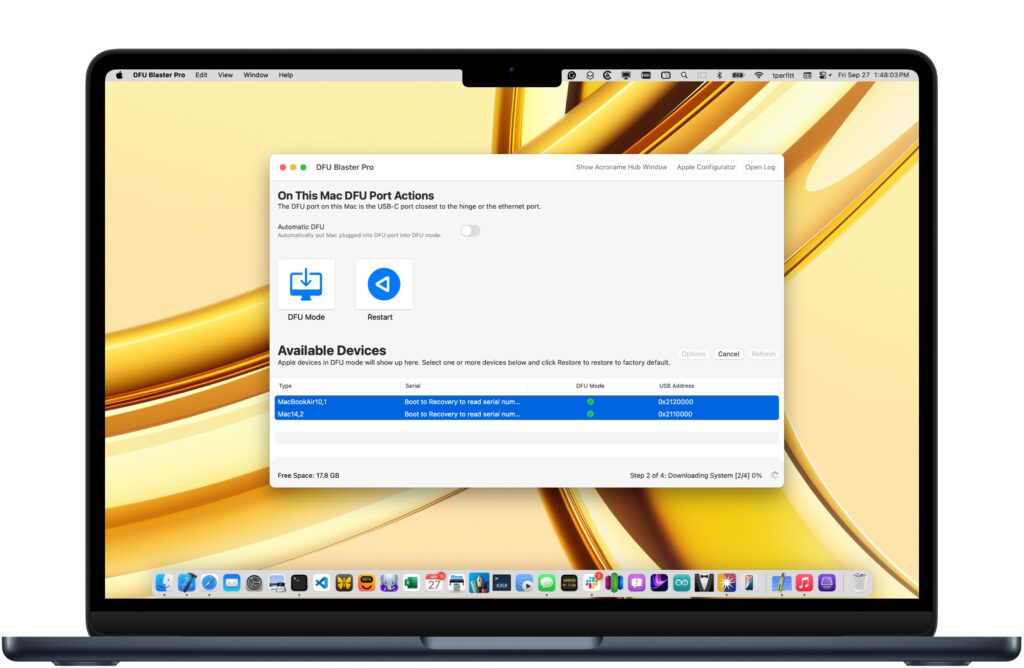
When I got home, I set up the new M5 Air to make sure my Monday morning was safe. Then, using my new Mac, I decided to try my luck with the DFU restore on the "dead" M2 Max. I actually followed this exact tutorial on YouTube to make sure I was doing the key combinations correctly:
First, I tried using the latest
26.4.1 IPSW. I tried several times, redownloading it and dragging it into Apple Configurator 2, but it consistently got stuck at the very last installation step.
Then, I saw other posts here advising to use the older
26.3.1 IPSW.
OMG… it worked. The white Apple logo finally appeared! My M2 Max is fully alive again.
It all makes sense to me now. The Apple Store Geniuses couldn't fix it because their internal tools automatically grab and force the latest version (26.4.1), which is clearly bugged and fails the restore. Because of their strict protocols, they won't (or can't) manually downgrade it to 26.3.1 to bypass the glitch.
Now I have a working M2 Max and a brand new M5 Air sitting on my desk! Thanks to everyone sharing the 26.3.1 fix!