


Become a MacRumors Supporter for $50/year with no ads, ability to filter front page stories, and private forums.

MacRumors

macrumors bot
Original poster
Apr 12, 2001
70,402
42,032


macOS Tahoe introduced a bug that causes a Studio Display connected to a Mac to flicker every so often, and subsequent updates only seem to have made the issue worse.
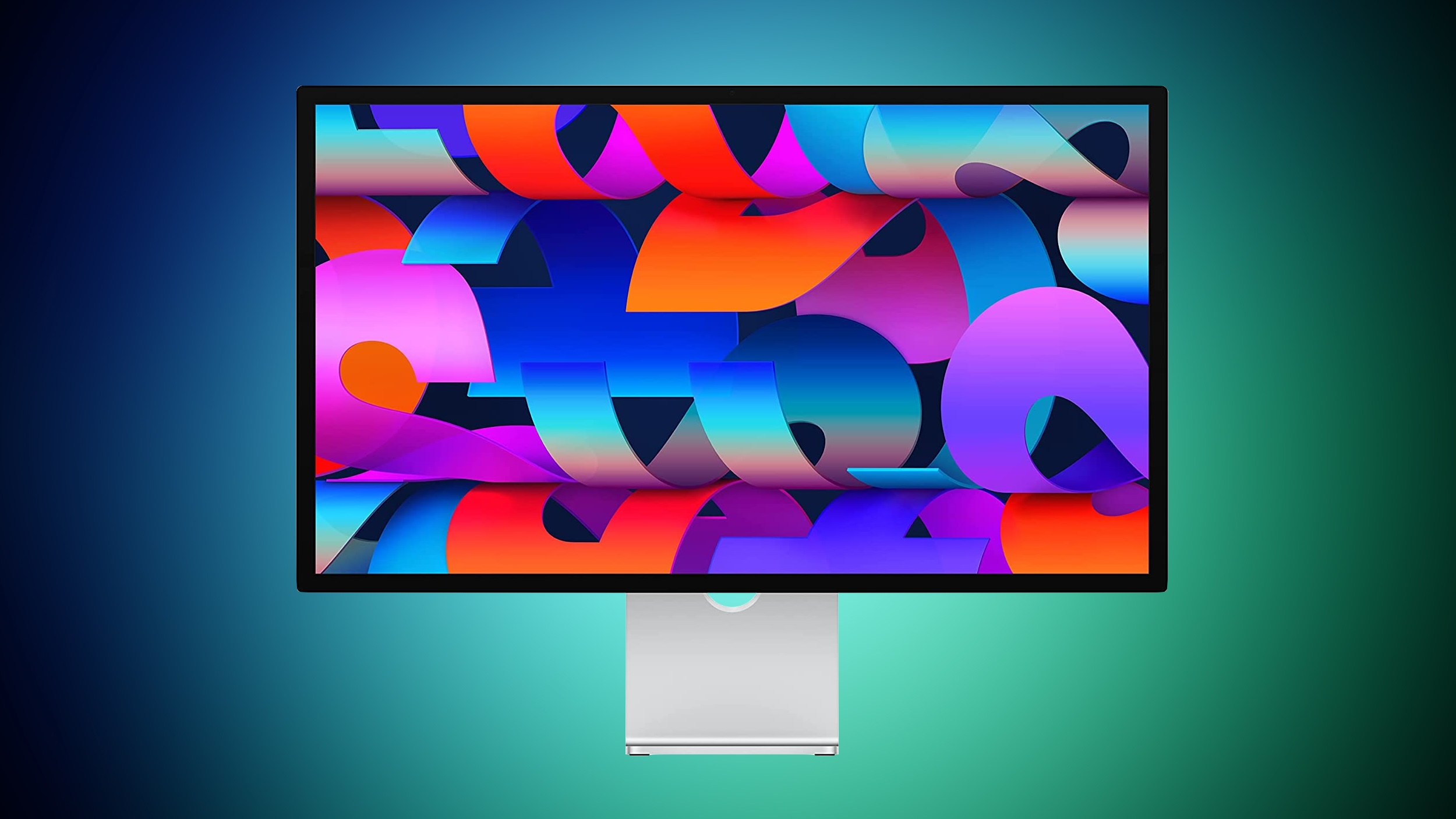
studio-display-blue-green.jpg

Mac users with the Studio Display have been complaining about intermittent flickering since the update launched in September. There are also complaints from users who have other kinds of displays, so it might be a bug that is affecting more than one type of external monitor.

We have experienced this issue with a MacBook Pro running macOS Tahoe connected to a Studio Display, and the macOS Tahoe 26.1 and macOS Tahoe 26.2 updates haven't improved the situation at all. In fact, the flickering seems to be getting worse in recent days.

Flickering happens most often when switching between apps that feature stark white backgrounds, or scrolling through webpages on light backgrounds. Any app can cause the flickering, and sometimes it just seems to be random. When flickering occurs, it's typically a brief flicker, but the display can also flicker several times in a row for a few seconds at a time. Switching from dark content to light content can almost always trigger a flicker on affected machines.

It's not clear what is causing the issue, but given that multiple Studio Display owners are experiencing it, it's likely some kind of software issue that could be addressed with new Studio Display firmware rather than a hardware problem.

Article Link: macOS Tahoe Bug Causes Studio Display Flickering Issues
 
  • Haha
Reactions: sinoka56
I've seen plenty of that issue with Tahoe. (Mac mini M1 plus Studio Display.)

My impression is that the display is trying to "fade" between HDR and non-HDR mode without quite achieving the usual (enormously under-credited) perfect synchronization that maintains the standard appearance of non-HDR elements. But that's still a guess. I'd love to hear an explanation from someone who works on this.
 
same here. Stephen Hackett at 512 has also mentioned on his shows.
my thought, as a clueless non developer, is maybe the new OS has something in it getting ready for the new ASDs that have HDR… and that is causing these "old" ASD to not know what to do ¯\_(ツ)_/¯
I have noticed it more often when viewing various items in my Photos.app library.
 
I don't have the ultra cool Studio Display. But I have had a fairly good progression of mid-high level monitors.

EVERY monitor I have ever had gets a flickering ghost on every MacBook Pro from i9, M1 & M3 IF they are plugged into an external adapter. Everything from the Apple HDMI adapter to the fairly glorious IVANKY 4 monitor adapter.

It appears too much black on the screen tends to cause it. But really it starts randomly and ends randomly. No amount of power cycling docks or monitors has any effect at all. It is just wait for it to stop or reboot the MacBook. Usually I just use a different monitor until that one feels better. I have never had this happen to two monitors at once.

Fun fact about the 4 monitor IVANKY: due to a bug in the M3 Max GPU sometime overnight it will 100% of the time crash the window manager and throw you back to the login screen. Semi-substantiated rumor says that ever release of MacOS for a couple years now has tweaked the GPU driver but they don't seem able to fix it. It worked fine on my M1 Max. I just don't leave the dock plugged in overnight. There are never any problems during the day. So it is some sort of secondary deep sleep that only happens after many hours of inactivity.
 
My flicker is a subtle temperature change. I think it has to do with flashing seconds on the clock in the menu bar… I haven’t troubleshot it, the flickering has the exact same timing as the clock.

I think it’s SuperClock haunting the machine.
 
I’m not sure this is a Tahoe-only bug. I started having these issues with Sequoia. If anything it’s gotten slightly better under Tahoe.
 
Register on MacRumors! This sidebar will go away, and you'll see fewer ads.