I still have this problem that i
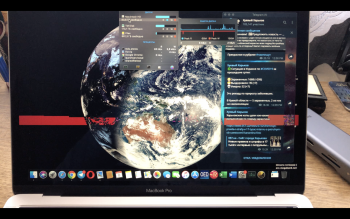
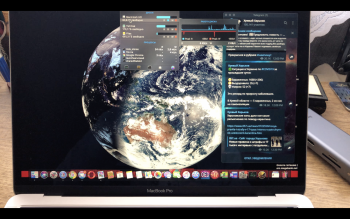
Foure mentioned in their post on Early 2015 Macbook Pro. When watching high res video content, there will be very short but very bright, white flashes. Its hard to get on camera since the camera will balance it out automatically, but it's definitely there especially in darker scenes.
It only happens on full screen and only when no other content is displayed except for the video. For example, when I set the cursor on the play button so that the Menu of the webplayer does not hide itself, then there will be no flashes at all.
Only one of the mentioned fixes works for me:
Changing cursor size in accesibility menu. Turning off the automatic brightness, cursor wiggle or battery options does not do a thing for me. When I adjust the size of the cursor however, I can literally see how the whole image of the video is recomposed, while the sound even clearly cuts out for a second, until the video resumes without the bright flashes. However, this is not persistent and the flashes will come back eventually.
What can be the cause? Its a hassle to have to navigate to the cursor menu all the time. This problem has been around on my machine since over 2 years and none of the system updates on this period have made a difference as far as I can tell.
What's with the cursor that might upset the Quartz Compositor so much? Is it possible to reset the compositor somehow ?
thanks