Become a MacRumors Supporter for $50/year with no ads, ability to filter front page stories, and private forums.
Yeah... echoing others' complaints. They could make this as nice as they want, but the whole point is that I can quickly use it (presumably instead of a Mac app or a web tool or instead of going to my phone itself). If it takes multiple seconds to load up and fails 40% of the time, I might as well just go grab my phone.

This reminds me of the first versions of the Apple Watch. If the whole point is that it saves you the few seconds to grab your phone, then the bar is really high that it be reliable and quick, even if that is at the expense of feature set.
 
According to Apple’s support site

Your Mac is using macOS Sequoia 15 or later and is a Mac with Apple silicon or Mac with the Apple T2 Security Chip. Live Activities on Mac requires macOS Tahoe 26 or later.
Your iPhone is using iOS 18 or later and is set up to use a passcode.
Your iPhone and Mac are signed in to the same Apple Account using two-factor authentication.
Your iPhone and Mac have Bluetooth and Wi-Fi turned on.
Your iPhone is locked and near your Mac. It can also be charging and using StandBy.
Your Mac is not sharing its internet connection or using AirPlay or Sidecar.

having it in another room and not right by you isn’t how it works.
If my phone is "nearby" then why not just pick it up and use it? But "nearby" is not an engineering definition....is that within 5 feet? In the same room? If that means "on the same wifi" (almost certainly does) then would it be just as good to be close to the router vs the Mac? At the end of the day this feels like victim blaming...I think the feature is supposed to work if the phone is on the same wifi and if it fails otherwise its just because the connection is buggy.
 
I can see now why they haven’t and likely won’t. They already knew they had plans to add DRM and not having to figure out how to make it work with third parties saves a lot of dev time and testing in the future. Who knows what else they have planned for it that’s only easy for them to do if they don’t have to develop a solution for the entire world of devices?
I believe Apple could provide APIs and leave third parties to figure it out by themselves (for the same reason they can't limit third party AIs to on-device only because that's seen as an arbitrary technical limitation)
 
Reading through comments I was surprised that people were having this not work for them. I use it regularly and it's always worked. The regularly needing to type a code on the iPhone is an annoyance, but other than that it's always been solid for me.
 
DRM handling is a great feature. I visit several streaming sites that provide access for iPhone via an App, but for MacOS, the access is only browser based. I'm forever opening and closing browser pages and tabs and often end up hitting the streaming window inadvertently. It would be great to bring up the content on my phone via the App and then mirror this to macOS so that I can keep an eye on the content in a window, rather than a browser page. A bit niche, maybe, but useful.
 
The best improvement to iPhone Mirroring would be to introduce it in the EU.
Is there a clear explanation why it’s not? I never heard it.

Are they afraid they would need to add support for Android phones? Because another party could develop a Mac app that does this. Or are they afraid they should bring iPhone Mirroring to Windows?

The fact they remain vague makes me think they don’t have a good case.
 
This isn’t ev


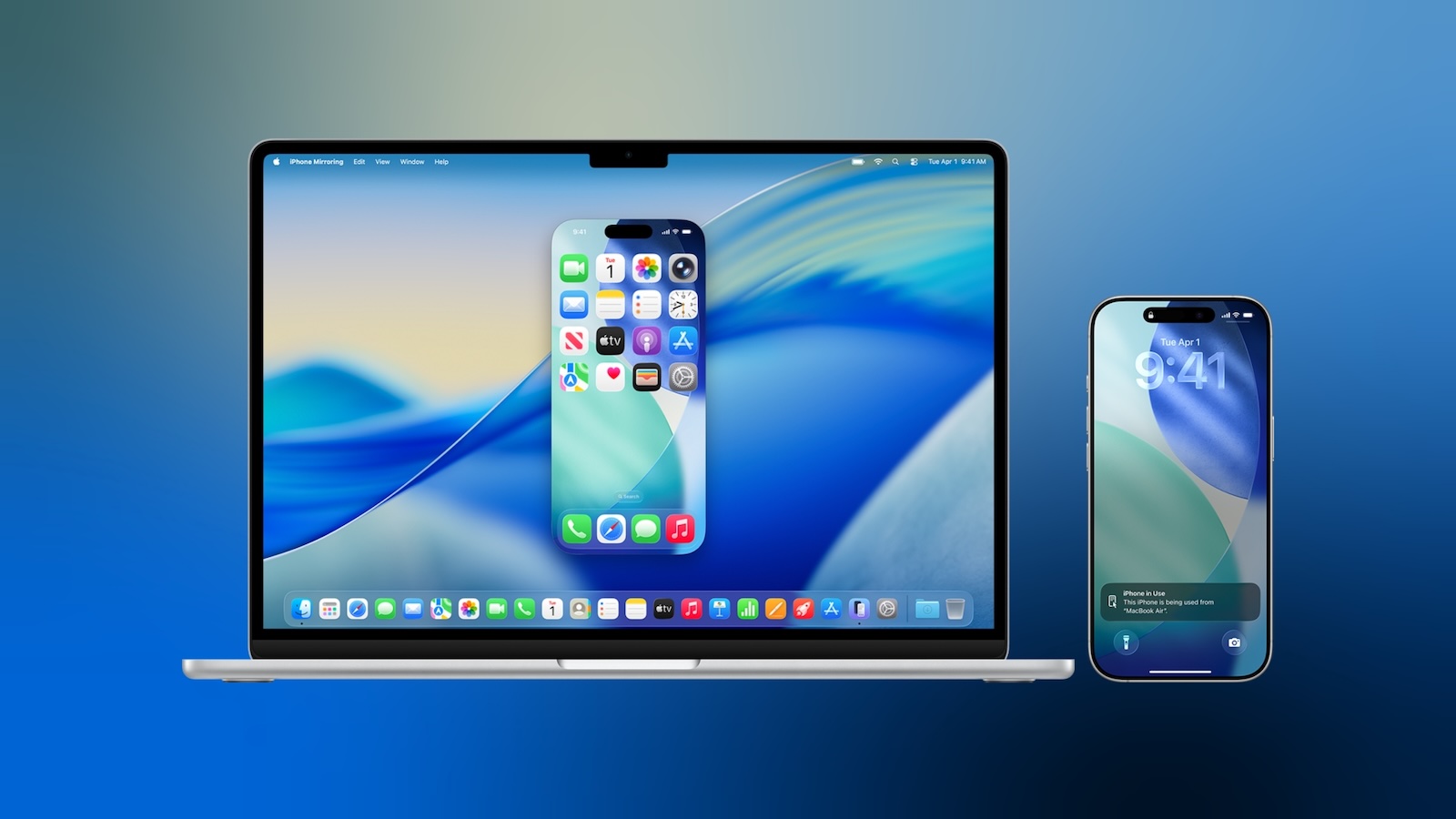
In macOS 27 Golden Gate, Apple has brought some meaningful updates to iPhone Mirroring besides a new app icon. Here's what's new.

iphone-mirroring-blue.jpg

macOS 27 is currently in developer beta, with a public beta coming next month and a general release expected in the fall.

Window Resizing

In macOS Tahoe, iPhone Mirroring is constrained to the iPhone's native aspect ratio, so window resizing is limited to the device's fixed proportions. Smaller, Actual Size, and Larger are the only options. By contrast, macOS 27 introduces support for multiple aspect ratios. Depending on the chosen aspect ratio, iPhone Mirroring displays either a modified iPhone interface or an app's available iPad layout. Adjustments are limited to iOS 27-compatible apps for now, but expect this to change when developers update their own apps. The change has also stoked speculation about a rumored foldable iPhone coming in September.

Control Center Access

In macOS 27, you can now access your iPhone's Control Center directly from your Mac using the Command-4 keyboard shortcut or via the View menu in the menu bar. Previously, iPhone Mirroring didn't support Control Center access at all.

DRM Support

macOS 27 also adds support for DRM-protected video playback in iPhone Mirroring. In macOS Tahoe, attempting to watch protected content, such as videos from streaming services or rented movies, results in a black screen on your Mac. With the next major update, however, you can view DRM-enabled content directly through the mirrored iPhone window.

Article Link: Three Ways macOS 27 Improves iPhone Mirroring
This isn’t even working for me in the USA on macOS 27 and iOS 27 on my iPhone 17 Pro Max. It was working before the Developer Beta 1. I totally expect issues with early betas so I’m not surprised. But curious - anyone else’s iPhone Mirroring similarly broken?
 
First, there's the difficulty of logging in, which has me going in circles before it finally works:

"Your iPhone is locked, please unlock it."
"Your iPhone is in use. Please log out."
"Your iPhone is locked, please unlock it."
"Your iPhone is in use. Please log out."
"Your iPhone is locked, please unlock it."
"Your iPhone is in use. Please log out."
"Your iPhone is locked, please unlock it."
"Your iPhone is in use. Please log out."
"Your iPhone is locked, please unlock it."
"Your iPhone is in use. Please log out."

Second, as I type using the Dvorak layout on a Mac, it comes out garbled on the iPhone via Mirroring. The iPhone should recognize the layout I'm using on my Mac.
 
Register on MacRumors! This sidebar will go away, and you'll see fewer ads.