
Got a tip for us?
Let us know
Become a MacRumors Supporter for $50/year with no ads, ability to filter front page stories, and private forums.
What have you done with an early Intel recently?
- Thread starter Project Alice
- Start date
- Sort by reaction score
You are using an out of date browser. It may not display this or other websites correctly.
You should upgrade or use an alternative browser.
You should upgrade or use an alternative browser.


TheShortTimer
macrumors 68040
DisplayPort cables can't be used for TB1/TB2.
As I discovered when I bought an UltraStudio Mini Recorder and saw the prices for TB cables and thought, "Well the DisplayPort has the same connector - so it has to use the same standard" in the hope that I could evade having to shell out for the right one. 🤣

B S Magnet
macrumors 603
To make it worse, USB-C cables can be used for TB3 (only at 20 Gbps). DisplayPort cables can't be used for TB1/TB2.
I know.
Which makes the fact that pre-TB3 cables are still de facto proprietary due to royalties, thus tamping down on their continued availability after almost all the TB1/2 Macs have been rendered as “obsolete” by Apple (exceptions being the 2012 Mac Pro, Trashcan Mac Pro, and a few outliers from the other models, released 2013 to 2015), the chief reason why there are so few ways to obtain them now relative to other form factor cables.
Not even legacy cable distributor StarTech carry a Thunderbolt 1/2-compliant cable, even as they market mini DisplayPort cables as “working as a display cable in a Thunderbolt 2” port. 🤦♀️
TheShortTimer
macrumors 68040
Not even legacy cable distributor StarTech carry a Thunderbolt 1/2-compliant cable, even as they market mini DisplayPort cables as “working as a display cable in a Thunderbolt 2” port. 🤦♀️
It's a strange situation, especially for me because my first TB cable was a StarTech product.
(At least that one is 2m because mine is 0.5m and cost the same amount of money as a 2m Chinese type.)

eyoungren
macrumors Nehalem
More Photoshop work (2009 Mac Pro on Sonoma, using Photoshop CC22). Just new bursts behind Alita and the woman in the cloak on the right. More in line with the concept.

Now to slice and dice…fortunately it only affects three displays.
Now to slice and dice…fortunately it only affects three displays.
eyoungren
macrumors Nehalem


TheShortTimer
macrumors 68040
Beyond a few dalliances with social media, I've been using an early Intel Mac today for serious purposes, honest! 😀
This afternoon I had a video call with my doctoral supervisor using Microsoft Teams on my 11" C2D 2010 MBA.
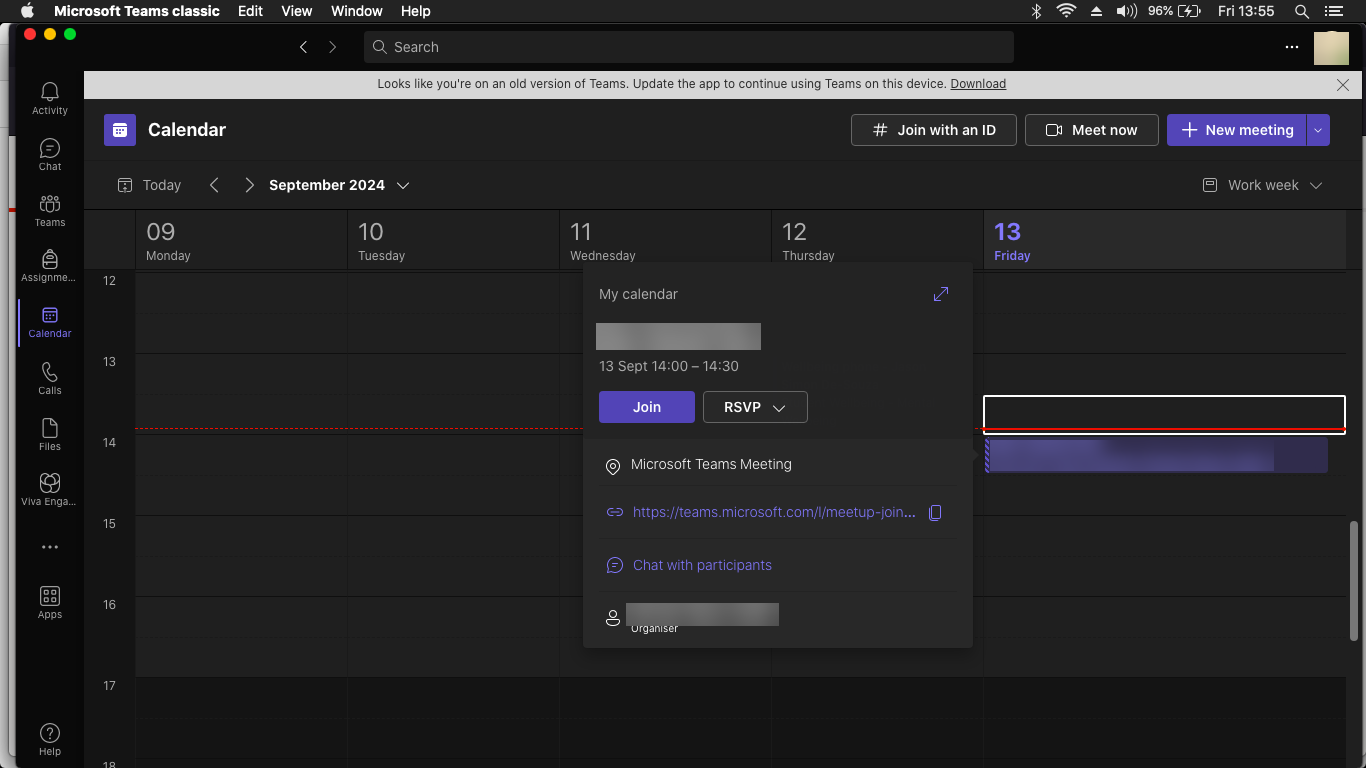
One of these days, I'll figure out how to permanently disable that annoying banner - as I have done with the equivalents in Office 2011 and 2019 but for now, clicking the X allows you to get on with using the program despite Microsoft's desire for the user to upgrade to the latest version.
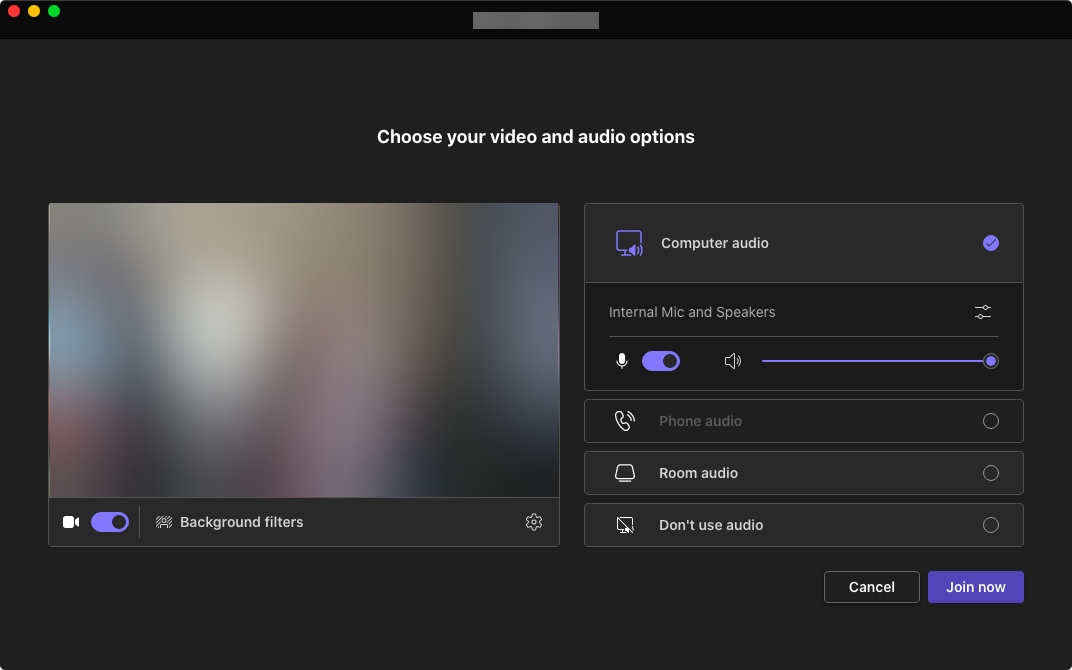
With everything set up, I joined the call and accounted to my supervisor as to what I've done with myself in the past few weeks and asked for more time before I submit my latest draft because I still have further reading and note-taking to get through. Which is exactly what I spent the rest of the afternoon doing using Adobe Pro DC:
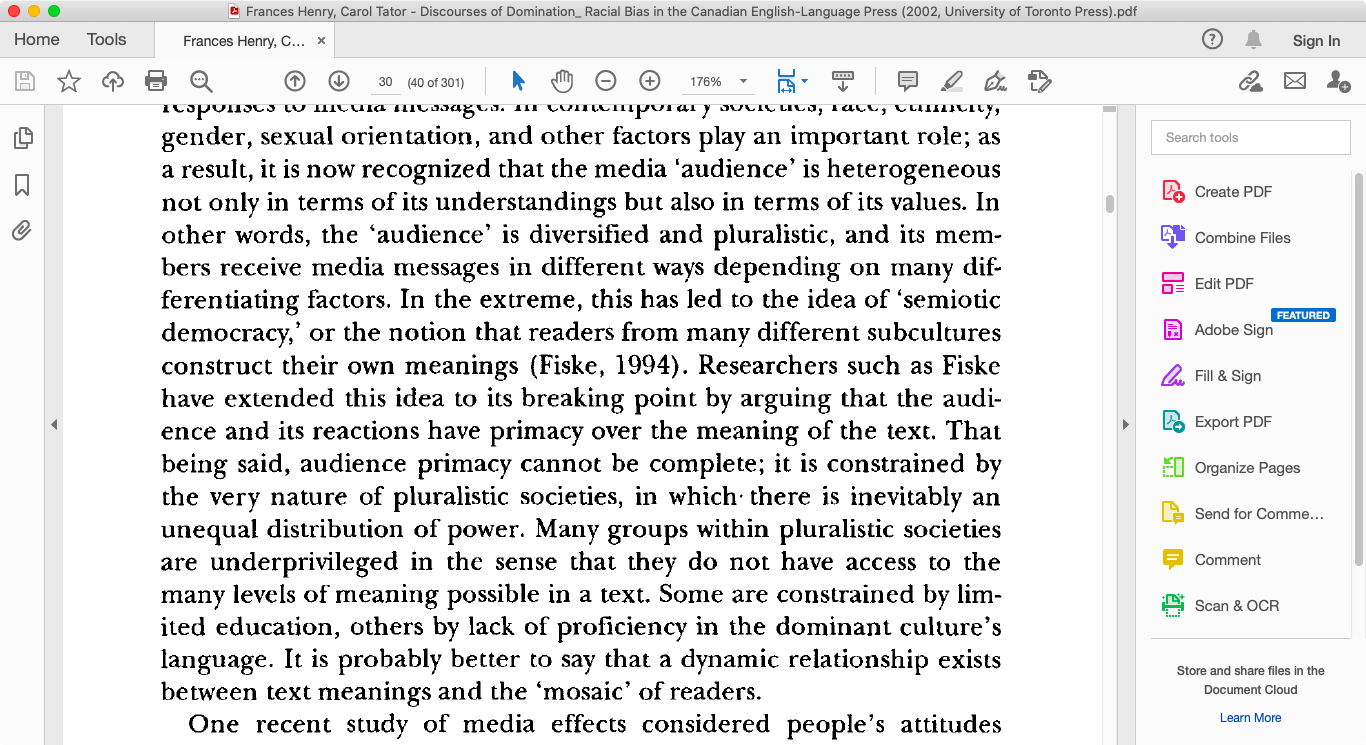
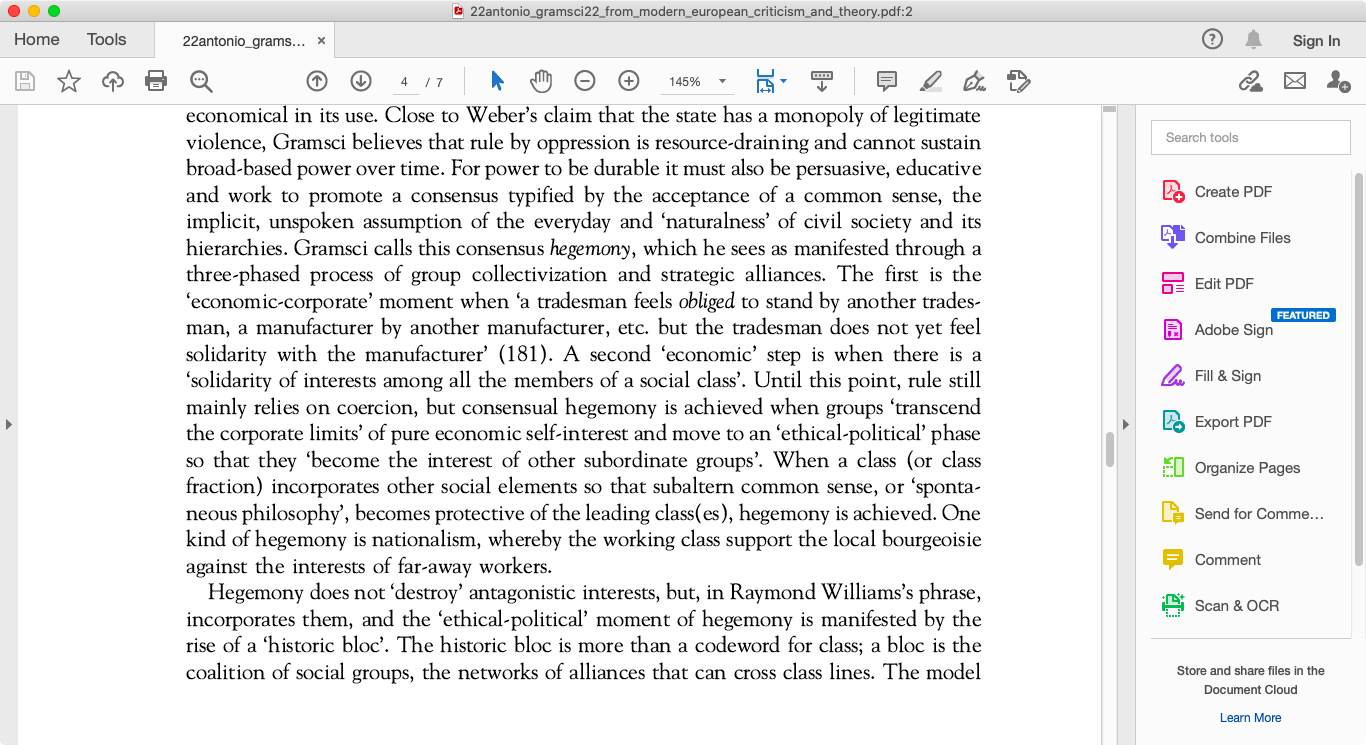
Working with eBooks wherever possible where note-taking is involved is preferable because you can just copy & paste sentences or paragraphs of interest straight into the word processor instead of having to type them in. I've definitely earned tonight's unwinding after all of this. 🙂
This afternoon I had a video call with my doctoral supervisor using Microsoft Teams on my 11" C2D 2010 MBA.
One of these days, I'll figure out how to permanently disable that annoying banner - as I have done with the equivalents in Office 2011 and 2019 but for now, clicking the X allows you to get on with using the program despite Microsoft's desire for the user to upgrade to the latest version.
With everything set up, I joined the call and accounted to my supervisor as to what I've done with myself in the past few weeks and asked for more time before I submit my latest draft because I still have further reading and note-taking to get through. Which is exactly what I spent the rest of the afternoon doing using Adobe Pro DC:
Working with eBooks wherever possible where note-taking is involved is preferable because you can just copy & paste sentences or paragraphs of interest straight into the word processor instead of having to type them in. I've definitely earned tonight's unwinding after all of this. 🙂

ojfd
macrumors 6502a
Replaced the funky behaving keyboard in MBA 2015 last night.
Very tricky, very delicate job, especially peeling off keyboard backlight and removing remains of all rivets.
Took me about 5 hours to do it.
Bought another cheap 13" MBP 2011 locally . This is my 9th of this kind. 😀
It's not charging and not starting up when connected to PSU. We'll see how it goes.
Very tricky, very delicate job, especially peeling off keyboard backlight and removing remains of all rivets.
Took me about 5 hours to do it.
Bought another cheap 13" MBP 2011 locally . This is my 9th of this kind. 😀
It's not charging and not starting up when connected to PSU. We'll see how it goes.

Certificate of Excellence
macrumors 68020
I have been looking for a low resource fork of Ubuntu so I settled on LXQT Lubuntu. I just installed Lubuntu 24.04 LTS on one of my 08 a1278 unibody c2d macbooks and am very happy with how responsive it is so far. Everything about this is as advertised - much snappier. First thing I noticed was it took around 2 minutes of black screen to get into the installer. I also experienced some issues within the Calamres partitioner not providing delete options and throwing installation errors because of this, so I ended up popping the SSD onto a usb2 adapter cable and quickly deleted in diskU from an 09 a1278 I had next to me and back into this machine. From there allowing the calamares installer to find, update to EXT4 and auto partition the drive as Primary and swap was no issue and proceeded to a "Full" install. This first install attempt took forever - 30 something minutes maybe? (likely because of a bunch of additional apps/snap installs) and then ate iteself, freezing and not providing any access to grub or means to proceed. I reinstalled as a "normal" install which completed in about 10 minutes even on this very old machine. Second time around, the Normy install rebooted and then very slowly proceeded to cycle through some GUI stripey weirdness in between Lubuntu splash screens finally landing on the desktop.

I just pushed through around 30 something updates and snapped this desktop glamour shot.
While I'm not very happy with how glitchy the install process was with the calamares installer, I am happy with this machines performance once into the desktop. It really put some step back into this c2d machine as a DD/YT device. Id not hesitate to run Elementary or Ubuntu for that matter on newer EI I3/5/7 macs but for c2d era boxes, I am impressed with the snappy user experience Lubuntu has brought to this macbook.
*edited to trim it up a bit.
I just pushed through around 30 something updates and snapped this desktop glamour shot.
While I'm not very happy with how glitchy the install process was with the calamares installer, I am happy with this machines performance once into the desktop. It really put some step back into this c2d machine as a DD/YT device. Id not hesitate to run Elementary or Ubuntu for that matter on newer EI I3/5/7 macs but for c2d era boxes, I am impressed with the snappy user experience Lubuntu has brought to this macbook.
*edited to trim it up a bit.
Last edited:

DCBassman
macrumors 65816
@Certificate of Excellence , if you have the need to experiment more, particularly on the lesser A1181s that only take 3GB of RAM, there's a 32-bit version of MX Linux that runs really well on my C2D variant. The DE (xfce) is pretty lightweight and snappy. 64-bit version on an i7 A1286 is very slick. As ever, the actual interface you either like or do not. But that's Linux...
Certificate of Excellence
macrumors 68020
I may give that a shot. ELOS on my a1181 definitely chugs, so am looking for another option for that machine. In relation to my a1278s, I'm not sold on Lubuntu quite yet as the boot up is about 2.5-3 minutes to a usable desktop I've discovered.@Certificate of Excellence , if you have the need to experiment more, particularly on the lesser A1181s that only take 3GB of RAM, there's a 32-bit version of MX Linux that runs really well on my C2D variant. The DE (xfce) is pretty lightweight and snappy. 64-bit version on an i7 A1286 is very slick. As ever, the actual interface you either like or do not. But that's Linux...
Update1: I decided to check the health of the SSD via GSSC this early evening and scored a big fat FAIL which I think is a strong possibility (despite noted slowdowns on certain hw configs as of Jammy Jellyfish) as to why the slow boot time. Guess I'll be buying a new SSD and clone over the installation.
Update2: Took another A1278 I had with a spinner this time and ran the installer. The same long 2+ minute period of time elapsed before the installer kicked in, so identical behavior to the other macbook and unlikely that it is the failing ssd or hardware IMO as both macbooks are identically spec'd hdd aside. usb installer maybe? Grub weirdness? probably 😀 The research continues.
Last edited:

Dave1423
macrumors regular

B S Magnet
macrumors 603
may or may not qualify but its the final Mac mini to have upgradeable storage and the only one with the option to have 2 drives
More a late/vintage model than early Intel Mac, but congratulations on the upgrade.

ToniCH
macrumors 65816
What do you mean by "the only one with the option to have 2 drives"?may or may not qualify but its the final Mac mini to have upgradeable storage and the only one with the option to have 2 drives
The late 2012 Mini Servers came stock with 2x 1TB spinners or optionally 2x 256GB SSD's. And a second drive could be installed to 2012 non servers too, but it might not have been a factory option (?).
And 2 drives might be what all Mini Servers came with, as it seems 2009, '10, '11 and '12 servers all came with 2 drives stock - according to everymac.com.

Amethyst1
macrumors G3
It’s the only mini with the option of having one PCIe and one SATA drive.[…] the only one with the option to have 2 drives
Dave1423
macrumors regular
thanks for correcting meIt’s the only mini with the option of having one PCIe and one SATA drive.

uller6
macrumors 65816
These are very nice and flexible minis and I still rock two of them in 2024. One has 16 Gb RAM and another with 8 Gb RAM running Windows 11 and Ubuntu 24.04. Mac OS feels slow and janky; Windows and Ubuntu are both buttery smooth. They each use ~4 watts while on the desktop at idle, among the lowest power consumption of any desktop Mac ever produced.may or may not qualify but its the final Mac mini to have upgradeable storage and the only one with the option to have 2 drives
My 2010 mini is nearing end of useful life, even with SSD, 8 Gb RAM, and running xfce Linux.
roisin and mac
macrumors 6502
Hey all! I haven’t spent much time here anytime recently, so was wondering how to search for ideas on reusing a VERY old MacBook - Santa Rosa! (late 2007 white MacBook,entry level).
I’ve tried browsing the last several pages of this thread, for the most recent stuff (going off the assumption that things people did back in ~2021 when this started might not be possible anymore due to parts having lapsed into unavailability). But all this stuff seems a bit out of my league to be honest!!
I’ve tried browsing the last several pages of this thread, for the most recent stuff (going off the assumption that things people did back in ~2021 when this started might not be possible anymore due to parts having lapsed into unavailability). But all this stuff seems a bit out of my league to be honest!!
Amethyst1
macrumors G3
What tool did you use to measure this, just out of interest?They each use ~4 watts while on the desktop at idle, among the lowest power consumption of any desktop Mac ever produced.
Last edited:
uller6
macrumors 65816
I use a kill-a-watt meter between the wall and the Mac mini.What tool did you use to measure this, just out of interest?
Amethyst1
macrumors G3
I mean, Haswell is known for very low idle but 4 watts — nice.I use a kill-a-watt meter between the wall and the Mac mini.
DCBassman
macrumors 65816
WHIDWAEIR? Why bought another, of course! A1181 4,1, total delivered price £11.80
TheShortTimer
macrumors 68040
WHIDWAEIR? Why bought another, of course! A1181 4,1, total delivered price £11.80
Nicely done! 😀
Next time, go for a 5,2 because they have larger RAM capacities (6GB) and can go as far as El Capitan without patching.
Certificate of Excellence
macrumors 68020
So the rolling theory thus far is that the install is not talking to the default dns. The Mac is trying to use an extension mechanism for DNS which is failing and causing the slowdown. I'll update as we get closer to a hopeful resolution for our macbooks. We've verified that this issue is impacting EI c2d a1181 through 08, & 09 a1278s specifically.I may give that a shot. ELOS on my a1181 definitely chugs, so am looking for another option for that machine. In relation to my a1278s, I'm not sold on Lubuntu quite yet as the boot up is about 2.5-3 minutes to a usable desktop I've discovered.
Update1: I decided to check the health of the SSD via GSSC this early evening and scored a big fat FAIL which I think is a strong possibility (despite noted slowdowns on certain hw configs as of Jammy Jellyfish) as to why the slow boot time. Guess I'll be buying a new SSD and clone over the installation.
Update2: Took another A1278 I had with a spinner this time and ran the installer. The same long 2+ minute period of time elapsed before the installer kicked in, so identical behavior to the other macbook and unlikely that it is the failing ssd or hardware IMO as both macbooks are identically spec'd hdd aside. usb installer maybe? Grub weirdness? probably 😀 The research continues.
DCBassman
macrumors 65816
According to everymac, it will do 6GB. Not El Cap, though. Not an issue, RAM capability was the thing.Nicely done! 😀
Next time, go for a 5,2 because they have larger RAM capacities (6GB) and can go as far as El Capitan without patching.