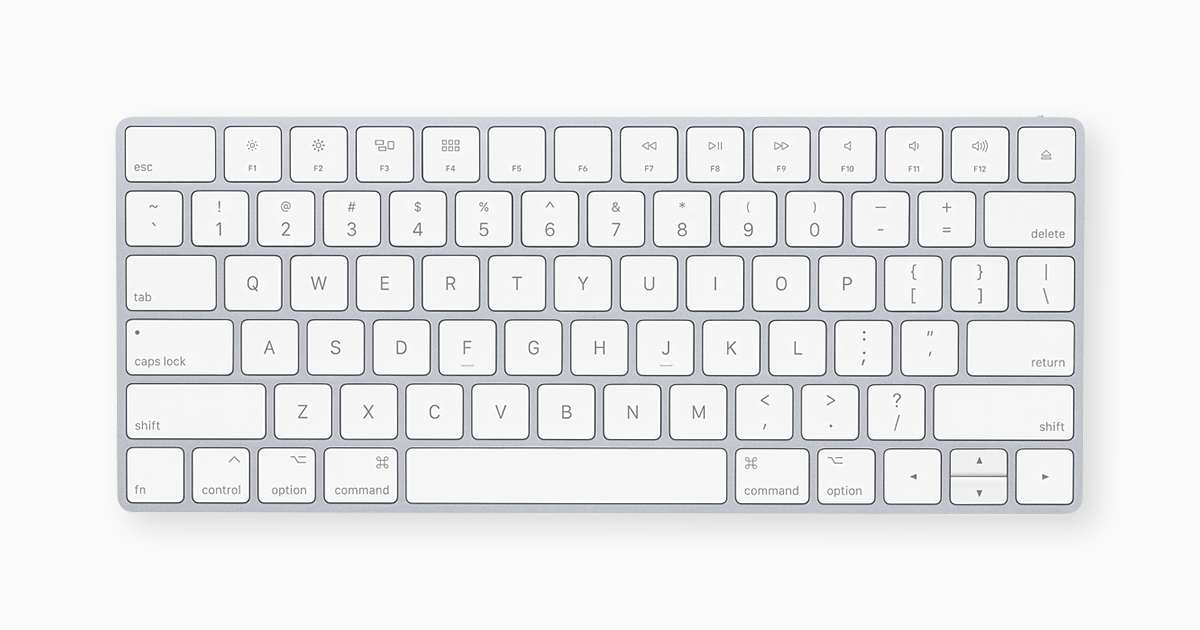
Hope folks can help, as a life long Windows 10 user migrating to MacOS for first time and well still need to master differences in keyboard shortcuts 🙂 Having difficulties figure out how to paste copied text without formatting (paste plain text).

- On Windows 10, in Opera One browser, I could highlight formatted text and copy and then paste it as plain text without formatting using ctrl+shift+v
- But MacOS 10, in Opera One browser, cmd+shift+v or ctrl+cmd+shift+v doesn't do anything at all? The only thing that works is if in Opera One, right-click and use paste and match style. Maybe it's because Opera One is override MacOS keyboard shortcut? But I also tried in MacOS Microsoft OneNote app and same thing, can not paste as plain text using keyboard shortcuts?