
TheOldChevy
macrumors 6502a

Apple launches Freeform: a powerful new app designed for creative collaboration
Freeform for iPhone, iPad, and Mac makes visual collaboration easier than ever.www.apple.com
Cool... but....
...but Freeform is not free ?

Apple launches Freeform: a powerful new app designed for creative collaboration
Freeform for iPhone, iPad, and Mac makes visual collaboration easier than ever.www.apple.com

Freeform is free... (or at least has been free since it's release) 🙂Cool... but....
...but Freeform is not free ?
14.5 isn't the new version. It's the version you can update the existing apps to; to give you the nag screens to update to the Creator Studio version.Updated mine. Says 14.5. Icons look the same as before.
Agreed, I don't know what I was expecting but the 'Premium' templates in the new iWork suite just don't have a premium feel to them for me. There are just more of what was there before. Attention to detail and quality seems to be severely lacking in Cupertino these days.Worst. idea. ever.
Apple you are not Adobe, cut this s**t out.
I used to be a big lover of iWork but now they just seem designed to push AI features at the expense of actual utility. I don't mind the glass popouts on iOS but when you're actually working on something they're a nightmare, taking longer to open than the old menus. If its like this on the Mac I can see why people dislike Tahoe so much.Agreed, I don't know what I was expecting but the 'Premium' templates in the new iWork suite just don't have a premium feel to them for me. There are just more of what was there before. Attention to detail and quality seems to be severely lacking in Cupertino these days.
The problem I have with Pixelmator is the underhand forcing people to update to macOS 26. I tried it again last night after a few months and it's still dog slow. It can't even present icons properly without stuttering. I've got the months free trial, but unless the Mrs wants it for Logic Pro then I think the subscription is a dead duck for me. Annoying given that Affinity also sold their soul to Canva, so the graphics and design software out there now is lacking in choice. The only options to own are now dead products.I used to be a big lover of iWork but now they just seem designed to push AI features at the expense of actual utility. I don't mind the glass popouts on iOS but when you're actually working on something they're a nightmare, taking longer to open than the old menus. If its like this on the Mac I can see why people dislike Tahoe so much.
I'm sure the change is coming soon but I'll be using the web versions from now on I think as they actually bloody well work. Apple now find themselves in the unenviable position where there base office suite now works better on a Chromebook than an iPad.
Pixelmator Pro is nice on its own but I don't really see myself using it more than the old base version. I took the 3 free months then cancelled. I'll give them a few more goes but I'm not sold on them being any better.

It’s not even a fair comparison to both subscriptions:Indeed. Sure beats Adobe.

Yep, they need to stop selling anything and give everything away for free as they’ve obviously made enough money!Is this how Apple increases its profits?
Already one of the richest companies on earth.
Good thing you’re not forced into using it thenGreed.
So... can I download Keynote/Pages/Numbers 15 and use them for free separate from the rest of the subscription bundle?
Apple today launched the new Creator Studio that was initially unveiled two weeks ago, providing content creators with access to six Apple apps for $12.99 per month or $129 per year.
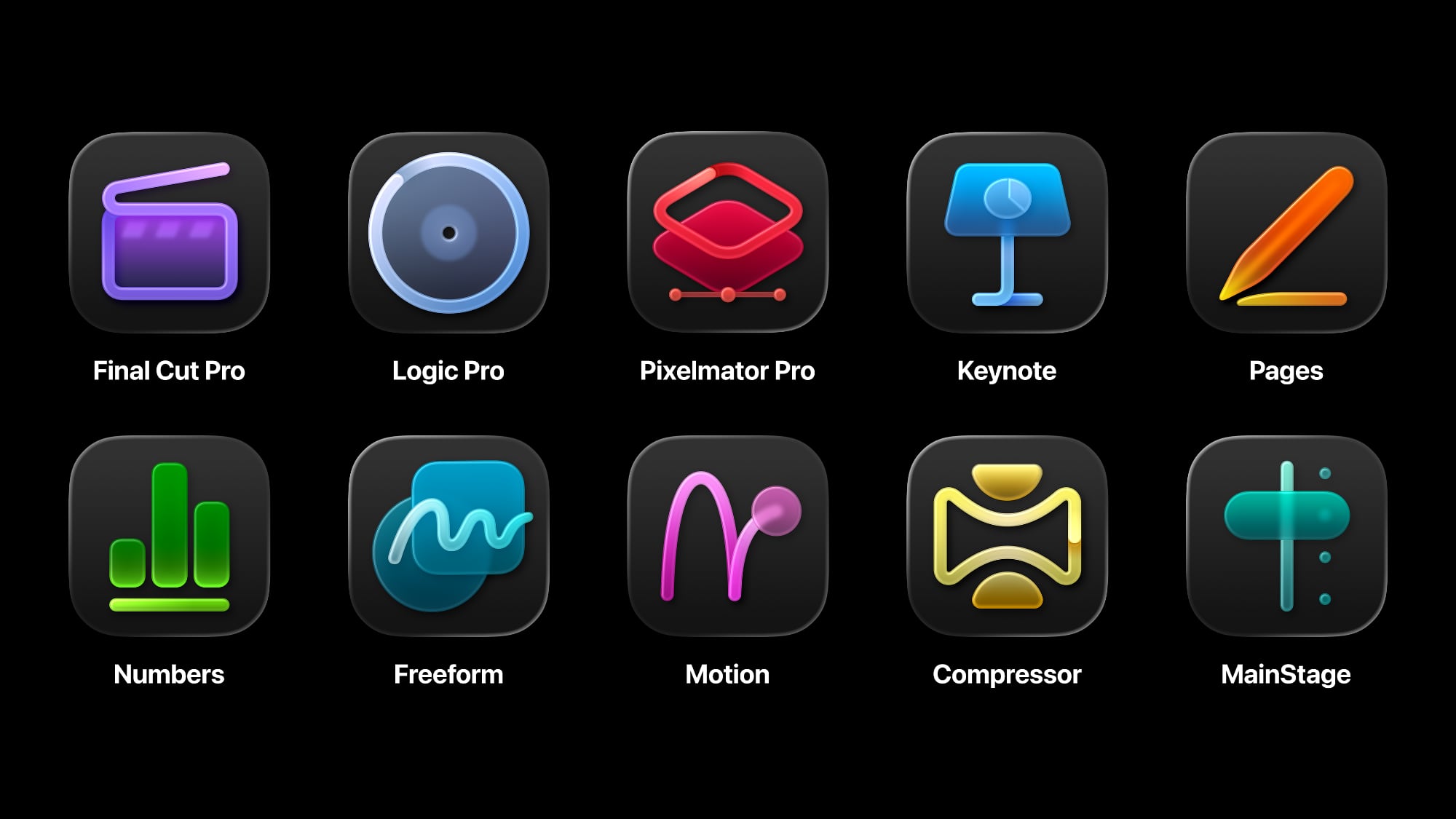
Creator Studio includes Final Cut Pro, Logic Pro, and Pixelmator Pro on Mac and iPad, along with Motion, Compressor, and MainStage on the Mac. Final Cut Pro is Apple's video editing software, Logic Pro is for audio editing and creation, and Pixelmator Pro is an image editing app that Apple purchased in 2024.
Apple is still rolling out the full bundle, but links for the individual Creator Studio versions of the apps are now live and you can subscribe to Creator Studio from within them.
All of the apps with the exception of Pixelmator Pro for iPad were available prior to today, and they continue to be available for individual, standalone purchase. The Creator Studio bundle unlocks AI features that are not otherwise accessible in these apps, plus it adds new features to free apps like Keynote, Pages, and Numbers, with Freeform coming later. Creator Studio versions of those apps include:
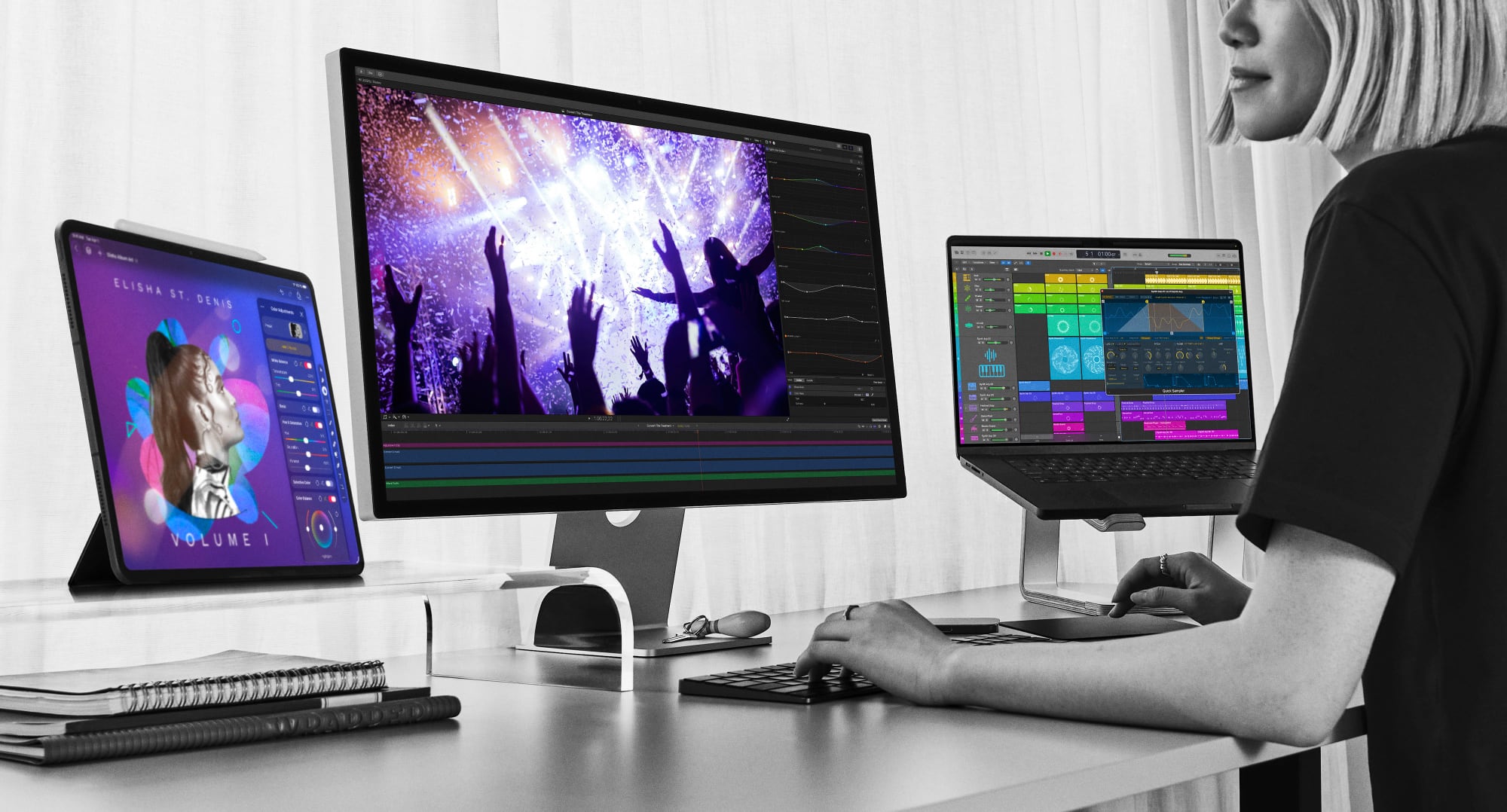
Accessing the full functionality of Apple's video editing, photo editing, audio editing, and iWork apps will require a Creator Studio subscription going forward, though Apple will continue to offer updates for the standalone versions of the apps. Some of the tools exclusive to Creator Studio:
There is no way to subscribe to just a single Creator Studio app at a lower price, as Apple only offers an all-in-one subscription.
- Final Cut Pro - Transcript search that uses AI to search for the soundbite you're looking for, visual search for finding specific parts of a video, and beat detection improvements that make it easier to match a video to the rhythm of the music. There are also new dynamic titles, transitions, and graphic elements to improve visuals.
- Logic Pro - There's an option to add a Session Player to a song that plays synth keyboard and synth bass parts in a variety of styles. AI can be used to analyze any audio or MIDI region to extract harmonic and chord information. Logic Pro's iPad sound packs and producer packs are also now available on Mac. Users have access to royalty-free loops, samples, and instruments.
- Pixelmator Pro - The Creator Studio version of Pixelmator Pro features a Liquid Glass design, a new warp tool for reshaping layers, and warp-powered mockups for apparel and products. Pixelmator Pro for iPad is also entirely new.
- iWork - Includes a new content hub with Apple-curated royalty-free photos, premium templates, and themes. There are also options to generate and remix image creations right in documents, with a Super Resolution tool for upscaling images. In Keynote, you can generate slides and presenter notes using AI, while Magic Fill in Numbers runs a pattern analysis model across your data and suggests table contents for missing data.
Creator Studio can be downloaded from the iOS and Mac App Stores starting today. All new subscribers are eligible for a one-month free trial, and customers who purchase a new Mac or qualifying iPad model with an A16, A17 Pro, or M-series chip can get an extended three-month free trial.
The Creator Studio membership can be shared with up to five family members on a linked Apple Account. Students and educators are able to subscribe to Creator Studio for $2.99 per month or $29.99 per year.
Creator Studio's full functionality is available with iOS 26 and later, iPadOS 26 and later, and macOS 26 and later. Most of the apps require macOS 15.6 at a minimum and an M1 chip or newer for Mac use, though Pixelmator Pro requires a Mac with macOS 26.
As for the iPad, Final Cut Pro requires an A16 chip or later, Logic Pro requires an A12 Bionic Chip or later, and Pixelmator Pro requires an A16 chip or later.
Article Link: Apple's 'Creator Studio' App Bundle Now Available for $12.99 Per Month
You can download the new one and have both... 🙂Updated mine. Says 14.5. Icons look the same as before.

I just want to know which idiot came up with the education pricing. Lower pricing ONLY for Higher Education? That's going to kill app adoption overnight. No school is going to pay that subscription cost.That's a surprisingly reasonable price for the bundle
How did you sign up from the phone?My 17 Pro Max qualified for 3-months free. No payments until April 😎
Was said to come laterFreeform is free... (or at least has been free since it's release) 🙂
But I've not seen the "Creator Studio-version" of it, yet...
Old Macs are good for at least a decade. Older than that and you might struggle!The problem I have with Pixelmator is the underhand forcing people to update to macOS 26. I tried it again last night after a few months and it's still dog slow. It can't even present icons properly without stuttering. I've got the months free trial, but unless the Mrs wants it for Logic Pro then I think the subscription is a dead duck for me. Annoying given that Affinity also sold their soul to Canva, so the graphics and design software out there now is lacking in choice. The only options to own are now dead products.
My M1 Studio Max is flying with Sequoia and everything I throw at it in Affinity, PHP Storm, Xcode etc The new iWork apps seem no different to the old ones speed wise. When I tried them in Tahoe the performance dropped significantly - so I don't think it's the M processor hardware that's causing issues. More the latest OS.Old Macs are good for at least a decade. Older than that and you might struggle!
iWork itself is now slow as a snail on an M1 iPad. I'm not talking much, just A 30-page booklet with images. The old version worked fine.



