
UpsideDownEclair
Suspended
I fear your attachment’s breaking on my end?

I fear your attachment’s breaking on my end?


I was looking at the release notes it still says its a known issue...Hmm. There are a couple of claims in the news thread that HFS+ is working again. I wonder what's different in your case.


Do you happen to have any Network Filters installed, like TinyShield or Little Snitch? I didn't notice any issues with other apps, but Safari would not connect to anything with TinyShield's filter enabled (requests in Safari were still showing up in the TinyShield app though).Safari is not useable for me at all now…

It is working for me in beta 2. DropDMG is no longer choking!Hmm. There are a couple of claims in the news thread that HFS+ is working again. I wonder what's different in your case.
Do you happen to have any Network Filters installed, like TinyShield or Little Snitch? I didn't notice any issues with other apps, but Safari would not connect to anything with TinyShield's filter enabled (requests in Safari were still showing up in the TinyShield app though).
I do not I just have Malwarebytes and I tried turning it off.Do you happen to have any Network Filters installed, like TinyShield or Little Snitch? I didn't notice any issues with other apps, but Safari would not connect to anything with TinyShield's filter enabled (requests in Safari were still showing up in the TinyShield app though).

My problem with Safari on b1 was that it would randomly do 2 things: blank out the viewports and render all the tabs in the window useless, or stop responding to mouse input (scrolling is fine, selecting text is fine but clicking links wouldn't work).Safari is not useable for me at all now…
Same here. For anyone else just checking in, I use Little Snitch without the network extension just for keeping tabs on my apps, but I still had to disable the "content filter" in System Settings > Network > Filters. Instantly fixed my internet connection issues.I uninstalled Little Snitch's network extension. No everything seems to work again.
Same here. For anyone else just checking in, I use Little Snitch without the network extension just for keeping tabs on my apps, but I still had to disable the "content filter" in System Settings > Network > Filters. Instantly fixed my internet connection issues.
I've been trying to install it since beta 2 was released yesterday, but I'm getting the error shown in the image. I tried restarting and connecting to a different Wi-Fi network, but it's the same. Is there a problem with the update?
Interestingly, both my Mac Mini M4 and Mac Pro M1 Pro are giving me the same error.
View attachment 2607539
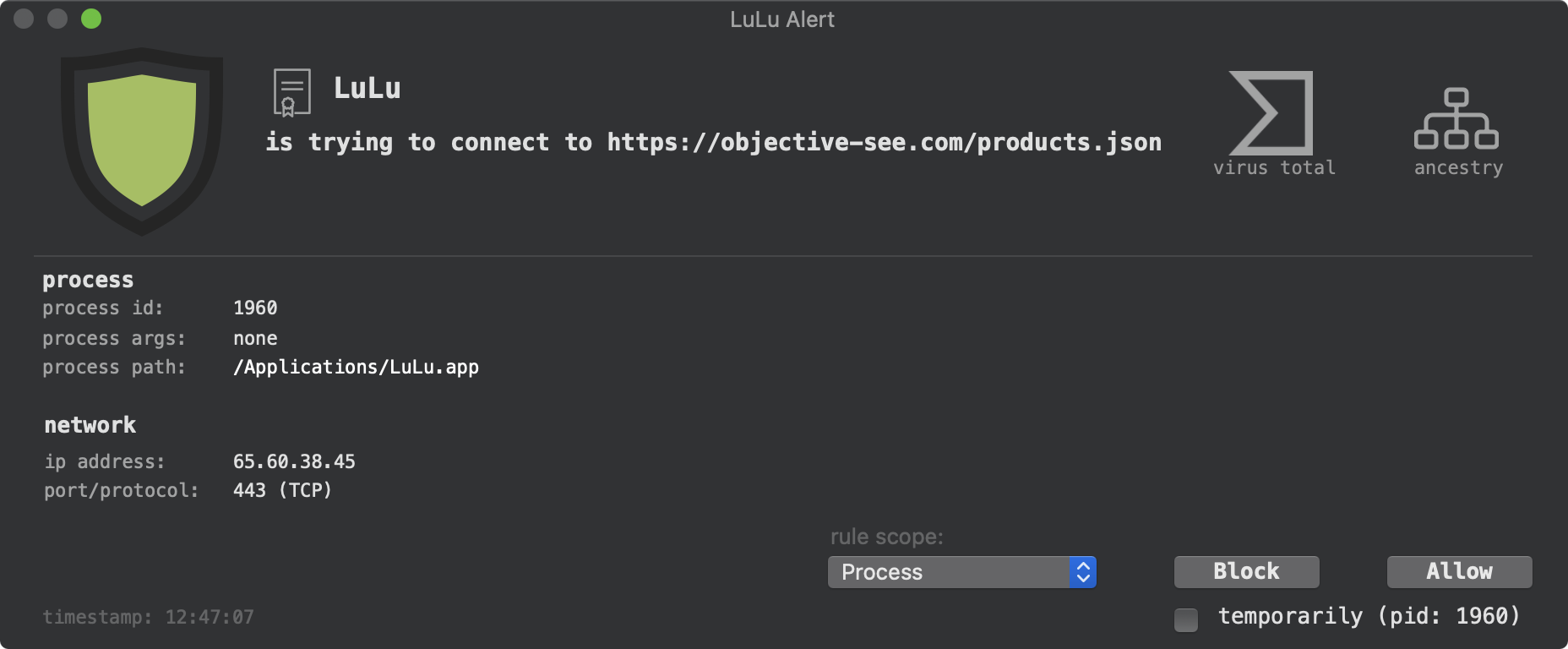
 objective-see.org


Thanks It's downloading as a zip file, how do I install it as a dmg file?View attachment 2607397
It's different for every kind of Mac. This is on my M4 Pro mini.
My edit was interrupted by the reboot.
Thanks for that website. The zip-file there is 3.5 GB for my Mac.
The full installer suitable for all Macs to update usually will be released one or two days later, often together with the public beta.

after update same problem here (macmini4) internet connection for both safari and google chrome are slower.Somehow my Internet was partially broken. Not sure if it was the updates fault. But it seems restarting the router helped.
Edit: Seems I am not the only one with Internet issues.
Edit2: YouTube is almost unusable at the moment.
