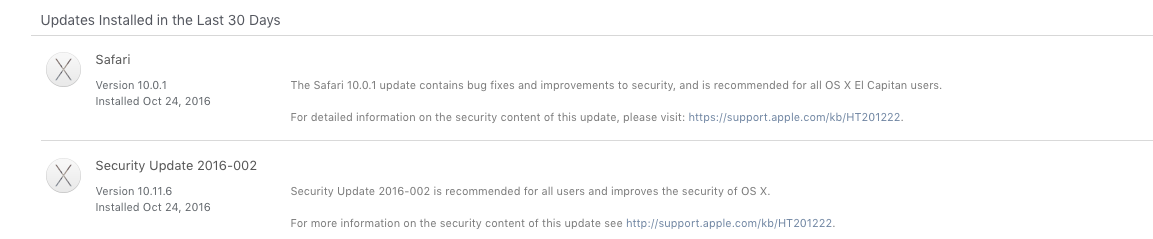
Odd issue overnight for my 2011 iMac on El Capitan. I did the update yesterday with no problems..that was until I put it into sleep mode around 12:30am. I fell sleep only to be awakened by my iMac "Apple startup tune" - bright white boot up screen at 2:05am. my Mac just randomly rebooted itself! And it was a very long boot up I might add. When it finally finished about 6 minutes later..I did put it to "sleep" once again only to have it reboot itself once again at 4:41am! No idea.
After that --- forget it, I shut it down. This is something completely new, and it never happened before the update yesterday.
Any possible quick solution I can do with this, maybe clear out the cache (~/Library/Caches/)
Not sure what is causing this, but I am pretty sure the update did something goofy.
After that --- forget it, I shut it down. This is something completely new, and it never happened before the update yesterday.
Any possible quick solution I can do with this, maybe clear out the cache (~/Library/Caches/)
Not sure what is causing this, but I am pretty sure the update did something goofy.