

Hi everyone,
I’m Barry, the independent developer of Tutti, a native macOS menu bar app for managing multiple audio outputs.
I started building it because I regularly use a display and a Bluetooth speaker with my Mac. Audio MIDI Setup can create a Multi-Output Device, but normal volume control becomes awkward, the volume keys stop working, and devices with different latency can sound noticeably out of sync.
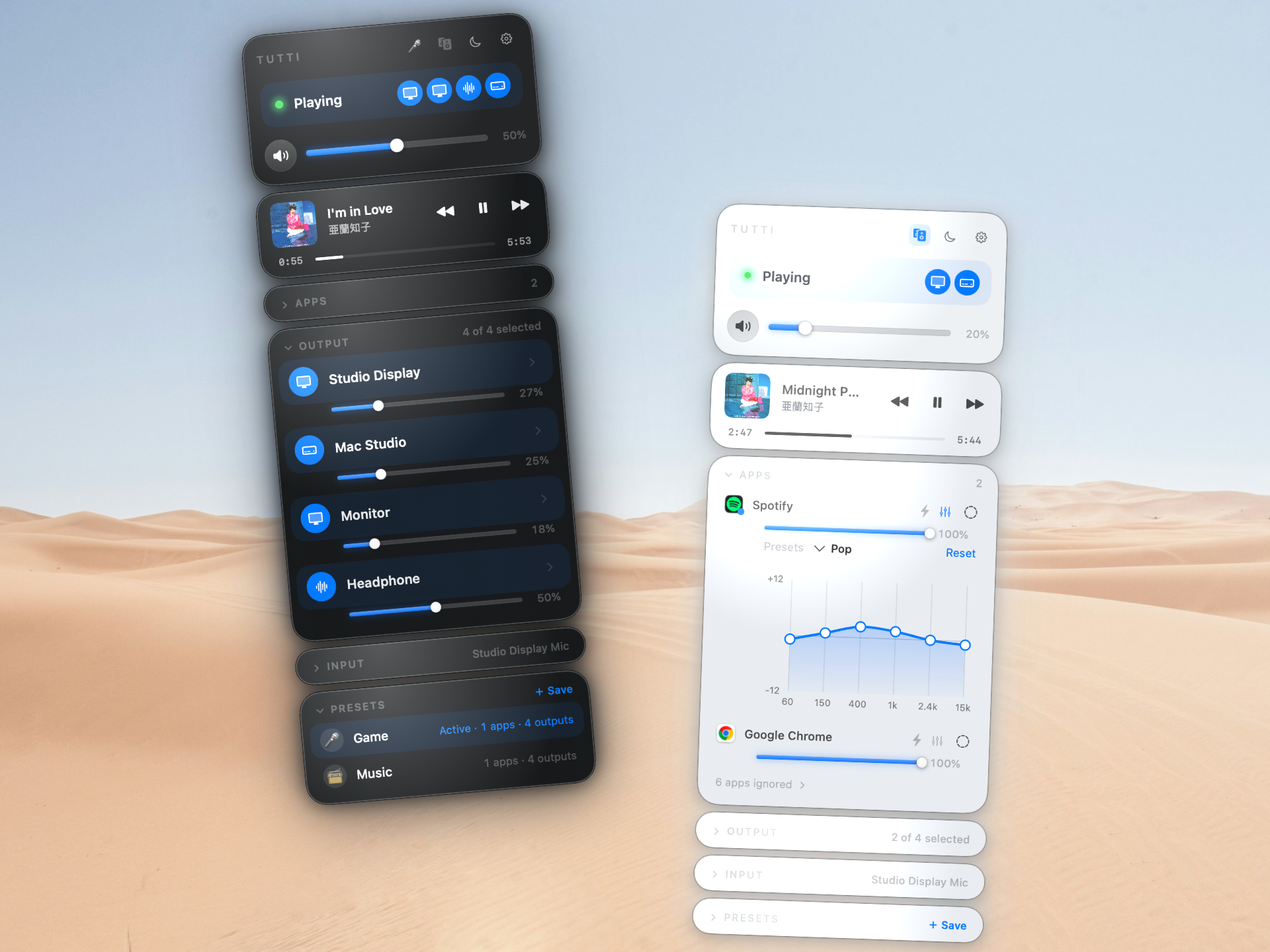
Tutti puts that workflow in the menu bar. It currently supports:
• Multiple simultaneous local audio outputs
• Master and per-device volume controls
• Per-device delay compensation
• Left/right channel assignment across two outputs
• Per-app volume, EQ, and output routing on macOS 14.4+
• Saved device presets and an iPhone remote
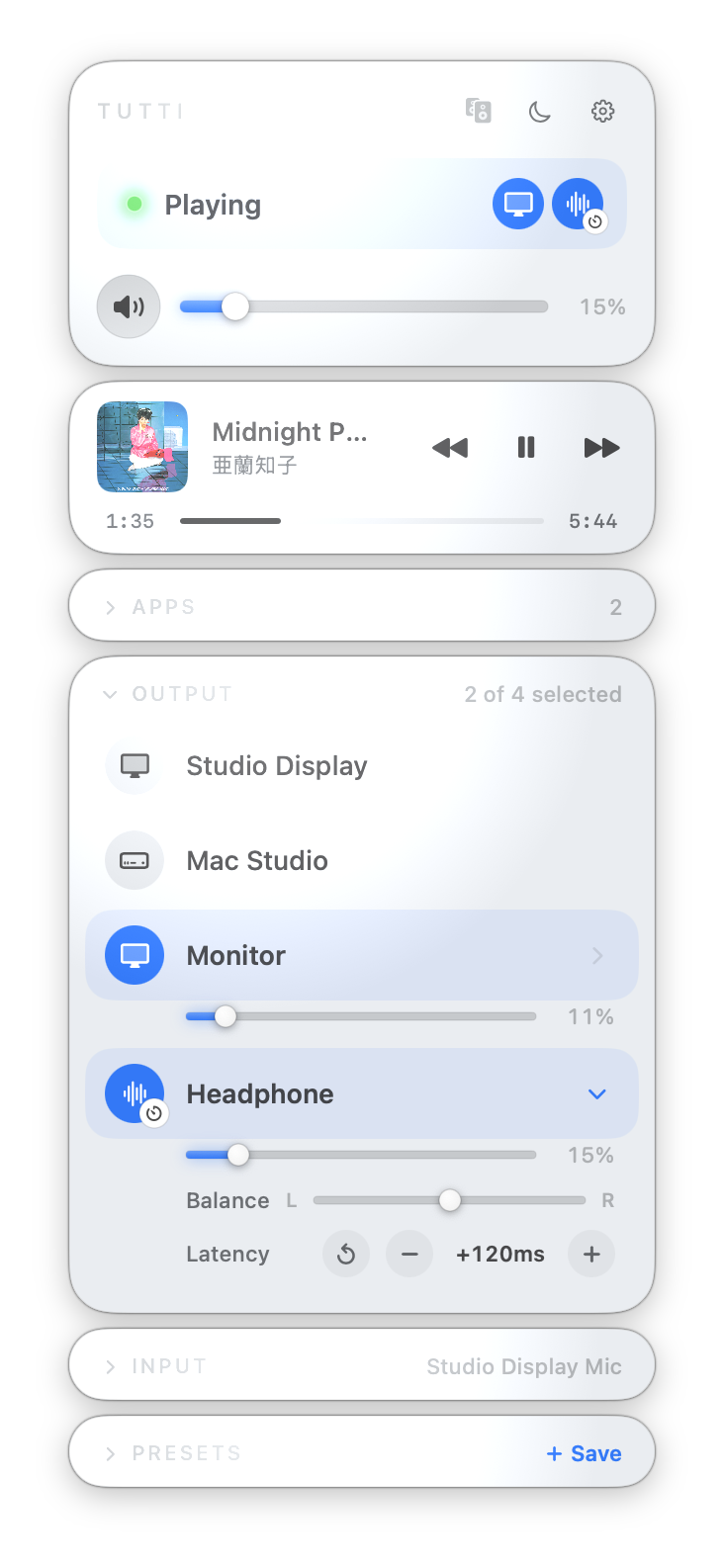
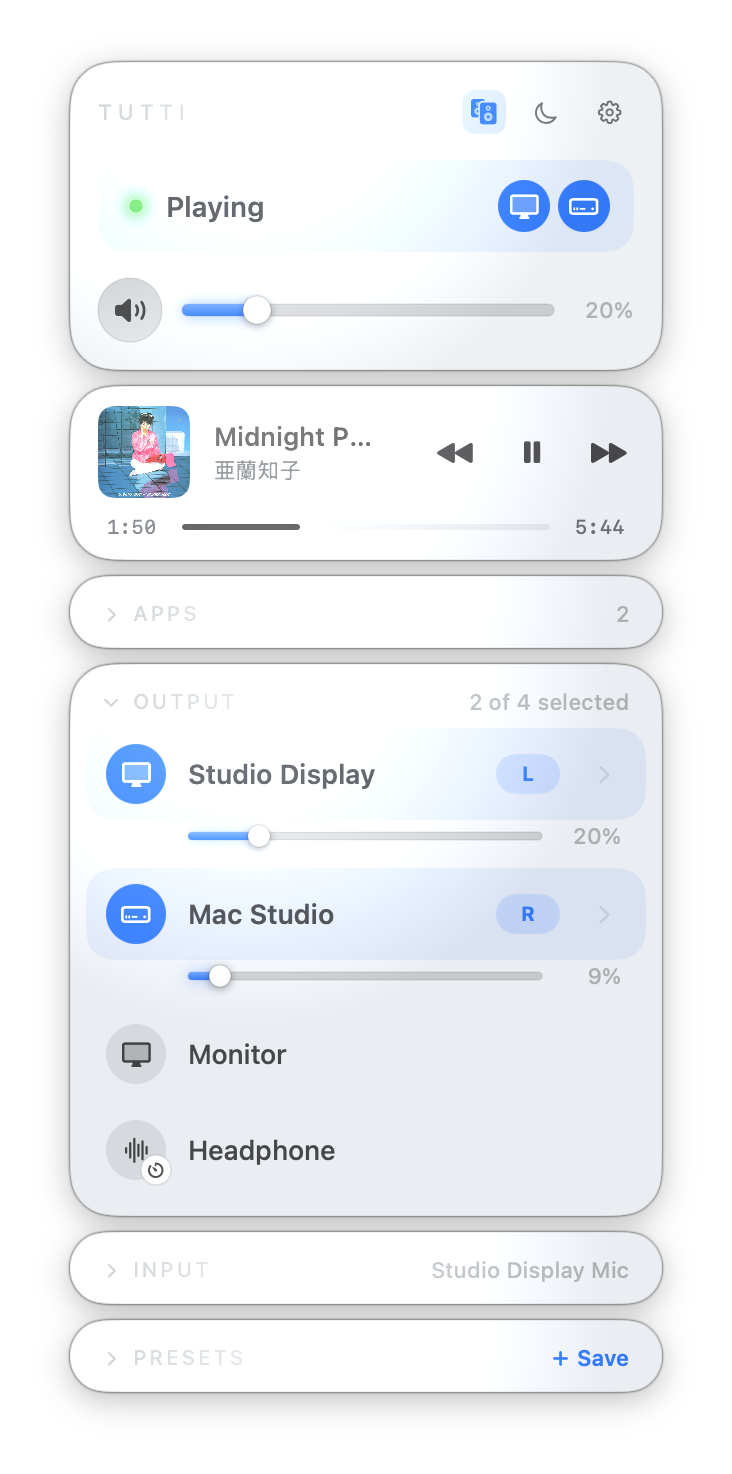
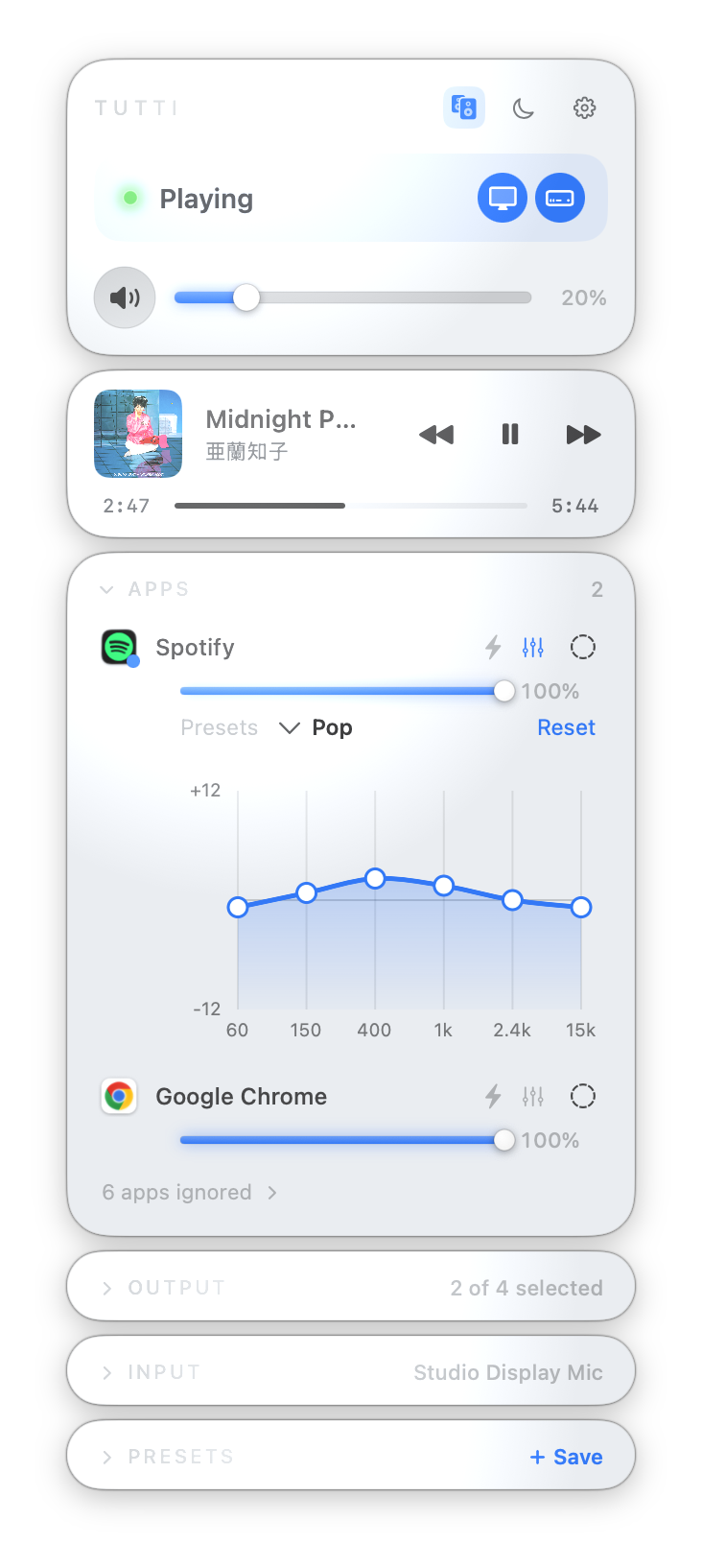
Tutti is a native, Apple-notarized macOS app. Its audio functionality is built on Core Audio, and it does not install a virtual audio driver, kernel extension, or system extension. When Tutti quits, it restores the previous system audio output.
Requirements and current limitations:
• macOS 13 or later
• Per-app features require macOS 14.4 or later
• AirPlay devices cannot currently join a Tutti multi-output group
• Some apps and macOS beta releases may have Core Audio compatibility issues
The core features are available for free. Pro has a seven-day trial and is a one-time purchase. Current pricing and downloads are available on the website:
Website
GitHub
Demo:
I’d especially like to hear about the audio setups people here actually use. Are you combining built-in speakers, displays, Bluetooth speakers, USB DACs, or multiple headphones? Which matters more in your workflow: unified volume control, device synchronization, or per-app routing?
I’m happy to answer technical questions and investigate compatibility issues.
I’m Barry, the independent developer of Tutti, a native macOS menu bar app for managing multiple audio outputs.
I started building it because I regularly use a display and a Bluetooth speaker with my Mac. Audio MIDI Setup can create a Multi-Output Device, but normal volume control becomes awkward, the volume keys stop working, and devices with different latency can sound noticeably out of sync.
Tutti puts that workflow in the menu bar. It currently supports:
• Multiple simultaneous local audio outputs
• Master and per-device volume controls
• Per-device delay compensation
• Left/right channel assignment across two outputs
• Per-app volume, EQ, and output routing on macOS 14.4+
• Saved device presets and an iPhone remote
Tutti is a native, Apple-notarized macOS app. Its audio functionality is built on Core Audio, and it does not install a virtual audio driver, kernel extension, or system extension. When Tutti quits, it restores the previous system audio output.
Requirements and current limitations:
• macOS 13 or later
• Per-app features require macOS 14.4 or later
• AirPlay devices cannot currently join a Tutti multi-output group
• Some apps and macOS beta releases may have Core Audio compatibility issues
The core features are available for free. Pro has a seven-day trial and is a one-time purchase. Current pricing and downloads are available on the website:
Website
GitHub
Demo:
I’d especially like to hear about the audio setups people here actually use. Are you combining built-in speakers, displays, Bluetooth speakers, USB DACs, or multiple headphones? Which matters more in your workflow: unified volume control, device synchronization, or per-app routing?
I’m happy to answer technical questions and investigate compatibility issues.


