Become a MacRumors Supporter for $50/year with no ads, ability to filter front page stories, and private forums.
My gcc16 packages without +G5 variant are literally built on 10.6.8 x86_64 via Rosetta in a VM.

(I also did that initially for 10a190 before we fixed native builds, and still build a few Xcode-using ports in Rosetta now.)

What won’t work in Rosetta at all are Ruby, OpenJDK, GHC, SBCL.
Interesting, I just set up Tiger on C2D 2.16ghz I’ll be able to start testing ppcport merge while I let the G4 continue to crank binaries out of the current tree. I’ll have to let you know how it compares to the mini G4. Are most of the existing binaries built this way?
 
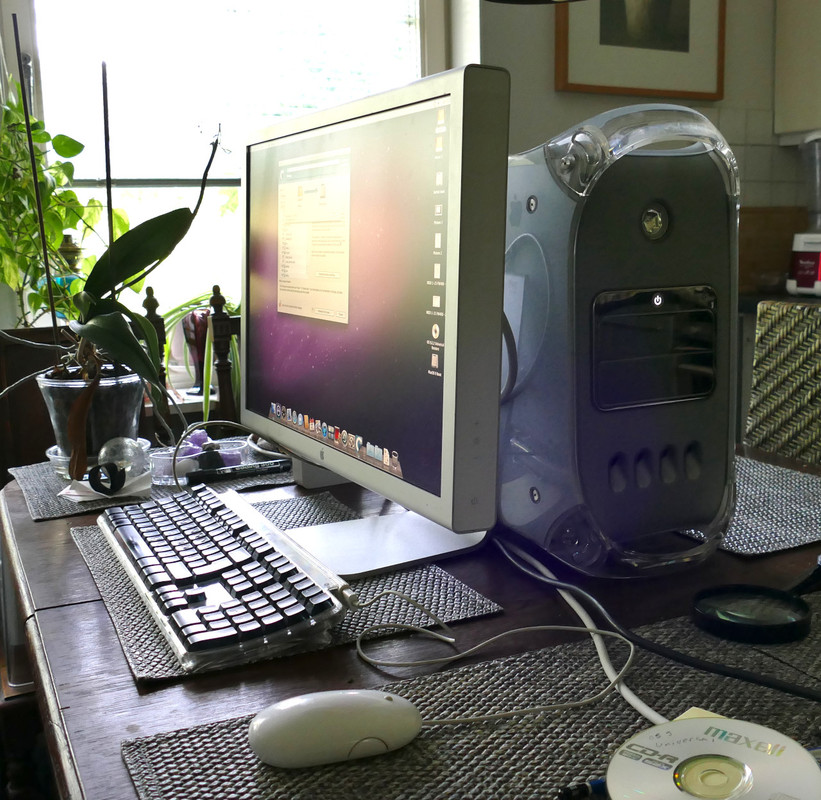
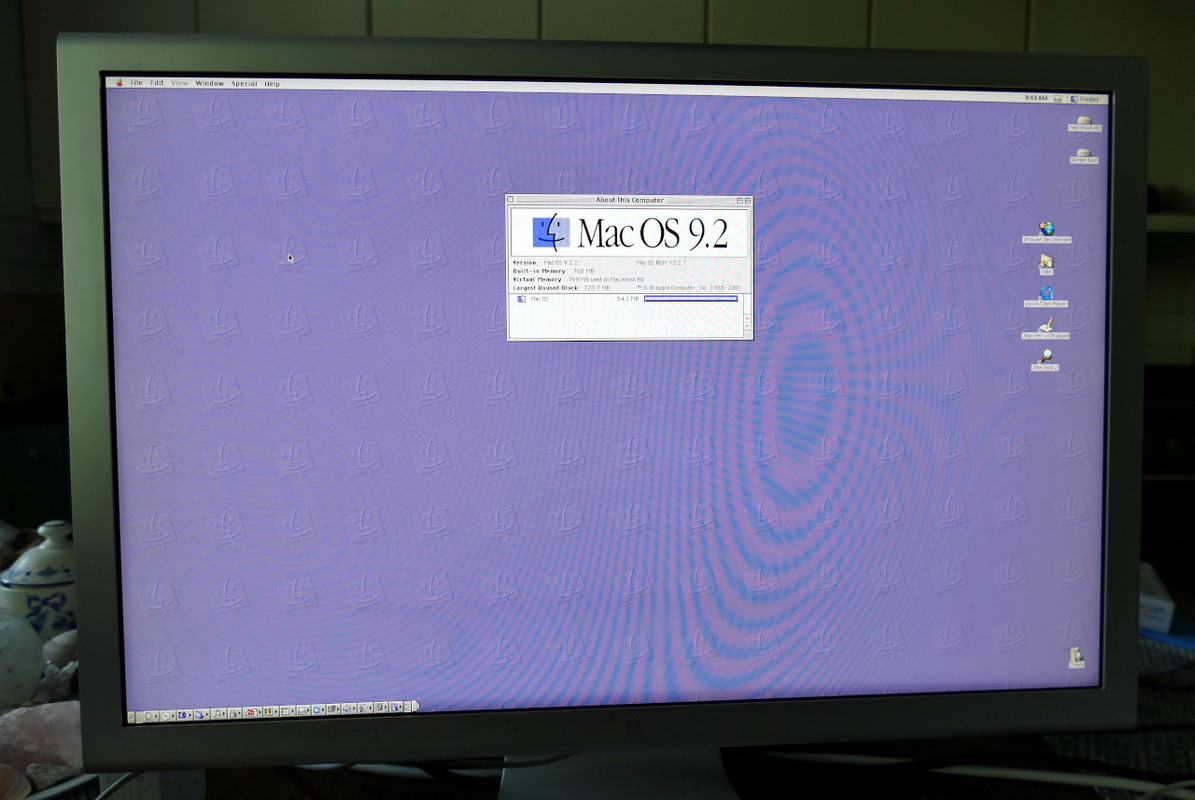
My new 2003 MDD 1.25GHz arrived and I have now test run it for few hours and everything seems fine this far. It came with 768MB RAM and 80GB Seagate Barracuda 7200rpm, not much else. Very clean machine in and out. Installed a SSD, partitioned it and currently cloning Sorbet onto one partition. Will try installing OS 9.2.2 to the other one, hope it can detect my SSD.

This is the first time I will install OS 9 to anything for many years. I am one of those who swapped to OS X very quickly and almost completely at early stage. I haven't looked back but now I am feeling nostalgic so I will give it a try. I never did run OS 9 in such a powerful machine back in the day. I think my PowerTower Pro with PowerLogix PowerForce G4 450MHz upgrade was the most powerful machine I had at the time? I had a graphite G4 after that but cannot remember if I run OS9 on it at all?

Cloning-Sorbet-to-SSD.jpg
MDD-OS-9-running.jpg


EDIT: installing OS9 was much easier than expected. Pulled an universal installer with some updated and added apps from Macos9lives, burned it to a CD. Booted from CD and ran Restore -app. It detected the SSD (Samsung EVO 850) and correct partition and rest was automatic. Now to install some software to run. 👍

I have an MDD using IDE drives and 2 GB RAM (512MB Sticks) I removed the non functional CD Drive and put a HD in its place. I had a ZIP drive in an old G4 and installed it in an upper door bay. It also has a 2960 Adaptec card for external SCSI. I had OS 9.2.2 running on it but the drive gave up the ghost. So I found one of my many spares and tried to load an old OS 9.2.2 Lives CD onto the drive but it would not start up. I would get the smiling Mac and then it would fail to the “?” Floppy icon.

In the process of trying to find an OS 9 install file I discovered that the MDD apparently was very finicky about the exact OS 9 it would accept. What I found was you HAD to have the original disks that came with the computer. Well I got this from my brother already loaded with OS 9 years ago so I don’t have the original disks. I have gone to Mac Repository, Mac Garden and tried to download what was advertised as the OS 9 image for an MDD. Each and every one of them has failed to produce a bootable OS 9 drive. I am not at home right now but the Hotline information may help me find the correct OS 9.

I also run Ubuntu MATE on it, have 2 GPUs (one NVIDIA and One Radeon) and drive 3 (hopefully 4) monitors.

I will certainly look into Hotline, thanks for the suggestion!

Mac Maverick 855
 
Are most of the existing binaries built this way?

If you mean Rosetta, NO, extremely few. I did not want to occupy PowerMac for 24 hrs for an extra gcc16 round so did it in Rosetta, because I know building gcc that way works fine. With a few Xcode ports it is a necessity for 10.6.8, where on PowerPC Xcode does not support some GUI-related stuff.

99.9% of builds are native, and not a few are impossible in Rosetta (no modern Ruby etc.).
 
With coming update to C++ reimplementation of fzf (fzfpp port), ytsurf gets sixel image previews. Streaming remains broken in it, but downloading works fine.

ytsurf_fzfpp.png


P. S. Missing characters are just my mlterm-minimal not handling Asian scripts out of the box.
 
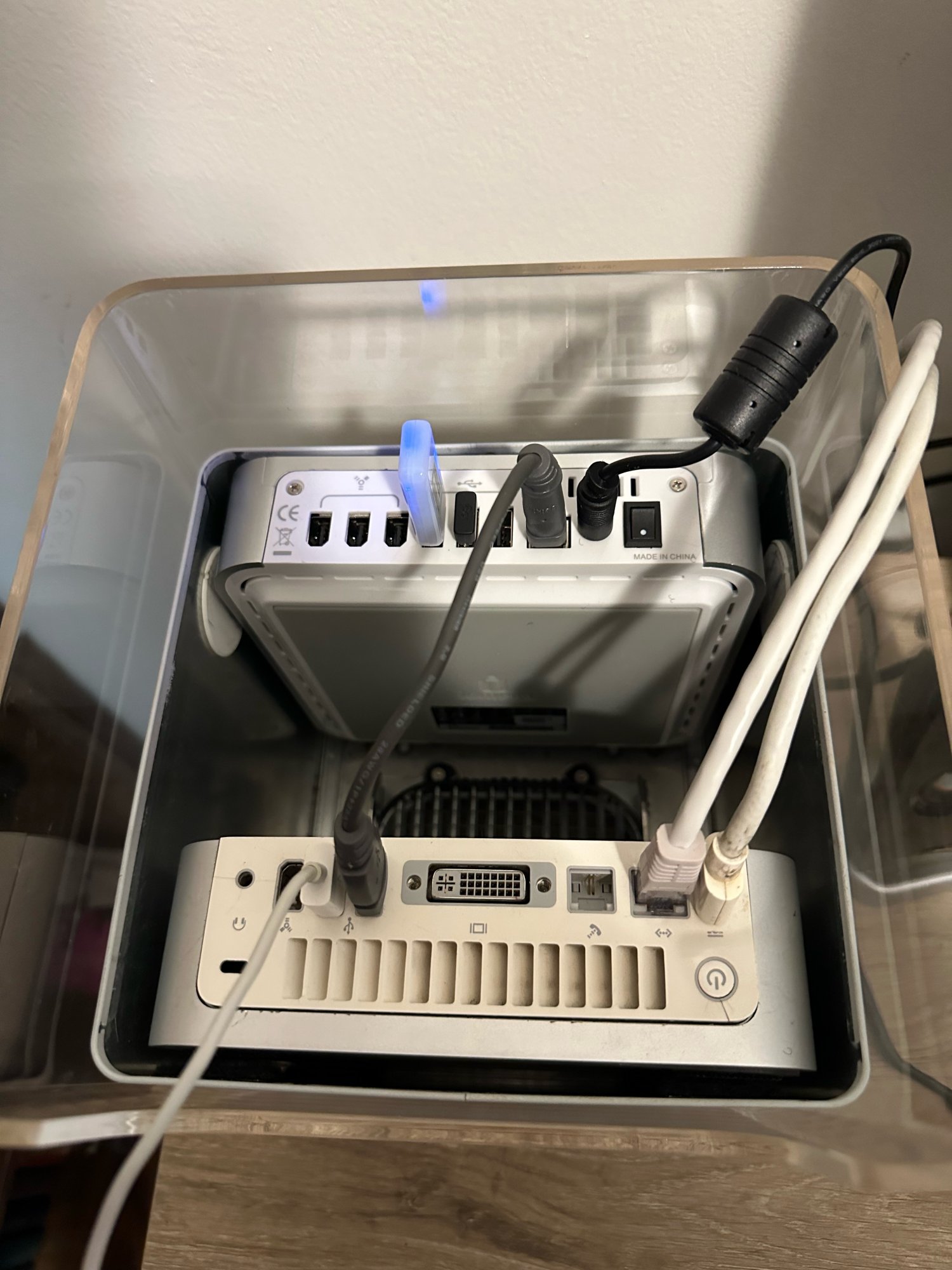
Did some testing of "lite" builds of Windows XP within Virtual PC 6 in OS 9, as I still have my Cube with a G4 Mini and external drive/ports box stuffed inside, and I plan on making the Mini and external drive installs permanent by cutting and utilizing the pull-out chassis. i had planned on utilizing the board and parts from a 2017 12" Retina Macbook in the Cube chassis instead of this idea, but the board took a dump.

full
 
Last edited:
Today/this weekend, I just used my eMac a bunch. Played with Source Engine Configurator, watched some youtube with Aquacenter, also spun up the G4'd iMac G3 to give the latest update of the port of Xash3D to OS 9 a spin. Mouselook works! But the NPCs are still all invisible. Just a nice weekend playing with my old machines.
 
  • Like
Reactions: Appleuser201
Ah dungus I'm gonna have to procure a Snowy build again, huh

If you will wanna try, I did this to run it (10.6 ppc and 10.15 x86):

1 terminal window:
Code:
mkdir -p -m 700 /tmp/owl-runtime
export XDG_RUNTIME_DIR=/tmp/owl-runtime && open /Applications/MacPorts/Owl.app

2 window:
Code:
export WAYLAND_DEBUG=1
export XDG_RUNTIME_DIR=/tmp/owl-runtime && foot -d info

(Debugging arg can be dropped, of course.)
 
Okay, fine, I did it. I installed the SL alpha build. My biggest blocker was lack of sleep on portables. Solution: Mac mini, I guess. Used to be a server in the server hallway but it really didn't do servery things so I pulled it out and deployed Snowy to it, along with PPCPorts and friends.

Screenshot 7-28-26 1.03.45 PM.png


it was either this or the Quad and my power bill is already ridiculous from running the air con, so the Mini it is
 
I released an update to the Source Engine Configurator that allows you to download directly from Steam. Hopefully this helps out anyone who was having issues getting a local folder copied.

Auto-update is broken, you'll need to download this version manually.

1785301325240.webp


Let me know if you have any issues and I'll help wherever I can.
 
Okay, fine, I did it. I installed the SL alpha build. My biggest blocker was lack of sleep on portables. Solution: Mac mini, I guess. Used to be a server in the server hallway but it really didn't do servery things so I pulled it out and deployed Snowy to it, along with PPCPorts and friends.

View attachment 2648520

it was either this or the Quad and my power bill is already ridiculous from running the air con, so the Mini it is

Awesome!

Can you test something for me? If you install pre-build packages, effort is minimal. I need a specific benchmark run on a custom FFMpeg build on a G4 (to compare against G5, need to see where new AltiVec implementation improves things).
 
Sure. Which build, which benchmark?

Build this (make sure build dir is not deleted: either disable autoclean or do `sudo port -v destroot ffmpeg8 +G4` without installing): https://github.com/macos-powerpc/powerpc-ports/tree/ffmpeg-altivec/multimedia/ffmpeg8

Then cd to the ffmpeg source dir, run `sudo make tests/checkasm/checkasm` (this is quick).
Then `./tests/checkasm/checkasm` (quick, correctness check).
Then `./tests/checkasm/checkasm --bench 2>&1 | tee ~/bench-ffmpeg-g4.txt` (or whichever writable dir is convenient; this part will take some time, it is not frozen, it just writes output on completion).

Assuming correctness checks pass (they should, hopefully), I need `bench-ffmpeg-g4.txt`, it has actual measurements for altivec-vs-no-altivec.
Make sure to set CPU usage to highest (I guess that is the default anyway in our image, just in case).
 
Assuming correctness checks pass (they should, hopefully), I need `bench-ffmpeg-g4.txt`, it has actual measurements for altivec-vs-no-altivec.
Alright, here's that for ya. Ran into a small snag with dependencies but that was dealt with real quick; shouldn't adversely affect these results.
 

Attachments

Alright, here's that for ya. Ran into a small snag with dependencies but that was dealt with real quick; shouldn't adversely affect these results.

Code:
int32_to_float_fmul_scalar_c:                         1292.6 ( 1.00x)
int32_to_float_fmul_scalar_altivec:                     32.0 (40.38x)

this is literally PEAK speedup 🙂
 
Code:
int32_to_float_fmul_scalar_c:                         1292.6 ( 1.00x)
int32_to_float_fmul_scalar_altivec:                     32.0 (40.38x)

this is literally PEAK speedup 🙂

On G5 today:
Code:
int32_to_float_fmul_scalar_c:                          618.4 ( 1.00x)
int32_to_float_fmul_scalar_altivec:                     12.0 (51.67x)

put_hevc_qpel_h32_8_c:                                 469.2 ( 1.00x)
put_hevc_qpel_h32_8_altivec:                            21.0 (22.31x)

put_hevc_qpel_h64_8_c:                                1865.1 ( 1.00x)
put_hevc_qpel_h64_8_altivec:                            90.3 (20.66x)

Though the median is around 2x smth, 10x or higher are exceptions, and a few regressed. But overall promising.

P. S. I killed the separate tree, ffmpeg8 with altivec can be built with +G4 or +G5 (and won’t build by default).
 
Register on MacRumors! This sidebar will go away, and you'll see fewer ads.