Appalled at quality control.
I am simply appalled at the quality control/usability testing in the software aspect of Apple devices. OSX is no exception.
Lets take a sample...
The dock is the most used area in the whole operating system. You will access it the most in any usage of the OS. Most heavy usage is probably the "Applications" icon, where you can search for applications you've installed, but can't fit onto the dock. Any decent heavy user of OSX will have installed more software, and thus more icons than will fit into that popup Application window. In this case, it should scroll up and down to allow you access to more icons.
Has anyone clicked near the top or bottom (near the corners) of that popup window? I did, multiple times, trying to find a scroll bar to scroll up and down. Apparently, you can't find any scroll bars, because it isn't there! If you use a mouse, how do you initiate scrolling? pointing near that area DOESN't activate the scroll bars. You must use two finger scroll (or scroll wheel) to know that there is more icons near the bottom. If you never do it, it never tells you. And if it never tells you, you never will know about "two finger scrolling".
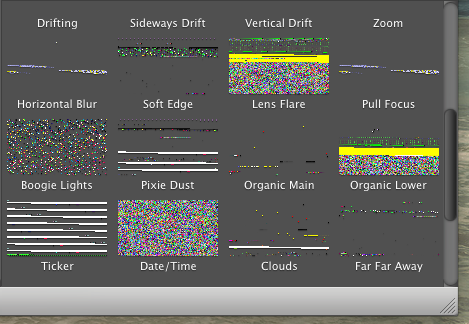
Even nastier bug... If your application popup is open, if you click near the top of the window and drag down a bit, the whole list of icons disappear! It scrolls down and BAM, no more icons, all gone. Serious bug. If you want to repeat it, simply click on applications icon from the dock, then click on the top of the letter "A" in the word "Applications" from the popup window, and drag down to the bottom of the letter "A". Yep, your whole Applications popup window is now broken. No more icons. I found this bug trying to click and drag the right scroll bar (which is not there) to no avail to scroll down to more icons.
Even worse, I think this bug exists in previous versions of OSX too, not just Mountain Lion. And it will exist in future versions, if they don't fix it.
I have more, but lets keep this limited, or else I will get more flames.