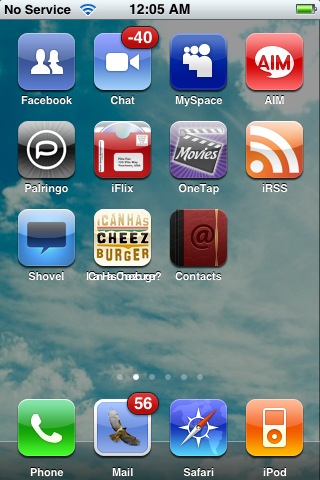
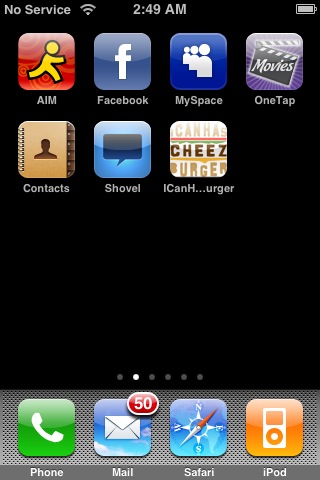
AM/PM was added in a previous release but for whatever reason it didn't appear automatically on all phones. In version 2.1 in order for me to get AM/PM on the lock screen I had to go into Settings-->General--Date & Time and turn 24-Hour Time ON, then power the phone off then on again, then go back into Settings-->General--Date & Time and turn 24-Hour Time OFF. At that point AM/PM appeared on the lock screen for me. However, if you ever had to power the phone off then on again (as I had had to numerous times) you will lose the AM/PM and will have to repeat the process above.
However, as of 2.2 that process I described no longer works. In fact when I tried that process instead of showing AM/PM it showed the time in 24 hour mode on the lock screen even when I had 24-hour mode set to OFF in the settings.
So that is definitely a bug. Not a major issue, but I like having the AM/PM on the lock screen.





 ?).
?). 


