
Got a tip for us?
Let us know
Become a MacRumors Supporter for $50/year with no ads, ability to filter front page stories, and private forums.
macOS Tahoe Bug Causes Studio Display Flickering Issues
- Thread starter MacRumors
- Start date
- Sort by reaction score
You are using an out of date browser. It may not display this or other websites correctly.
You should upgrade or use an alternative browser.
You should upgrade or use an alternative browser.


dawnrazor
macrumors 6502
I decided there was no reason for me to upgrade to Tahoe… so I didn’t and boy am I glad… at this rate I might skip it altogether…


mattwestside
macrumors member
I have this issue with my ASD and a Mac Mini M4 Pro. I can reproduce it when a standard white background app (say Chrome) is side-by-side with the Messages app in dark mode. I downloaded the StillColor app and disabled dithering and that seems to have solved things, at least to my eyes.

BSoares
macrumors 6502
I have this issue, glad I’m not the only one, I can’t reproduce it at will so I was dreading the battle to get AppleCare to cover it when I can’t show them the moment it happens. I see it the most when quickly scrolling YouTube shorts. It flickers a few times and then stops, like it’s trying to adjust the brightness or something like that.

sassemblyman
macrumors member
I have a Studio Display and had been noticing this under Sequoia on my M4 MBA. TBH, thought it was dirty power until seeing this thread, even though no computer or monitor plugged into this same outlet has ever done the same thing.

Same here, no flicker on Mac Studio M 1 and MacBook Pro M3 on Apple Studio. Running 26.2I’ve always wondered why these types posts are written in a way to make it seem like every user is experiencing the issue. Strange.
Anywho, no flicker with my Mac Mini + Studio Display on the latest macOS.
I have flickering issues when the screensaver kicks in
macOS Tahoe introduced a bug that causes a Studio Display connected to a Mac to flicker every so often, and subsequent updates only seem to have made the issue worse.
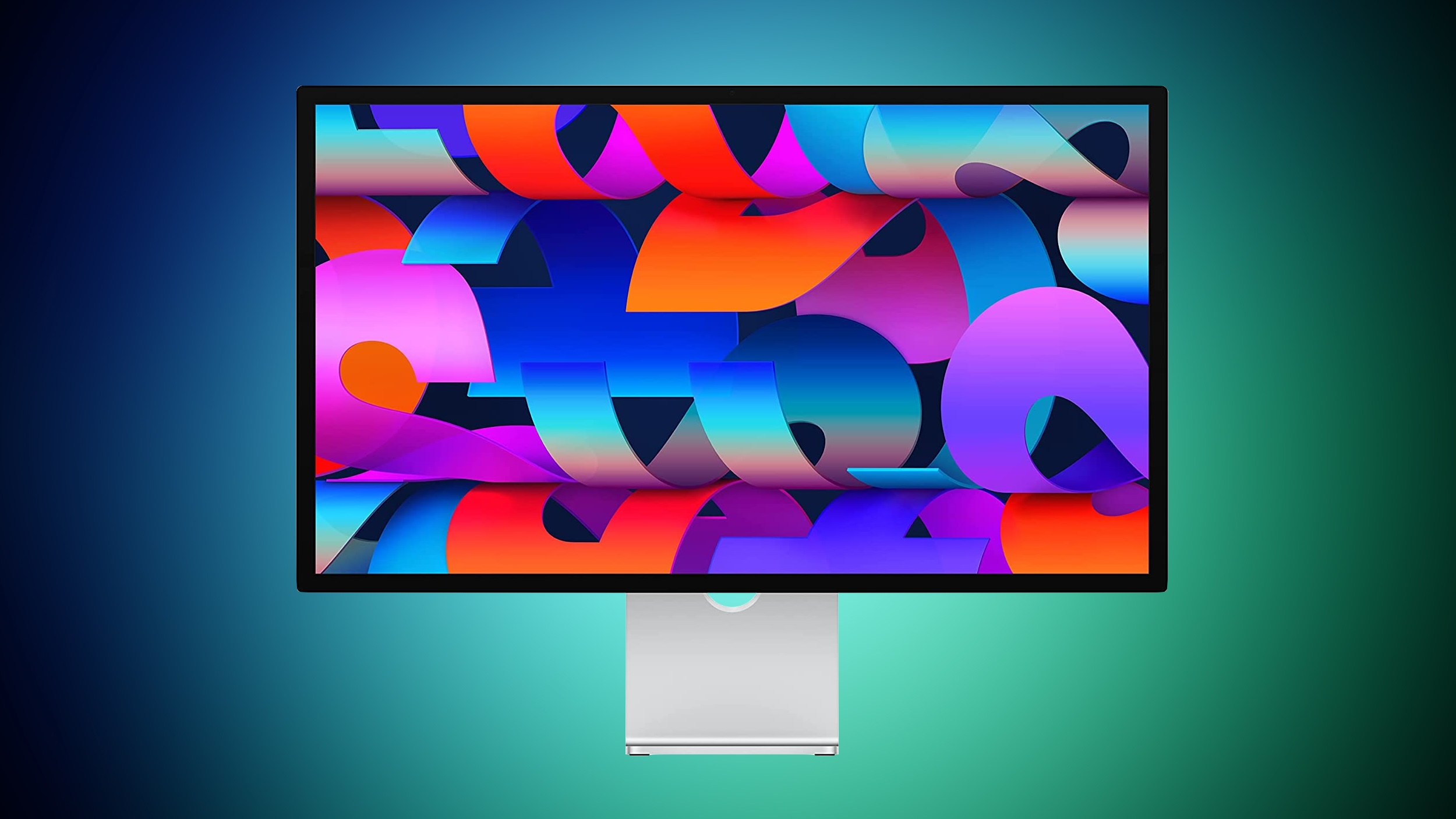
Mac users with the Studio Display have been complaining about intermittent flickering since the update launched in September. There are also complaints from users who have other kinds of displays, so it might be a bug that is affecting more than one type of external monitor.
We have experienced this issue with a MacBook Pro running macOS Tahoe connected to a Studio Display, and the macOS Tahoe 26.1 and macOS Tahoe 26.2 updates haven't improved the situation at all. In fact, the flickering seems to be getting worse in recent days.
Flickering happens most often when switching between apps that feature stark white backgrounds, or scrolling through webpages on light backgrounds. Any app can cause the flickering, and sometimes it just seems to be random. When flickering occurs, it's typically a brief flicker, but the display can also flicker several times in a row for a few seconds at a time. Switching from dark content to light content can almost always trigger a flicker on affected machines.
It's not clear what is causing the issue, but given that multiple Studio Display owners are experiencing it, it's likely some kind of software issue that could be addressed with new Studio Display firmware rather than a hardware problem.
Article Link: macOS Tahoe Bug Causes Studio Display Flickering Issues

Not good to hear this. Hopefully Apple will fix this soon. Also it is always better to wait for a few days before updating considering recent software quality issues.
That's likely a different bug with variable refresh rate that Apple somehow doesn't want to fix: https://forums.macrumors.com/threads/variable-refresh-rate-freesync-gsync-flicker.2320463/Not just Apple display, my 4k 120Hz gaming monitor is flickering too

Hah, I have seen this issue on my ASD on my MBP M5 since the update to 26.2. It hasn't bothered me much since it happens quite irregularly (it probably depends on the lighting conditions, etc.). Still hope they fix it soon.
Makes me wonder if they use the ASD themselves 😆.
Makes me wonder if they use the ASD themselves 😆.

ErneX
macrumors regular
Yes M2 Ultra Mac Studio and I am still on Sequoia and it happens completely randomly on one of my displays. And get pretty bad at times, but always comes and goes. I have dual external displays and it only happens on one, so I have actually been wondering if it is the hdmi port vs usb c, but I have an 18 month old so I have not had a chance to try and fix it.
This happens with Apple Silicon Macs with many external monitors and it’s not Tahoe exclusive.
The fix I found online was to install BetterDisplay and disable GPU Dithering, I think it’s under color mode. Since I toggled that off it never occurred again.

Populus
macrumors 604
I had the same thoughtThis means that apple is preparing for Studio Display 2

That is expected as you are downloading via the beta route, which only offers full install images, not the delta that is pushed out via the normal public release routeI am about to download 18.7.3 onto my wife’s M1 iPad Air. This update is what was offered a few days ago - 26 was never offered. It says the file is 390.1 MB. Her iPhone 14 was offered only iOS 26 until I signed up her phone for a Beta Test account. The file I am now being offered on her phone - which is listed as a Public Beta - is 7.18 GB. Is there an issue here? Should I be seeing the same 390.1 MB file that’s offered on her iPad?
ihultquist
macrumors newbie
That is expected as you are downloading via the beta route, which only offers full install images, not the delta that is pushed out via the normal public release route
Interesting. My iPad got offered 18.7.3 without any beta signups. If I'm careful to press back from the screen offering me the 26 disaster.
My iphone is on 18.7.2 and it only gets offered 26.

Lyvian
macrumors member
Hi Terry2023, You write: “It appears too much black on the screen tends to cause it.” I made the same observation with my 2021 BenQ PD2700U monitor connected via HDMI to a Mac Mini M2 Pro, macOS Sequoia 15.7.3. Often, a web page in Safari that is predominantly black is enough to cause the screen to flicker. Changing websites eliminates the flickering effect.
Lyvian
macrumors member
Apple's Studio Display was launched in 2022, if I'm not mistaken, with a chip and a full-fledged operating system at its core. A question for users of this screen: what advantages have you gained from this proprietary and unprecedented technology from the American company?
As for Apple, it has never revisited this technical choice, offering any justification. Is it, once again, a very expensive, unfinished, and superficial product?
As for Apple, it has never revisited this technical choice, offering any justification. Is it, once again, a very expensive, unfinished, and superficial product?

jbuk72
macrumors 6502
I don't have a Studio Display, but I have noticed a flickering on my MacBook Pro (M1 2020) and its most common when scrolling a document or webpage. I thought my display was dying, after a quick search I found a tip that simply said restart the laptop. It worked. Fixed the issue for about a week, then it slowly started to come back again. A restart always seems to stop it for a while.
My MacBook Pro is running MacOS 26.2 and it still happens occasionally.
My MacBook Pro is running MacOS 26.2 and it still happens occasionally.